10 Editorial Workflow Management Software Tools
Compare 10 editorial workflow management software tools by features, pricing tiers, limitations, and best-fit use cases for teams of every size.
Choose the workflow model before the tool. That advice gets repeated because it sounds safe, but it often leads teams to buy software that fits the demo and misses the operating reality. The better starting point is simpler, how your team captures ideas, assigns work, handles approvals, schedules publication, distributes content, and learns from performance.
Editorial workflow management software only works when it matches the team behind it. A newsroom, a content marketing team, an agency, and a solo editor do not need the same mix of governance, scheduling depth, integrations, or setup effort. The comparison below looks at editorial depth, workflow complexity, pricing visibility, and implementation effort, so you can separate editor-first platforms, enterprise content operations suites, newsroom systems, distribution-led tools, and configurable project-management platforms without getting distracted by generic feature lists. If you're trying to streamline your content approval workflow, start with the operating model first and the interface second, as this approval workflow guide argues.
Table of Contents
- 1. TheContentMap
- 2. Optimizely Content Marketing Platform
- 3. Bynder Content Workflow
- 4. CoSchedule Marketing Suite and Calendar
- 5. DivvyHQ
- 6. StoryChief
- 7. Kordiam
- 8. Airtable With Content Calendar Templates
- 9. Wrike With Content Operations and Marketing Calendar Templates
- 10. ClickUp With Content Calendar
- Editorial Workflow Software, Top 10 Comparison
- Match the Platform to Your Publishing Reality
1. TheContentMap
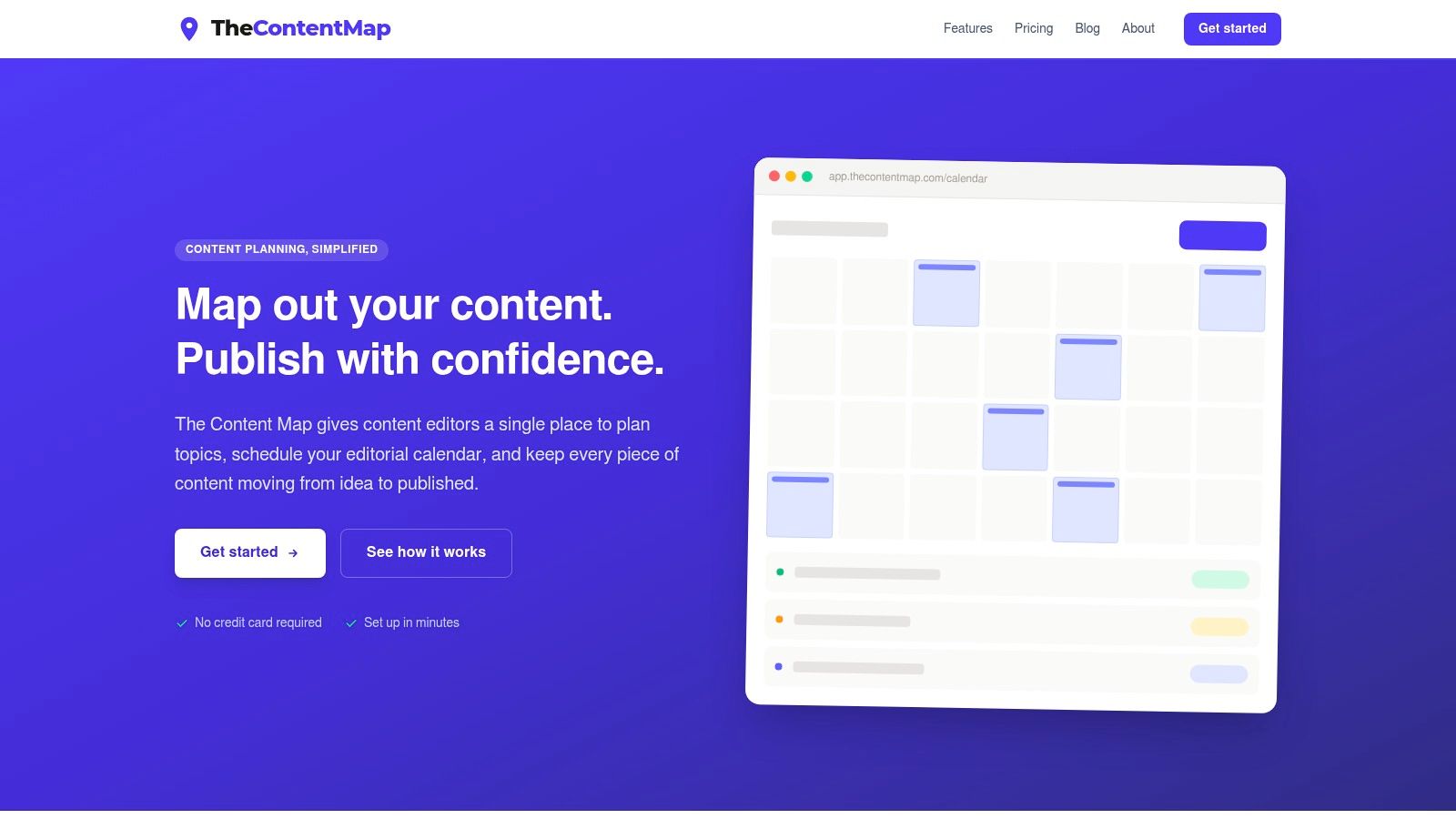
TheContentMap is the clearest editor-first option in this list. It is built around the editorial desk, not a generic project board, which matters for teams that care more about moving stories from idea to publish than about managing abstract tasks. The drag-and-drop calendar, idea pipeline, assignments, comments, and performance insights sit in one web app, so editors can keep the workflow visible without relying on spreadsheets and side conversations.
Why it stands out for smaller and mid-sized editorial teams
Pricing is easy to assess. The Starter plan is free, Pro costs $12 per editor per month, and Team costs $29 per editor per month. For editor-first teams of 3-8 editors running 2-5 concurrent projects, this seat-based model is more predictable than quote-based enterprise suites like Optimizely or Bynder. The setup path is also straightforward, with no credit card required to start, while higher tiers add unlimited projects, unlimited seats on Team, onboarding, priority support, SSO, and advanced security controls. That matters when budget clarity is part of the buying decision.
Practical rule: choose this when your team needs ownership, reminders, and planning insight more than a heavy operations suite.
The trade-off is clear too. The public product pages focus on editorial planning and collaboration, but they do not foreground native CMS publishing or broad automation in the way larger suites do. That makes TheContentMap a strong fit for teams that want a single source of truth for planning and performance, and a weaker fit for organizations that need deep system-to-system orchestration out of the box. Public examples include teams such as Northwind Media, Atlas Publishing, Brightcopy, Meridian Content, and Fieldstone, which points to real editorial operations rather than generic task tracking. Visit TheContentMap if you want a focused editorial calendar built around actual publishing work.
2. Optimizely Content Marketing Platform
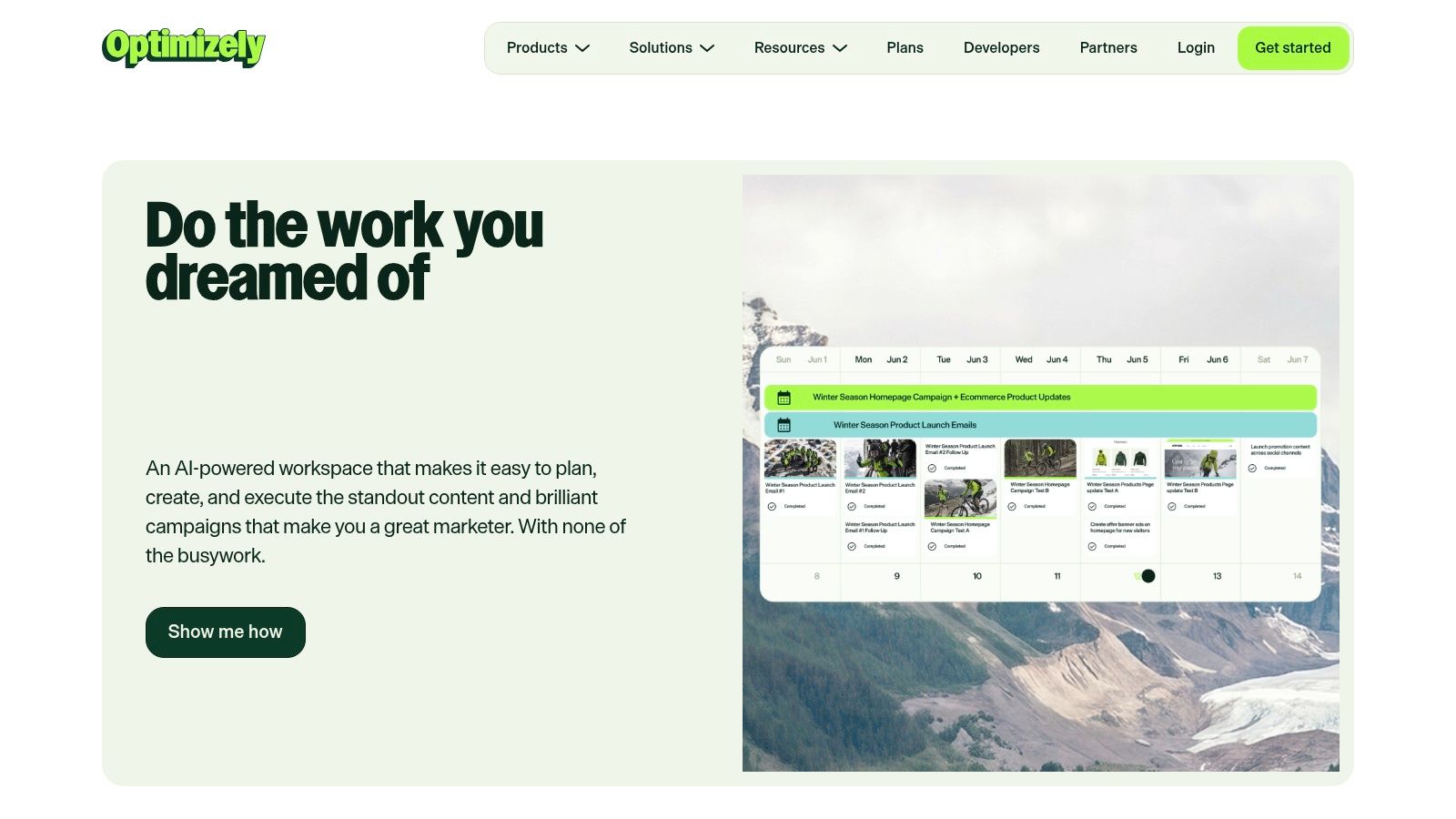
Optimizely belongs in the enterprise content operations category. It fits teams where editorial workflow is only one part of a wider process that also includes intake, creation, approvals, asset management, measurement, and governance. That makes it a better match for larger organizations with cross-functional coordination than for small editorial teams that mainly need a clear calendar.
Its main strength is breadth. The platform connects planning, workflows, performance measurement, and AI-assisted support through its Virtual Teammates positioning, which is more relevant for complex teams than for lightweight publishing groups. It also emphasizes integrated DAM and analytics, so the workflow is designed to feed a broader marketing system rather than operate as a standalone planner. For teams trying to reduce tool sprawl, that wider scope can be a real advantage.
The trade-off is the buying and implementation model. Pricing is custom, and the platform makes the most sense when several modules are used together, so it can become more system than some teams need. If the requirement is a visible editorial queue and a dependable approval path, the setup effort may be harder to justify. For a useful comparison of editorial planning and broader workflow design, this editorial workflow management software guide is a relevant read.
3. Bynder Content Workflow
Bynder Content Workflow, formerly GatherContent, fits the structured content governance category. It works best for teams that care more about templates, roles, and review control than about broad scheduling or social distribution. For editorial operations built on repeatable content types and formal approvals, it functions more like a controlled production line than a planning board.
Strong when structure matters more than speed
Its value is discipline. The workflow centers on customizable steps, permissions, and role-based reviews, and it can run on its own or alongside Bynder's DAM. That matters for organizations that need content to stay consistent across many contributors, formats, or business units. The integration path is practical too, with exports and integrations that include Word, HTML, CSV, API support, and SSO.
The main limitation is commercial opacity. Pricing is not published, so teams need a sales conversation before they can compare it fairly with more transparent tools. It also does not solve social publishing, since the product is built around structured content operations rather than downstream channel scheduling. That makes it a stronger match for governance-heavy editorial teams and a weaker fit for lightweight marketing calendars.
Bynder is the better choice when review rigor and controlled handoffs matter more than a fast, casual setup.
4. CoSchedule Marketing Suite and Calendar
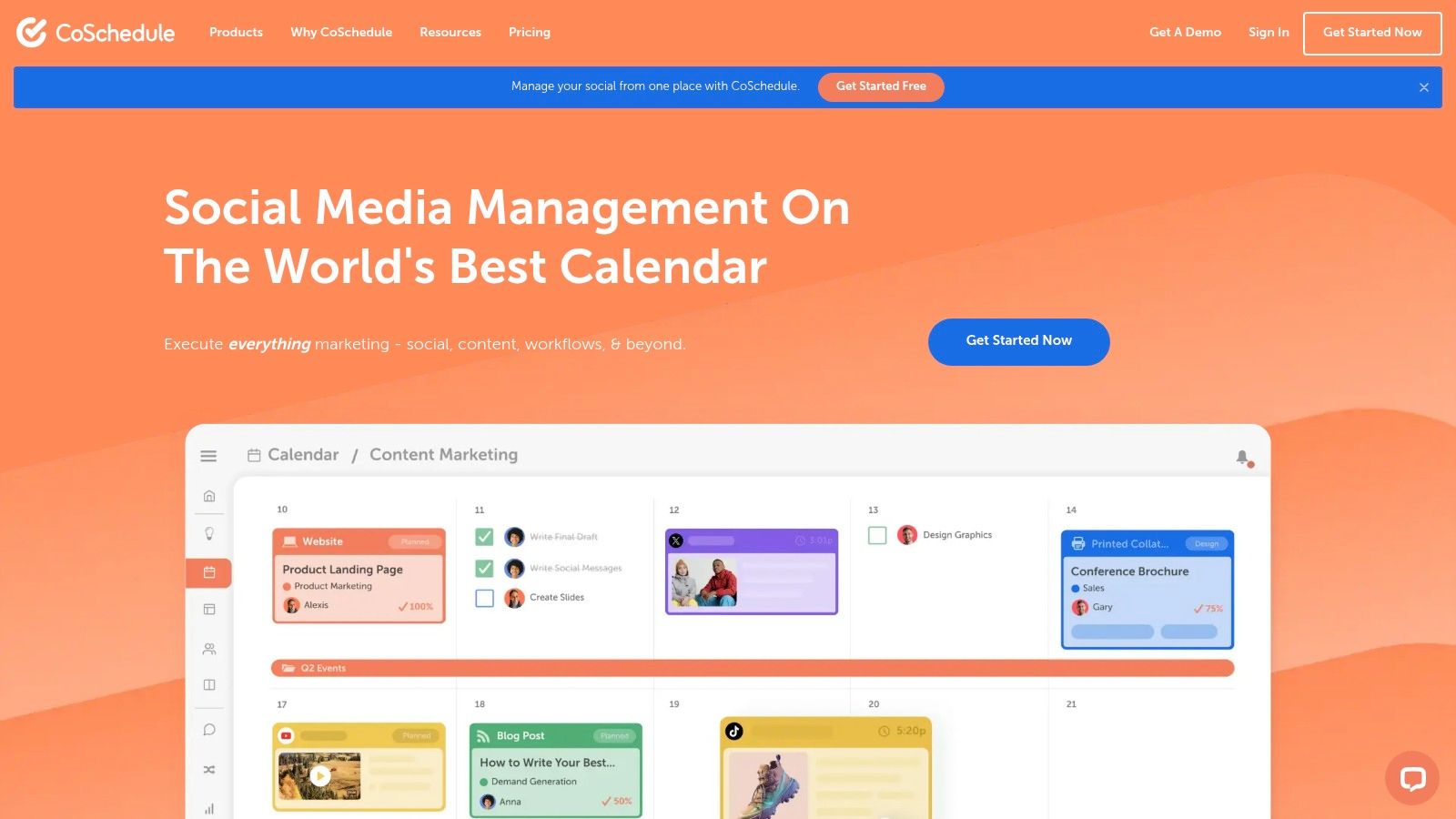
CoSchedule sits on the distribution side of editorial workflow management software. Its calendar-first layout suits marketing teams that need to plan articles, tasks, and social posts in one view, without adopting a heavier content operations system. That makes it more useful for teams where publishing and promotion move together.
The strongest part is the editorial calendar and task workflow. Drag-and-drop scheduling keeps changes visible, while ReQueue and social publishing features help content stay active after the original publish date. That is useful for teams that treat the calendar as both the planning layer and the distribution layer. The trade-off is clear. CoSchedule helps with execution and promotion, but it does less for governance, structured approvals, or complex editorial handoffs.
Buying friction is the main limitation. Marketing Suite pricing is quote-based, so early comparison is harder than with tools that publish seat pricing. Social depth can also be limited for teams that need a dedicated social management suite, especially if community work or channel-specific controls matter. CoSchedule fits best when the calendar is the center of the process and review needs stay light.
5. DivvyHQ
DivvyHQ is a content operations platform built for editorial planning, collaboration, and scheduling across channels. It sits closer to a true editorial system than to a generic project manager, which matters for agencies and larger content teams that need one place to coordinate briefs, owners, deadlines, and approvals. The design starts with content workflows, not abstract tasks.
For teams comparing platforms by operating model, DivvyHQ fits the editorial operations category rather than the distribution-led or project-management-first category. It supports an editorial calendar, assignments, deadlines, workflow automation, notifications, and approval routing. Direct publishing and CMS and social integrations make it more complete than many calendar tools, especially when a team wants to move from planning into execution with fewer manual handoffs.
It is less attractive for smaller teams with simple review chains. The tool can feel heavier than needed if your process is straightforward, and public pricing is hard to verify during early vendor screening. For a practical benchmark on what content workflow management should cover before a purchase, this workflow guide is a useful reference.
6. StoryChief
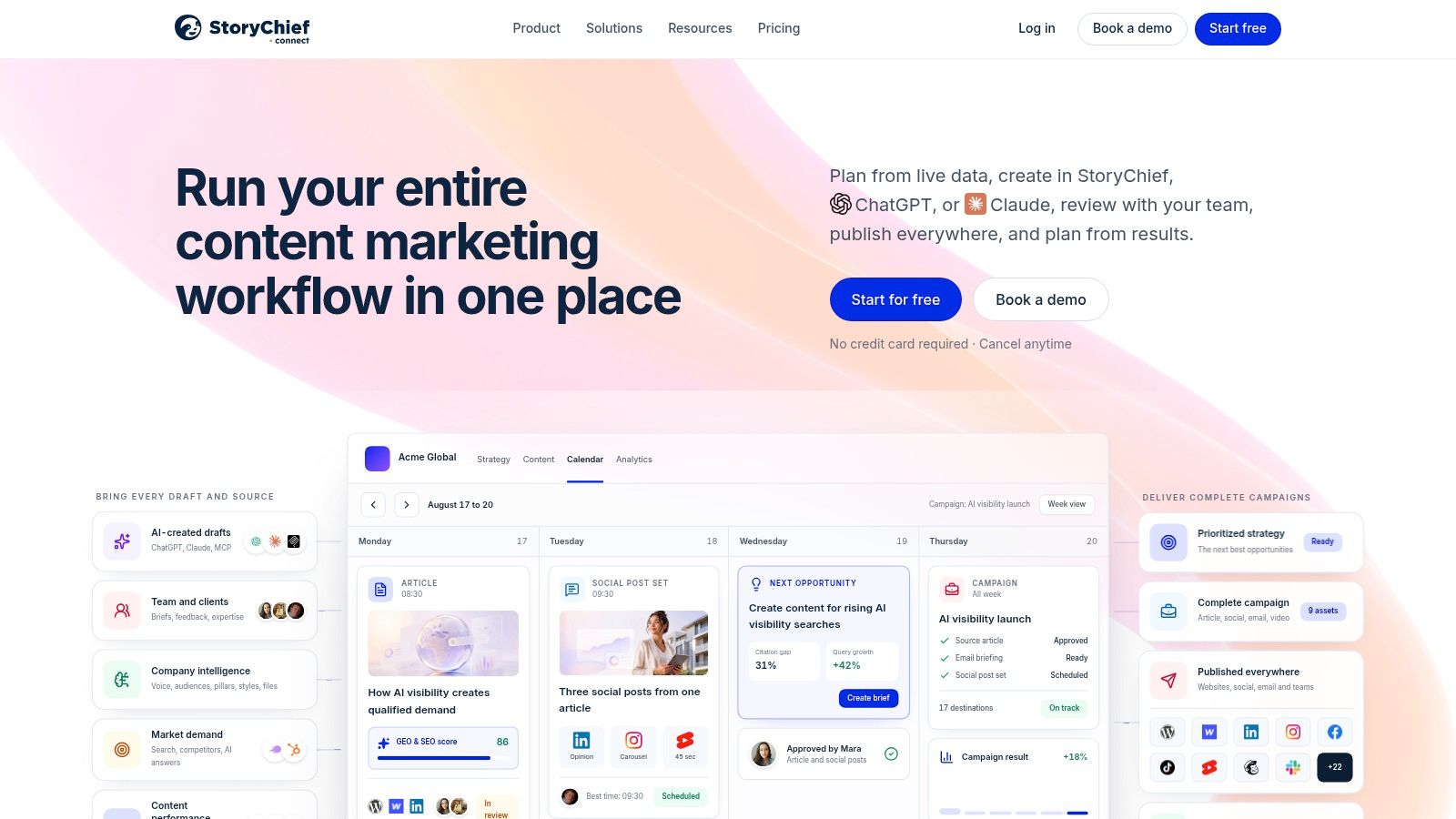
StoryChief fits teams that run editorial workflow and distribution as a single process. It combines planning, approvals, SEO support, and direct publishing to CMS and social channels, so drafts can move to publication with fewer manual handoffs. That setup suits long-form content teams that also own promotion.
Its pricing is easier to assess than many workflow tools because the solo, team, and agency tiers are public. That matters when vendors look similar in demos but differ once seat counts and channel limits are applied. AI credits and optional add-on packs give some flexibility without hiding the structure of the plan.
The limits appear at scale. Per-seat pricing can rise quickly as contributor numbers grow, and article or channel caps may constrain larger editorial operations. StoryChief is a practical choice for teams that want one system from brief to publish. It is less suitable for organizations that need enterprise governance or a deeper internal operations layer.
7. Kordiam
Kordiam, formerly Desk-Net, is the newsroom-oriented option in this list. It fits publishers and corporate communications teams that coordinate stories across print, web, and broadcast, so it handles editorial complexity that simpler marketing calendars usually cannot. If your operation is built around story cards, deadlines, slots, and approvals, Kordiam matches that workflow directly.
A newsroom system, not a generic planner
Its story-card model connects tasks, platforms, deadlines, and approvals in one place, which matters when a single story has to move across several publishing surfaces. Short-term and long-term planning views support both daily assignment work and broader editorial planning, while native CMS plugins and API support make it easier to fit into an established editorial tech stack. That integration focus makes Kordiam easier to compare with enterprise content operations tools than with consumer-grade project apps.
The trade-off is implementation and price visibility. Pricing is not public, and the product is clearly designed for rollout work, so it suits organizations ready for a more involved setup. The newsroom model is specific enough that some marketing teams may find it too rigid for their process. For a newsroom-style editorial operation, that specificity is an advantage. For a lighter content team, it can become overhead.
8. Airtable With Content Calendar Templates
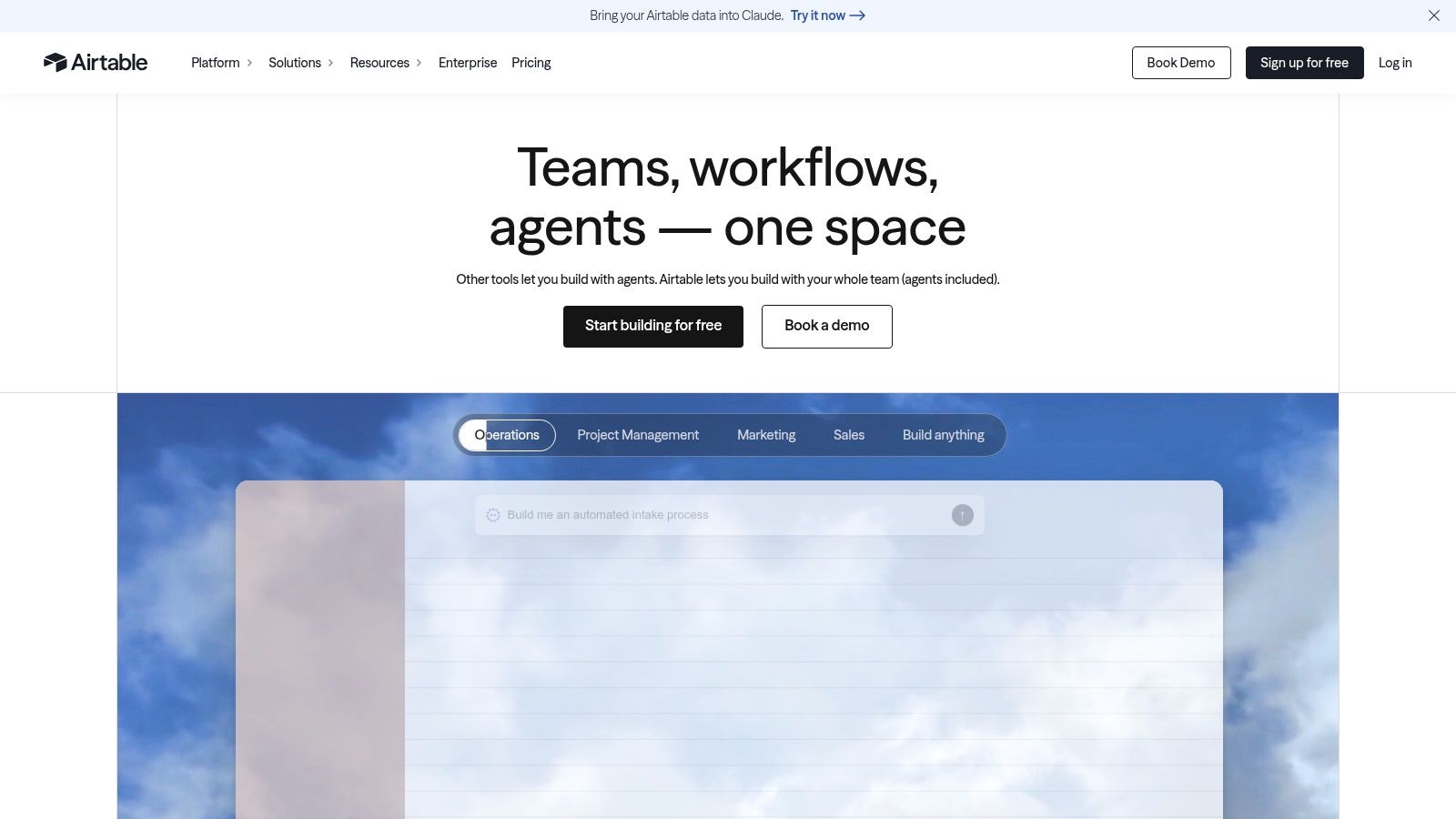
Airtable is the most flexible option here, which is also its main trade-off. It works best for teams that want to design their own editorial data model, combine calendar, Kanban, and Gantt views, and connect content work to other operational data. For teams that care more about customization than a fixed editorial workflow, it can be a strong foundation.
The platform is especially useful for cross-team visibility. Custom fields, automations, integrations, and organization-level controls let teams build a workflow around their actual process instead of forcing the process into a preset template. That matters when editorial work overlaps with campaign planning, product launches, localization, or several content types. For teams building a custom model, start with what an editorial calendar should actually track before adding fields.
The risk is complexity. Airtable rewards disciplined schema design and governance, but an improvised setup can turn messy fast. Per-seat pricing can also rise as collaboration widens, so it is not automatically the cheapest option for larger teams. A better workflow usually starts with a specific editorial example. A 5-person blog team might track only status, owner, publish date, and channel, while leaving out campaign codes and localization fields that enterprise teams need.
9. Wrike With Content Operations and Marketing Calendar Templates
Wrike fits teams that treat editorial work as part of a wider operating model. It is a broader work-management platform, so it makes more sense for content groups that also handle resourcing, campaign dependencies, and cross-functional approvals than for teams that only need a publishing calendar.
The packaged templates reduce setup time, but they do not remove the need for process design. Content operations and marketing calendar templates give teams a starting point for request intake, workflow routing, and planning. Multi-view planning then lets editors move between calendar, Gantt, boards, and dashboards, which helps separate the content plan from the operational load behind it.
That breadth is useful, but it also makes Wrike heavier than niche editorial tools. Teams usually need to configure it carefully before it feels editor-friendly, and some advanced capabilities sit in higher-tier plans. For a small publishing team, that can mean paying for structure it will not use. For a content team inside a larger project environment, it is a practical fit because it can hold editorial workflow, approvals, and delivery in one system.
10. ClickUp With Content Calendar
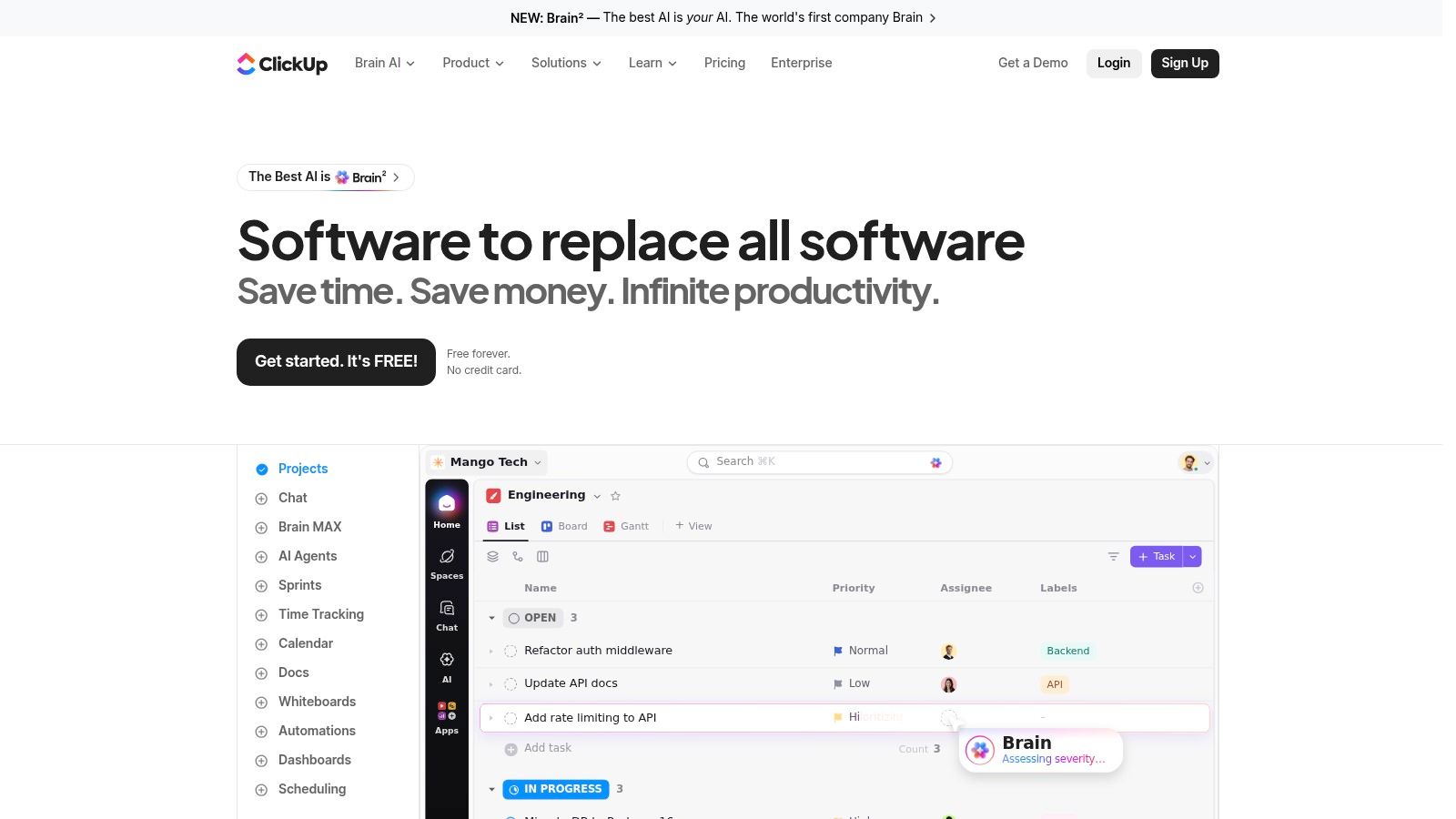
ClickUp is the budget-conscious, highly configurable option in the lineup. It gives teams calendars, lists, boards, docs, templates, and AI helpers in one environment, which makes it appealing for smaller groups that want to centralize planning without buying a dedicated editorial platform. If your team is comfortable assembling its own process, ClickUp can cover a lot of ground.
The appeal is breadth and accessibility. A free tier makes pilot testing easier, and the available templates shorten the path to a functioning content board. Google and Outlook calendar sync also help if the editorial workflow has to live alongside the rest of a team's schedule. For early-stage teams, that combination can be enough to replace a patchwork of docs and reminders.
The limitation is precision. Calendar behavior, approval flow nuance, and AI features can depend on the plan, and power users often need to test the setup against their real editorial rhythm before committing. ClickUp can imitate an editorial workflow management system, but it still asks you to define much of the logic yourself. That's a good thing if you want control, and a bad thing if you want editorial opinion baked into the product.
Editorial Workflow Software, Top 10 Comparison
| Product | Core features | UX & quality (★) | Value & pricing (💰) | Target audience (👥) | Unique selling points (✨) |
|---|---|---|---|---|---|
| TheContentMap 🏆 | Drag‑drop editorial calendar; idea pipeline (draft→review→published); assignments & comments; performance insights | ★★★★ | 💰 Starter (Free); Pro $12/editor/mo; Team $29/editor/mo, transparent, seat-based | 👥 Editorial teams & content ops | ✨ Editor‑first workflow; fast setup (no card); built‑in reminders & learning loop |
| Optimizely Content Marketing Platform | End‑to‑end lifecycle (intake→create→approve→measure); DAM & analytics; AI "Virtual Teammates" | ★★★★★ | 💰 Custom enterprise pricing (higher) | 👥 Large marketing/editorial organizations | ✨ AI teammates + integrated DAM; enterprise governance & security |
| Bynder Content Workflow (GatherContent) | Structured templates, role-based reviews, SSO; exports & API | ★★★★ | 💰 Pricing via sales (enterprise) | 👥 Teams needing strict governance & content structure | ✨ Strong DAM integration; rigorous multi-step workflows |
| CoSchedule Marketing Suite & Calendar | Drag‑drop calendar; task workflows; social scheduling & automation (ReQueue) | ★★★★ | 💰 Suite by quote; calendar plans vary | 👥 Marketing teams wanting visual calendar + social | ✨ Calendar-centric UX; social automation built in |
| DivvyHQ | Central editorial calendar; workflow automation; review/approval routing; direct publishing | ★★★★ | 💰 Pricing not public; typically higher per-seat | 👥 Agencies & enterprise content teams | ✨ Purpose-built for content ops; strong collaboration across teams |
| StoryChief | Content calendar + editor with SEO checks; approvals; multichannel publishing & analytics | ★★★★ | 💰 Published tiers (solo/team/agency); per-seat scales up | 👥 Small–mid teams and agencies | ✨ Transparent pricing; bridges long-form + social publishing |
| Kordiam (Desk‑Net) | Story cards tying tasks/platforms/deadlines; short & long-term planning; native CMS plugins | ★★★★ | 💰 Sales-led pricing with implementation | 👥 Newsrooms & corporate communications | ✨ Newsroom-grade CMS integrations; multi-platform scheduling |
| Airtable (Content Calendar templates) | Flexible DB + Calendar/Kanban/Gantt; automations, integrations & templates | ★★★★ | 💰 Per-seat pricing; scalable (free→enterprise) | 👥 Teams needing custom schemas & cross-team visibility | ✨ Highly customizable schema; large ecosystem of templates |
| Wrike (Content Ops templates) | Content/calendar/Gantt/boards; dashboards & request forms; reporting | ★★★★ | 💰 Published tiers; enterprise options | 👥 Cross-functional content + project teams | ✨ PM depth with editorial templates; advanced reporting |
| ClickUp (Content Calendar) | Calendar templates, calendar sync, docs & AI helpers; multi-view planning | ★★★★ | 💰 Free tier available; paid tiers for advanced features | 👥 Budget-conscious teams wanting an all-in-one tool | ✨ Broad feature set + AI; low-cost entry for pilots |
Match the Platform to Your Publishing Reality
The right choice depends on the publishing model, not on the longest feature checklist. Choose TheContentMap if you want an editor-first calendar, a visible pipeline, ownership tracking, reminders, and built-in planning insight without paying for a broader operations suite. It's the cleanest fit for teams that need structured editorial work, simple pricing visibility, and a fast start.
Choose Optimizely, Bynder, DivvyHQ, or Kordiam when the workflow gets more complex than a calendar can comfortably hold. Optimizely is strongest when lifecycle complexity and governance matter, Bynder fits structured content production and review control, DivvyHQ is practical when content operations need a purpose-built platform, and Kordiam belongs in newsroom-style environments with cross-channel assignment logic and CMS integration needs. Those tools are less about convenience and more about reducing coordination risk across larger teams.
Pick CoSchedule or StoryChief when distribution is part of the editorial job itself. CoSchedule works well when social scheduling and a visual calendar are central, while StoryChief is better when publishing, SEO, approvals, and multichannel distribution need to happen in one workflow. Both make more sense for teams that think in terms of campaigns and reach, not just draft status.
Use Airtable, Wrike, or ClickUp when customization or broader project management dominates the brief. Airtable is best for teams that can design their own data model, Wrike is better when editorial work sits inside a larger project environment, and ClickUp is the most adaptable low-friction option for smaller teams that want to pilot quickly.
A practical buying checklist keeps the decision honest. Map your workflow stages from idea capture to publication and refresh, define approval roles, list every publishing channel, count the seats you need, confirm pricing visibility, and verify the integrations that matter to your stack. Then run a pilot on real editorial work, not sample tasks, so you can see whether the platform supports your team's cadence.
If you're comparing workflow tools against the broader automation stack, find 2026's leading marketing automation options only after you've decided what your editorial process really needs. The best software is the one your editors and writers will keep using when the schedule gets busy, the revisions pile up, and publish day arrives.
TheContentMap gives editorial teams a focused way to plan, assign, and publish without turning workflow into a generic project board. If you need an editor-first system with a clear calendar, pipeline, reminders, and performance insight, visit TheContentMap and see how it fits your publishing process.
Related Articles
Seat Management for Editorial Teams in 2026
Your editorial calendar is full, a legal approval is holding up publication, and finance wants to kn...
SoftwareMarketing Campaign Workflow Teams Can Run in 2026
A campaign rarely fails because nobody had an idea. It fails because the idea sat in review, the lan...
SoftwareContent Marketing Workflow for Editorial Teams
83% of marketing leaders wanted to streamline workflows and reduce the number of technology solution...
Comments (0)
No comments yet. Be the first to share your thoughts.