10 Marketing Workflow Management Software Picks
Compare 10 marketing workflow management software platforms by features, integrations, use cases, limitations, and team needs.
Most advice on marketing workflow management software starts in the wrong place. It treats the platform with the longest feature list as the obvious winner. That usually leads teams into a bad purchase, because marketing operations break down less from missing features than from poor fit.
A content team running an editorial calendar needs different software than a regional enterprise team managing intake, legal review, localization, asset approvals, and portfolio reporting. A social-heavy team may care most about scheduling and campaign visibility. A creative operations team may care more about governance, proofing, and integration with asset systems. The useful comparison isn't “which tool does the most?” It's “which tool matches how work already moves through this team, and where should software make that process stricter or lighter?”
That distinction matters even more now. Marketing workflow management software grew out of the broader automation category, tracing back to early platforms like Unica in 1992, later Eloqua in 1999, and the mainstream wave that arrived in 2006. Since then, the martech universe expanded to 14,106 products in 2024, roughly double the count from five years earlier, which shows how fast workflow and operations tools became core infrastructure for marketing teams (history of marketing automation and martech growth).
Below are 10 picks organized by operational fit. Workflow management solutions for agencies can overlap with some of these needs, but this list stays focused on how marketing teams plan, route, approve, publish, and review work. TheContentMap sits here as the focused editorial-planning option. The rest range from enterprise marketing work management to flexible database and spreadsheet-style systems.
Table of Contents
- 1. TheContentMap
- 2. Adobe Workfront
- 3. Optimizely Content Marketing Platform
- 4. CoSchedule Marketing Suite and Calendar
- 5. Wrike
- 6. Asana
- 7. monday.com Work Management
- 8. ClickUp
- 9. Airtable
- 10. Smartsheet
- Marketing Workflow Tools, Top 10 Feature Comparison
- Choose the Workflow Your Team Will Actually Use
1. TheContentMap
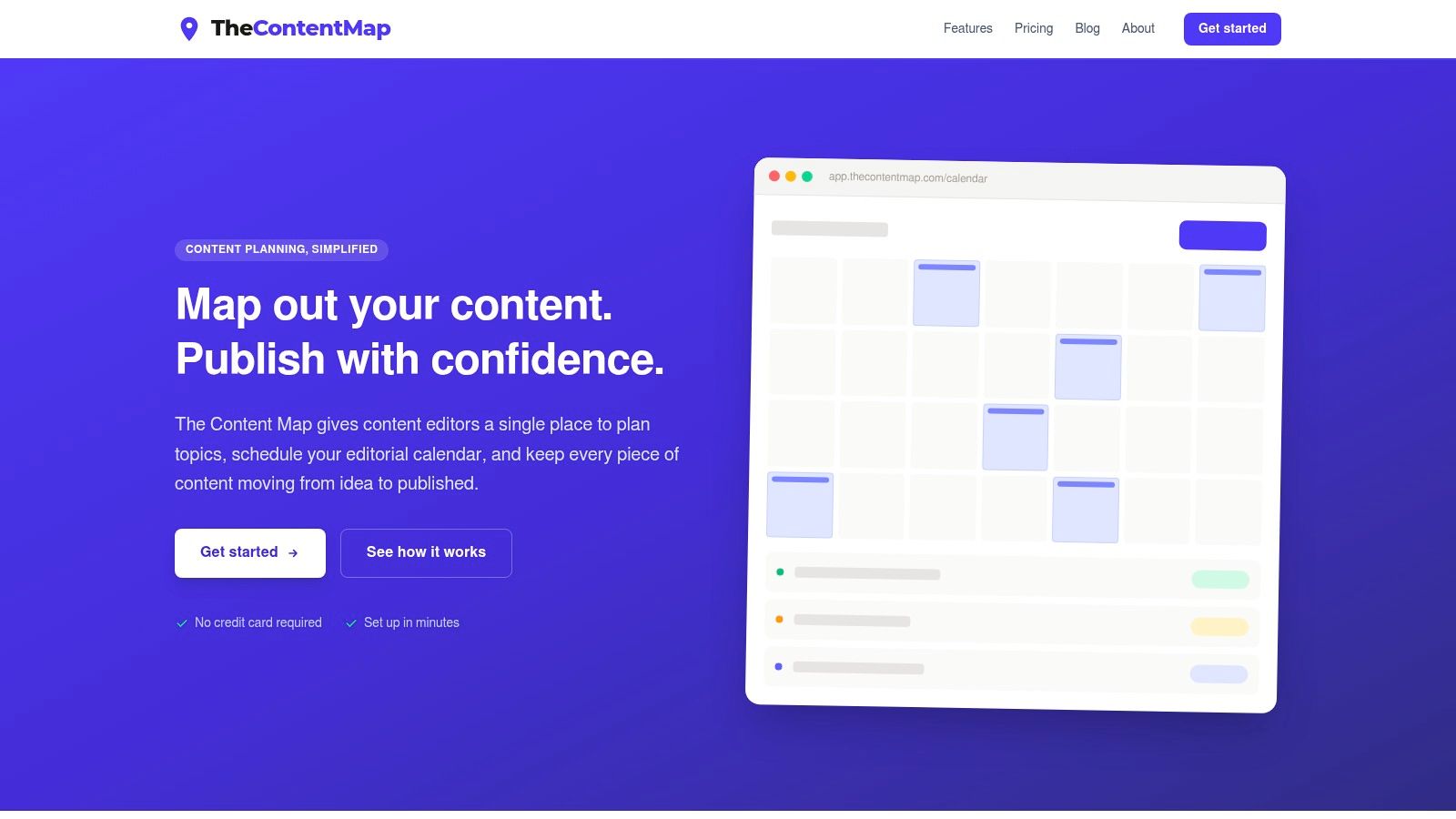
TheContentMap is the clearest fit on this list for teams whose bottleneck starts before formal project management. If ideas live in notes, deadlines live in spreadsheets, and editors spend too much time chasing status, this tool solves the planning layer first.
It's a web-based editorial planning platform built around a visual calendar and a simple content pipeline. You capture ideas as they come in, drag them onto publication dates, assign owners, and move each piece through draft, review, and published. That sounds basic, but for editorial teams that's often the missing operating system.
Best fit for editorial planning
Where TheContentMap stands out is focus. It doesn't try to be a universal work platform for finance, product, and engineering. It's built for editors, managing editors, content marketers, agencies producing recurring editorial work, and publisher-style teams that need schedule visibility without a lot of implementation overhead.
The pricing is also unusually clear. Starter is free for 1 editor seat and up to 3 projects. Pro is $12 per editor per month and adds unlimited projects, content insights, team collaboration, and priority support. Team is $29 per editor per month and adds unlimited seats, custom workflows, onboarding, SSO, and advanced security. That kind of seat-based pricing is easier to evaluate than quote-only platforms.
Practical rule: If your team says “we need a better content calendar” more often than “we need cross-enterprise resource allocation,” start with a tool shaped like TheContentMap, not a heavyweight work OS.
The stronger workflow layer here is editorial coordination. Topics and tags keep large content libraries navigable. Publish reminders help reduce deadline drift. Embedded content insights connect planning to what gets traction after publication, which matters because many workflow tools stop at “done” instead of helping editors learn what to commission next.
What adoption looks like
The setup burden looks light. You can get started without a credit card in the app, which lowers evaluation friction for smaller teams and pilots. For teams moving out of spreadsheets, that matters more than deep customization on day one.
A limitation to check is integration depth. The site emphasizes editor-first workflow and insights more than broad third-party integrations or advanced enterprise analytics, so larger organizations should verify those requirements early. If your workflow depends on a complex martech stack, ask that question before rollout.
TheContentMap also fits teams that need to manage sourced or licensed creative in the same editorial flow, especially if editors need practical guidance on what they can publish. Their guide to public domain and Creative Commons content you can use legally is a good example of that editor-centered orientation.
A final point in its favor is transparency around audience and use case. The product publicly lists customers including Northwind Media, Atlas Publishing, Brightcopy, Meridian Content, and Fieldstone, which aligns with its editorial positioning rather than trying to look universal. That clarity usually helps adoption.
2. Adobe Workfront
Adobe Workfront fits teams that need control more than speed. If marketing work comes in from multiple business units, passes through legal or brand review, and has to be tracked against budgets and capacity, Workfront gives that operating model a place to live.
Its strongest workflow layer is enterprise governance. Intake forms, approvals, proofing, resource planning, and portfolio visibility sit in the same system, which matters when campaign work is less about individual task management and more about controlling how requests enter the team, who approves them, and what gets prioritized.
That operating model has a clear audience.
A large in-house marketing department is the common fit: regional campaign requests coming from sales, product marketing, events, and partner teams; creative work tied to formal review steps; leadership asking for status across quarter plans rather than one project at a time. In that setup, Workfront can reduce the usual sprawl of forms, spreadsheets, inbox approvals, and side-channel updates.
The Adobe connection is a big part of the decision. Workfront becomes more useful when teams already rely on Adobe Experience Cloud, AEM Assets, Creative Cloud, Workfront DAM, or Workfront Fusion, because asset handoffs and campaign coordination stay closer to the systems marketers already use. Without that ecosystem, the value case can still hold, but buyers should be more deliberate about integration work and admin ownership.
The trade-off is implementation burden. Workfront usually needs process design before it needs templates. Teams often need a marketing ops lead, PMO-style owner, or experienced admin to define request types, approval paths, reporting structures, and permissions. If that owner is missing, the platform can turn into an expensive queue with inconsistent adoption.
I've seen the difference come down to one question: does the team need governance, or does it mainly need a better way to plan work? If the problem is campaign intake, resource contention, auditability, and stakeholder control, Workfront is a serious option. If the problem is that marketers want a simpler editorial or campaign calendar, it can feel heavier than necessary.
One practical fit is campaign production with licensed assets, compliance review, or strict brand controls across many contributors. Teams in that environment often also need clear policy references for procurement and tooling decisions, including guidance on legal alternatives to expensive software when operations leaders review broader software spend.
The main adoption risk is complexity. Overconfigure the system, and marketers start treating it like an approval checkpoint instead of a workspace that helps them get campaigns out the door.
3. Optimizely Content Marketing Platform
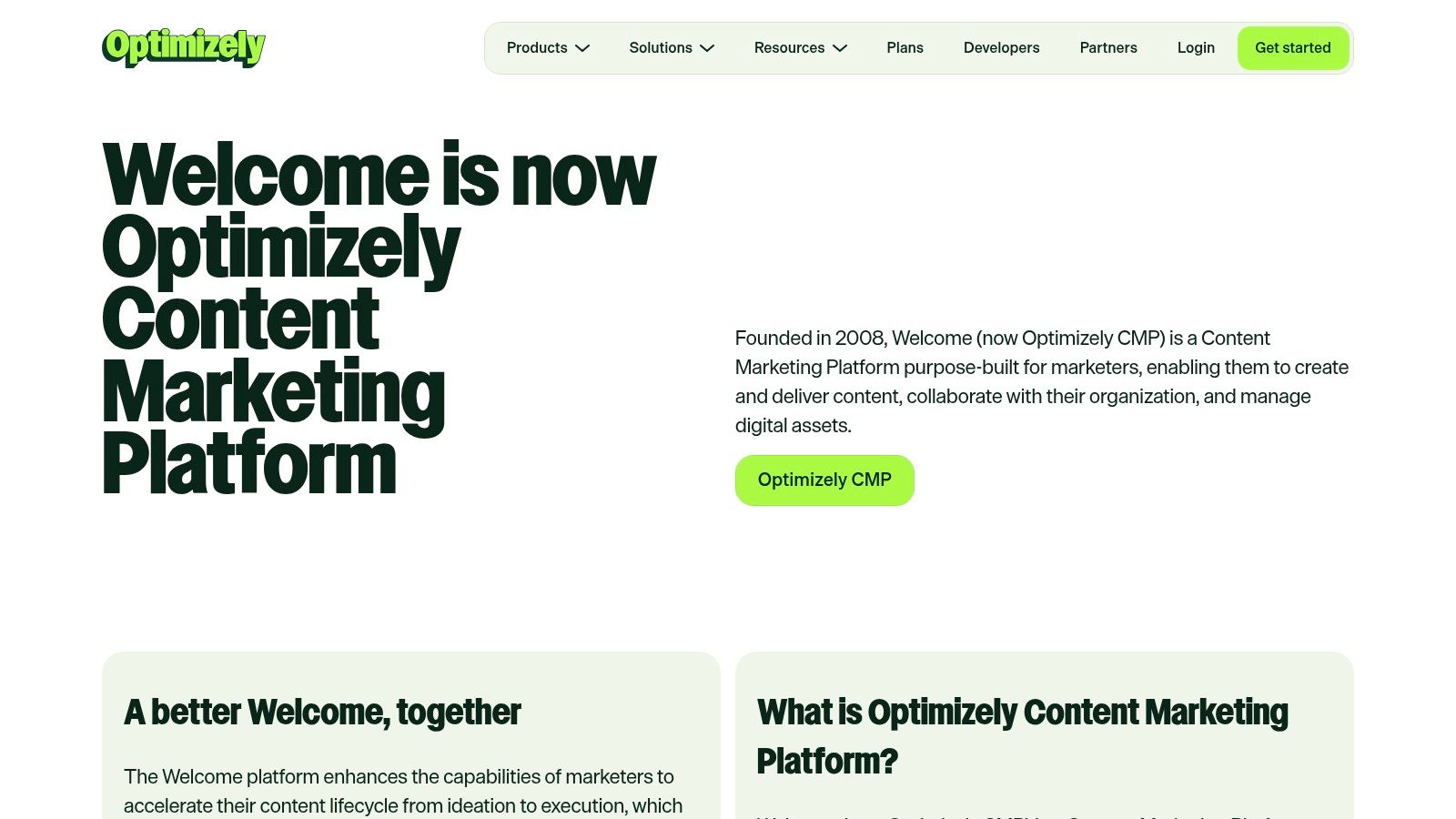
Optimizely Content Marketing Platform is one of the more purpose-built options for content lifecycle management at scale. It's not just a task board with marketing labels on top. It's designed for planning, calendaring, routing, approvals, production, and publishing in a content-driven organization.
That makes it a good fit for teams that want content operations tied closely to delivery and optimization. If your team already uses Optimizely products for CMS, experimentation, or customer data, the platform becomes more attractive because planning doesn't stop at editorial scheduling. It can connect to the rest of the content delivery stack.
Strongest layer and likely trade-off
Its strongest workflow layer is governance across the content lifecycle. Teams with many stakeholders, recurring campaigns, and strict approval paths usually benefit from that structure. The built-in content editor and approval flows can help reduce the number of disconnected tools needed to move work from brief to publication.
What tends to limit adoption is enterprise orientation. Quote-based pricing and packaged buying often make this feel heavy for smaller teams. If your marketing group mostly needs a calendar, ownership tracking, and a clear review queue, Optimizely can be more platform than you need.
The better use case is a mature content function that already thinks in systems. A practical example is a brand team coordinating content planning with publishing standards, asset governance, and ongoing optimization in the same ecosystem. In that scenario, the product's broader portfolio matters.
This is also one of the platforms where implementation discipline matters more than feature breadth. Teams need to define content stages, approval logic, and publishing roles clearly or the software becomes a polished representation of a messy process.
4. CoSchedule Marketing Suite and Calendar
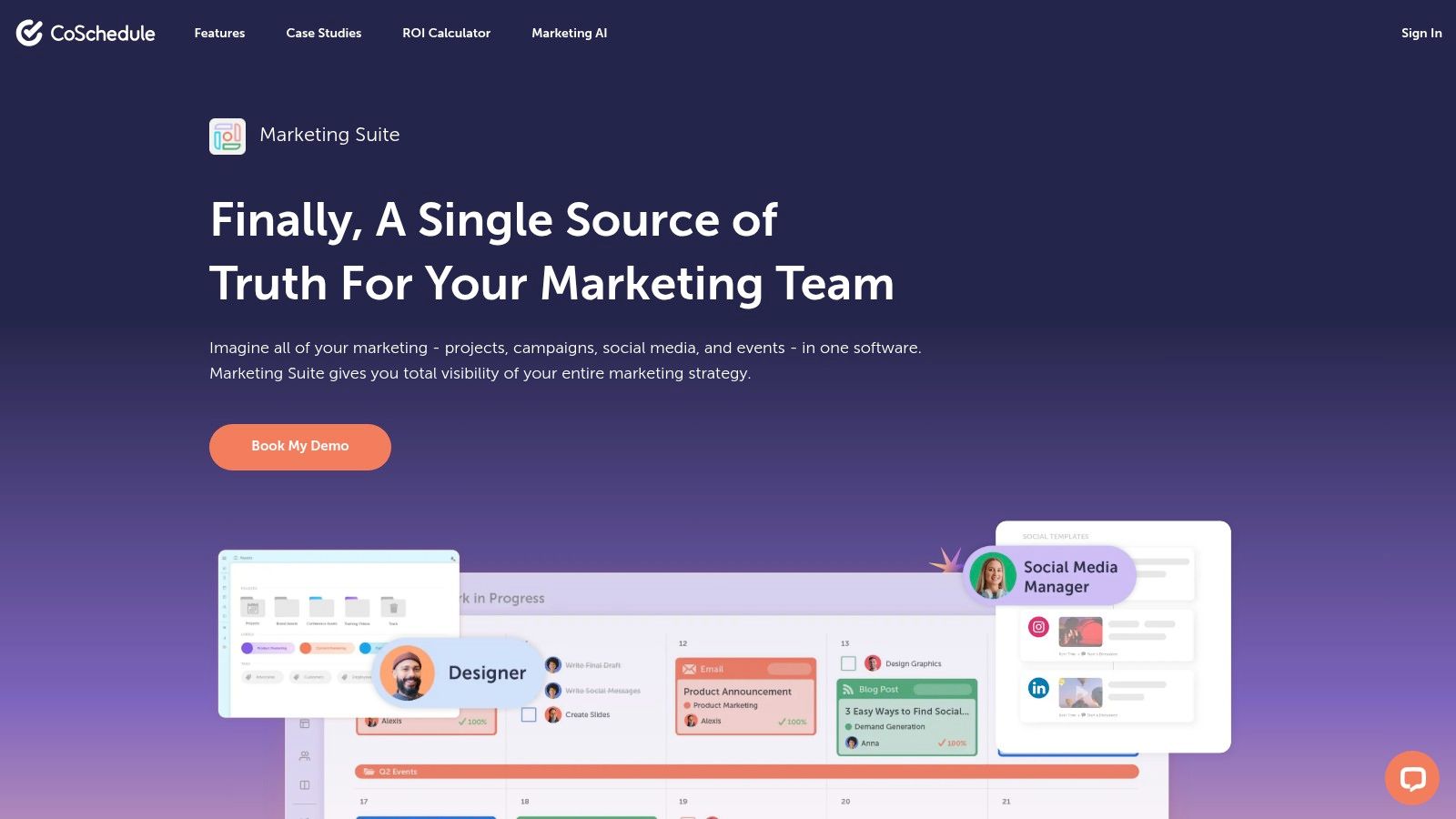
CoSchedule works best when the team's center of gravity is the calendar. That sounds obvious, but it's an important distinction. Some marketing teams don't need complex portfolio management. They need one place to see campaigns, content, social posts, and task deadlines together.
That's where CoSchedule tends to land well. The interface is marketer-first, the drag-and-drop planning model is easy to grasp, and the product combines campaign scheduling, task workflows, approvals, and social publishing in a way that feels operational rather than technical.
Best scenario for adoption
The realistic scenario is an in-house team or agency account team trying to unify content and promotion without building a custom system. You can plan campaigns, use templates, manage tasks, and connect social execution back to the same calendar. That usually improves visibility faster than introducing a highly configurable work platform.
Its strongest layer is campaign coordination. Social scheduling inside the calendar is useful because it reduces one common split in marketing workflows, where campaign planning happens in one tool and actual channel execution in another.
A few trade-offs are worth saying plainly:
- Fast early value: Self-serve calendar plans and trials make it easier to test than enterprise quote-only tools.
- Good marketer usability: Teams won't need a dedicated systems admin to understand the workspace.
- Less clarity at the top end: Full Marketing Suite pricing goes through sales, and some advanced capabilities may sit behind suite purchases or add-ons.
If your team needs clean operational visibility and wants a practical step up from spreadsheets, CoSchedule is easier to adopt than many enterprise tools. If you need deep governance, resource modeling, or custom process architecture, it may feel too narrow.
5. Wrike
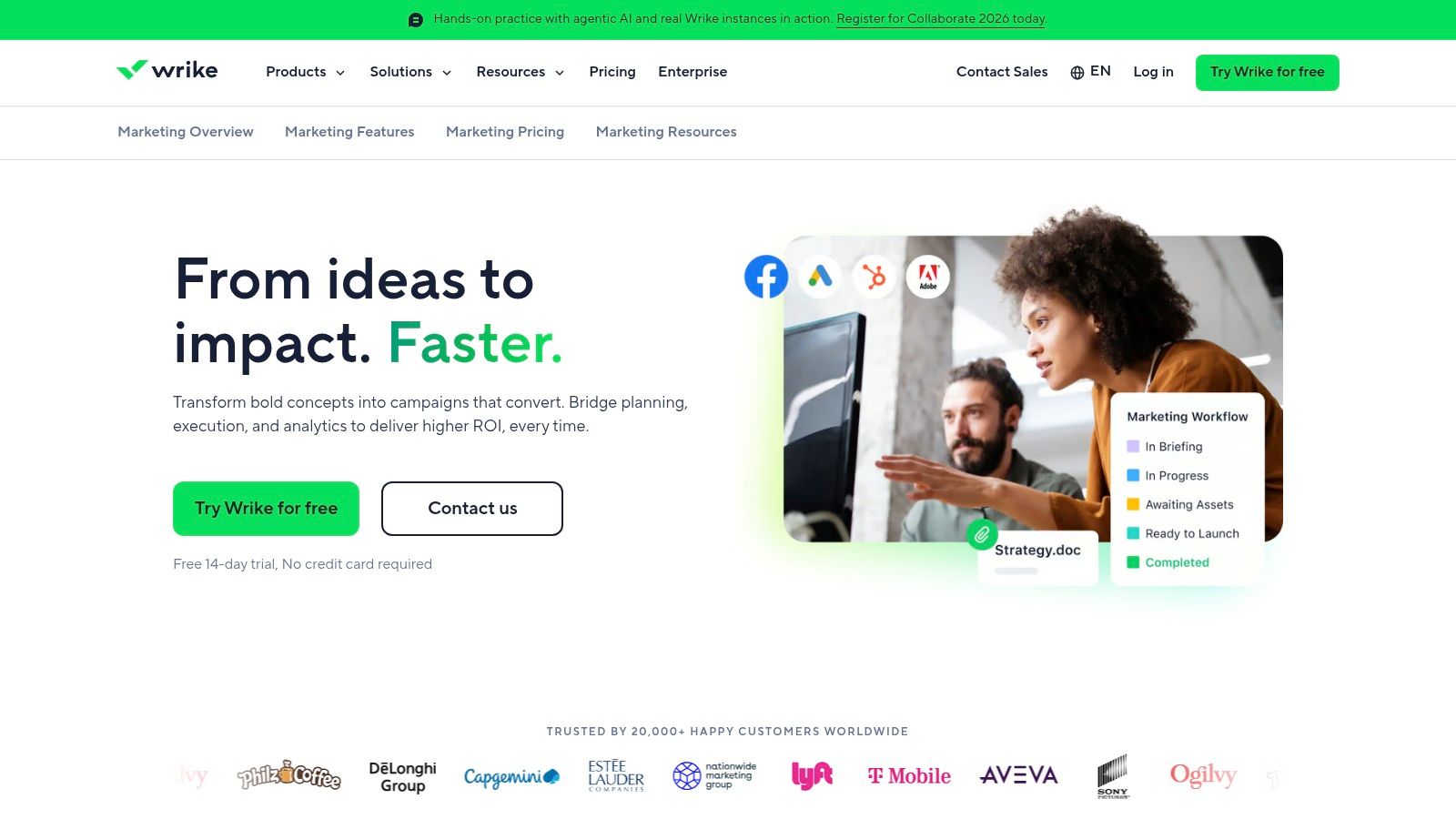
Wrike fits teams that have outgrown simple campaign task tracking and now need a clearer operating system for intake, review, and execution. I'd place it with marketing departments that deal with constant internal demand from sales, product, field, and executive stakeholders, where the problem is not planning content but controlling how work enters the pipeline.
Its strongest workflow layer is flexible workflow design. Request forms, custom workflows, approvals, proofing, and multiple project views give operations teams more control over how work moves from submission to delivery. That matters when creative requests, campaign assets, landing pages, and ad updates all follow different approval paths.
A realistic adoption scenario is a mid-sized or larger marketing team with a traffic manager, creative lead, or marketing ops owner who needs to standardize intake across several work types. Wrike handles that well because it can route requests into the right queue, assign owners, and keep review comments attached to the asset instead of scattered across email and chat. The benefit is operational consistency, not just visibility.
The trade-off is implementation effort. Wrike can look approachable in a trial, but real value usually shows up after a team defines request categories, approval stages, naming rules, and reporting needs. Teams that skip that setup often end up with a cleaner interface than email, but not a cleaner process.
Integration implications matter here too. Wrike is more useful when it sits alongside the systems marketers already use for file storage, creative production, communication, and reporting. If the team expects the platform to replace every specialist tool, adoption usually gets harder. If they use it as the coordination layer, the fit is better.
One limitation is the packaging at higher tiers. Advanced reporting, governance, and some administrative controls may push growing teams into more expensive plans sooner than expected. That is usually the point where buyers need to decide whether they want a lighter team workspace or a more formal marketing operations platform.
6. Asana
Asana is the platform I'd put in front of a team that needs broad campaign coordination and easy onboarding, not specialized editorial depth or strict enterprise controls. It scales from simple content calendars to cross-functional campaign plans better than many tools because the core interaction model is easy to understand.
The strongest workflow layer is cross-team coordination. Request forms, campaign templates, dependencies, timelines, and workload views help marketing organize work that depends on design, web, product marketing, and leadership review. That's different from an editor-first tool, and useful for teams with lots of parallel campaigns.
Why teams adopt it quickly
Asana has a large integration ecosystem, transparent published pricing, and a huge template base. Those factors matter because rollout friction often kills otherwise solid software. People are more likely to use a platform they can understand in the first week.
The trade-off is depth at the higher end. Advanced resource management, portfolio views, and some AI capabilities are tier-gated, so teams may outgrow the lower plans faster than expected. It's also not marketing-native in the way CoSchedule or TheContentMap is.
A realistic use case is a marketing department running launches, webinars, email campaigns, and content production across several teams. Asana gives enough structure to coordinate dependencies and deadlines without requiring a full operations rebuild. It's less ideal when the core problem is complex proofing, detailed governance, or highly custom data relationships.
If your team wants a broad, flexible work hub and values fast adoption, Asana is still one of the easier platforms to operationalize.
7. monday.com Work Management
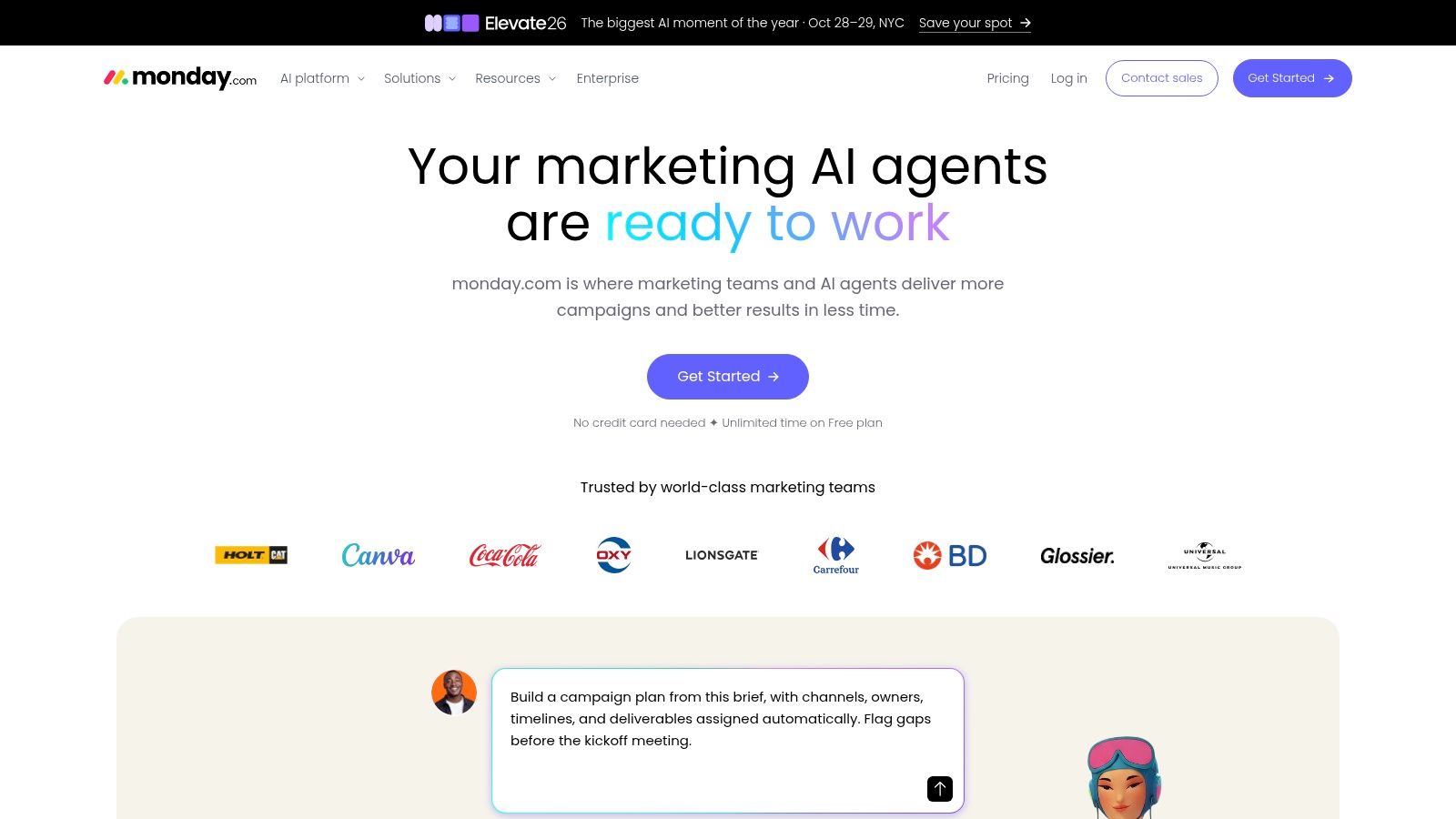
monday.com is a strong fit for teams that want visual workflow design without committing to a database-heavy build. Boards, forms, automations, dashboards, and marketplace extensions give marketers a lot of room to shape processes around campaign planning, asset tracking, approvals, and reporting.
Its biggest appeal is flexibility with a clear UI. Teams can model requests, status columns, owners, due dates, dependencies, and automations without asking users to think like database builders. That lowers the barrier for cross-functional adoption.
Best for flexible workflow design
The strongest workflow layer is adaptable process building. A brand team can run campaign boards. A content team can run production calendars. A demand gen team can track asset handoffs and launch readiness. That versatility is useful when one department has multiple workflow types that still need a shared platform.
The challenge is cost complexity as the workspace grows. Base packaging is visible, but add-ons, app marketplace choices, and scaling needs can change the cost. Buyers should map likely admin, reporting, and automation requirements before assuming the entry plan reflects long-term spend.
Airtable's benchmark article highlights why this matters operationally. It notes that marketing teams use an average of 19 tools, with mature stacks often running 18 to 35, and it also cites growing AI use in workflows, including generative AI in active marketing operations (marketing project management and stack sprawl benchmark). In that environment, monday.com can help centralize execution, but only if the team decides what belongs inside it versus what should remain in specialist tools.
The likely adoption blocker isn't usability. It's governance. Without naming conventions, board standards, and clear ownership, monday.com can become a collection of good-looking but disconnected boards.
8. ClickUp
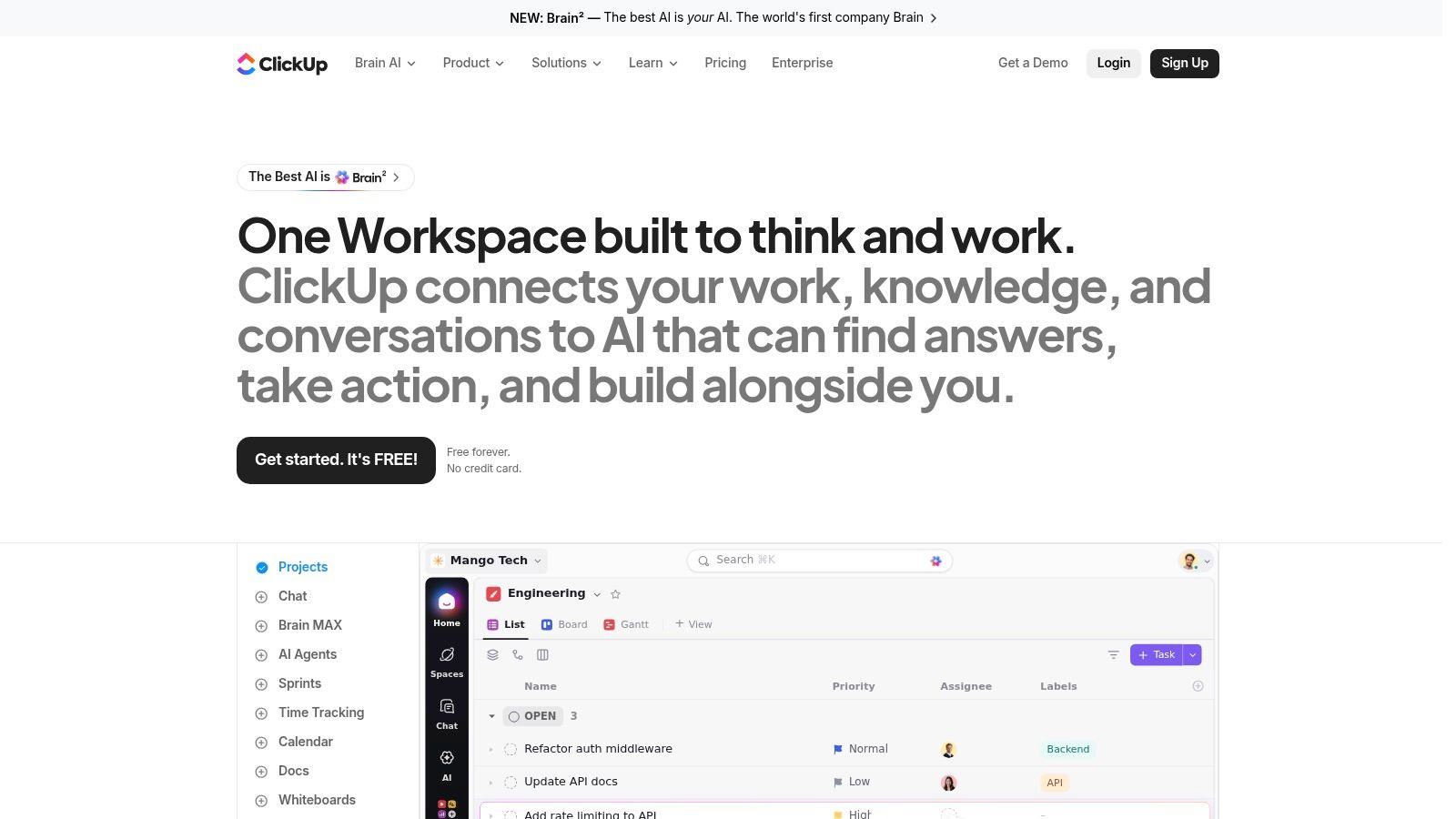
ClickUp appeals to marketing teams that want one broad workspace instead of several narrow tools. Tasks, docs, whiteboards, dashboards, goals, forms, and automations all live in one product, which makes it attractive when consolidation is a bigger goal than specialization.
That's the operational lens to use with ClickUp. Don't choose it because the feature list is long. Choose it if your team will benefit from combining planning documents, execution work, and reporting in one environment.
Where ClickUp works and where it doesn't
Its strongest layer is all-in-one consolidation. Teams with loose processes can standardize quickly using templates, custom views, and automations. Marketing managers often like it because campaign planning and execution can live side by side with documentation.
The limitation most likely to affect adoption is operational trust. Billing and seat policies deserve close review, and support expectations should be tested during evaluation. That doesn't cancel out the product's value, but it does mean buyers should verify practical details before a wide rollout.
ClickUp is a good fit for growing teams that want broad capability at a competitive price and can tolerate some configuration effort. It's less compelling for organizations that need a clearly bounded editorial tool or a highly governed enterprise work management system.
I'd also be cautious about letting every team customize too much too early. ClickUp's flexibility is useful, but it can produce inconsistent workflows fast if nobody owns system design.
9. Airtable
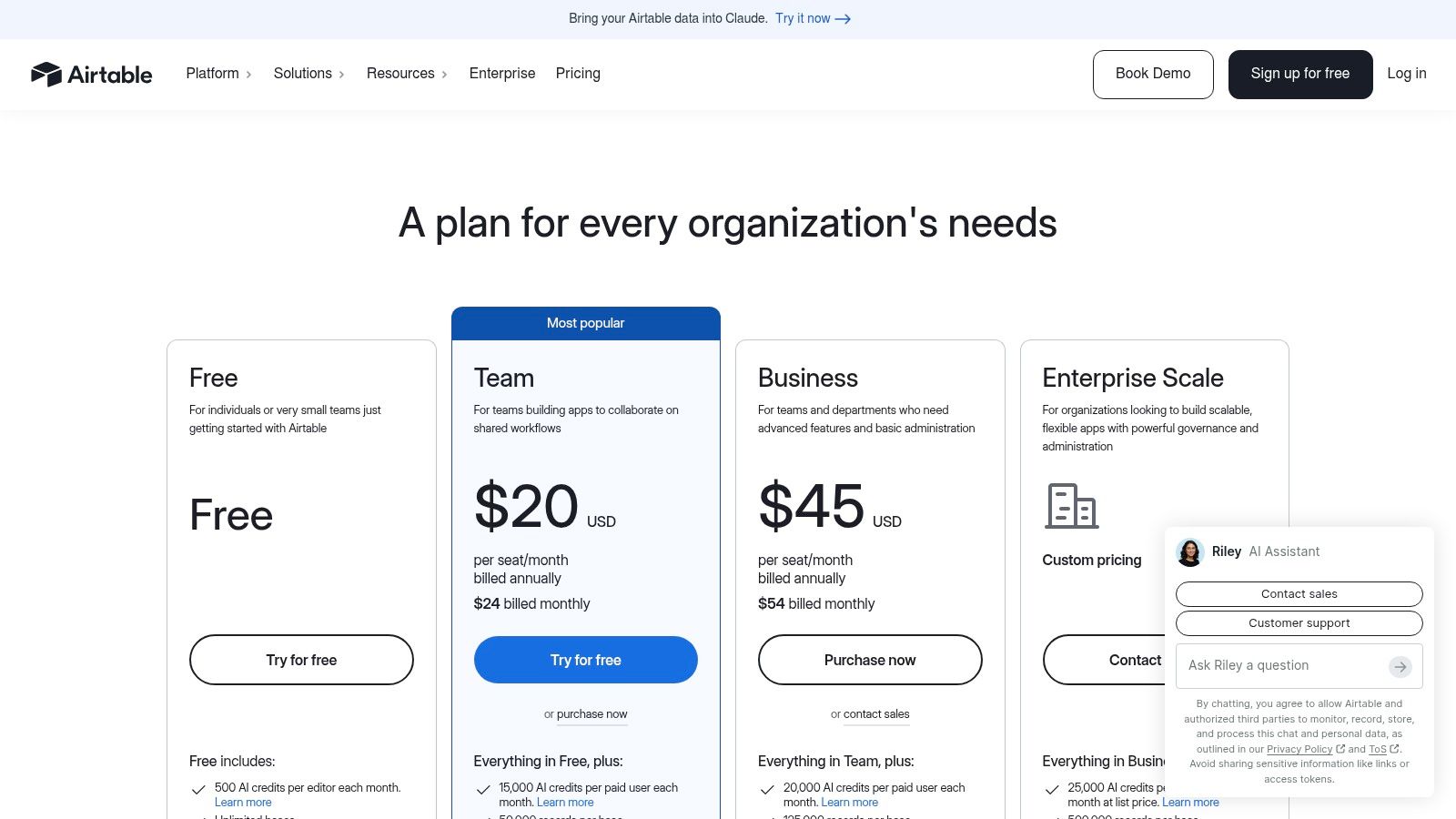
Airtable is the best option here for teams that think in systems, relationships, and structured data. If spreadsheets have stopped being enough, but rigid project tools feel too constraining, Airtable often becomes the middle path.
It's especially good for marketing workflows that span requests, production, assets, channels, and reporting. The relational model lets teams connect campaign briefs to content pieces, owners, deadlines, asset libraries, and performance records in a way standard task tools often can't.
Spreadsheet familiarity with more structure
The strongest workflow layer is data-backed customization. Grid, Kanban, and calendar views keep it accessible, while interfaces and automations let teams build more operational apps. That makes Airtable a strong choice for content operations leads and marketing ops teams willing to design their own system.
The trade-off is build time. Airtable rarely gives you the best result out of the box. The payoff comes after someone decides the schema, permissions, views, and automation rules. Teams that skip that design step often end up recreating messy spreadsheets inside a nicer product.
That's why I'd recommend Airtable to teams that already know their workflow stages and data model, or are willing to invest in defining them. It's less ideal for a team that just wants to start using a polished editorial calendar tomorrow.
For readers comparing adjacent software types, TheContentMap's broader software category coverage is useful context, especially if you're deciding between editor-first planning and a more configurable operations layer.
Its likely adoption blocker is complexity creep. The more powerful the base becomes, the more discipline the team needs around maintenance and governance.
10. Smartsheet
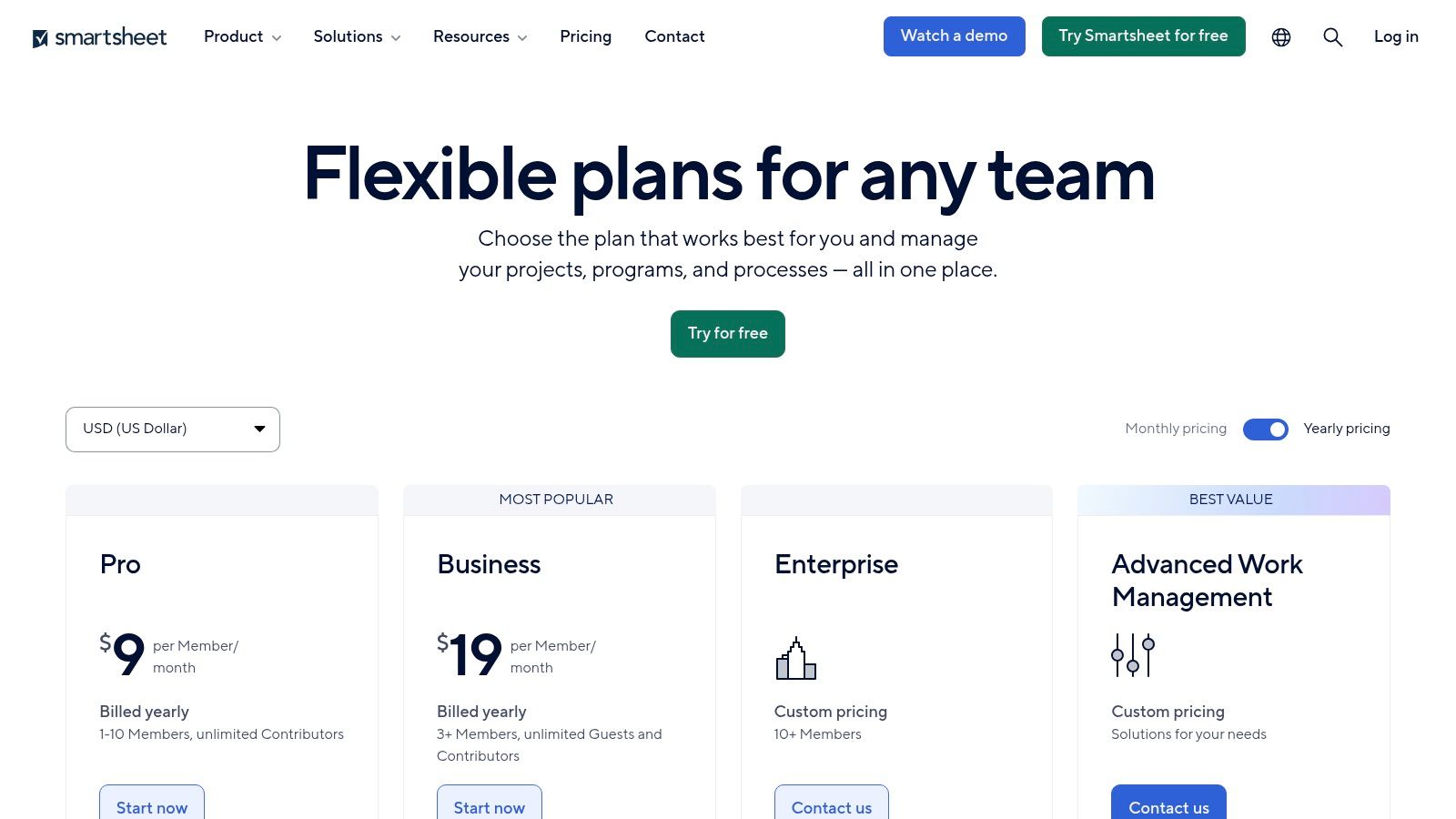
Smartsheet fits marketing teams that already run work in spreadsheets and want more process control without forcing a full change in how people operate. That matters more than feature breadth for some departments. If campaign managers, field marketers, and operations leads already track requests, deadlines, and dependencies in shared sheets, Smartsheet usually gets adopted faster than tools built around a very different mental model.
Its best use case is campaign coordination across many moving parts. A regional marketing team can collect intake through forms, route work to channel owners, track launch dates in calendar or Gantt view, and roll status into executive dashboards without rebuilding every habit from scratch. The strongest workflow layer is familiar structure with enough automation to reduce manual follow-up.
That strength has limits. Smartsheet handles intake, timelines, reporting, and cross-functional coordination well, but it is less naturally suited to editorial planning, detailed content review cycles, or brand-heavy creative collaboration where comments, proofs, and asset relationships need to feel central rather than attached.
The integration story also needs a practical review. Teams often connect Smartsheet to CRM, project, and data systems, then add products like Control Center, Data Shuttle, or Dynamic View as governance needs increase. That can work well for larger marketing operations groups, but implementation gets heavier as the system becomes more than a shared planning sheet. Someone has to own sheet design, permissions, reporting logic, and ongoing admin work.
Cost is the adoption risk I would surface first. Base usage can look reasonable, then premium add-ons and wider governance requirements change the budget. Buyers should price the likely mature setup, not the entry point.
Smartsheet is a good fit for organizations that want spreadsheet familiarity plus stronger workflow discipline. It is a weaker fit for teams that need a polished editorial workspace tomorrow or a platform built first for nuanced content production stages. As noted earlier, many marketing teams still struggle more with brief quality and reporting loops than with task routing itself. Smartsheet can organize the work well, but the team still needs a clear operating model behind the sheet.
Marketing Workflow Tools, Top 10 Feature Comparison
| Solution | Core features | UX & quality (★) | Price & value (💰) | Target (👥) | Unique selling points (✨) |
|---|---|---|---|---|---|
| 🏆 TheContentMap | Visual editorial calendar, idea pipeline, drag‑and‑drop scheduling, assignments, embedded content insights | ★★★★★ | 💰 Starter Free; Pro $12/editor/mo; Team $29/editor/mo, transparent seat pricing | 👥 Content editors, publishers, agencies, in‑house content ops | ✨ Editor‑first UX, integrated performance data, fast no‑card setup |
| Adobe Workfront | Centralized intake, portfolio & resource management, proofing, Fusion integrations | ★★★★★ | 💰 Quote-based, enterprise budget | 👥 Large enterprises, creative/marketing ops | ✨ Deep Adobe ecosystem integration, enterprise governance |
| Optimizely Content Marketing Platform | Unified calendar, workflows, routing/approvals, CMS & experimentation integrations | ★★★★☆ | 💰 Quote-based, packaged enterprise solutions | 👥 Enterprise content teams, publishers | ✨ Planning tied to CMS, experimentation & delivery stack |
| CoSchedule Marketing Suite | Drag‑and‑drop calendar, campaign templates, social publishing, approvals, AI helpers | ★★★★ | 💰 Self‑serve calendar plans; full Suite via sales | 👥 Marketing teams, SMBs | ✨ Social scheduling + AI copy helpers, marketer‑first onboarding |
| Wrike (for Marketers) | Intake forms, digital proofing/approvals, campaign views, multiple work views | ★★★★ | 💰 Published tiers (Team/Business); higher tiers via sales | 👥 Midsize → enterprise marketing teams | ✨ Multiple work views + marketing insights dashboards |
| Asana (for Marketing) | Templates, request forms, timelines/dependencies, workload, wide integrations | ★★★★ | 💰 Transparent tiered pricing (monthly/annual) | 👥 Teams of all sizes, cross‑functional marketers | ✨ Large integration ecosystem and starter templates |
| monday.com Work Management | Custom boards, automations, forms, dashboards, marketplace apps | ★★★★ | 💰 Seat‑based pricing; add‑ons/apps can add cost | 👥 Cross‑functional marketing ops & campaign teams | ✨ Highly extensible boards + app marketplace |
| ClickUp | Tasks, docs, whiteboards, goals, dashboards, multiple views & automations | ★★★★ | 💰 Competitive seat pricing; strong value for feature breadth | 👥 Teams consolidating tools and workflows | ✨ All‑in‑one feature set with large template community |
| Airtable | Relational bases, grid/Kanban/calendar views, interfaces & automations | ★★★★ | 💰 Clear seat options; complex builds increase cost | 👥 Teams needing structured data & custom workflows | ✨ Database flexibility + no‑code interfaces |
| Smartsheet | Spreadsheet‑native grid/Gantt/calendar, automations, premium enterprise apps | ★★★★ | 💰 Varies by region; premium add‑ons can be costly | 👥 Enterprise teams comfortable with spreadsheet UI | ✨ Familiar spreadsheet UX with strong portfolio controls |
Choose the Workflow Your Team Will Actually Use
There isn't a universal winner in marketing workflow management software, and most buying mistakes happen when teams search for one anyway. The better approach is to compare the tool against the operating model you already have, then decide where you want software to tighten the process and where you want it to stay light.
Start with editorial focus versus campaign breadth. If the core work is recurring content production, calendar integrity, idea capture, ownership, and publication rhythm, an editor-first platform is usually the better fit. If work is multi-team campaign execution with requests, dependencies, and launch coordination across several functions, broader work management platforms make more sense.
Then look closely at intake and approvals. A surprising amount of workflow friction begins before work is assigned. If requests arrive from many teams and need consistent routing, forms and intake logic matter a lot. If assets move through legal, brand, or stakeholder review, proofing and governance matter more than a pretty board view.
Integration depth is another dividing line. In large organizations, the question often isn't whether marketing uses workflow software. An industry summary reports that 95% of enterprise marketing teams and 78% of mid-market B2B organizations run at least one marketing automation platform, while only 12% of teams with more than 50 marketing employees operate without a dedicated platform (enterprise and B2B marketing automation adoption summary). That means the buying discussion is often about fit inside an existing stack, not whether to adopt workflow software at all.
It's also worth checking where your process is still manual. A benchmark says teams automate 62% of campaigns end to end in 2026, but brief and asset creation sit at 33% automation and reporting and analysis at 58% (campaign lifecycle automation benchmark). In plain terms, many tools handle routing better than they handle intake or learning. So don't just test status changes and reminders. Test whether the tool helps your team move from request intake through approval, publication, and performance review without creating extra admin.
The broader market is growing fast because these needs are now operational, not optional. One market estimate puts content marketing software at USD 9.76 billion in 2024 and projects growth to USD 38.99 billion by 2032 at a 21.9% CAGR, while a separate report projects $25.92 billion by 2030 at an 18.5% CAGR (content marketing software market projections). Growth alone doesn't tell you what to buy, but it does confirm that teams are investing in systems that connect planning, production, and measurement.
If you only test one thing before committing, test one representative workflow all the way through. Use a real request. Route it. Review it. Publish it. Then check whether the reporting and handoff back into planning are usable. That exercise usually reveals more than any demo.
For teams prioritizing editorial calendars, idea pipelines, ownership, reminders, and content insights, TheContentMap is the focused choice. For enterprise governance, broad campaign orchestration, or highly customizable data models, one of the wider platforms here may fit better.
Get GDPR-compliant site feedback forms if part of your workflow redesign includes cleaner intake from the website itself.
If your team's workflow problem starts with scattered ideas, unclear ownership, and a content calendar nobody trusts, TheContentMap is built for exactly that layer of marketing operations. It gives editors and content teams a visual system for planning, scheduling, moving work through review, and learning from published performance without the overhead of a general-purpose work platform. Visit TheContentMap to see whether its editor-first approach matches how your team works.
Related Articles
Content Calendar Planning: A Step-by-Step Guide for 2026
Your calendar looks full, but next week's article is still waiting for product approval. A write...
SoftwareContent Collaboration Tools for Editors: 10 Compared
Your shared spreadsheet says the article is ready. The draft still contains unresolved comments, the...
SoftwareBrand Awareness Measurement: Surveys, Metrics and Results
Aided recognition can look impressive while spontaneous recall barely moves. In research analyzing b...
Comments (0)
No comments yet. Be the first to share your thoughts.