10 Best Content Planning Tools for Editorial Teams
Compare 10 content planning tools for editorial workflows, pricing, collaboration, and best-fit use cases, from focused calendars to flexible work platforms.
Stop shopping for the tool with the most features. That popular advice pushes editorial teams toward broad platforms they have to reconfigure, train on, and work around, while the actual problem, moving an idea reliably to published, stays unsolved.
Pick for operational fit instead. Is your friction scattered ideas, an overloaded calendar, unclear approvals, missed deadlines, or no feedback from published results to future briefs? Your answer sorts the market into three groups, dedicated editorial platforms, social-first planners, and configurable work-management systems, and each group only wins for one kind of workflow.
The gap is measurable. In Content Marketing Institute's 2025 technology content marketing research, 96% of technology marketers had a content strategy, but only 29% called it extremely or very effective, with 44% citing a lack of clear goals. Having a strategy isn't the problem. Executing it is.
Below are 10 content planning tools compared by workflow coverage, practical limits, pricing transparency, and best-fit team. Read the category, not just the brand name. If a tool solves a workflow you don't run, it's the wrong tool, however good the demo looks.
Table of Contents
- 1. TheContentMap
- 2. CoSchedule
- 3. StoryChief
- 4. Airtable
- 5. Asana
- 6. Planable
- 7. ContentStudio
- 8. Buffer
- 9. ClickUp
- 10. Storyflow
- Top 10 Content Planning Tools: Feature Comparison
- Choose for the Workflow You Need to Run
1. TheContentMap
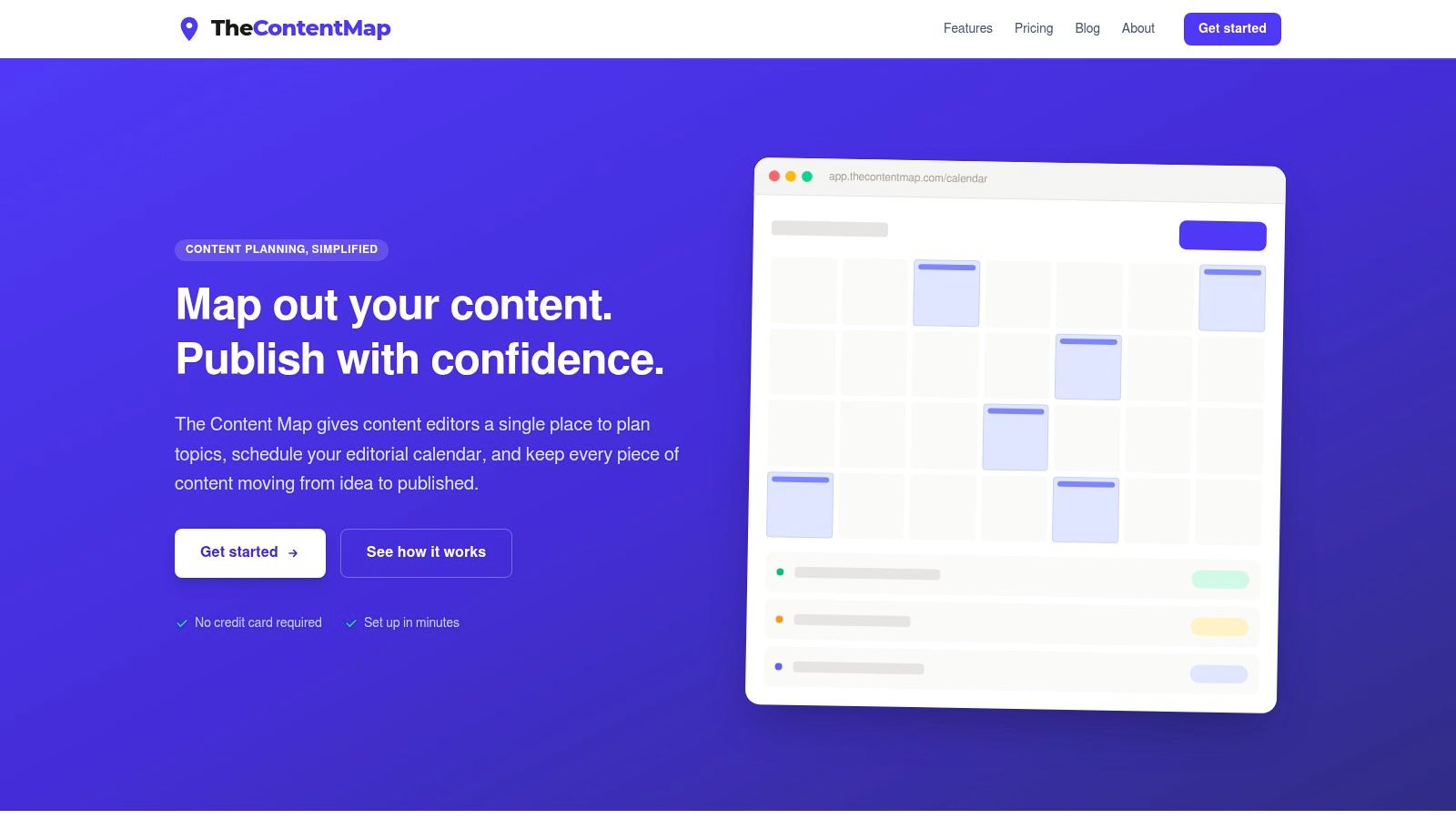
TheContentMap is the clear pick when your calendar, idea pipeline, ownership, and performance feedback need to work as one system. It's built specifically for editorial operations, so you don't spend your first week turning a generic task board into something editors can use. You start with an editorial workflow already in place.
The drag-and-drop editorial calendar makes the schedule easy to see and adjust. The visual pipeline moves each idea through draft, review, and published, so nothing stalls invisibly in a spreadsheet tab. You assign owners, comment in context, organize by topics, channels, and campaigns, and rely on publish reminders to keep deadlines visible.
Why It Fits Editorial Teams Best
Most tools stop at scheduling. TheContentMap adds content insights so editors can spot which topics and formats perform, then use that learning to shape the next round of planning. That feedback loop matters because execution, not tool ownership, is where teams struggle. In Content Marketing Institute's 2025 enterprise content marketing research, only 22% of enterprise marketers said their organization had the right technology to manage content across the enterprise, while 54% cited missing workflow automation. A purpose-built operating layer addresses that directly.
- Pros: Idea capture, calendar, collaboration, reminders, and insights sit in one editorial-focused workspace, with clear ownership reducing stalled work.
- Cons: The free Starter plan limits you to 3 projects and 1 editor seat, and growing teams will move to per-editor pricing.
- Pricing: Starter is free, Pro is $12 per editor per month with unlimited projects and insights, and Team is $29 per editor per month with unlimited seats, custom workflows, SSO, and onboarding. No credit card is required to start, and listed users include Northwind Media, Atlas Publishing, and Brightcopy.
2. CoSchedule
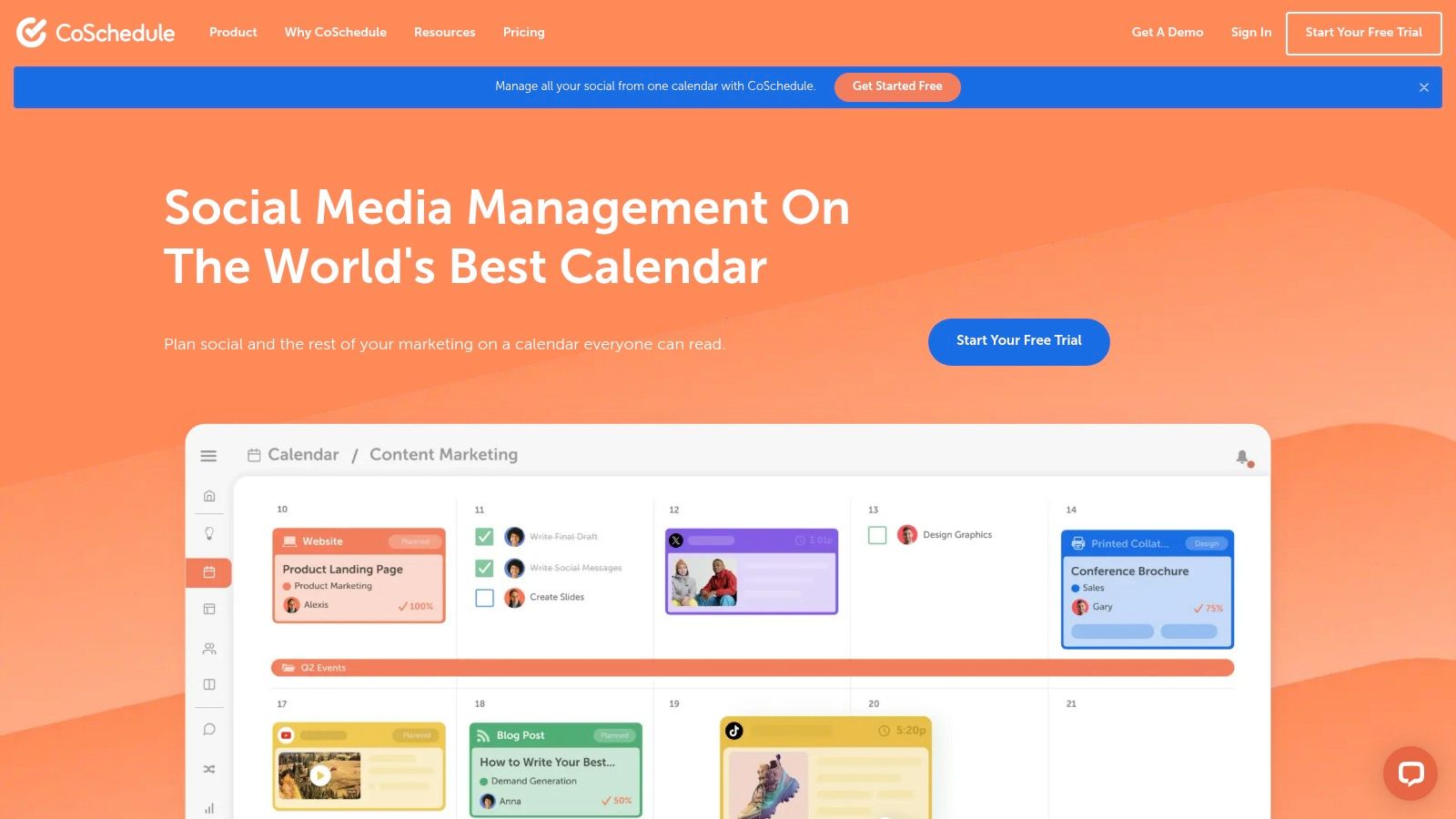
Choose CoSchedule if your main job is keeping marketing projects and social promotion on the same calendar. It combines a marketing calendar with social publishing and campaign planning, so a blog launch and its social messages move together when dates shift.
Drag-and-drop rescheduling covers projects, tasks, and social messages. Campaigns, tags, and saved calendar views help you filter a busy schedule, and entry plans include social scheduling with basic analytics. Higher tiers add team permissions, custom fields, project reporting, and multiple calendars, which helps if you're coordinating several teams or brands.
The trade-off is editorial depth. Lower-cost plans lean heavily toward social media rather than writing, review, and publication pipelines, so editors may still need extra configuration to model a true production workflow. Suite pricing is also custom, which means you can't confirm the full cost without talking to sales. That matters when you're comparing it with transparent per-editor options.
- Best for: Small in-house marketing teams that plan campaigns and social together.
- Watch out for: Limited editorial pipeline depth on entry plans and unclear top-tier pricing.
- Useful context: Compare its calendar model with dedicated editorial calendar software before you commit.
3. StoryChief
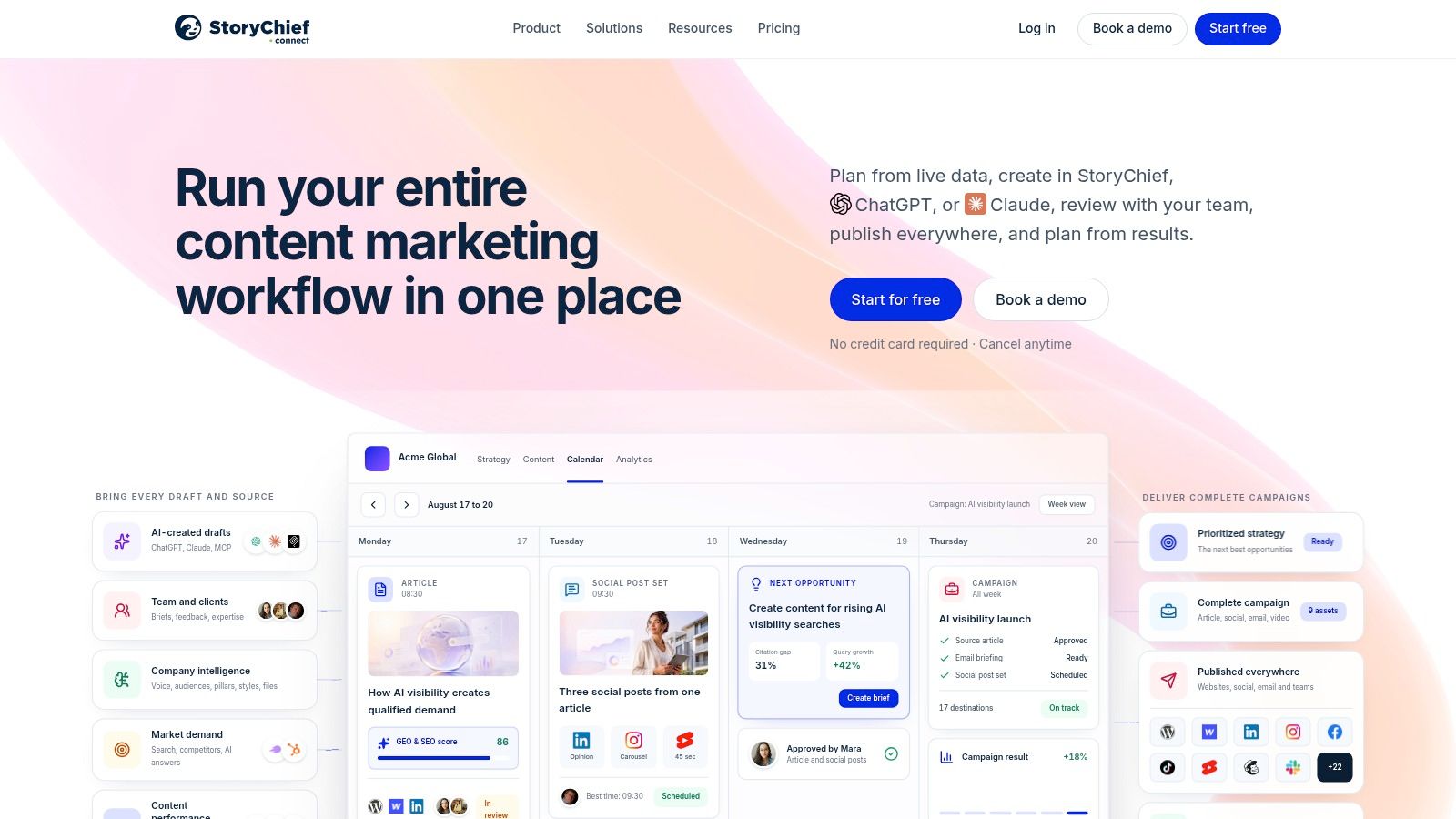
StoryChief tries to cover more of the lifecycle than a calendar alone. Planning, creation, approvals, publishing, and performance sit in one workflow, which suits teams publishing across many channels and tired of stitching those steps together themselves.
Its calendar shows articles, social posts, newsletters, videos, and campaigns with owners, dates, and statuses. You can filter by format, campaign, collaborator, and status, then manage tasks, deadlines, comments, and approvals on team plans. Publishing reaches websites and social channels, and higher tiers add multilingual content support, a real advantage for teams working across regions.
Practical rule: Buy lifecycle breadth only if your team actually publishes from the planning tool. If publishing stays in your CMS, you're paying for steps you'll bypass.
That breadth is also the cost. Some plans limit users, channels, or article volume, and editorial-only teams may not need the wider publishing and AI feature set. Plan names and prices also vary across regional pricing pages, so verify the exact offer for your location. For genuine multichannel publishing from one place, though, StoryChief is a strong, direct option.
4. Airtable
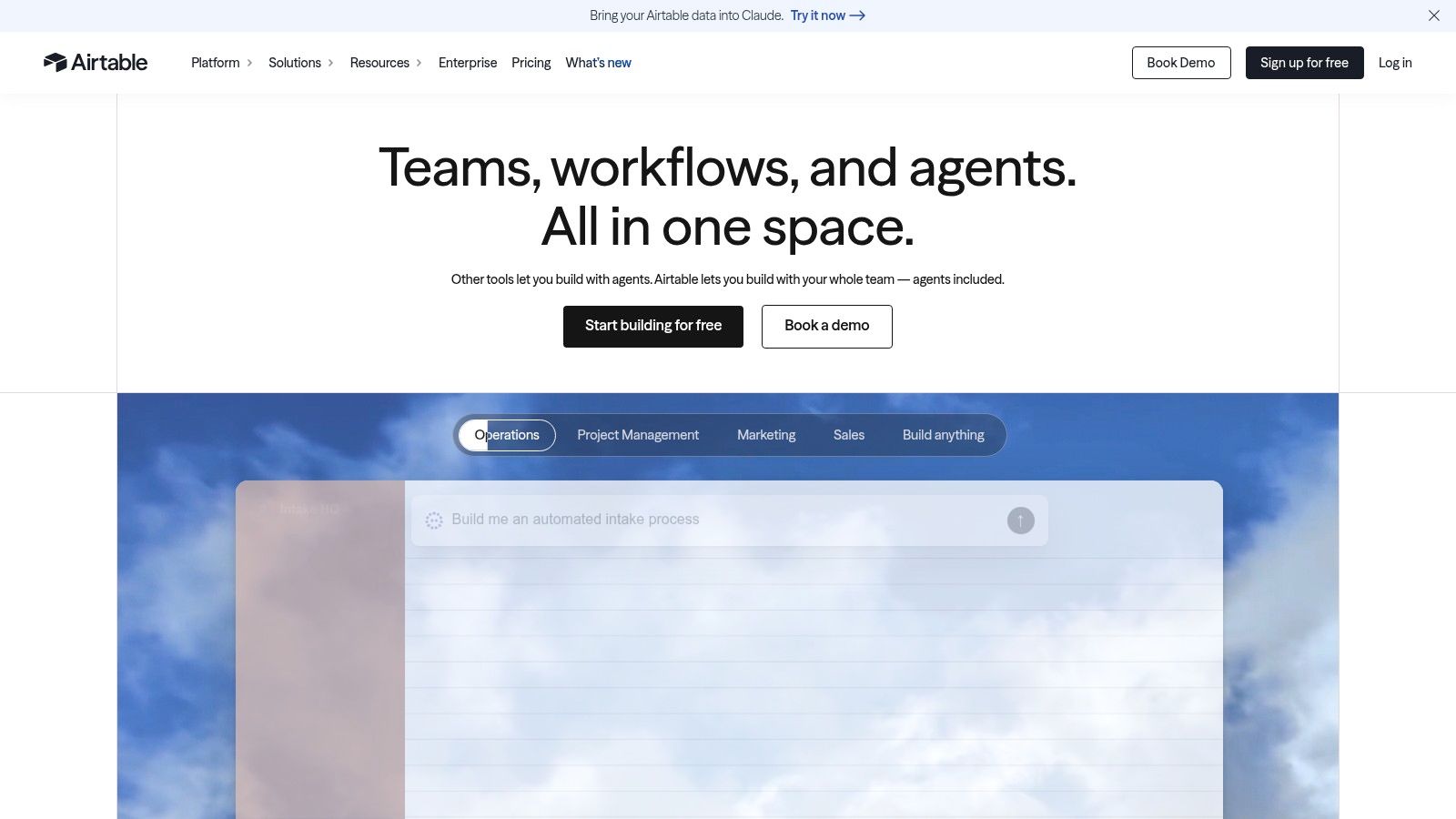
Airtable isn't an editorial tool. It's a configurable database you turn into one. If your team wants to design its own planning system and enjoys building fields, views, and automations, that flexibility is exactly the appeal. If you want to plan content this afternoon, it's homework.
Content calendar templates and newsroom use cases give you a starting structure for tracking ideas, statuses, owners, publish dates, and channels. Flexible records let you model topics, campaigns, budgets, and cross-format planning in whatever shape fits your newsroom. Multiple views present the same records as a calendar, board, or table without duplicating data.
The Build-It-Yourself Trade
- Strength: High adaptability across publishing processes, plus a free plan for lightweight use.
- Weakness: You build and maintain the editorial workflow yourself, including approvals that purpose-built tools include.
- Cost risk: Per-seat pricing climbs as more editors, writers, and stakeholders need access.
Pick Airtable when your process is unusual and someone on the team will own the system. Don't pick it because it's familiar. An unmaintained custom base becomes a prettier spreadsheet within a quarter.
5. Asana
Asana works when content is one stream inside a wider marketing or project operation. You organize pieces as tasks, view them on calendar and timeline views, assign owners, add dependencies, and standardize recurring production with templates and automation rules. Approvals and dashboards arrive on higher tiers.
The argument for consolidation is strong. In Asana's 2023 Anatomy of Work Global Index, employees spent 58% of their working day on work about work, meaning coordination instead of skilled or strategic work. Putting assignments, comments, deadlines, and status in one shared system targets that overhead directly, which is why general work management appeals to larger, cross-functional teams.
But editorial specificity isn't native. You'll use custom fields and templates to represent stages, channels, and review states, and that setup takes real time. For a small editorial team, the broad feature set can feel like overhead rather than help, and advanced approvals, reporting, and admin controls require paid tiers.
Choose Asana if editorial work must connect to company goals and other departments, and review it alongside purpose-built content operations software to see what you'd be configuring yourself. If content is your whole job, a dedicated platform will get you running faster.
6. Planable
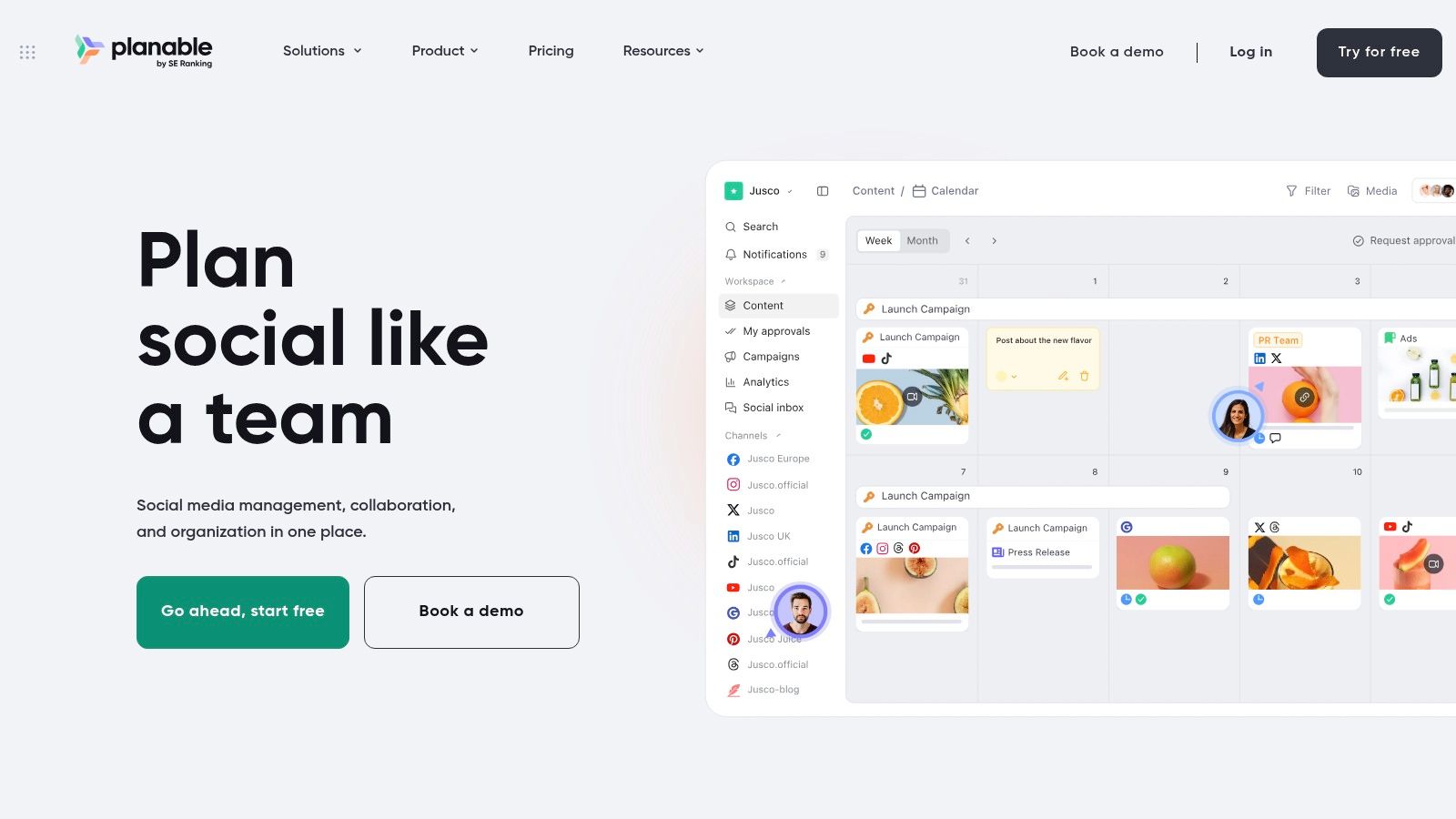
Agencies should look at Planable first among the social-first options. It's built around collaborative planning, review, and publishing, with separate workspaces for clients, brands, or locations. That separation keeps one client's approval queue from polluting another's calendar.
Feed and calendar views support planning, while comments and approval flows, including required approvals on Pro, give you structured sign-off instead of email threads. Listed Basic and Pro workspace plans include unlimited users, which is generous for client review, and the first 50 created posts are free to test with no credit card.
Limits show up elsewhere. Monthly post and social page limits apply on Basic and Pro, so high-volume teams need to count carefully. Analytics and the social inbox are paid add-ons, meaning the headline workspace price isn't the full operating cost.
- Best for: Social teams and agencies managing multiple brands with formal review.
- Not for: Long-form editorial workflows where articles, briefs, and performance feedback drive the calendar.
If client approval is your bottleneck, Planable solves the right problem. If article production is your bottleneck, it doesn't.
7. ContentStudio
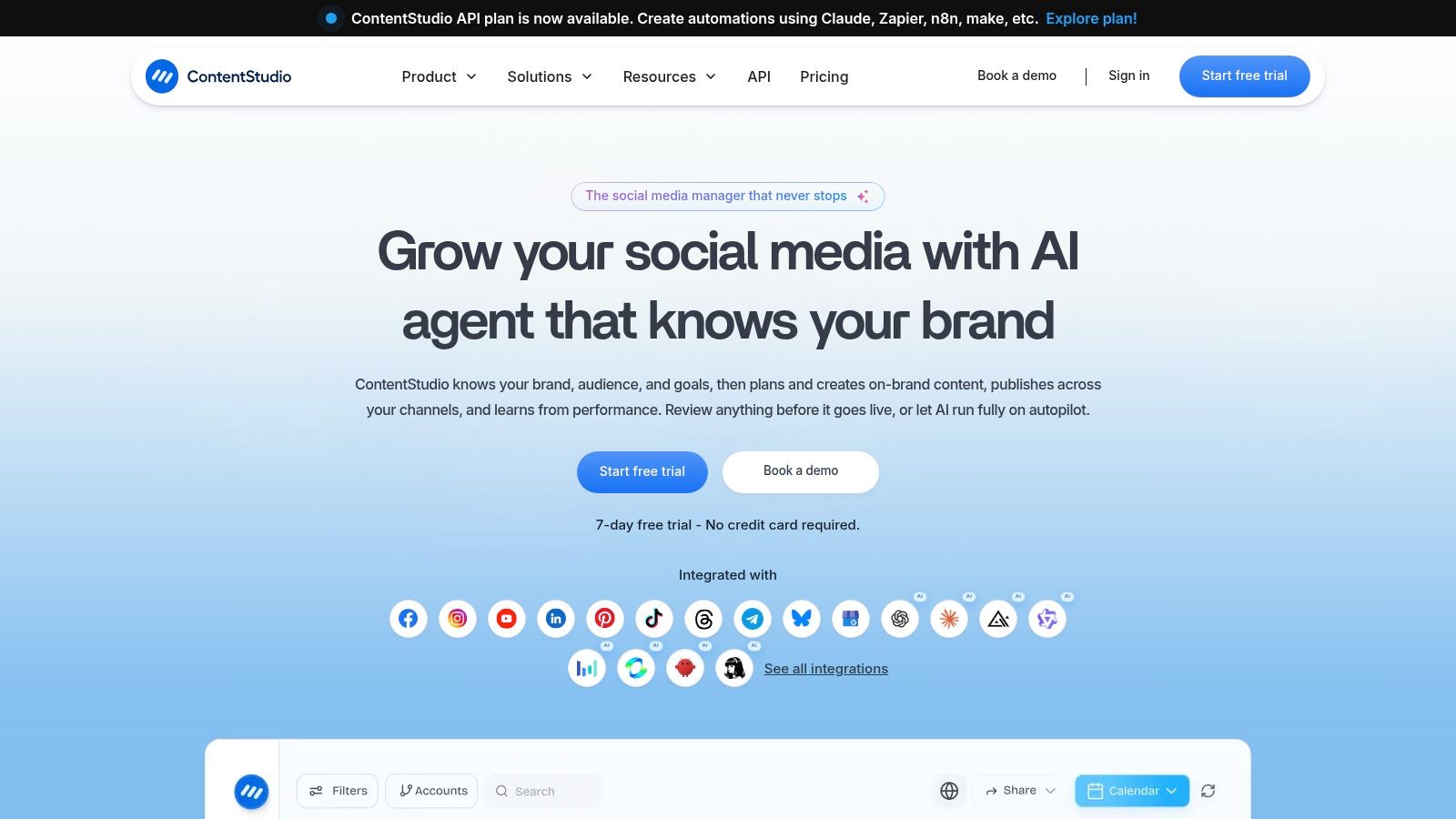
ContentStudio combines a social planner with publishing, analytics, and collaboration. It's for teams where social distribution is central and they also want reporting or automation in the same product, rather than bolting on a separate analytics tool.
The multi-view content planner and social scheduling handle day-to-day organization. Social analytics come built in, with campaign and label analytics on higher tiers for cleaner reporting. Team collaboration and approval workflows start on Advanced and above, while the Agency plan adds unlimited users and workspaces for managing multiple clients. Published prices also make tier comparison easier before you contact sales.
Don't judge a social planner by its calendar screenshot. Judge it by user, workspace, and add-on limits, because that's where your second-year cost hides.
Those limits are real here. The Standard plan covers only one user and one workspace, and extras such as additional users, workspaces, or SSO cost more or require higher plans. The feature focus also stays on social management, not end-to-end editorial production. Choose it for social reporting at scale, not for running an article pipeline.
8. Buffer
Buffer is the lightest option on this list, and that's a compliment for the right team. Individuals and small teams can capture post ideas, organize them with tags, and schedule across social channels without learning a project management system. If your content plan is mostly social posts, start simple.
You can store ideas with notes, links, and images, group them with tags, then move them into a visual calendar and scheduling queue. The Team plan adds approval workflows and team access once more than one person needs sign-off. A free plan supports idea capture and basic scheduling, and per-channel pricing lets you add or remove channels as your presence changes.
The ceiling arrives quickly for editors. Buffer is designed for social content, not a complex pipeline spanning articles, newsletters, and other formats. The free plan limits channels, ideas, tags, and scheduled posts, and the Ideas board is desktop-only, which frustrates capture on the move.
For a focused social queue, it's clean and affordable, especially compared with broader content scheduling apps. For editorial production, treat Buffer as a publishing companion, not your planning system of record.
9. ClickUp
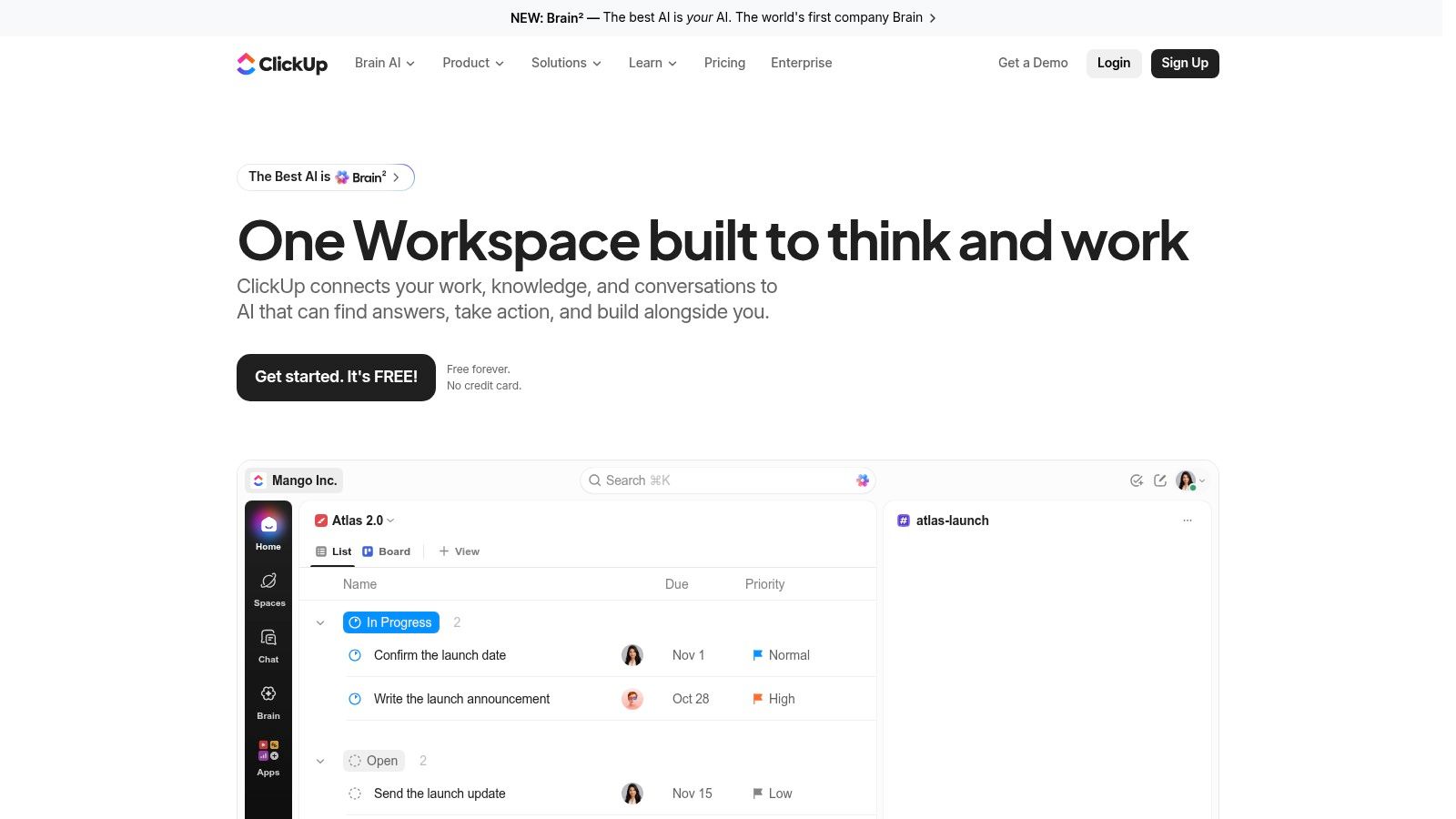
Already running your company in ClickUp? Then configuring it as a content calendar makes sense. Starting from zero just for editorial planning is a harder sell, because you'll build the system before you can use it.
Content pieces become tasks with custom fields for channel and content type and configurable statuses for production stages, then display in calendar views. Templates make the setup reusable, and you can link content tasks to docs, chat, and broader project work, so briefs and deadlines live together. A free plan is available for testing the model.
Where Teams Get Stuck
- Setup burden: Someone must define spaces, fields, and statuses, then maintain them as the process changes.
- Distraction: The broad feature set exposes editors to tools they never asked for.
- Plan dependence: Advanced capabilities and usage limits vary by tier, so check before you build.
ClickUp rewards teams that value one workspace for everything and have an administrator mindset. Editorial teams that just need a calendar and pipeline will find the configuration tax too high for the benefit.
10. Storyflow
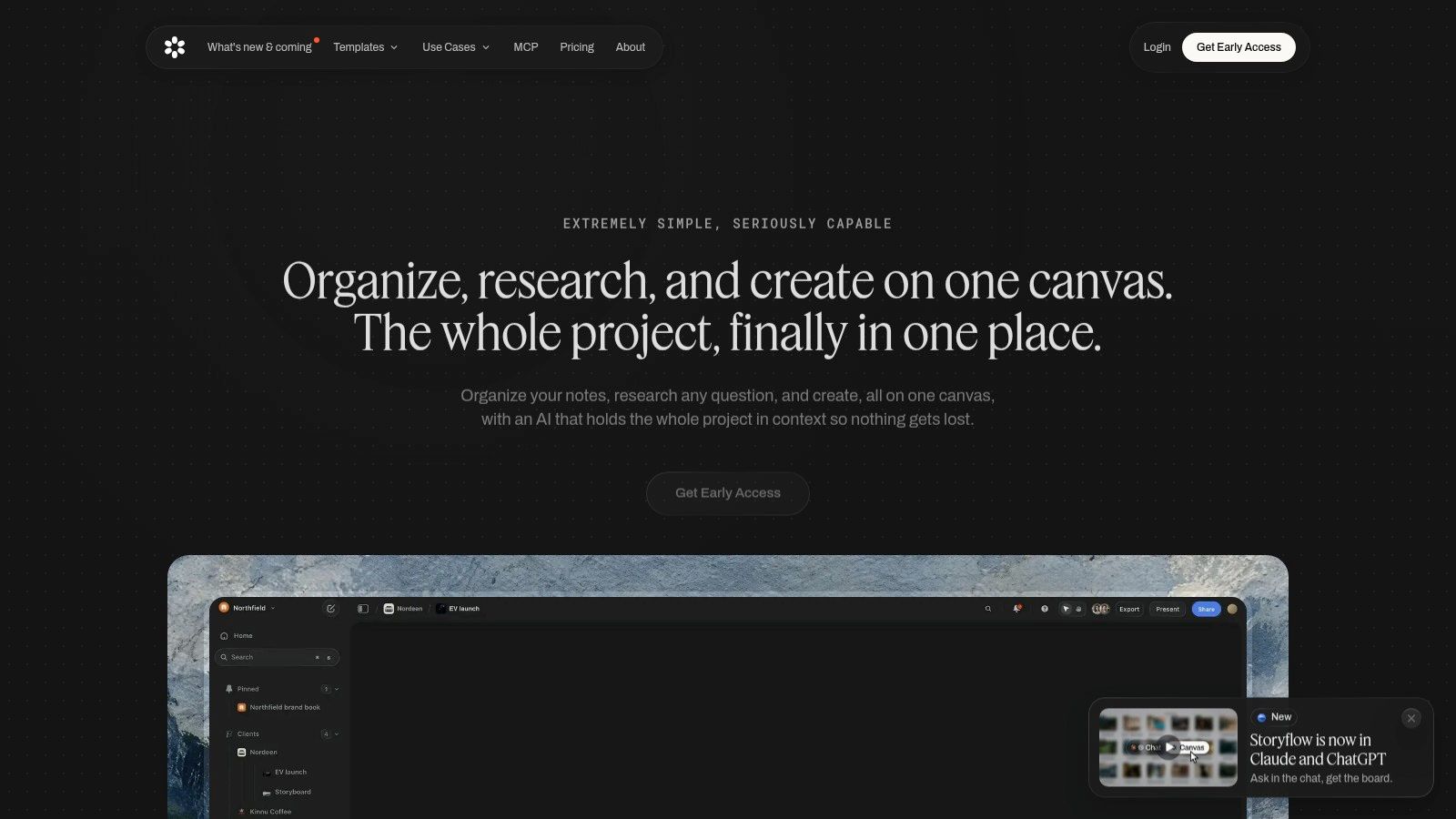
Storyflow is the editorial purist's alternative. It focuses on editorial calendars for publishers, making planned content visible alongside audience research and editorial briefs. That pairing matters, because a calendar entry without its brief and audience context forces editors to hunt through documents before they can judge the plan.
Calendar exports help share plans in meetings, and the positioning stays firmly on articles and publishing schedules rather than social post volume. Pricing information is published on its site, with paid early-access plans available, so you can evaluate cost without a sales call.
Caution is warranted on maturity. Early-access status means you should verify product stability and long-term availability before moving an established workflow onto it. Public information also doesn't establish the depth of team workflow, analytics, or integrations compared with established platforms, and the free plan is planned for the future rather than available now.
Evaluate Storyflow if briefs and audience context beside the calendar solve your specific gap. Don't make it your system of record until you've tested how it handles your full review and publishing cycle.
Top 10 Content Planning Tools: Feature Comparison
| Platform | Core capabilities | Best for | Editorial fit | Standout value | Pricing |
|---|---|---|---|---|---|
| 🏆 TheContentMap | Calendar, idea pipeline, assignments, reminders, insights | 👥 Editorial teams | ★★★★★ Purpose-built, idea to publication | ✨ One focused workspace; quick setup, no card required | 💰 Free Starter (3 projects, 1 editor); Pro $12/editor/mo; Team $29/editor/mo |
| CoSchedule | Marketing calendar, campaigns, social scheduling | 👥 Marketing teams coordinating social and projects | ★★★☆☆ Editorial workflows may need configuration | ✨ Social publishing alongside campaign planning | 💰 Suite pricing is custom; verify with sales |
| StoryChief | Planning, approvals, publishing, performance | 👥 Multichannel content teams and agencies | ★★★★☆ Broad content lifecycle coverage | ✨ Plans articles, social, newsletters, video, and campaigns | 💰 Varies by plan and region |
| Airtable | Configurable databases, views, fields, automations | 👥 Teams wanting a customizable system | ★★★☆☆ Flexible, but workflows need setup | ✨ Adaptable to editorial and other structured data | 💰 Free plan available; paid seat pricing varies |
| Asana | Tasks, calendar, timelines, templates, approvals | 👥 Teams managing content alongside other projects | ★★★☆☆ General-purpose; editorial setup required | ✨ Connects content work to wider goals and projects | 💰 Paid tiers for advanced features; pricing not specified |
| Planable | Content calendar, feedback, approvals, workspaces | 👥 Social teams and agencies | ★★★☆☆ Strongest for social and marketing content | ✨ Separate workspaces; first 50 posts free to test | 💰 Basic and Pro workspace plans; limits apply |
| ContentStudio | Social planning, publishing, analytics, approvals | 👥 Social teams and agencies | ★★★☆☆ Social-focused, not end-to-end editorial | ✨ Agency plan supports unlimited users and workspaces | 💰 Published tiers; exact prices not provided |
| Buffer | Idea capture, tags, calendar, social scheduling | 👥 Individuals and small social teams | ★★☆☆☆ Less suited to complex editorial pipelines | ✨ Per-channel pricing; free plan available | 💰 Free plan; paid pricing varies by channels |
| ClickUp | Tasks, calendar, custom fields, templates, docs | 👥 Teams already using ClickUp | ★★★☆☆ Flexible, but requires editorial setup | ✨ Combines content tasks with broader project work | 💰 Free plan available; paid tiers vary |
| Storyflow | Editorial calendar, briefs, audience research | 👥 Publishers and editorial teams | ★★★★☆ Editorial-focused; product is early access | ✨ Briefing and research context alongside scheduled content | 💰 Paid early-access plans; free plan planned |
Choose for the Workflow You Need to Run
Make this decision from operating requirements, not feature count. Write down the path a piece of content takes in your team today, from idea to brief to draft to review to published to measured. The tool that matches that path with the least configuration wins, even if a competitor lists more features you'll never open.
Choose a dedicated editorial platform such as TheContentMap when the calendar, idea pipeline, ownership, reminders, and performance feedback must operate as one system. That's the right default for managing editors, publishers, and content operations teams whose core output is editorial. Consider StoryChief when you also need broad multichannel publishing from the same place, and look closely at Storyflow if briefs and audience research beside the calendar are your missing piece.
Choose social-first planners when distribution dominates your work. CoSchedule connects campaigns to social promotion, Planable handles multi-brand approvals cleanly, ContentStudio adds social reporting depth, and Buffer keeps a small social queue simple. Don't force any of them to run a long-form article pipeline. You'll end up managing the full workflow somewhere else and paying for a calendar that only shows the final step.
Choose configurable work-management systems when customization matters more than a ready-made editorial workflow. Airtable suits teams that want to model their own structured data, while Asana and ClickUp connect content tasks to wider company projects. Budget for setup and administration. Someone has to build fields, statuses, templates, and automations, then maintain them, and that person is usually an editor you'd rather have editing.
One requirement now belongs in every evaluation, AI governance. The figures cited in Superpath's 2025 content attribution report show 81% of B2B marketers using generative AI, yet only 19% had integrated it into daily workflows and 54% described their approach as ad hoc. Faster drafting without review checkpoints creates quality control debt. Your planning tool should let you record AI provenance, source verification, risk level, and human approval as visible fields, assign a named owner to verify accuracy, and distinguish AI suggestions from editor-approved decisions. If that evidence lives in chat threads, you don't have governance, you have hope.
Before you pay, run one real piece through the full path. Capture the idea, assign an owner, move it through every status, get an approval, hit a deadline, publish, and check whether performance data connects back to the original brief. Confirm seat, workspace, project, and post limits at your expected volume in six months, not today. Calculate total cost including add-ons and the setup hours your team will spend modeling the process. The cheapest plan that needs ten hours of configuration and a weekly workaround isn't cheap.
Buying test: If a new editor can't find what's due, who owns it, and what stage it's in within one minute of opening the tool, the tool has failed its first job.
Choose the system your team will keep current. A maintained calendar with clear ownership beats a powerful platform that drifts out of date, every time.
Start your next planning cycle in TheContentMap, where the drag-and-drop calendar, idea pipeline, ownership, reminders, and content insights already work as one editorial system. Set it up in minutes on the free Starter plan with no credit card required, run a real piece from idea to published, and see how much spreadsheet chasing disappears.
Related Articles
Content Plan Format That Actually Works for Editorial Teams
You open the shared spreadsheet before the editorial meeting. A draft is overdue, a reviewer hasn...
Software10 Team Collaboration and Productivity Software Picks
The popular advice says consolidate everything into the biggest platform you can afford. For editori...
SoftwareEditorial Calendar Template Excel: Setup and Workflow Guide
A publish date slips, and the editor opens the shared workbook to find two competing copies. One has...
Comments (0)
No comments yet. Be the first to share your thoughts.