10 Content Operations Software Tools Compared for 2026
Compare 10 content operations software tools by features, pricing models, and best use cases to choose the right fit for your editorial team in 2026.
A content manager's day often starts with one spreadsheet for drafts, an email thread for approvals, and a shared calendar that nobody updates after the first change. By afternoon, a promising idea is buried in chat, two writers think they own the same brief, and a publish date has slipped without anyone knowing who should fix it. Those are workflow failures, not writing failures.
Content operations software brings planning, ownership, review, publishing, and measurement into a more dependable operating system. The right tool should make the next action obvious without forcing a small editorial team to become project-management specialists. The wrong one adds another database, another login, and another place for status updates to go stale.
This guide compares 10 content operations software tools by the editorial job each handles best, where it stops, how it fits different teams, and whether pricing is publicly available. The goal isn't to crown one universal winner. It's to help you match a platform to the work your team needs to coordinate.
Table of Contents
- 1. TheContentMap
- 2. CoSchedule Marketing Suite and Calendar
- 3. Airtable for Content Operations
- 4. Asana for Marketing and Content Workflows
- 5. Wrike Marketing Solution
- 6. StoryChief
- 7. Lytho Planner, Formerly DivvyHQ
- 8. Bynder Content Workflow, Formerly GatherContent
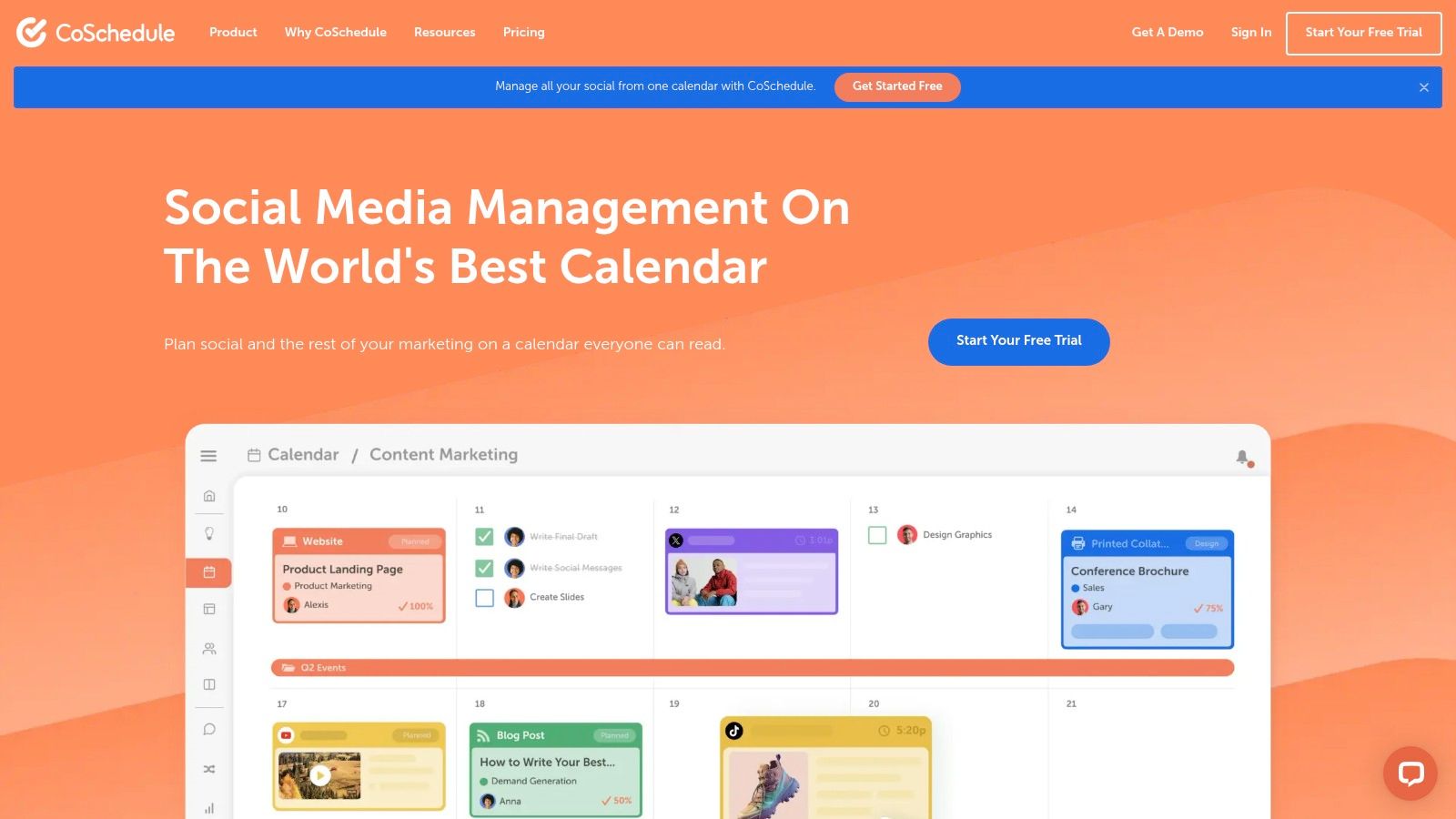
- 9. Optimizely Content Marketing Platform
- 10. Contently
- Top 10 Content Operations Tools, Feature Comparison
- Matching a Tool to Your Editorial Workflow
1. TheContentMap
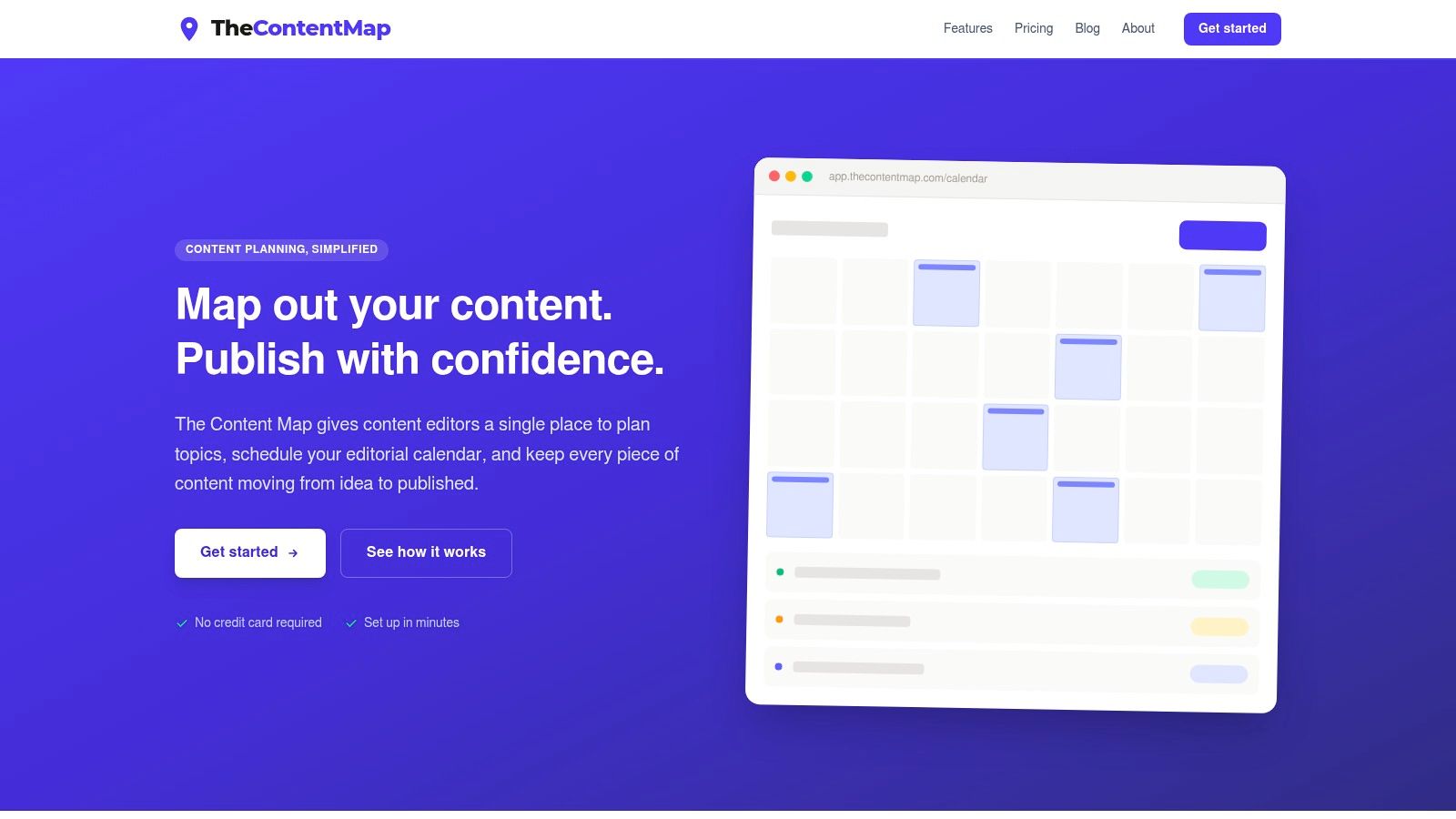
A typical fit looks like this. The editorial team has already hit the limit of spreadsheets, but it still does not want a full enterprise work-management rollout. TheContentMap suits that middle ground well because it keeps the calendar at the center, then ties ideas, assignments, review stages, comments, reminders, and post-publish insights to each content item.
That matters in daily editing work.
A managing editor can log an idea, assign it, move it through draft and review, then shift the publish date without rebuilding a whole project structure. Topics, channels, and campaigns stay attached to the item, so the calendar keeps its value after the weekly planning meeting instead of turning into a static display.
Best editorial job
TheContentMap does its strongest work as a working editorial calendar for teams that need clear ownership and visible status without extra process overhead. Its drag-and-drop schedule sits alongside an idea pipeline, ownership fields, comments, reminders, and content insights. In practice, that helps with the failures editors deal with every week: ideas getting buried, responsibility turning fuzzy, delays surfacing too late, and published work losing its connection to the original plan.
The platform fits in-house marketing teams, publishers, agencies, freelance writers, and editors managing contributors across multiple projects. It runs in the browser through TheContentMap's editorial planning workspace, which makes it easier to adopt than a system that needs heavy setup or formal project-management habits.
Practical rule: If your Monday planning meeting ends with three people privately tracking the same publish date, the calendar is a display, not an operating system.
Pricing is one of the clearer parts of the product. The Starter plan is free, Pro costs $12 per editor per month, and Team costs $29 per editor per month. The company also says teams can start without a credit card. Pro and Team include unlimited projects, while Team adds unlimited seats, custom workflows, onboarding help, priority support, SSO, and advanced security controls.
Where it stops
The trade-off is scope. Starter has project and seat limits, so teams usually outgrow it once collaboration becomes the main job instead of a side task. The site also does not prominently present native CMS integrations or a dedicated mobile app, so teams with more complex publishing operations should verify how approved content gets into production.
It also stops short in areas some larger organizations will care about. TheContentMap is not built to replace a full digital asset management system, enterprise resource planning software, or a general-purpose work-management platform. For editors, that lighter footprint is often an advantage. For teams dealing with strict legal routing, layered approvals, or detailed asset governance, it is a point to test early.
Best for: Content editors and lean marketing teams that need a visual planning system, clear ownership, and transparent pricing.
Pricing: Starter is free. Pro is $12 per editor per month. Team is $29 per editor per month.
Website: thecontentmap.com
2. CoSchedule Marketing Suite and Calendar
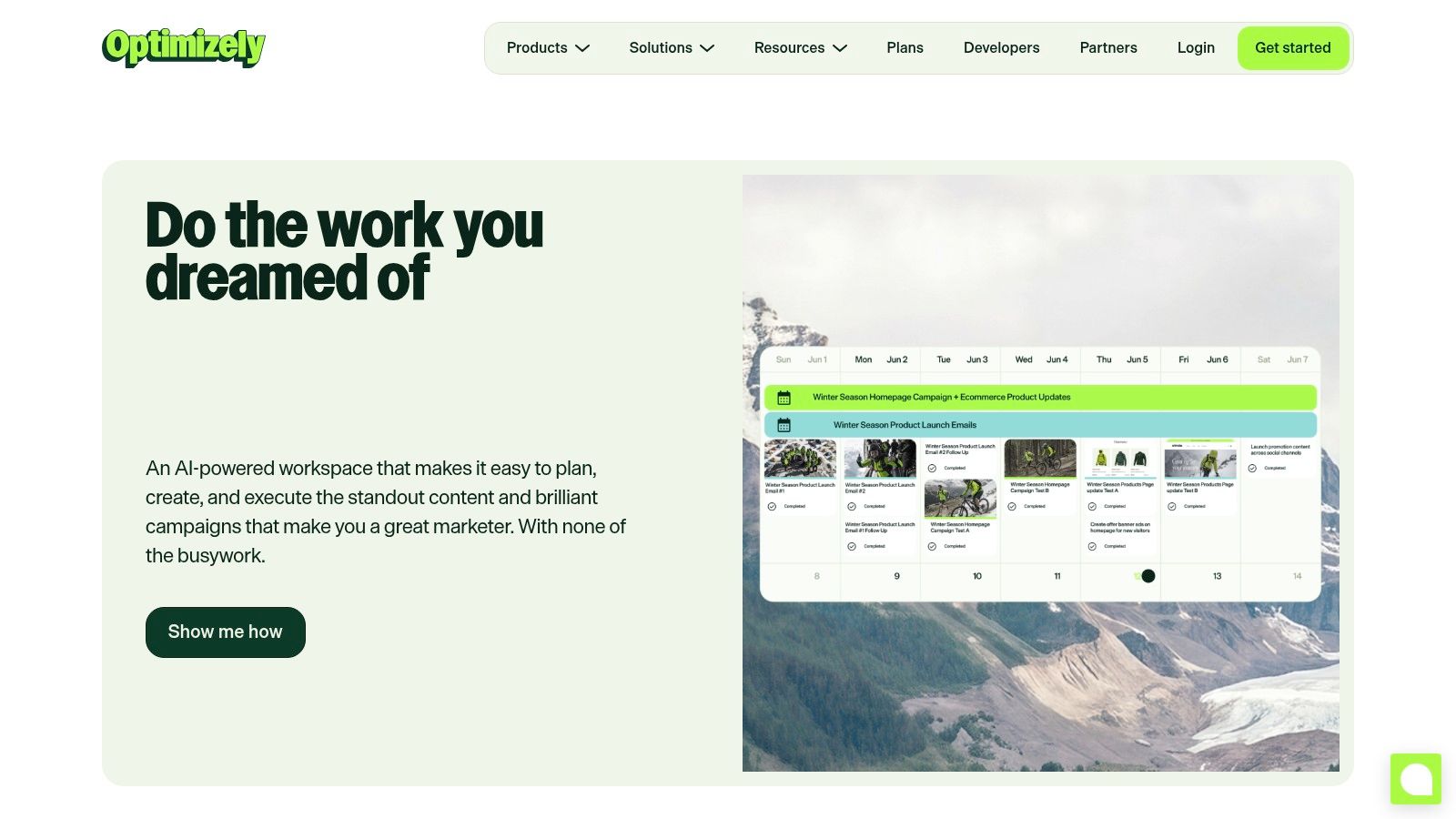
CoSchedule is a natural step for teams that want their editorial calendar and social promotion plan in the same workspace. Its calendar acts as a shared record for content, campaigns, and social activity, while timeline, Kanban, and table views help different team members work in the format they prefer.
The platform is particularly useful when publishing an article is only half the job. Social scheduling, campaign coordination, approvals, permissions, analytics, and campaign timelines give marketing teams a way to connect production with distribution rather than treating promotion as a separate checklist.
Best editorial job
CoSchedule does its best work as a marketing calendar of record. Teams moving from spreadsheets can usually understand the visual calendar quickly, and the ability to coordinate content with social activity reduces the risk that a finished article sits unused after publication.
Its social automation, including ReQueue, is valuable for teams that maintain recurring distribution rhythms. The platform also includes an AI social and campaign assistant, approval workflows, team permissions, analytics, and campaign timelines. Suite workspaces add broader collaboration and calendar controls for organizations managing several marketing groups.
A useful editorial planning reference is this guide to content scheduling apps for editorial teams, especially when the main problem is coordinating publication and promotion rather than managing complex production governance.
Where it stops
CoSchedule is more marketing and social-oriented than editorial-governance-oriented. It can support approvals and permissions, but teams with intricate legal reviews, multi-stage content QA, or strict compliance records may find that they need the higher-tier Suite offering or additional tools.
The platform works well when the calendar is the main coordination problem. It becomes less attractive when editors need highly detailed content taxonomies, structured briefs, or a highly customized lifecycle for every content type. The question isn't whether CoSchedule can represent those processes. It can. The question is how much configuration your team wants to maintain.
Best for: Marketing teams coordinating editorial production with social distribution and campaign activity.
Pricing: Pricing varies by product and plan. Confirm current costs with CoSchedule before purchase.
Website: CoSchedule
3. Airtable for Content Operations
Airtable is the strongest option here for teams that want to build their own editorial operating model. It combines a spreadsheet-like interface with a database structure, allowing teams to connect ideas, briefs, writers, campaigns, channels, assets, and performance records in one configurable base.
That flexibility is both the product's appeal and its central trade-off. An experienced operations lead can create a detailed content system with linked records, automations, interfaces, and multiple views. A team without a clear model can just as easily build an overcomplicated database that nobody updates consistently.
Best editorial job
Airtable is best at modeling unusual editorial operations. Teams can create calendar, list, Kanban, gallery, and interface views over the same underlying records. Automations can route notifications or update fields, while templates provide a starting point for marketing and content workflows.
This works particularly well for organizations that need more than a simple publish calendar. For example, an agency might connect client, campaign, content type, writer, approval stage, publication channel, and reporting data. A publisher might track recurring series, formats, contributors, rights, and refresh status in related tables.
For teams comparing calendar-first products with configurable databases, this overview of editorial calendar software provides useful context on the operational difference.
Where it stops
Airtable makes you responsible for the schema. Someone has to decide which fields matter, how statuses work, what counts as complete, how records relate, and what happens when the original builder leaves the organization. Without disciplined maintenance, the base gradually becomes a collection of personal views and inconsistent conventions.
Native proofing and editorial approvals are also less opinionated than in creative-operations platforms. Airtable can represent an approval stage, but representing one isn't the same as creating a reliable review experience with contextual comments, locked gates, and an auditable sign-off process.
Best for: Operations-minded teams with a distinctive content model and the capacity to design and maintain it.
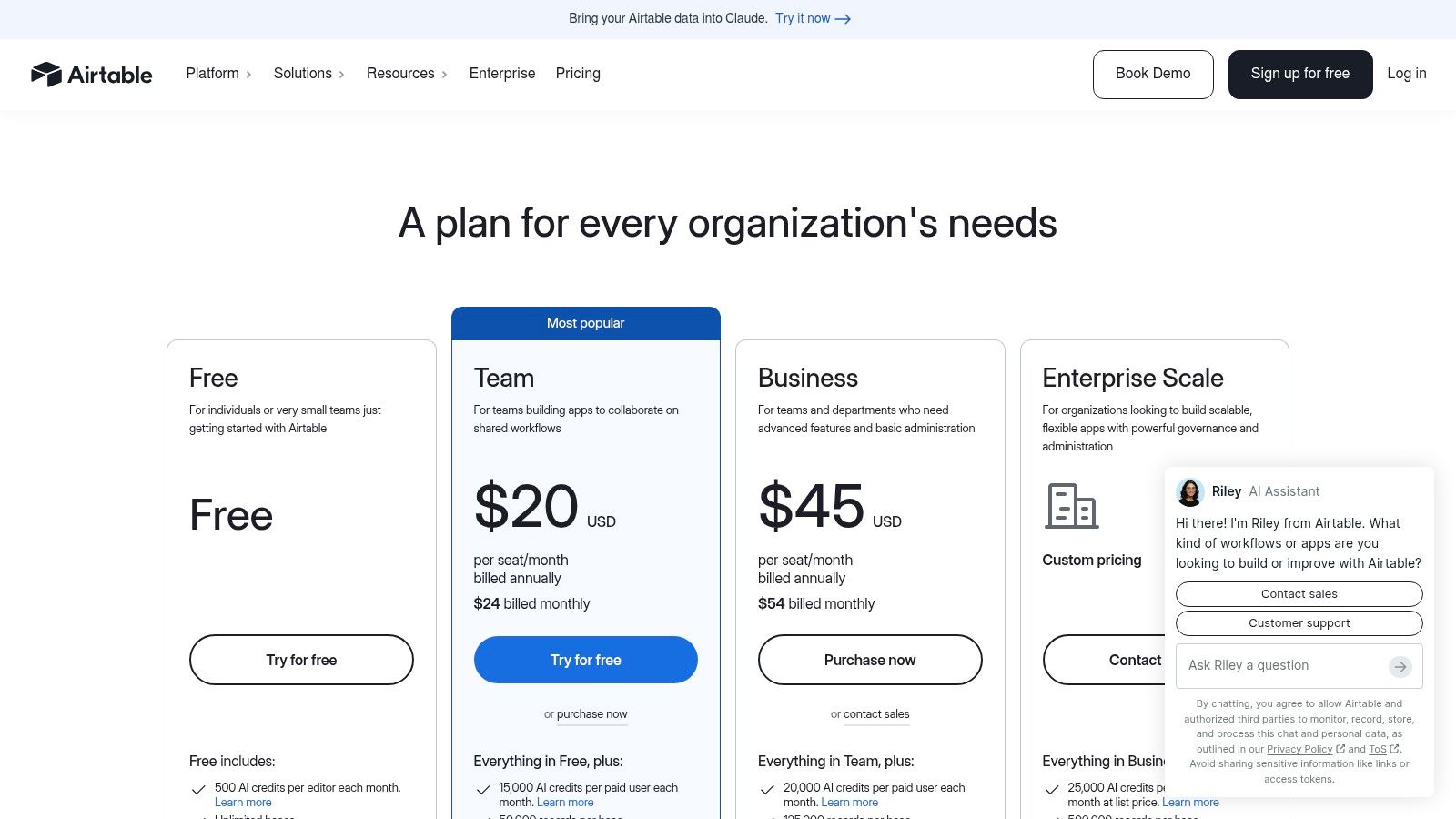
Pricing: Airtable offers plan tiers and enterprise options. Check the current Airtable pricing information for exact terms.
Website: Airtable
4. Asana for Marketing and Content Workflows
Asana fits teams that already manage broader marketing work in a work-management platform and want content to live within that system. Its campaign templates, approvals, proofing, automation rules, portfolio reporting, and goal tracking make it useful for coordinating briefs, reviews, launches, and stakeholder requests.
The platform's main advantage is adoption. Many stakeholders understand tasks, projects, assignees, and due dates already, so a content workflow can fit into an existing operating rhythm without introducing a specialized editorial application.
Best editorial job
Asana is best at standardizing cross-functional marketing work. A content request can enter through an intake process, move into a campaign project, receive an owner, collect comments, and surface in a portfolio view for leadership. Image and PDF proofing helps reviewers comment on assets without scattering feedback across email.
AI and automation capabilities can help with intake, routing, and status updates. Enterprise administration and security controls also make Asana easier to place inside organizations where marketing operations, IT, and security teams need visibility into how work is managed.
A general work-management tool works best when content is one part of a larger campaign system. It becomes less comfortable when editorial stages are the main object of the work.
Where it stops
Asana isn't a specialized editorial content marketing platform. It can represent briefs, drafts, approvals, and publication tasks, but editors may need to configure templates and custom fields before the workflow feels natural. Advanced governance may also require add-ons or integrations.
Pricing and AI access vary by tier, so a team shouldn't assume that a feature seen in a demonstration is available in the plan it can afford. Test a complete workflow with real stakeholders, including request intake, editorial review, legal feedback, and final publication status.
Best for: Marketing departments standardizing campaign and content workflows across many stakeholders.
Pricing: Plan and AI access vary by tier. Confirm current pricing directly with Asana.
Website: Asana
5. Wrike Marketing Solution
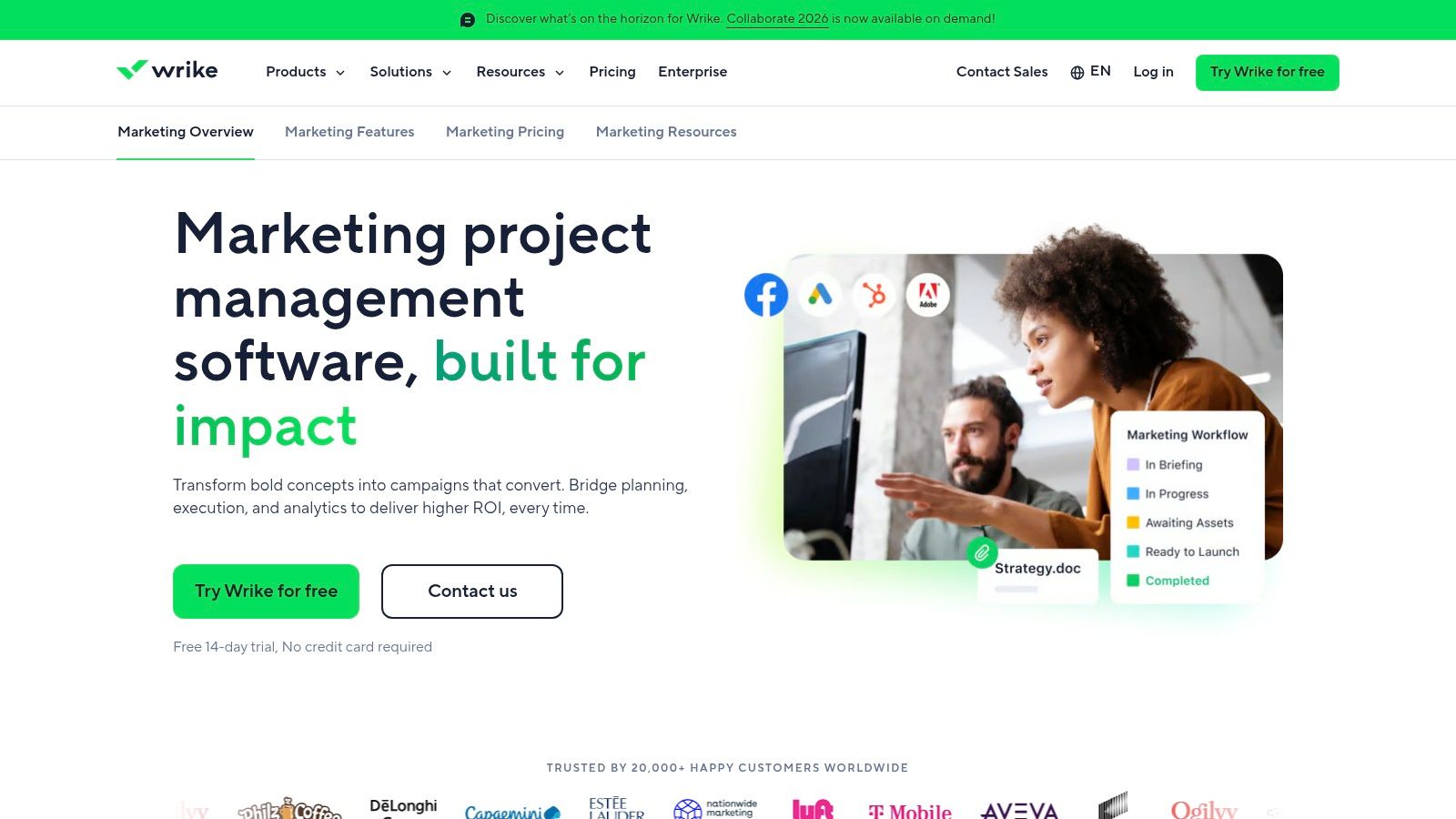
Wrike is a good choice when content production includes substantial creative review, resource coordination, and project-management complexity. Its marketing solution combines request forms, campaign calendars, resource views, dashboards, proofing, approvals, and multiple work views, including Board, Table, Gantt, and Calendar.
The Adobe Creative Cloud integrations are especially relevant to teams where editors, designers, and creative producers share responsibility for campaign deliverables. Wrike can keep a request connected to the project and the review record instead of forcing a marketing manager to chase updates across separate systems.
Best editorial job
Wrike is best at managing complex creative approvals. Online proofing supports images, video, PDFs, and links, making it easier for several reviewers to give feedback in context. Dynamic request forms can standardize how work enters the team, while automated intake can turn requests into structured projects or tasks.
That depth matters when content is tied to launches, design production, paid media, and multiple approval groups. Dashboards and business intelligence connectors give managers a way to inspect workload and project status beyond a simple list of publish dates.
Teams looking for a process-focused editorial system can also review this guide to editorial workflow management software before deciding whether they need a creative project suite or a more focused content planner.
Where it stops
Wrike is still a general-purpose project-management platform. Editorial taxonomy, content types, topic structures, and publishing conventions require configuration. The platform can support them, but it won't automatically understand the difference between a cornerstone page, a product update, a newsletter, and a social asset.
Some advanced business intelligence and integrations are add-ons, so the apparent feature depth shouldn't be confused with included functionality. Wrike publishes public pricing tiers, which makes initial comparison easier, but the total cost can still depend on the integrations and controls your workflow needs.
Best for: Creative and content teams that need strong proofing, request intake, resource planning, and project visibility.
Pricing: Public tiers are available, with advanced capabilities and integrations varying by plan.
Website: Wrike Marketing
6. StoryChief
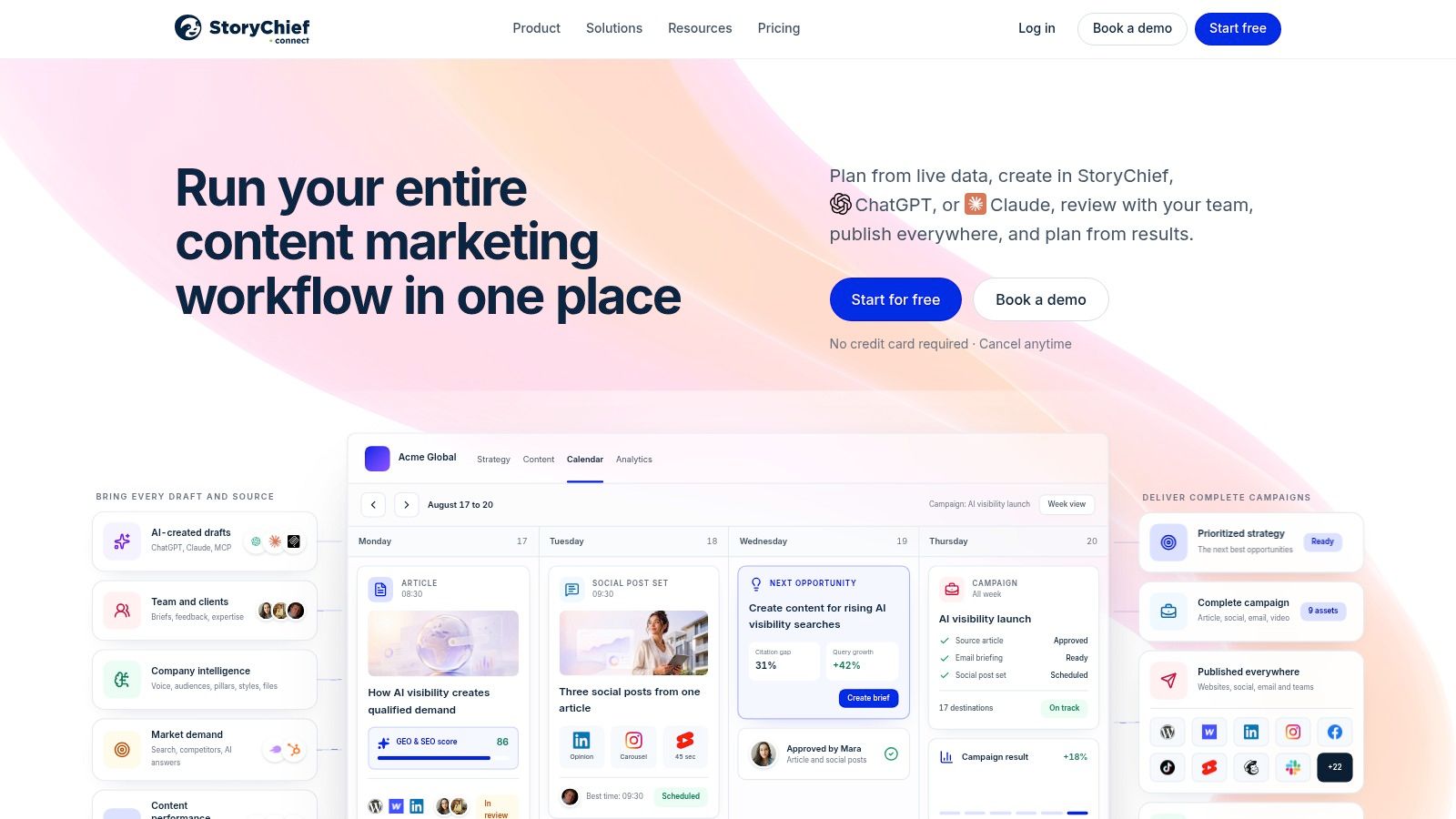
StoryChief is designed for teams that publish and repurpose content across several channels. It connects content strategy, briefs, AI-assisted creation, collaboration, approvals, publishing, SEO, and analytics in one channel-focused workspace.
The strongest use case is a team that doesn't want to finish a blog post in one tool, copy it into a CMS, rewrite it for social, and then ask a separate person to track performance. StoryChief supports one-click channel publishing, CMS and CRM integrations, Slack connections, employee advocacy, and guest-writer workflows.
Best editorial job
StoryChief is best at multi-channel orchestration. A growing in-house team or agency can plan an article, involve a writer, route it through approvals, optimize it for search, and distribute it to connected channels without making the editorial team manually reproduce every step.
The platform also includes image and video support, an API, integrations with CMS and CRM tools, and workflows for employee advocacy and guest contributors. That breadth makes it more useful than a calendar-only product for organizations where distribution is a major part of editorial operations.
Where it stops
StoryChief isn't a full digital asset management system. Teams with strict rights management, large asset libraries, or extensive compliance requirements may need to pair it with a DAM. Its channel-first approach also means that organizations with highly specialized internal editorial processes should test whether the standard workflow maps cleanly to their review model.
Pricing is listed in euros, and enterprise SSO and SLA support are reserved for the Enterprise tier. International teams should confirm billing, support, integration, and security requirements before treating the public plan structure as a complete purchasing picture.
Best for: In-house teams and agencies that repurpose content across CMS, social, advocacy, and other channels.
Pricing: Pricing is listed in EUR. Enterprise SSO and SLA support require the Enterprise tier.
Website: StoryChief
7. Lytho Planner, Formerly DivvyHQ
Lytho Planner is built around predictable delivery, clear ownership, and auditability. Formerly known as DivvyHQ, it provides a central calendar with owners, steps, dates, dashboards, parent and child calendars, content types, recurring series, campaigns, and Outlook synchronization.
Its value becomes clearer when a calendar must do more than show dates. A complex editorial organization needs to see which work belongs to which campaign, who owns the current stage, where bottlenecks sit, and how recurring programs fit into the broader publishing plan. Lytho Planner is designed for that level of organization.
Best editorial job
Lytho Planner is best at governed editorial planning. Its calendar patterns and dashboards help teams manage multiple programs without forcing every content item into one flat list. Integration with Lytho's DAM and review tools extends that planning model into asset governance and approval operations.
This makes it a sensible fit for teams that need a visible record of what was planned, assigned, reviewed, and delivered. The audit orientation is particularly relevant when managers need to explain how work moved through the system rather than just confirm that something was published.
Where it stops
Lytho doesn't publish public pricing for Planner, so buyers need to contact sales for a quote. That makes it harder for a small team to estimate cost before investing time in a demonstration.
The transition from DivvyHQ to Lytho can also create naming confusion during vendor evaluation. Teams should confirm which product, packaging, integrations, implementation services, and support commitments are included in the proposal.
Best for: Editorial organizations that prioritize structured calendars, governance, audit trails, and connection to creative operations.
Pricing: Not publicly listed. Pricing is available through the sales process.
Website: Lytho Planner
8. Bynder Content Workflow, Formerly GatherContent
Bynder Content Workflow, formerly GatherContent, is strongest for structured, text-heavy editorial production. It gives teams templates, guidelines, roles, multi-step approvals, project and item organization, and controlled approval gates. The connection to Bynder DAM adds a practical path for reusing governed assets alongside web pages and articles.
The platform suits organizations where content consistency matters as much as speed. A team can define how a page or article should be structured, guide contributors through the required information, and keep approval responsibility visible before content is exported or delivered to another system.
Best editorial job
Bynder Content Workflow is best at governing structured editorial content. Templates, folder hierarchy, access controls, and guidelines help teams standardize production across contributors and channels. Export and API options also make it possible to connect approved content to broader publishing infrastructure.
The Bynder relationship is important for organizations that already care about asset reuse, permissions, and compliance. Text production and asset governance can sit within a connected ecosystem rather than existing as separate operational conversations.
Where it stops
Pricing and enablement run through Bynder Customer Success, so public pricing transparency is limited. Buyers should ask for a clear breakdown of licensing, implementation, workflow configuration, integrations, and ongoing support.
Bynder Content Workflow is less suited to ad-hoc visual proofing than a creative-operations suite built around reviewing images, video, and design files. It may be the better choice for page and article governance, but teams with heavy creative production should test the review experience with representative assets.
Best for: High-volume web and editorial teams that need templates, structured workflows, and governed content connected to a DAM.
Pricing: Public pricing is limited. Contact Bynder for current terms and enablement details.
Website: Bynder
9. Optimizely Content Marketing Platform
A common enterprise problem looks like this. One team owns campaign planning, another handles production, brand reviews happen elsewhere, and reporting lives in a separate system. Optimizely Content Marketing Platform is built for that kind of environment, especially for organizations already using Optimizely for CMS, DAM, experimentation, or data.
Its value is less about giving teams another calendar and more about giving them a governed operating layer. Request intake, workflow routing, configurable approvals, publishing connectors, asset access, and performance visibility sit in one place, which helps when content moves across multiple stakeholders before it goes live.
Best editorial job
Optimizely CMP is best at end-to-end enterprise content governance. It suits large marketing groups that need a single system for campaign structure, content creation, approvals, assets, and reporting. That matters when leadership wants a clearer view of what is planned, what is blocked, and what has shipped across several teams.
This is also where the product makes the most sense commercially. If your editorial operation already depends on the wider Optimizely stack, the handoff between planning and execution can be cleaner than stitching together separate point tools.
Optimizely states that it is listed in the Gartner Magic Quadrant for Content Marketing Platforms. Verify current placement and evaluation criteria on Gartner's own site before treating that as an independent endorsement.
Where it stops
Optimizely CMP is sold through enterprise sales, and public pricing is not available. Buyers should expect to ask about licensing, implementation scope, integrations, and ongoing support rather than getting a simple self-serve price.
It is also heavier than a lightweight editorial planner. Teams that mainly need clearer ownership, due dates, and a usable content calendar may find the setup and administration harder to justify.
Best for: Enterprise marketing organizations that need governed content operations, especially within the Optimizely ecosystem.
Pricing: Enterprise pricing is handled through sales and is not published publicly.
Website: optimizely.com/products/content-marketing
10. Contently
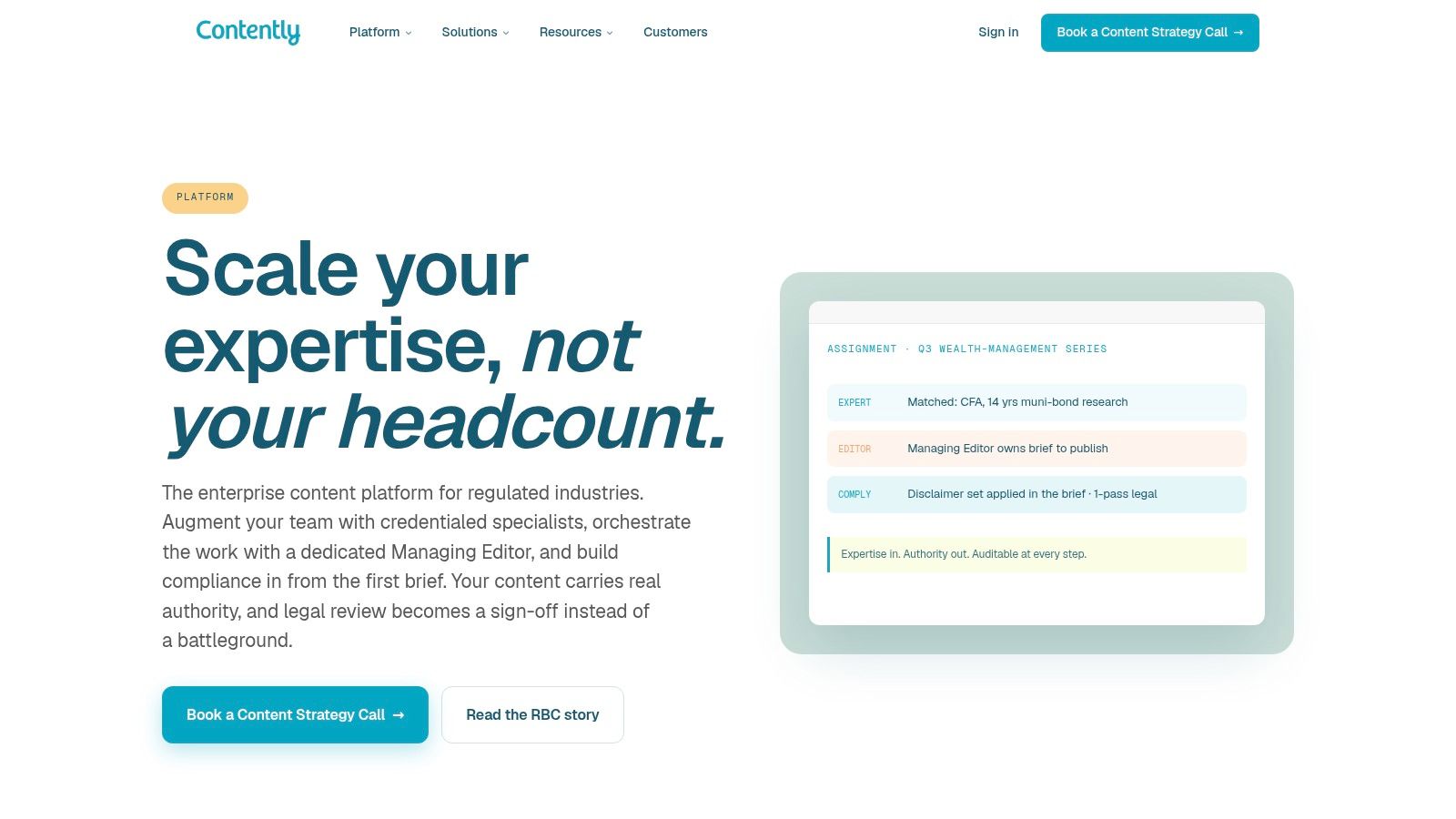
Contently takes a managed-service approach to content operations. Alongside workflows, briefs, queues, audit trails, analytics, legal and compliance review, it provides access to editors and vetted creators. That makes it materially different from tools designed for teams that want to handle all editorial production internally.
The platform is a strong fit when the problem isn't just coordination software. A regulated or technically complex organization may need help finding suitable writers, managing editorial quality, routing approvals, and connecting content performance to CRM and pipeline data.
Best editorial job
Contently is best at reducing the internal coordination burden of managed editorial production. The combination of briefs, queues, creator access, compliance workflows, legal review, and attribution analytics suits B2B and regulated teams that need more than a publishing calendar.
The creator network can help organizations produce specialized content without recruiting every contributor themselves. Audit trails and compliance processes also give legal and brand stakeholders a clearer place to review work before publication.
Where it stops
Contently is an enterprise-level investment with pricing handled through sales. It is also less DIY than TheContentMap, Airtable, or a general work-management platform. Teams that already have strong writers, editors, and processes may not need the managed-services layer.
That difference should shape the evaluation. Don't compare Contently only as a software license. Compare the combined operating model, including creator access, editorial services, compliance support, analytics, and the degree of production responsibility you want to retain internally.
Best for: Regulated or B2B organizations that need managed editorial scale, specialist creators, and complex review processes.
Pricing: Enterprise pricing is provided through sales.
Website: Contently Platform
Top 10 Content Operations Tools, Feature Comparison
| Product | Core features | UX / Quality ★ | Price & Value 💰 | Target audience 👥 | Unique strengths ✨ |
|---|---|---|---|---|---|
| TheContentMap 🏆 | Drag‑and‑drop editorial calendar; idea pipeline; assignments; performance insights | 4.5★, editorial‑first, fast setup | Starter Free; Pro $12/editor/mo; Team $29/editor/mo 💰 | Editors, managing editors, in‑house marketing, publishers, agencies | ✨ Calendar‑first + embedded insights; 🏆 Recommended for editorial teams |
| CoSchedule Marketing Suite / Calendar | Unified calendar; social automation (ReQueue); approvals; analytics | 4★, marketing‑centric UX | Tiered plans; Suite for teams (contact sales for full pricing) 💰 | Marketing teams, social managers, agencies | ✨ Strong social scheduling & campaign automation |
| Airtable (for Content Ops) | Flexible DB bases; calendar/Kanban/views; automations & templates | 4★, extremely configurable (build required) | Free tier; paid per‑seat Team/Business tiers 💰 | Ops‑savvy content teams, builders, integrations‑oriented teams | ✨ Highly customizable schema + wide integrations |
| Asana (Marketing / Content workflows) | Campaign templates; approvals & proofing; portfolio reporting | 4★, strong PM features, cross‑team visibility | Free basic; Premium/Business per user tiers 💰 | Marketing ops, cross‑functional teams, program managers | ✨ Portfolio & goal tracking + approvals |
| Wrike (Marketing solution) | Request/intake forms; proofing/approvals; Gantt, calendar, dashboards | 4★, PM depth, robust reporting | Tiered pricing to enterprise (public tiers + sales) 💰 | Creative teams, content ops needing project rigor | ✨ Adobe CC integrations & advanced proofing |
| StoryChief | Central calendar; one‑click multi‑channel publishing; AI writing | 4★, good for multi‑channel orchestration | Pricing in EUR; Enterprise SSO on top tier 💰 | Teams repurposing content across channels, agencies | ✨ Integrated publishing, SEO & channel analytics |
| Lytho Planner (formerly DivvyHQ) | Central calendar with owners, recurring series; DAM & review integration | 3.5★, governance and audit focus | Pricing via sales 💰 | Regulated teams, enterprise content ops, compliance‑focused orgs | ✨ Strong governance, audit trails + DAM ecosystem |
| Bynder Content Workflow (GatherContent) | Templates, multi‑step workflows, roles, approvals; Bynder DAM integration | 3.5★, structured editorial controls | Pricing via Bynder Customer Success 💰 | High‑volume editorial teams, enterprises | ✨ Deep DAM integration & standardized templates |
| Optimizely CMP | Shared calendars; configurable workflows; integrated DAM & analytics | 4.5★, enterprise‑grade governance | Enterprise pricing via sales 💰 | Large enterprises, brands needing end‑to‑end governance | ✨ End‑to‑end CMP integrated with Optimizely suite |
| Contently | Managed editorial services + platform: briefs, queues, analytics, compliance | 4★, white‑glove managed workflows | Enterprise pricing via sales 💰 | Regulated or B2B orgs needing managed scale | ✨ Managed creators + legal/compliance and pipeline attribution |
Matching a Tool to Your Editorial Workflow
Start with the job, not the feature list. A content team usually doesn't need every capability described in a vendor demo. It needs a dependable answer to a specific operational problem, such as keeping publish dates current, routing approvals, managing assets, supporting several channels, or proving what happened to a piece after it entered production.
For a small in-house team, the first question is whether a visual planner can replace the spreadsheet, email thread, and informal reminder system. TheContentMap is designed for that environment, with an editorial calendar, idea pipeline, assignments, comments, reminders, workflow stages, and insights in one workspace. CoSchedule is a stronger fit when social promotion and campaign distribution belong in the same calendar.
A configurable platform makes more sense when your editorial model is unusual. Airtable can represent detailed relationships between briefs, campaigns, contributors, channels, assets, and results, but someone must maintain the system. That flexibility is valuable only if the team has an owner for the schema and the discipline to keep fields, statuses, and automations coherent.
General work-management products occupy the middle ground. Asana works well when content is part of a broader marketing portfolio and stakeholders already use the platform. Wrike is a better match when creative proofing, request intake, resource planning, Adobe integrations, and complex approvals matter as much as the editorial calendar.
Specialized governance platforms solve a different class of problem. StoryChief is built for multi-channel publishing. Lytho Planner is focused on predictable calendars, ownership, and auditability. Bynder Content Workflow is a strong option for structured web content connected to DAM governance. Optimizely CMP and Contently make more sense when enterprise controls, integrated ecosystems, managed production, or formal compliance processes justify a larger implementation.
Team size and operating maturity matter. The Content Marketing Institute's enterprise research found that 76% of enterprise respondents had a dedicated content marketing team or person, while 54% of those teams consisted of two to five people. The source sample included global responses collected between June 25 and August 16, 2024, with enterprise respondents defined as organizations with at least 1,000 employees. Those figures point to a practical reality: many teams responsible for serious content operations are still small, so a tool must reduce coordination overhead rather than create more administration. (Content Marketing Institute and MarketingProfs research summary)
Measurement deserves equal attention. In a global survey of 1,080 B2B marketers conducted in July 2023, only 46% agreed that their organization measured content performance effectively, while 36% disagreed and 15% were neutral. The most commonly used indicators were conversions at 73%, email engagement and website traffic at 71% each, website engagement at 69%, and social-media analytics at 65%, according to the Content Marketing Institute enterprise research. Don't choose a calendar that only tells you what is scheduled. Decide how the team will connect planned work to outcomes.
AI makes workflow design more important, not less. B2B marketer adoption is reported at 81%, but output quality is uneven: 17% rate AI output excellent or very good, 44% rate it good, and 35% rate it fair, according to Content Marketing Institute's B2B research. Any platform that supports AI-assisted production still needs human ownership, review gates, clear status transitions, and feedback from published performance.
Before committing, run a two-week pilot using real publish dates, real contributors, and at least one delayed approval. Check whether owners can see their next action, whether editors can identify bottlenecks without chasing updates, and whether stakeholders can leave feedback in the correct context. Confirm how approved content connects to your CMS, analytics, DAM, CRM, and social tools.
Finally, ask for the complete commercial picture. TheContentMap, CoSchedule, Airtable, Asana, and Wrike provide different degrees of public pricing information, while Lytho Planner, Bynder Content Workflow, Optimizely CMP, and Contently require a sales conversation for current pricing. Request details on implementation, support, integrations, seats, security features, and future expansion. A transparent quote is part of the product evaluation, not an administrative detail.
TheContentMap gives editorial teams a calendar-first workspace for capturing ideas, assigning ownership, managing draft-to-published workflows, setting reminders, and learning from content insights. If you want content operations software that replaces scattered spreadsheets without imposing enterprise-level complexity, visit TheContentMap and test the workflow with your own publishing calendar.
Related Articles
Content Marketing Workflow for Editorial Teams
83% of marketing leaders wanted to streamline workflows and reduce the number of technology solution...
SoftwareTagging Ideas for Editorial Teams: A Practical Guide
You're in a planning meeting, looking for ideas about pricing. One editor used pricing, another...
SoftwareContent Calendar Planning: A Step-by-Step Guide for 2026
Your calendar looks full, but next week's article is still waiting for product approval. A write...
Comments (0)
No comments yet. Be the first to share your thoughts.