Content Calendar Free: 10 Tools Worth Trying in 2026
Looking for a content calendar free option? Compare 10 free templates and tools, with pros, limits, and setup notes for editors and teams in 2026.
A three-person team starts with one shared spreadsheet. By month three it's four tabs, two versions of the same schedule, and a missed deadline nobody owned. Someone updates the publish date in one place, the writer keeps working from the old brief, and the editor finds out only when the piece doesn't show up.
That pattern is common because structured planning still isn't universal. A 2024 WG Content survey reported in an industry analysis of content calendars found 38% of organizations planned content only on an ad hoc or as-needed basis, while just 35% reported using an editorial calendar. The problem isn't effort. It's that ideas, owners, dates, and approvals live in separate places, so no one sees the full schedule until something slips.
A content calendar free tier can fix that, but only if its limits match your real workload. Some tools cap editor seats. Others lock the calendar view, limit records, or let you schedule only a handful of social posts. The ten options below are judged on that breaking point, not on a generic feature list. I've also separated true editorial calendars, which manage briefs, ownership, and workflow stages, from social schedulers that mainly queue posts for publication.
Table of Contents
- 1. TheContentMap
- 2. ClickUp
- 3. Notion
- 4. Airtable
- 5. Trello
- 6. Asana
- 7. Buffer
- 8. Metricool
- 9. CoSchedule Marketing Calendar
- 10. Edit Flow
- How the free plans compare on limits, calendar access, and best fit
- Choose the Free Setup You Can Keep Running
1. TheContentMap

TheContentMap runs the whole editorial cycle in one place: capture ideas in a pipeline, assign owners and set publish dates on a drag-and-drop calendar, then publish and review what worked. It is built for editorial planning from the start, rather than a task manager reshaped into a calendar or a social queue with a date grid attached.
That structure earns its keep when work stalls between people. You can assign an owner, move a piece through draft, review, and published, and drag it to a new date without maintaining a second tracker. Topics and tags organize growing libraries by topic, channel, and campaign, so a scheduling fix doesn't turn into a search problem six months later. Publish reminders keep deadlines visible instead of relying on someone remembering to check.
Where the free tier holds and where it stops
The free Starter plan includes an editorial calendar, up to three projects, one editor seat, and community support. Setup takes minutes and no credit card is required. That covers a solo editor or one lead managing a few publications, channels, or client streams. The ceiling arrives the moment a second editor needs full control of the calendar, which is exactly where shared ownership usually turns messy.
- Best fit: A single editor who needs a real editorial workflow rather than another spreadsheet view.
- First limit you'll hit: The one editor seat, followed by the three-project cap.
- Paid path: Pro, the most popular tier, costs $12 per editor per month with a free trial, and adds unlimited projects, content insights, team collaboration, and priority support. Team costs $29 per editor per month and adds unlimited seats, custom workflows, onboarding support, and SSO with advanced security.
Content insights are the strongest argument for upgrading. They connect what you published to the topics and formats that performed, so planning the next cycle starts from evidence rather than memory. Many free calendars tell you whether something shipped; far fewer help you decide what to schedule next. The site lists Northwind Media, Atlas Publishing, Brightcopy, Meridian Content, and Fieldstone as users.
I recommend starting here if editorial planning is the job itself rather than one small part of a broader project system.
2. ClickUp
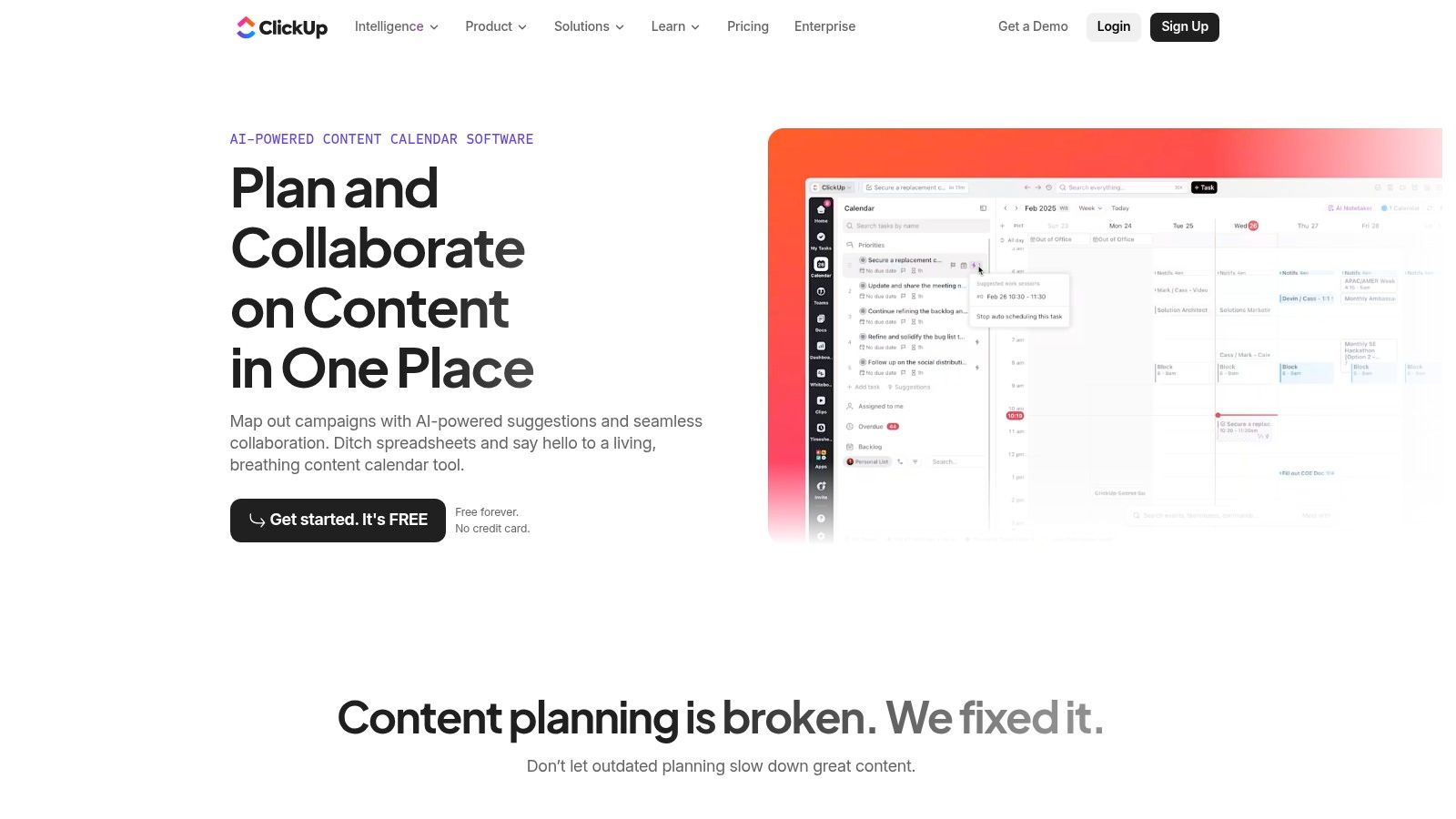
ClickUp's content calendar treats every article, campaign, and post as a task. That sounds generic, but it works well when the calendar needs to sit next to production work. You get owners, due dates, statuses, calendar and Kanban views, and Docs for briefs without sending the team to a separate planning tool.
The free plan is unusually generous on collaboration. It includes unlimited tasks and unlimited free members, so the seat cap that stops other tools doesn't stop this one. A small team can build lists for blog, email, and social, then use the same underlying tasks in a calendar view for deadline planning.
That flexibility is also the cost. ClickUp doesn't hand you a finished editorial system, so someone has to decide which fields matter, which statuses the team uses, and what counts as ready to publish. Without that discipline, you'll recreate the spreadsheet problem inside a more powerful interface.
Practical rule: If your team already manages campaigns, design requests, and content in one workspace, ClickUp's free tier will last longer than most. If you only need an editorial calendar, the setup and busy interface may outweigh the benefit.
File storage is limited on the free plan, and some advanced features carry usage caps. It also doesn't publish social posts for you. I recommend it for teams that value connected tasks and briefs more than a clean, editorial-only view.
3. Notion
Notion gives you a database and asks you to design the calendar yourself. Each content item can hold the brief, research, source links, draft notes, author, channel, status, and publish date in one record. You can then view the same records as a table, board, or calendar, and Notion Calendar can display dated database items alongside your schedule.
For a solo editor, that closeness between planning and context is hard to beat. You're not copying a title from a calendar into a separate document to find the brief. It's already attached to the record. That also makes Notion useful for a small team that already writes, stores research, and manages projects there, since the calendar becomes one more view of work they were tracking anyway.
The weakness appears when the database becomes the workflow without anyone maintaining it. Custom properties multiply, status names drift, and people create personal views that hide overdue work. Notion won't enforce an editorial process for you. One person needs to own the field list, the required properties, and what each status means, or the calendar stops matching reality.
Free tier limits to watch
- File uploads: Free-plan uploads are capped per file, which can be tight for media-heavy briefs.
- Collaboration: Free team use has limits around page history and blocks, so a growing team will feel the ceiling before a solo editor does.
- Maintenance: You own the templates, fields, and cleanup. When naming conventions slip, the calendar inherits the mess.
If you're weighing a Notion build against a spreadsheet starting point, the editorial calendar template in Excel guide shows which fields are worth carrying over either way. I recommend Notion when your team wants documents and planning in one place and can commit one person to keeping the system honest.
4. Airtable
Airtable is the upgrade path for teams that like spreadsheets but need stricter structure. The grid feels familiar, yet each row is a proper record with fields for topic, owner, deadline, status, URL, and campaign. You can link content pieces to campaigns or source material, then switch the same data into a calendar or another view.
That linked-record structure is where Airtable pulls ahead of a normal sheet. Say one campaign produces a guide, three social posts, and an email. You can connect those records instead of repeating the campaign name and hoping everyone spells it the same way. Filtering by channel, topic, or owner also stays cleaner as the library grows.
The free plan supports up to 1,000 records per base and up to five editors or creators. Those numbers set a clear test. A team publishing eight pieces a month can run for a long time before records become the issue. A publisher tracking ideas, drafts, social variants, updates, and published URLs in one base will consume records much faster.
Attachment storage and revision history are also limited on Free, and the calendar view has free-tier restrictions. Airtable doesn't provide an editorial workflow out of the box, so your team still designs statuses, required fields, and reminders.
I recommend it for editors who think in structured records and filters. It's less convincing if you need comments, handoffs, and deadline nudges to drive the work without extra configuration.
5. Trello
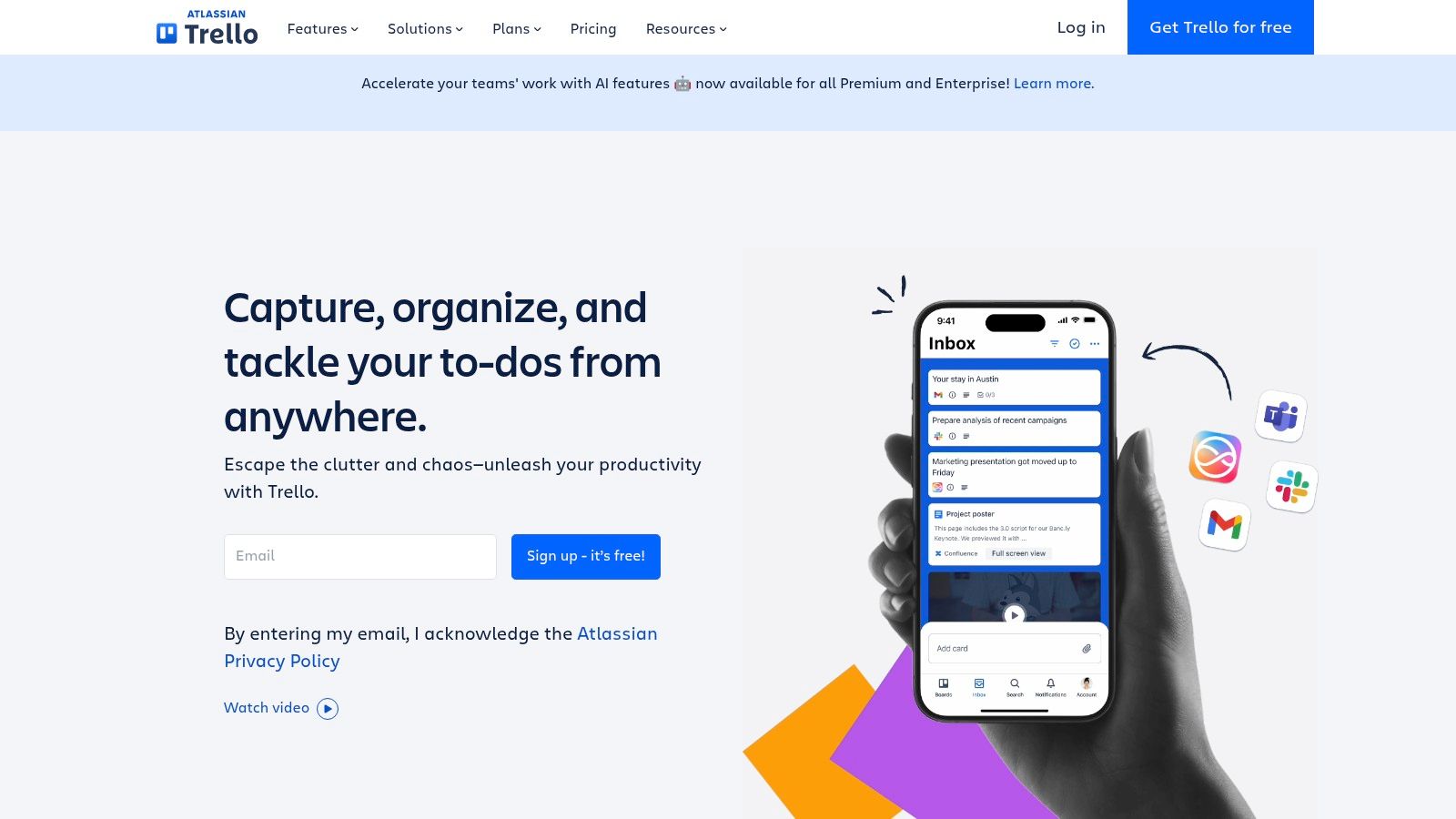
Trello is easiest to understand as a workflow board with dates, not a true free calendar. Cards move through lists such as idea, drafting, review, and published, and each card can hold a brief, links, checklist, owner, and due date. For a small team, that visual movement is often more useful than a month grid during daily production.
The free plan includes unlimited cards and up to 10 boards per Workspace. You can dedicate boards to a blog, newsletter, or client without running out of cards quickly. Setup takes minutes because the model is simple. If a card isn't moving, everyone can see where it's stuck.
The breaking point is explicit: the full Calendar view is a paid Premium feature. Due dates alone don't give you the same planning picture. You can scan a board for stage bottlenecks, but judging whether the next two weeks are overloaded or empty is harder without a calendar layout.
Multiple boards create a second problem. A blog board, social board, and client board can each look healthy while the same editor is overloaded across all three. Editorial metadata, approvals, and reporting also depend on labels, custom conventions, or Power-Ups rather than a built-in publishing model.
I recommend Trello for lightweight stage tracking when the team mainly needs to see work moving. Don't choose it expecting a free, organization-wide publishing calendar.
6. Asana
Asana's content calendar starts from tasks, but it feels more structured than building your own board or database. Each content item gets an assignee and due date, and the same work can be viewed as a list, board, or calendar. That makes deadline ownership clearer than in a spreadsheet where a date sits in one column and the responsible person sits somewhere else.
The free Personal plan includes unlimited tasks and projects plus calendar view. For an individual editor or a pair coordinating a blog and newsletter, that's a strong combination. You aren't forced to choose between seeing stages and seeing dates, and integrations with common work tools reduce manual status chasing.
The limit is seats. Free Personal allows up to two users, so the plan stops working as soon as a third person needs to participate directly. That isn't a subtle restriction you discover after months of use. It defines the audience from the start: personal projects and very small teams, not a growing editorial operation.
What the free plan doesn't solve
- Content-specific structure: Fields for channel, format, audience, and review stage may need paid controls or manual conventions.
- Approval depth: Complex review chains aren't the focus of the free tier.
- Team scale: The two-user cap arrives before task volume becomes a problem.
I recommend Asana when one or two people need dependable task ownership and a real calendar view without designing a database. If three editors will share planning next quarter, price the paid move before you build habits around the free plan.
7. Buffer
Buffer is a social scheduler, not a full editorial calendar. That distinction is not a criticism. If your content plan is mainly social posts that need to be drafted, queued, and published, Buffer does the last step that spreadsheets and task tools leave manual. You plan the post in the tool that sends it.
The free plan supports up to three connected channels, 10 scheduled posts per channel at a time, and 100 saved ideas. Insights and AI Assistant are listed among the free-plan features. For a solo creator posting a few times a week, those limits can support a steady routine. You can keep a short queue filled instead of writing every post on the day it goes live.
The queue cap is the breaking point. Ten scheduled posts per channel doesn't allow a month of daily publishing to sit ready at once. You'll need to refill the queue as posts publish, which is fine for a light cadence and frustrating for batch production. The free plan is also limited to one user, so it doesn't solve shared drafting or approval for a team.
Buffer won't track a long-form article through research, drafting, subject expert review, and publication in a meaningful editorial workflow. Use it beside an editorial calendar if social distribution needs its own queue. Our comparison of social media schedulers is useful if publishing automation is your main requirement.
I recommend Buffer for a solo, social-first publisher whose biggest problem is consistent posting, not multi-stage editorial coordination.
8. Metricool
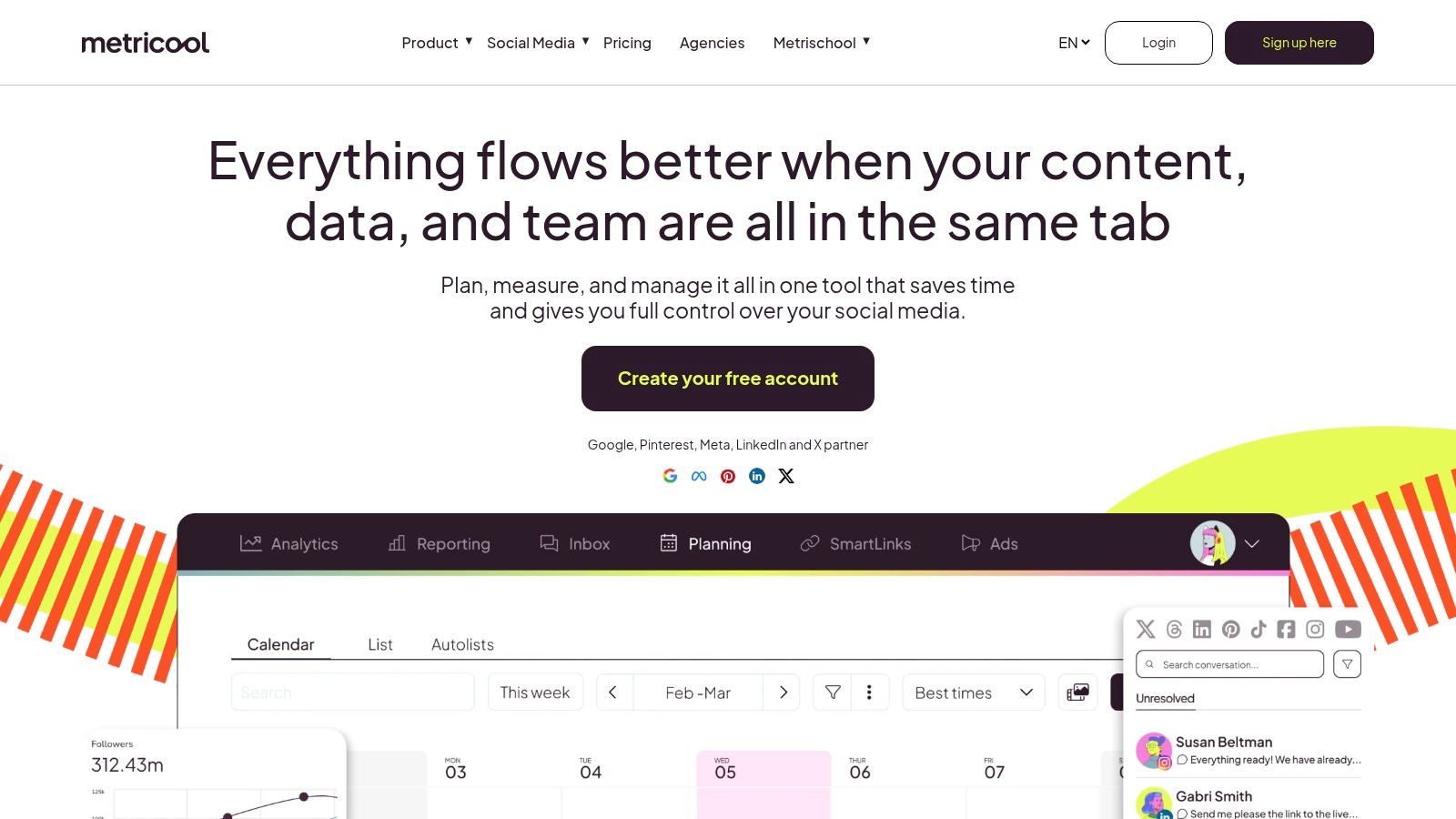
A small business posting daily on social needs two things from a free tool: a queue that publishes on time and a way to see which posts landed. Metricool does both in one place. You plan posts, publish automatically, and check recent performance without exporting the schedule into a separate reporting tool.
The free plan covers a single brand, caps how many posts you can plan each month, and keeps analytics history for only a short window. That is enough to test whether scheduled publishing and basic measurement improve consistency, but check Metricool's current plan details before you build a routine around them. A few posts a week across several channels reaches the monthly cap sooner than it looks, depending on how each planned post counts.
The short analytics window matters almost as much as the post cap. It is long enough to spot an immediate winner, and too short to compare this quarter with last quarter or judge whether a monthly series is gaining traction. Copy results into a spreadsheet if long-term learning matters.
A social calendar that publishes your posts still isn't an editorial system if it can't hold the brief, reviewer, source evidence, and approval state behind the post.
Metricool focuses on social channels rather than long-form briefs, article workflow, or cross-channel editorial approvals. I recommend it for one brand with a modest social cadence that wants scheduling and recent performance in one place. Multi-brand teams hit the ceiling first.
9. CoSchedule Marketing Calendar
A short social queue can look organized until it has to carry the whole editorial workload. The free plan for CoSchedule Marketing Calendar supports one social profile and up to 15 unsent scheduled messages at a time. That gives a solo publisher enough room to see upcoming posts on a single channel. It does not give a multi-channel team a central place for blog assignments, newsletter deadlines, review ownership, and several social profiles.
The free tier remains available beyond an introductory period. Check the signup flow before connecting an account, since it can route you toward a paid trial; set a cancellation reminder before that trial ends. Inactive free-calendar data may also be removed, so the account is a poor archive for a dormant project.
Paid tiers add broader collaboration and features such as analytics. On Free, the absence of social analytics and bulk scheduling creates a second ceiling after the queue cap: you can see what is coming next, but you cannot measure response or load a larger posting calendar efficiently. For editorial work, it functions more like a social scheduler than a planning system.
If your team still needs to settle owners, statuses, topics, and publish dates, get your content calendar planning in order before choosing a tool. I recommend CoSchedule Free for one profile and a short queue. Regular publishing across channels will outgrow it quickly.
10. Edit Flow
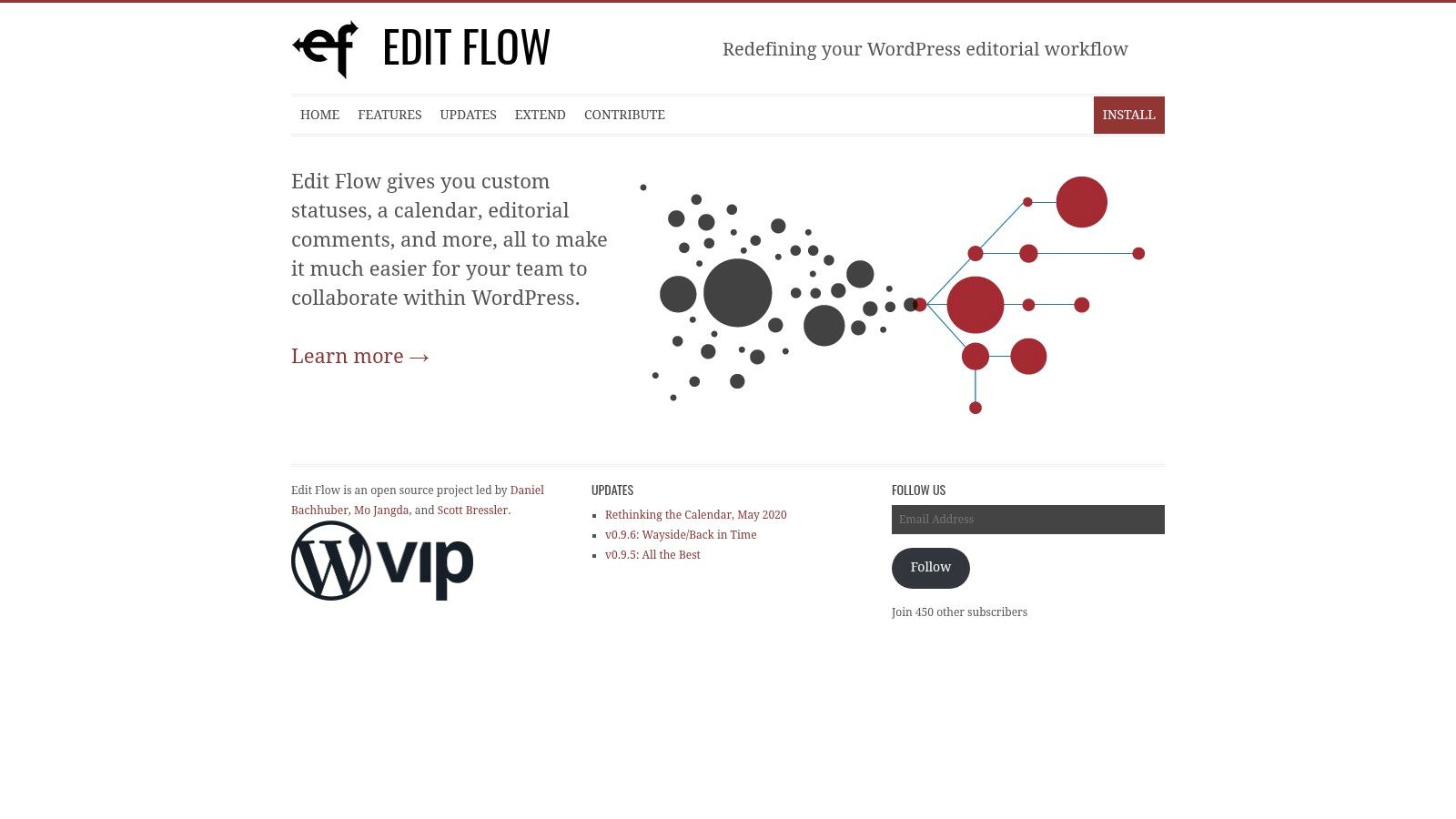
Edit Flow takes the opposite approach from general-purpose work tools. It's a free, open-source WordPress plugin that puts editorial planning inside the system where posts are created and published. The month-by-month calendar sits alongside custom statuses, editorial comments, metadata, notifications, story budget, and user groups.
For a WordPress newsroom, that proximity removes a common handoff problem. Editors aren't checking one calendar to find the assignment and another system to locate the draft. The publishing stages live with the posts, and editorial comments stay attached to the work instead of disappearing into email or chat.
The constraint is equally clear. Edit Flow only helps if WordPress is your publishing center. It won't coordinate a podcast workflow, client approvals in another system, social campaigns, and a separate newsletter platform in one cross-channel calendar. Teams should also check compatibility with their WordPress and PHP setup before relying on it, because plugin fit depends on the existing site environment.
Best use case
- WordPress publishers: Strong fit when most editorial work begins and ends as WordPress posts.
- Multi-channel teams: Weak fit when planning must span separate projects and platforms.
- Budget: Free and open source, rather than a limited commercial tier.
I recommend Edit Flow for a WordPress-led publication that needs custom statuses and editorial comments more than cross-channel planning. It is a true editorial tool inside a narrow boundary.
How the free plans compare on limits, calendar access, and best fit
Free plans break in predictable places: a second editor who needs a seat, a fourth project that won't fit, a calendar view that only exists on a paid tier. Read each row by where the free plan gives out first under real editorial load, then match it to the setup it can support.
| Item | Free plan limits | Calendar view on free | Best for |
|---|---|---|---|
| TheContentMap (recommended) | Up to 3 projects and 1 editor seat | Editorial calendar with drag-and-drop scheduling included on Starter | Editorial teams needing a dedicated planning workflow |
| ClickUp | Unlimited tasks and free members; file storage and some features are limited | Included | Teams connecting content plans, briefs, and tasks |
| Notion | Free plan suits individuals and small teams; 5 MB file uploads and collaboration limits | Available for dated database items | Solo editors and small teams wanting customizable databases |
| Airtable | Up to 1,000 records per base and 5 editors or creators | Available with free-tier limitations | Teams wanting structured, spreadsheet-style content planning |
| Trello | Unlimited cards and up to 10 boards per Workspace | Not included; full Calendar view requires Premium | Small projects using a visual workflow board |
| Asana | Unlimited tasks and projects; up to 2 users | Included | Individuals or pairs tracking tasks and deadlines |
| Buffer | Up to 3 channels, 10 scheduled posts per channel, and 100 saved ideas; 1 user | Social planning calendar for queued posts included | Solo creators planning and publishing social content |
| Metricool | 1 brand, 20 planned posts per month, and 30 days of analytics history | Social planner with a calendar view for scheduled posts included | Individuals or small businesses managing a modest social presence |
| CoSchedule Marketing Calendar | 1 social profile and up to 15 unsent scheduled messages | Included | Planning a small volume of social activity |
| Edit Flow | Free, open-source WordPress plugin; no specific usage limits stated | Monthly editorial calendar included | WordPress publishers managing editorial workflows |
The rows split into two groups. TheContentMap, Edit Flow, and the calendar views in ClickUp, Notion, Airtable, and Asana track editorial work toward a publish date. Buffer, Metricool, and CoSchedule are social schedulers whose calendars queue posts per channel or profile, which fits social output but leaves articles, newsletters, and reviews without a home.
Choose the Free Setup You Can Keep Running
Start with the work you publish, not the tool category you think you should buy. A solo blog writer needs a visible date, a status, and a reminder. A three-editor team needs shared ownership, comments, and one calendar that shows clashes before deadline day. A WordPress newsroom may value planning beside the draft more than a polished cross-channel dashboard.
The cost of fragmentation is measurable. The Brafton Research Lab survey of more than 120 marketing professionals in 2024 found 79% used two to five systems to manage content and only 14% used one resource for planning, tracking, and performance analysis. One tool does not have to do everything. Every extra handoff should earn its place, because copying dates, briefs, and statuses between systems is where free setups become expensive.
Test any free plan against your busiest recent month. Enter every article, newsletter, social adaptation, review, and update you shipped. Then check the caps in a deliberate order: editor seats first, projects or brands second, records or scheduled posts third, and calendar view fourth. Seat limits cause workarounds fastest because people start sharing logins, planning in chat, or keeping private trackers. Record and post caps are easier to forecast because you can count last month's output.
Before you commit: If the free plan cannot represent your busiest month with the real owners attached, it is not a free solution. It is a trial with no expiry date.
Also check whether the tool can handle work after the publish date is set. A calendar row should show who is drafting, who reviews, what is blocked, and when the piece needs a refresh. Execution matters more when ideation is fast, because a pipeline can fill with weak topics and still look healthy unless review is visible. Add fields for source links, fact-check owner, differentiation angle, and review date when AI helps generate ideas. More ideas do not help if nobody can tell which ones are validated.
Calendar use also tracks with stronger performance. In Content Marketing Institute B2B research, four out of five top-performing B2B organizations used an editorial calendar, compared with approximately half of the least successful organizations. A calendar does not guarantee results. High-performing teams make ownership and timing visible instead of relying on memory.
If your team needs that visibility in a purpose-built editorial system, start with the Starter plan. It is free, includes one editor seat, up to three projects, an editorial calendar, and community support, and setup takes minutes without a credit card. Publish reminders keep deadlines visible, while drag-and-drop scheduling makes date changes easy to see. Pro is $12 per editor per month for unlimited projects, team collaboration, and content insights, and a Pro free trial is available when you need collaboration and performance feedback. If the blog calendar is solved but distribution still sits outside the CMS, a separate queue can schedule blog posts with Rankira while the editorial calendar remains the system of record for owners, drafts, and deadlines.
Make the final choice from three lists: the content types you produce, the number of editors who must change the plan, and the channels you publish to. Separate true editorial calendars from social schedulers that only look like one. Pick the tool whose free limits still fit that list during your busiest month. If the limit you would hit first controls ownership or visibility, choose a different tool now rather than migrating after the team has built habits around a broken workflow.
Start with the free Starter plan at TheContentMap and put your next month of ideas, owners, deadlines, and publish dates into one drag-and-drop editorial calendar. You will see quickly whether one editor seat and three projects fit your workload, without handing over a credit card. When the team needs unlimited projects, collaboration, and content insights, you can move to Pro with the same workflow already in place.
Related Articles
Content Calendar App: What It Does and How to Choose One
Most content teams are small even when the function is official. In the Content Marketing Institute&...
Software10 Best Content Ideation Tools for Editors in 2026
The brainstorm ends with a page of promising topics. Everyone has a favorite, someone offers to find...
SoftwareWhat Is Cross Team Collaboration and How It Works
Cross-team collaboration is the coordinated work of people from different functions, such as editori...
Comments (0)
No comments yet. Be the first to share your thoughts.