Best Editorial Calendar: Top 10 Tools for 2026
Discover the 10 best editorial calendar tools for 2026 with pricing, features and use cases. Find the right fit for your team size and workflow.
You opened the sheet this morning and the dates don't match the thread in Slack. A writer still thinks the brief is in review. The managing editor already promised the piece for Thursday. That's how most editorial calendars fail teams. They start as a list of titles, then the work hides in inboxes and someone's memory.
A useful calendar shows the owner, the status, the next action, and a publish date the whole team trusts. Content Marketing Institute's 2025 B2B research found that 33% of marketers still call workflow or content-approval problems a major challenge, down from 41% the year before. The same benchmark says 33% struggle to reach subject-matter experts. A date grid fixes neither issue.
This roundup compares 10 options for the best editorial calendar by workflow, pricing shape, and the team size they fit. Editorial-first tools sit next to social calendars, a WordPress plugin, and general work platforms. You'll see where a free plan is enough, where per-seat cost climbs, and where a blank database creates more admin than it removes.
Match the tool to the job. A solo editor can stay lean. A growing desk needs owners and reminders. A larger operation needs permissions, custom stages, and a clear record of who approved what.
Table of Contents
- 1. TheContentMap
- 2. CoSchedule
- 3. StoryChief
- 4. Planable
- 5. PublishPress Planner
- 6. Airtable
- 7. Notion
- 8. Trello
- 9. Asana
- 10. ClickUp
- Top 10 Editorial Calendar Tools Compared
- How to Pick the Right Fit for Your Team
1. TheContentMap
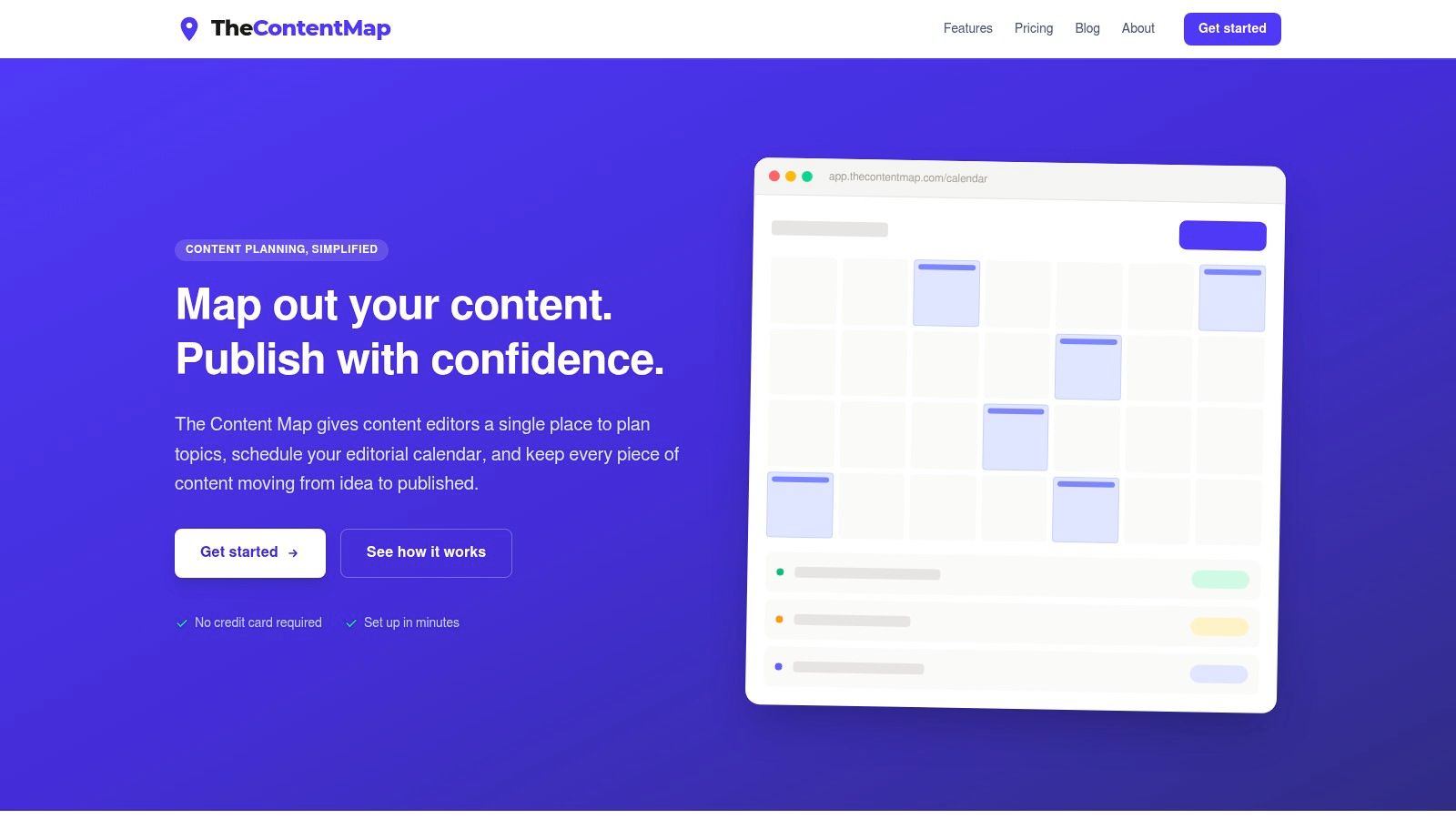
A small editorial team can keep ideas, assignments, and approvals together without building a workflow from scratch. TheContentMap is an editorial operations board: editors add ideas to a drag-and-drop schedule, then move each topic through draft, review, and published. Owners, comments, topics, channels, and campaigns stay on the same record, which makes handoffs easier to track than a calendar of titles alone.
Planning tools also need to keep human accountability visible as teams use more automation. A 2025 survey of 400 senior marketing executives in North America and Europe found 59% use AI for content planning, 59% for optimization and targeting, and 58% for performance analytics. Faster drafts still need an owner, a source check, and a review date. The calendar helps when it records those responsibilities alongside the work.
Pricing and who it fits
The free Starter plan covers up to 3 projects and 1 editor, with no credit card required. Pro costs $12 per editor per month and adds unlimited projects, collaboration, insights, and priority support. Team costs $29 per editor per month and includes unlimited seats, custom workflows, onboarding, SSO, and advanced security. The site lists Northwind Media, Atlas Publishing, Brightcopy, Meridian Content, and Fieldstone among teams using it.
- Best fit: In-house editors and small publishers who need statuses, reminders, and performance notes in one workspace.
- Limit: Starter is restricted to one editor. Per-editor pricing can add up as a team grows, and the listed product details do not include publishing or marketing integrations.
- Why it stays useful: Topic and format insights can inform the next plan without requiring a separate report.
For teams deciding what belongs in the calendar before choosing a tool, this guide explains what an editorial calendar is.
2. CoSchedule
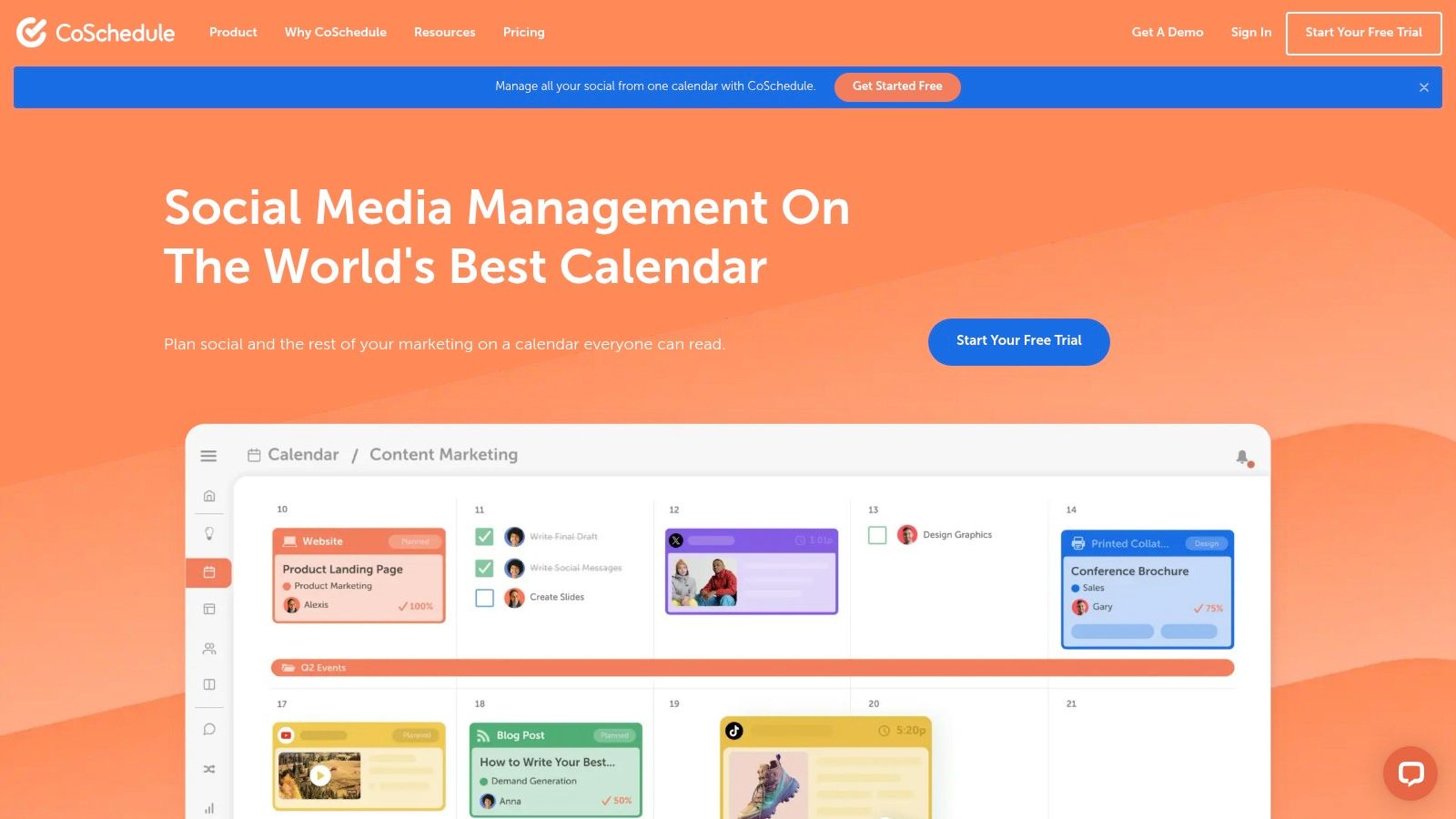
If your weekly workflow includes publishing social posts alongside articles, CoSchedule brings those jobs into one calendar. The drag-and-drop board lets you reschedule work in place, while higher tiers add social scheduling, publishing, analytics, and campaign planning. Team roles and permissions are available on the Suite plan.
For a marketer managing a blog and several social accounts, keeping campaigns together can save handoffs. The trade-off is fit: teams focused on writer assignments and article reviews may find the social features more than they need. Entry paid plans emphasize social management, while team and campaign capabilities may require a higher tier or a custom quote. Pricing does not follow one simple per-editor structure across every tier. A free calendar option lets you try the layout before committing.
Practical rule: Choose CoSchedule when social publishing is part of the weekly workload. For a status board focused on articles, it may be more tool than the job requires.
A small team can value the convenience of one calendar; as seats and campaign needs grow, the cost may outpace a lean editorial budget. Before choosing software, map the stages your workflow needs to cover with this guide to how to build an editorial calendar.
3. StoryChief
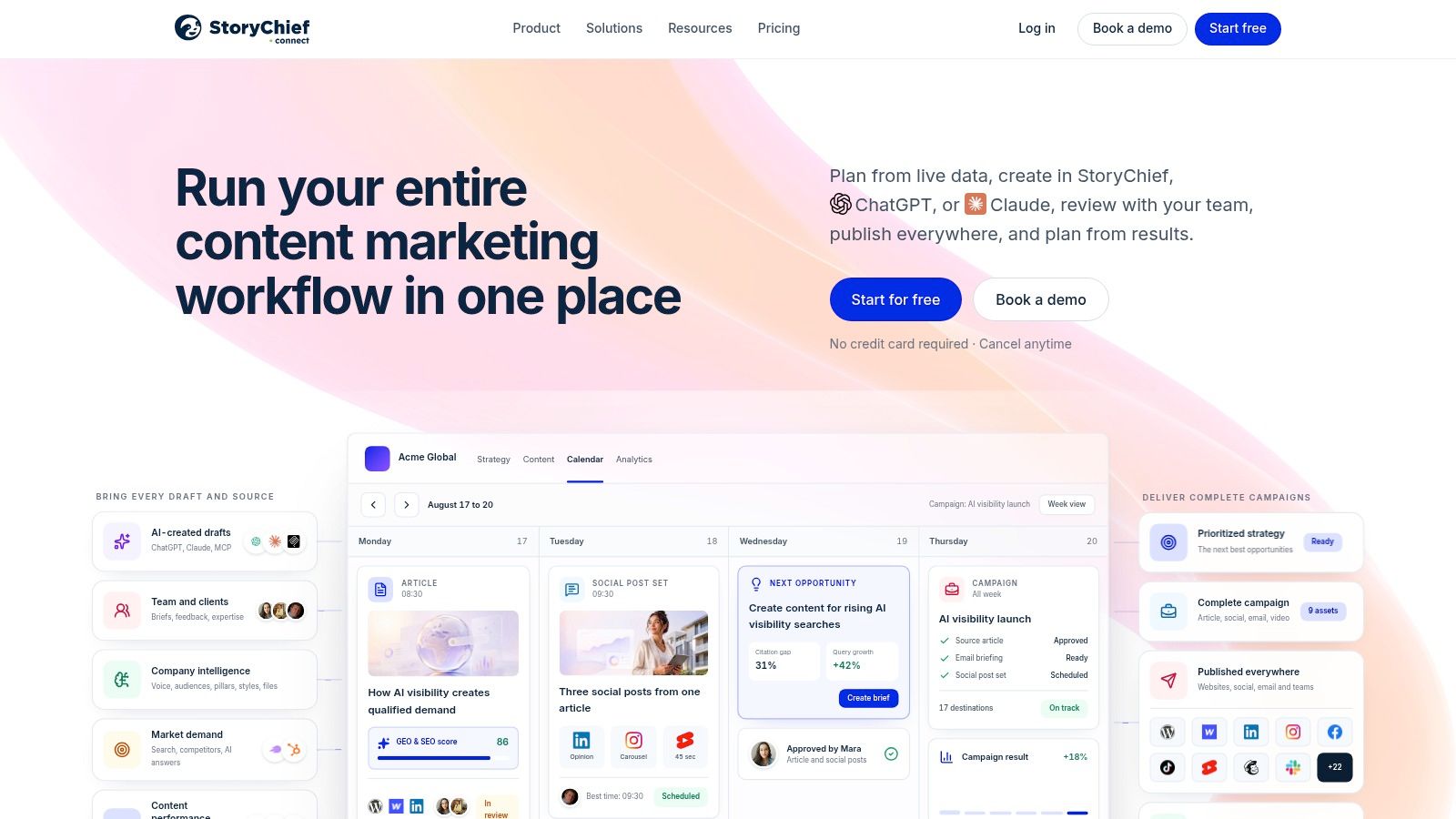
StoryChief connects a content calendar to publishing, which is the right trade when articles and social posts leave the same system. Tasks, deadlines, comments, and approval workflows show up on team plans. Eligible plans add publishing integrations, multilingual support, and SEO or content analytics.
Agencies and multi-site teams get more from that scope than a single blog does. You can plan across websites and languages instead of keeping a separate sheet per property. The cost rises once collaboration and publishing are both required, and some capabilities depend on the plan you choose. If you only need dates, owners, and a review column, the broader marketing suite is extra surface area to learn and pay for.
- Choose it when: Distribution is the bottleneck and you publish to more than one site or language.
- Skip it when: The team is small, the channel is one blog, and a cheaper editorial board already covers status.
- Watch the bill: Collaboration plus publishing is where the plan steps up, not the calendar view itself.
A solo editor will feel the weight. A content lead running client sites will feel the relief of one queue from draft to live.
4. Planable
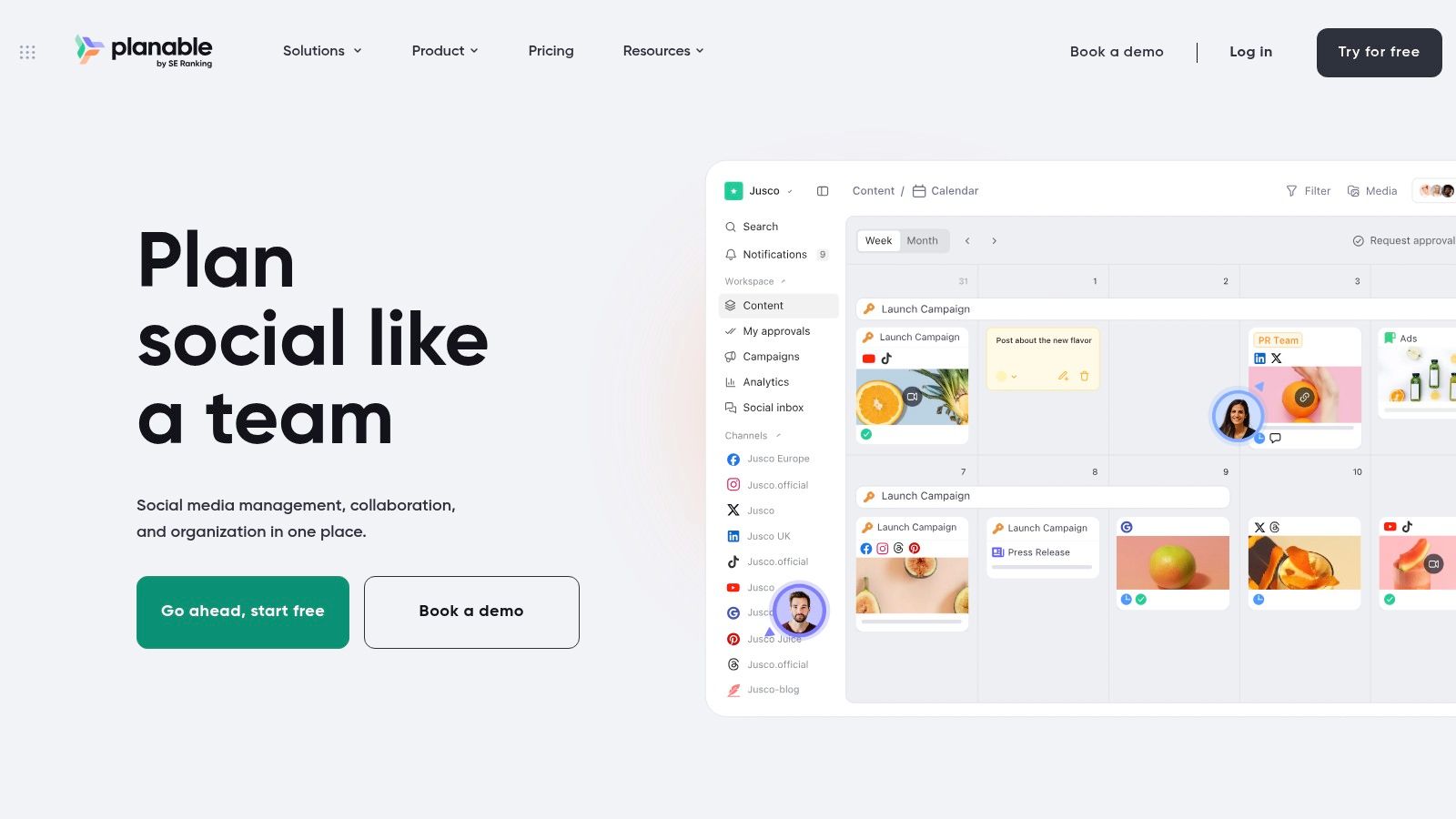
Social-heavy schedules break in review, not in ideation. Planable is built for that moment. You plan on a drag-and-drop calendar, preview how a post will look, comment in context, and run approval workflows before anything goes out. Workspaces separate teams or clients without mixing their queues.
The free plan includes unlimited users and workspaces, with a lifetime cap of 50 created posts. That cap is the honest test. Fifty posts tell you whether the preview-and-approve loop fits. It won't carry a quarter of publishing. Paid tiers and add-ons raise the total, and the product is aimed at social content rather than long-form writer assignments.
A preview the client can understand beats a status label nobody opens.
Workspace pricing can suit a group with several approvers, because you aren't buying a seat for every commenter. It is a weak primary system if your pipeline is reported features, newsletters, and assigned drafts. Pair it with an article board, or accept that blog work will live somewhere else.
5. PublishPress Planner
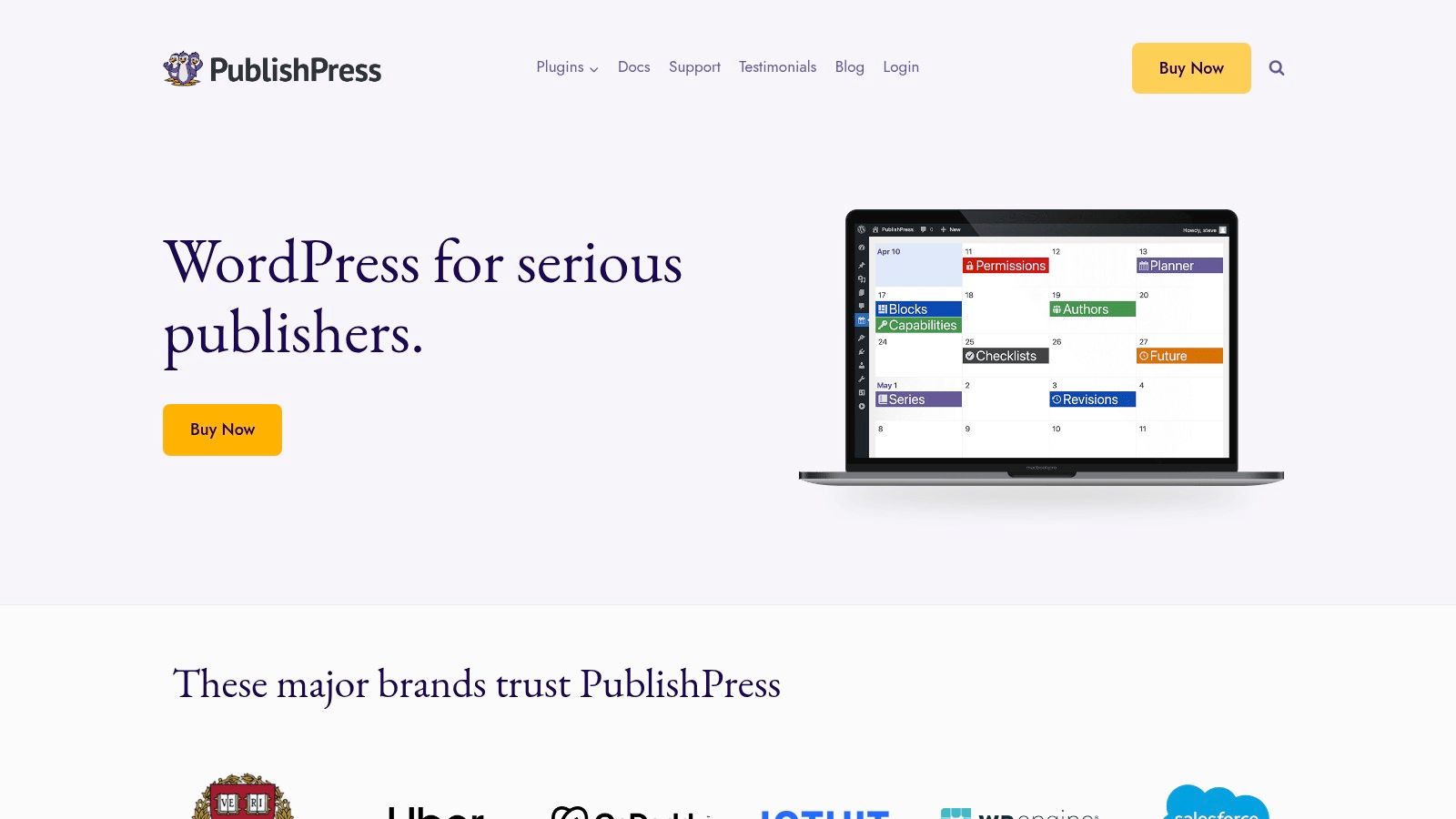
If the newsroom already lives in WordPress, a second app is often the thing people abandon. PublishPress Planner keeps the calendar, a content overview, and a board next to the posts themselves. You drag dates, filter by status, category, user, or post type, and see a Kanban-style view of what's moving. Notifications and reminders exist, with some advanced options reserved for Pro.
The free plugin covers the core calendar and workflow, which is the right start for a small WordPress team. You stay inside the CMS, so "scheduled" means a real post, not a card that someone still has to paste into the editor. The limit is the platform. Work that spans email, social, or a second CMS doesn't belong here. Collaboration quality also depends on how WordPress users and roles are already set up. Advanced notifications and support need Pro.
For a blog-only desk, that constraint is a feature. For a multi-channel brand team, it becomes the reason you outgrow the plugin within a quarter.
6. Airtable
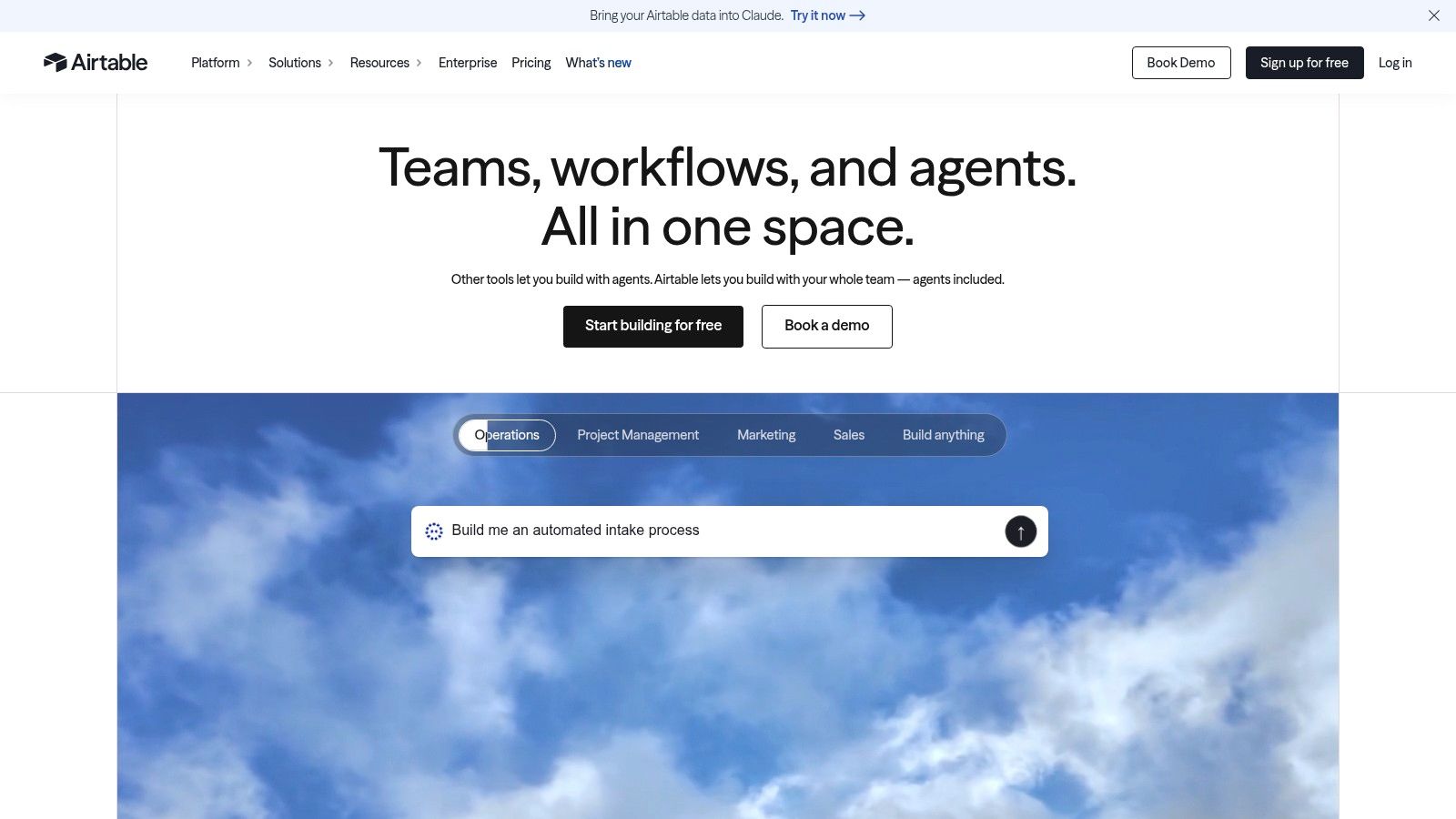
When a campaign calendar needs to track content, assets, channels, and custom fields together, Airtable can bring those workflows into one base. A record can appear in calendar or grid views, while linked records connect each story to a campaign. Automations and integrations vary by plan, and someone needs to maintain the setup.
The free plan suits light use. Paid plans charge by seat, so giving every editor, freelancer, and stakeholder edit access can raise costs as the team grows. Airtable also does not publish directly to web or social channels. The team must handle publishing elsewhere and keep the base's fields and views consistent.
Strong fit: Agencies and multi-brand teams that need each item tied to a client, campaign, and channel.
Weak fit: Teams that need a ready-made editorial workflow without building and maintaining one.
A configured base can replace a fragile workbook, but setup takes time. Start with an editorial calendar template in Excel if a simple grid is enough, then move only the fields the team actively updates. Airtable offers more flexibility, with the trade-off of ongoing ownership.
7. Notion
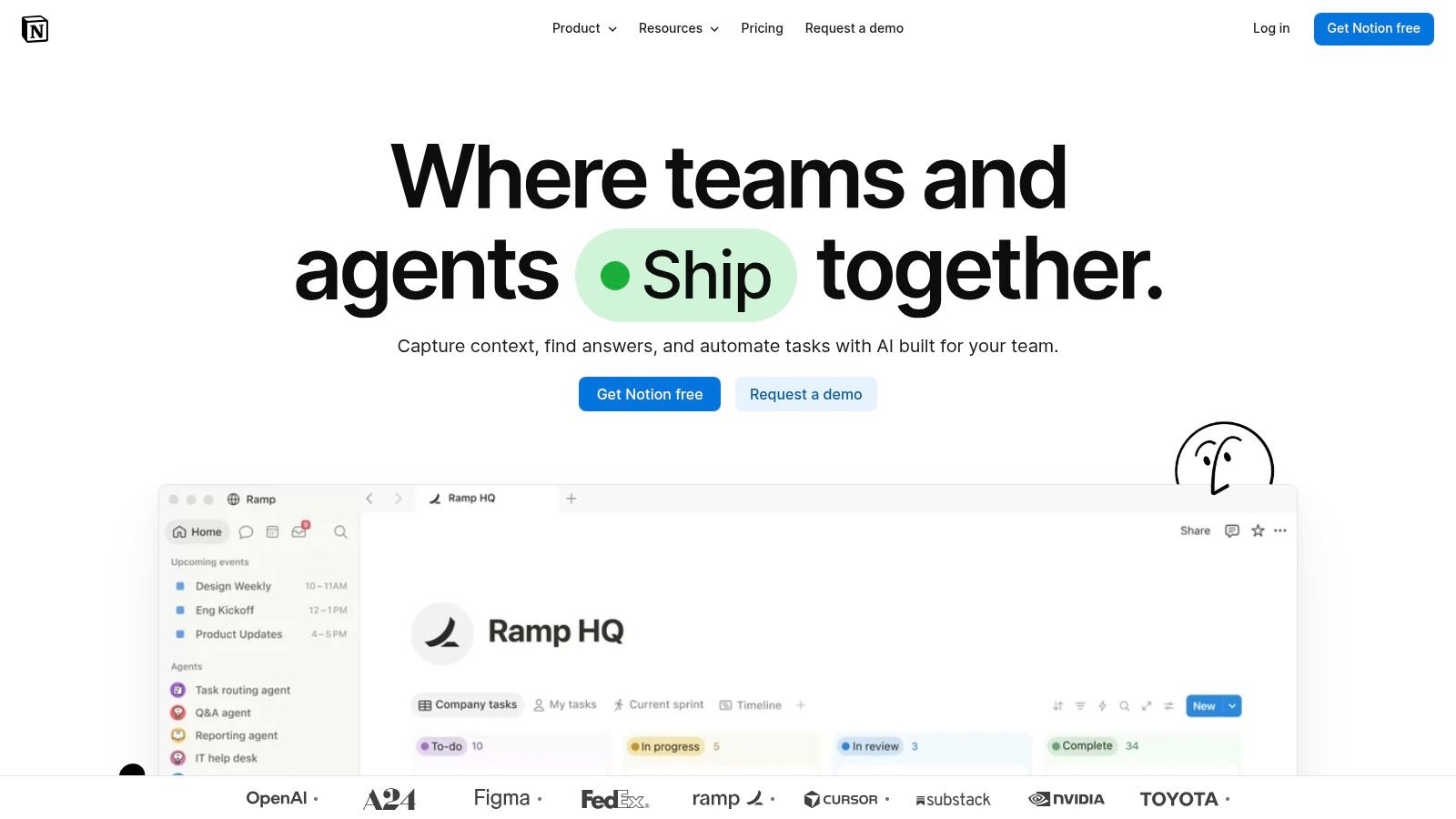
Notion is the flexible notebook that can impersonate a calendar. A database holds dates, statuses, assignees, and tags. You switch to a calendar or a timeline when you need the month, then open the same record for the brief, draft notes, and links. Sharing and permissions cover internal editors and outside contributors. A free plan is enough to try the shape.
The trade-off is consistency. Notion doesn't ship a publishing pipeline. Your team has to agree what "in review" means and stick to it. Without that convention, two editors build two databases and the schedule splits. Strategy pages can live beside the calendar, which is useful for a small brand team that writes briefs in the same workspace. It is a poor fit if nobody will maintain the properties.
I've seen Notion calendars work for three people who already write there every day. They stall when a fifth person joins and treats the database as optional. Pick it when documentation and planning should share a home. Don't pick it if you need enforced approvals or a publish button.

8. Trello
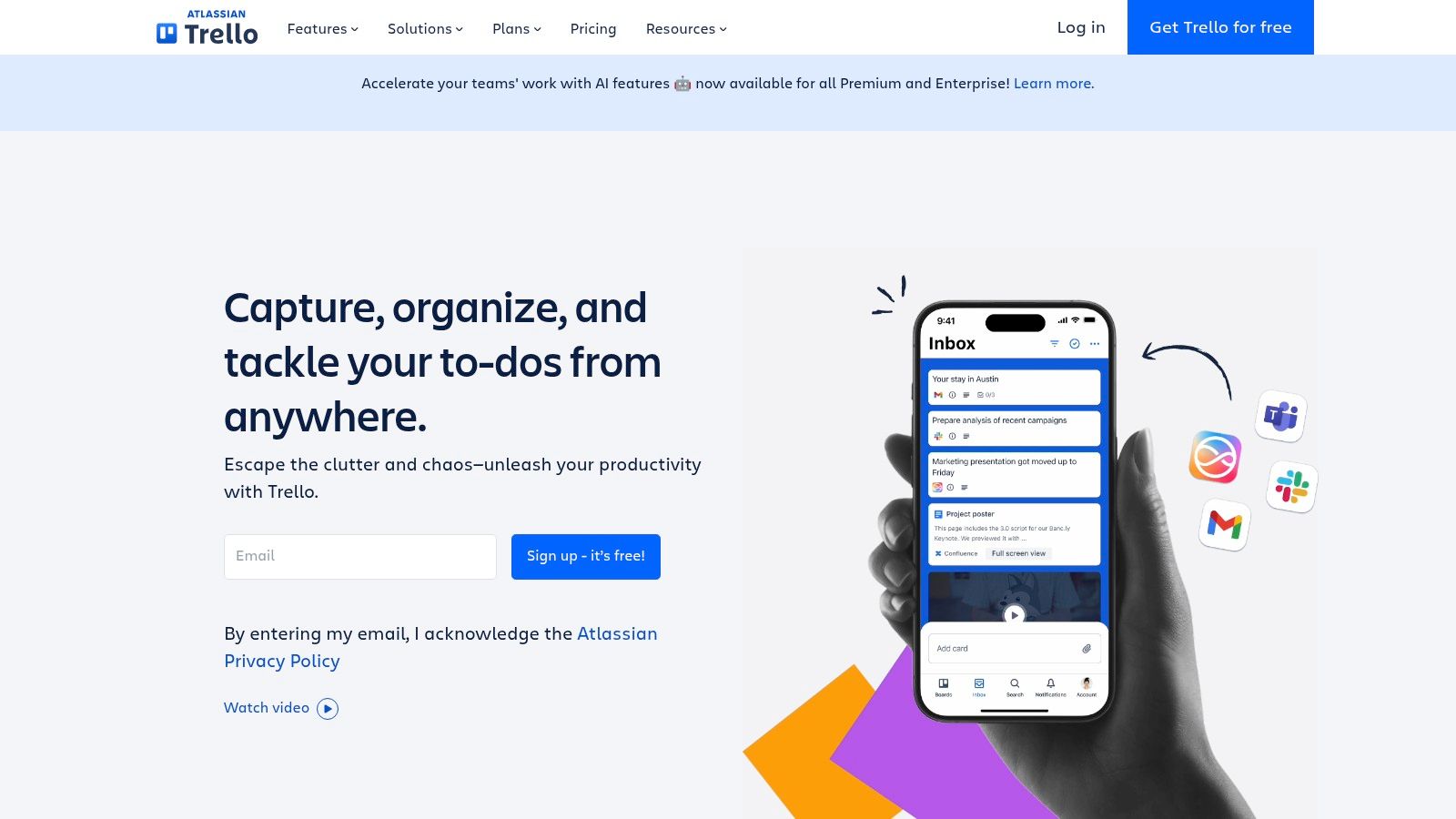
Trello is the low-overhead start. Boards and cards stand in for stages such as idea, draft, review, and published. You assign people, set due dates, add checklists, and comment on the card. Calendar and other views depend on the plan. Automation and integrations come through Power-Ups and built-in features. A free plan supports small workspaces, and the paid entry point stays modest if you only need a little more.
What you don't get is an editorial system. Fields for channel, persona, or campaign are labels you invent. Calendar views aren't all on the free plan. There is no built-in publishing and no performance readback, so "what worked last month" still lives in analytics you check by hand.
Cards make a stuck draft obvious. They don't tell you whether the topic was worth assigning.
Use Trello for a tiny team that will move cards. Leave it when volume climbs and every card needs the same five custom fields. At that point you're maintaining a product, not a calendar.
9. Asana
Asana treats each piece as work with an owner, a due date, and a comment thread. Calendar and other project views show the schedule. Rules and workflow automation sit on paid plans. Dashboards and integrations help when editors, designers, and approvers already run projects in the same tool. A free Personal plan and trials of paid features let a pair of people test it before a wider rollout.
Paid subscriptions start at a two-seat minimum, so a true solo setup on a paid tier is a mismatch. Social and CMS publishing generally need integrations or a separate tool. The platform is broader than calendar management, which is a plus for a marketing ops lead and a distraction for a freelance editor who only wants dates and drafts.
Asana is the right home when content is one project among several and stakeholders already live in task comments. It is the wrong home when the missing piece is a publishing calendar with article-specific insight. You'll still export or retype anything that has to go live on a channel Asana doesn't own.
10. ClickUp
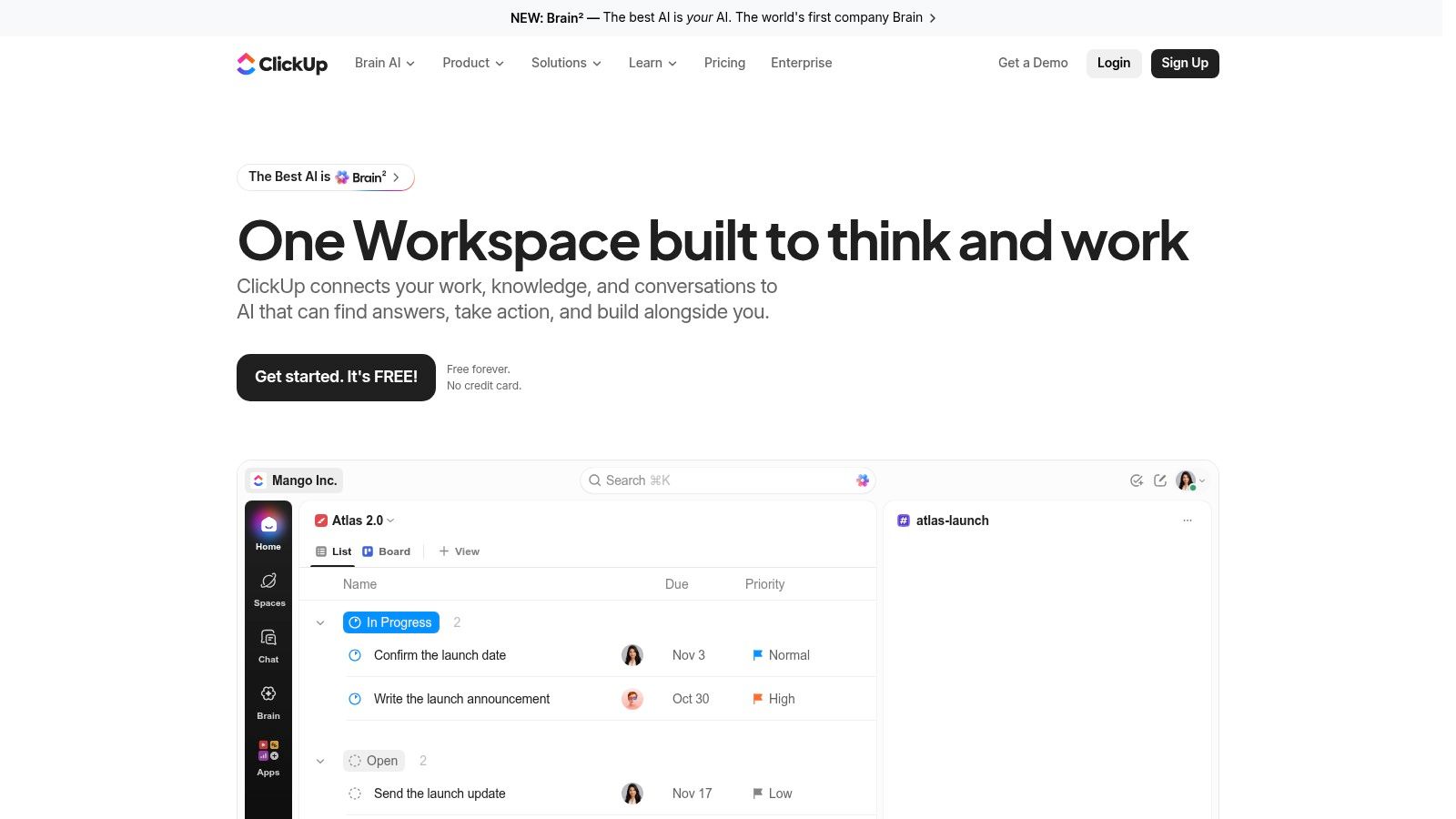
ClickUp can hold the whole production week. A calendar view supports drag-and-drop scheduling. Tasks carry owners, deadlines, and custom statuses. Docs and templates cover briefs. Automations and AI features depend on the plan. A free-forever plan lowers the cost of a trial, and templates can sketch an editorial flow before you design one from scratch.
The breadth is the limit. ClickUp serves many kinds of work, so an editorial pipeline is configuration, not a default. Someone has to keep statuses, custom fields, and views aligned, or writers ignore the system and update a side document. Publishing isn't the product's center. If the team already runs sprints, design requests, and content in one workspace, that shared home is worth the learning curve. If content is the only workflow, a narrower tool will be adopted faster.
Start on the free plan with one list and a short set of statuses. Add automations only after people move tasks without being asked. A workspace that nobody opens is more expensive than a paid editorial seat they use.
Top 10 Editorial Calendar Tools Compared
| Platform | Planning & Workflow | Standout Strength | Best For | Price / Value |
|---|---|---|---|---|
| 🏆 TheContentMap | Editorial calendar, idea-to-published pipeline, assignments, comments, reminders, insights | ★ Editorial-focused planning connects deadlines with performance insights | 👥 Editorial teams coordinating content across projects and channels | 💰 Free Starter (1 editor, up to 3 projects); Pro $12/editor/month; Team $29/editor/month |
| CoSchedule | Marketing calendar, social scheduling, campaign planning | ★ Combines calendar planning with social publishing | 👥 Teams coordinating campaigns, blogs, and social posts | 💰 Free calendar option; paid pricing varies |
| StoryChief | Article and social calendar, workflows, publishing, SEO analytics | ✨ Multi-channel and multilingual publishing capabilities | 👥 Content marketing teams managing websites or languages | 💰 Plan-dependent; pricing not specified |
| Planable | Social content calendar, previews, comments, approvals | ✨ Collaborative post previews and review workflows | 👥 Social-heavy teams and agencies | 💰 Free plan limited to 50 lifetime posts; paid tiers and add-ons |
| PublishPress Planner | WordPress editorial calendar, content board, notifications | ✨ Keeps planning close to WordPress posts | 👥 Teams publishing primarily in WordPress | 💰 Free core features; advanced options require Pro |
| Airtable | Configurable calendar, records, fields, automations | ✨ Connects content with campaigns, assets, and metrics | 👥 Teams needing a flexible, custom planning database | 💰 Free plan available; paid plans are seat-based |
| Notion | Custom database with calendar and timeline views | ✨ Combines planning with briefs and reference materials | 👥 Teams comfortable building their own editorial system | 💰 Free plan available; paid pricing not specified |
| Trello | Kanban boards, cards, due dates, comments, calendar views | ★ Simple, visual workflow with low setup overhead | 👥 Small teams wanting lightweight content tracking | 💰 Free plan available; some views require paid plans |
| Asana | Calendar and project views, task owners, due dates, workflows | ★ Strong task ownership and cross-team coordination | 👥 Teams managing content alongside broader projects | 💰 Free Personal plan; paid plans have a two-seat minimum |
| ClickUp | Calendar, tasks, docs, templates, custom statuses | ✨ Combines content planning and project work in one workspace | 👥 Teams seeking an all-purpose work-management platform | 💰 Free-forever plan; paid options available |
How to Pick the Right Fit for Your Team
Choose a calendar by team size, review path, and where publishing happens. A solo editor or small desk may need only a free board, a WordPress plugin, or a kanban list. Once several people review a piece, assign an owner, due date, and reminder so handoffs do not depend on memory. Larger newsrooms and agencies may need permissions, custom stages, and security features such as SSO when clients or contractors share the workflow.
Gartner's description of editorial-planning capabilities identifies calendar, Kanban, and Gantt-style views alongside connections between ideas, topics, campaigns, and objectives. The practical test is whether those views share the same record. Change a publish date once, and it should update across the workflow. Separate copies of the same schedule invite missed deadlines.
A documented strategy helps only when the team uses it to guide work. A 2024 B2B summary from ClickMinded reports findings from Content Marketing Institute research of 1,186 global B2B marketers: 53% of top-performing organizations named a documented strategy as a key contributor to success, while about 29% of marketers with a documented strategy rated it extremely or very effective. Use the calendar to connect that strategy to owners, approvals, and feedback. Editorial calendars have long coordinated recurring print and digital production from idea to approval, as the history of the editorial calendar illustrates. A date on the schedule cannot replace a completed review.
Before a trial, define the stages your team will use: idea, brief, draft, review, and published. Add a scheduled stage only if someone queues the content. Each item needs an owner, next action, due date, and approver before it enters the pipeline. Test the free tier with live work for two weeks. If updates fall behind, the tool adds administration instead of reducing it, regardless of how well it complements tools like Sistrix in a wider marketing stack.
TheContentMap keeps ideas, owners, deadlines, and publish status together, with performance feeding into future topic planning. Teams replacing spreadsheets can try its free plan with their own workflow at TheContentMap.
Related Articles
Content Creation Workflow for Editorial Teams
The calendar says the article publishes tomorrow. The draft is sitting in separate comment threads,...
Software10 Best Content Planning Tools for Editorial Teams
Stop shopping for the tool with the most features. That popular advice pushes editorial teams toward...
SoftwareContent Plan Format That Actually Works for Editorial Teams
You open the shared spreadsheet before the editorial meeting. A draft is overdue, a reviewer hasn...
Comments (0)
No comments yet. Be the first to share your thoughts.