10 Best Approval Workflow Software Picks
Compare the best approval workflow software for content teams, including review features, integrations, permissions, pricing trade-offs, and ideal use cases.
Your polished draft is ready, but publication isn't. The editor's feedback lives in a document, the designer's revision arrived in chat, and the client approved an attachment nobody can confidently identify as the latest version. You're chasing decisions instead of managing content.
Approval workflow software should give every review a clear route, with an owner, a decision, and a record of what was approved. But the right route depends on the work. A managing editor signing off an article needs something different from a producer reviewing video or a brand team coordinating legal approval across campaigns.
Start with your recurring review pattern:
- Media-heavy creative review: Reviewers need precise annotations, version comparisons, and accessible external review.
- Structured editorial approvals: Editors need defined responsibilities, revision stages, and a controlled handoff to publication.
- Project-based sign-off: Teams need approvals alongside briefs, assignments, dependencies, and deadlines.
- Enterprise governance: Operations leaders need permissions, identity controls, decision histories, and consistent processes across departments.
Use this guide to multi-channel approval workflows to map the handoffs between channels before buying another platform. Then choose the tool that addresses your actual bottleneck. Don't buy an enterprise work-management system to solve an annotation problem, and don't expect a proofing tool to replace your editorial operating model.
Table of Contents
- 1. Ziflow
- 2. Filestage
- 3. PageProof
- 4. Frame.io
- 5. Adobe Workfront
- 6. Wrike
- 7. Smartsheet
- 8. Asana
- 9. ClickUp
- 10. Bynder Content Workflow
- Approval Workflow Software: Top 10 Comparison Matrix
- Choose the Workflow You Can Run Consistently
1. Ziflow

Choose Ziflow for complex creative reviews involving different asset types and distinct approval stages. It's the strongest fit here when an editor, brand reviewer, and external stakeholder need to review the same deliverable without collapsing their responsibilities into a shared comment thread.
Ziflow's online proofing platform supports documents, images, video, audio, websites, and HTML5 banners. Its capabilities include sequential and parallel workflows, templates, stage triggers, time-coded video comments, side-by-side or overlay comparisons, and PDF comment import.
Keep proofing separate from project ownership
For a campaign containing a landing page, promotional video, and display creative, use Ziflow to manage asset-level feedback and sign-off. Keep the campaign owner responsible for the overall delivery schedule, rather than assuming that an approved proof means the entire project is ready.
- Review precision: Use annotations and comparisons to resolve feedback against the actual asset and version.
- Governance: ReviewAI checklists, audit trails, and e-signatures support more formal review requirements.
- Integration: Project-tool connections, APIs, and webhooks provide options for connecting proofing to existing work management.
The implementation work is defining which stages run together, which must wait, and who can make the final decision. Document those rules in your content approval workflow before configuring templates.
The trade-off is subscription scope. Advanced tiers can be expensive for small teams, and you may still need separate project-management software. Buy Ziflow when precise creative review is the problem, not when your main problem is assigning writers or maintaining a calendar.
2. Filestage
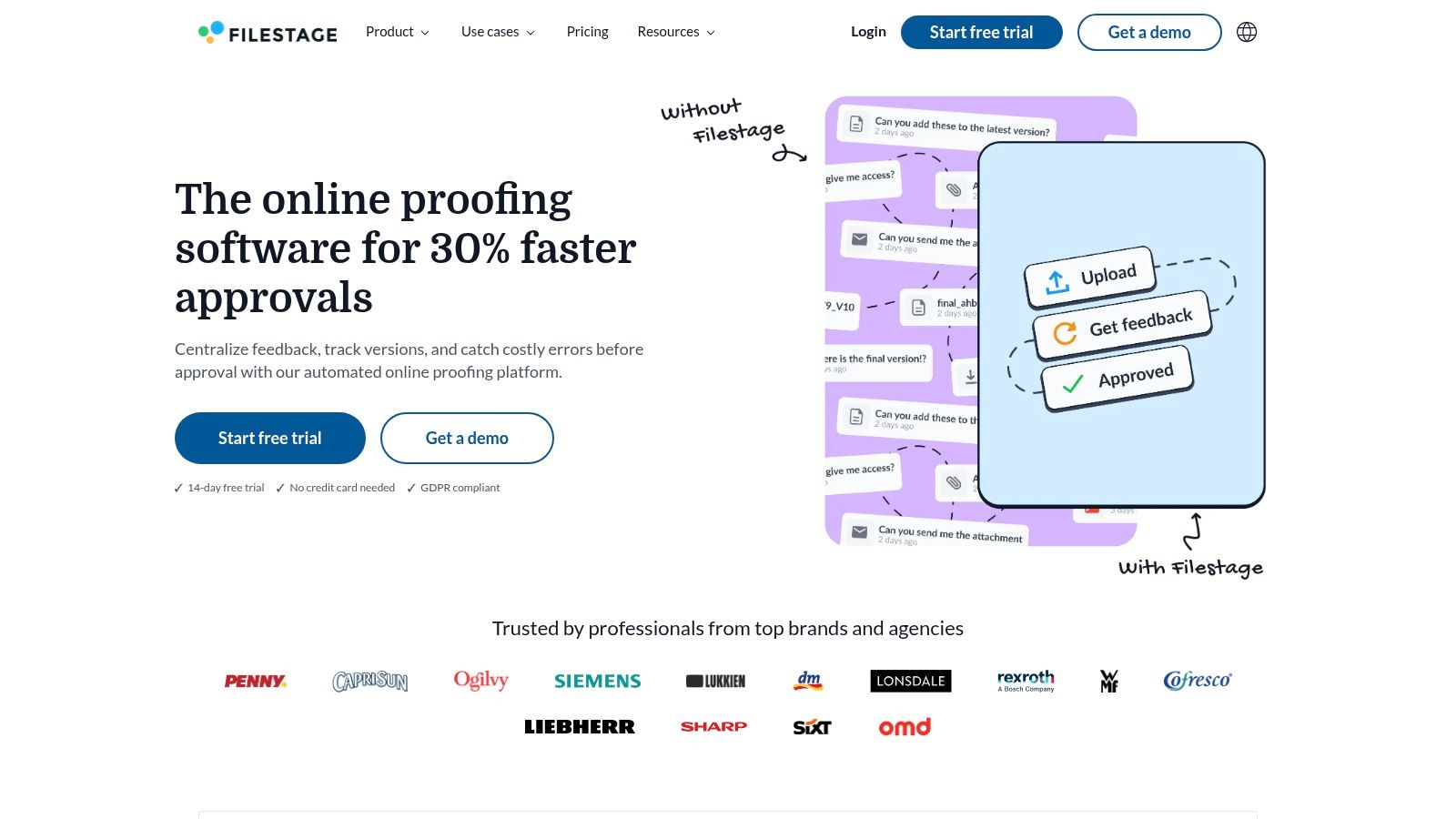
A client shouldn't need onboarding just to approve a brochure. Choose Filestage when external review is a recurring part of production, especially when you need clients to understand what's awaiting their decision and which revision they're reviewing.
Filestage's review and approval platform supports documents, images, video, audio, websites, and interactive HTML. Reviewer groups organize approvals by stage, with due dates, reminders, and decisions to approve, approve with changes, or reject. Unlimited reviewers include guests who don't need accounts.
Practical rule: Make the client's decision explicit. A comment saying the asset looks good shouldn't substitute for recorded approval.
Build stages around decision authority
For agency work, separate internal editorial review from client approval. Give internal reviewers responsibility for quality and completeness, then send the revised asset to the client with the relevant context and a clear deadline.
Side-by-side and text comparisons help reviewers assess revisions, while exportable review and file reports support the handover record. Filestage also offers AI Review Agents for checks including spelling, grammar, compliance, and barcodes or QR codes.
Treat those agents as checks, not decision owners. Editors still need to resolve ambiguous language, verify claims, and decide whether a requested change alters the approved brief.
Check the commercial fit before committing. Published paid plans use seat bundles that may not suit very small teams, and options such as multiple teams or certain agents may require add-ons. Ask for a proposal based on your internal creators, reviewer groups, and required checks, not just the number of clients receiving links.
3. PageProof
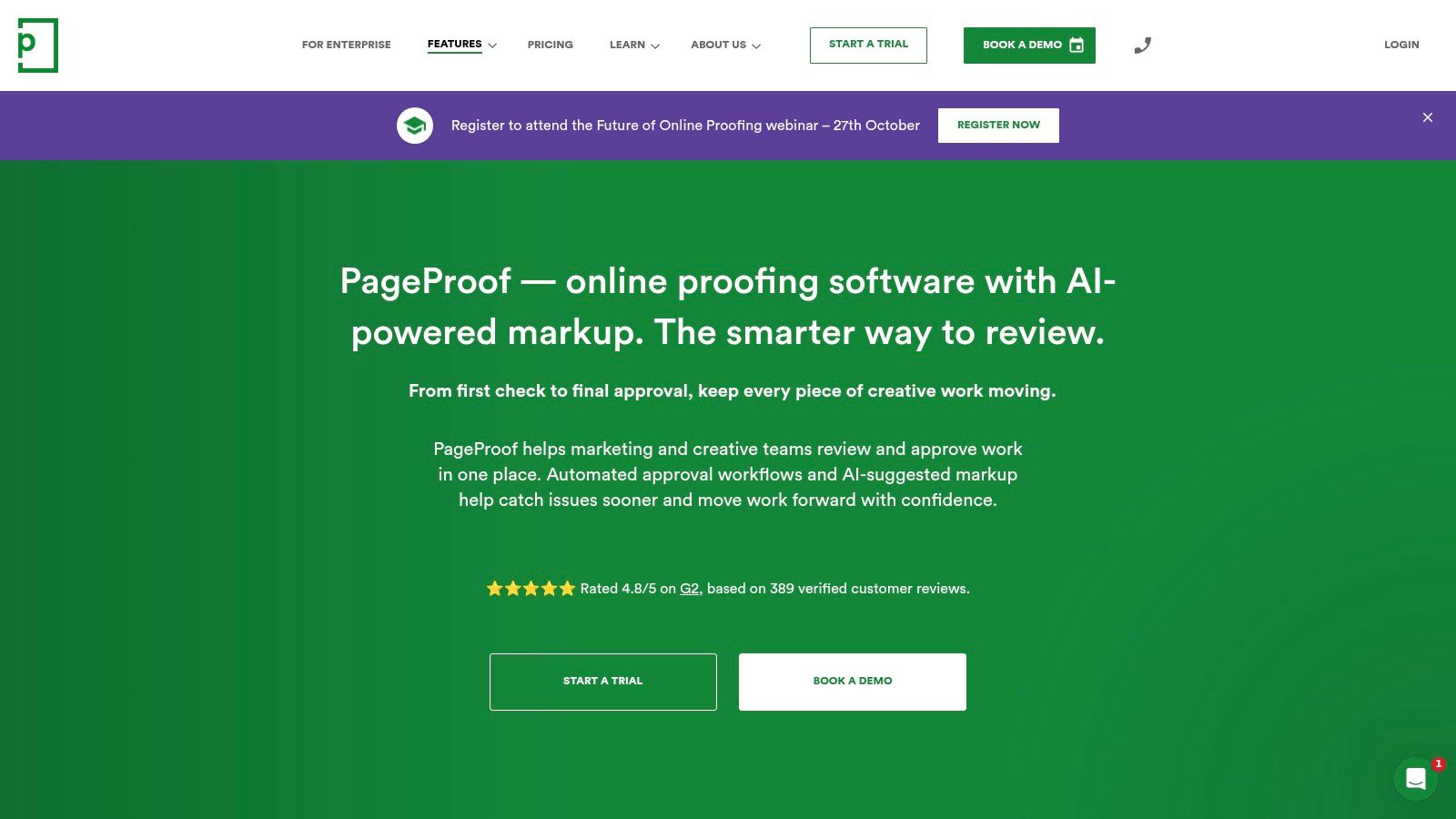
Choose PageProof for communications and brand teams with a broad reviewer network. Its flat team pricing and unlimited reviewers make it a practical candidate when many stakeholders participate but only a smaller group manages production.
PageProof's proofing software provides multi-stage approvals, markup, commenting, version control, and audit trails across documents, images, video, and other assets. Its plans include unlimited proofs and reviewers, with native plugins, Microsoft ecosystem connections, and SSO options supporting enterprise evaluation.
Evaluate access as carefully as annotations
A brand review may involve employees, agency partners, and occasional subject-matter experts. During evaluation, test how each participant receives a proof, understands their responsibility, and records a decision.
- Reviewer economics: Unlimited reviewers avoid treating every occasional participant as another per-reviewer charge.
- Version accountability: Check that reviewers can identify the revision awaiting approval and understand earlier decisions.
- Enterprise fit: Validate the plugins, identity options, and security controls required by your organization on the proposed plan.
PageProof is a better fit for a repeatable brand-review process than for an informal approval request on an occasional document. Establish your reviewer groups and decision sequence before introducing it across departments.
The warning is entry cost and interface weight. There's no free tier, and entry pricing may be steep for freelancers or very small teams. The interface may also feel heavy if your normal process is an editor reviewing a draft.
Choose it when predictable reviewer access and formal proofing matter. Don't choose it merely because unlimited participation sounds attractive if your team doesn't need the surrounding workflow.
4. Frame.io

When feedback concerns a particular frame, soundtrack moment, or sequence, a general task comment isn't enough. Choose Frame.io for video-first editorial production, particularly when editors already work in an Adobe Creative Cloud environment.
Frame.io's video review platform offers time-coded feedback, range-based annotations, version comparisons, version stacks, review and approval links, and secure file transfer. Creative Cloud integrations connect review with the production environment instead of requiring teams to manage feedback entirely outside their editing tools.
Review the cut, not a description of it
Use Frame.io for rough-cut feedback, revision review, and external client sign-off. Ask reviewers to attach feedback to the relevant moment rather than describe it vaguely in email.
That matters operationally because a producer must distinguish a requested edit from a general observation. Define who consolidates conflicting feedback and who approves the final cut before inviting stakeholders.
- Internal review: Keep editorial and production feedback attached to the version being revised.
- External approval: Test review links with a real client or stakeholder, including their access to the intended file.
- Release control: Require a named final approver before treating the asset as ready for distribution.
Don't buy Frame.io as a general editorial approval system. It may be excessive for teams that mostly approve text and images, and it won't remove the need to manage briefs, assignments, or publication ownership elsewhere.
Plan fit and pricing depend on the Adobe licensing model. Confirm the proposed entitlement, sharing requirements, and production integrations before purchasing. Choose it because video review dominates your workload, not because an occasional campaign includes a video.
5. Adobe Workfront
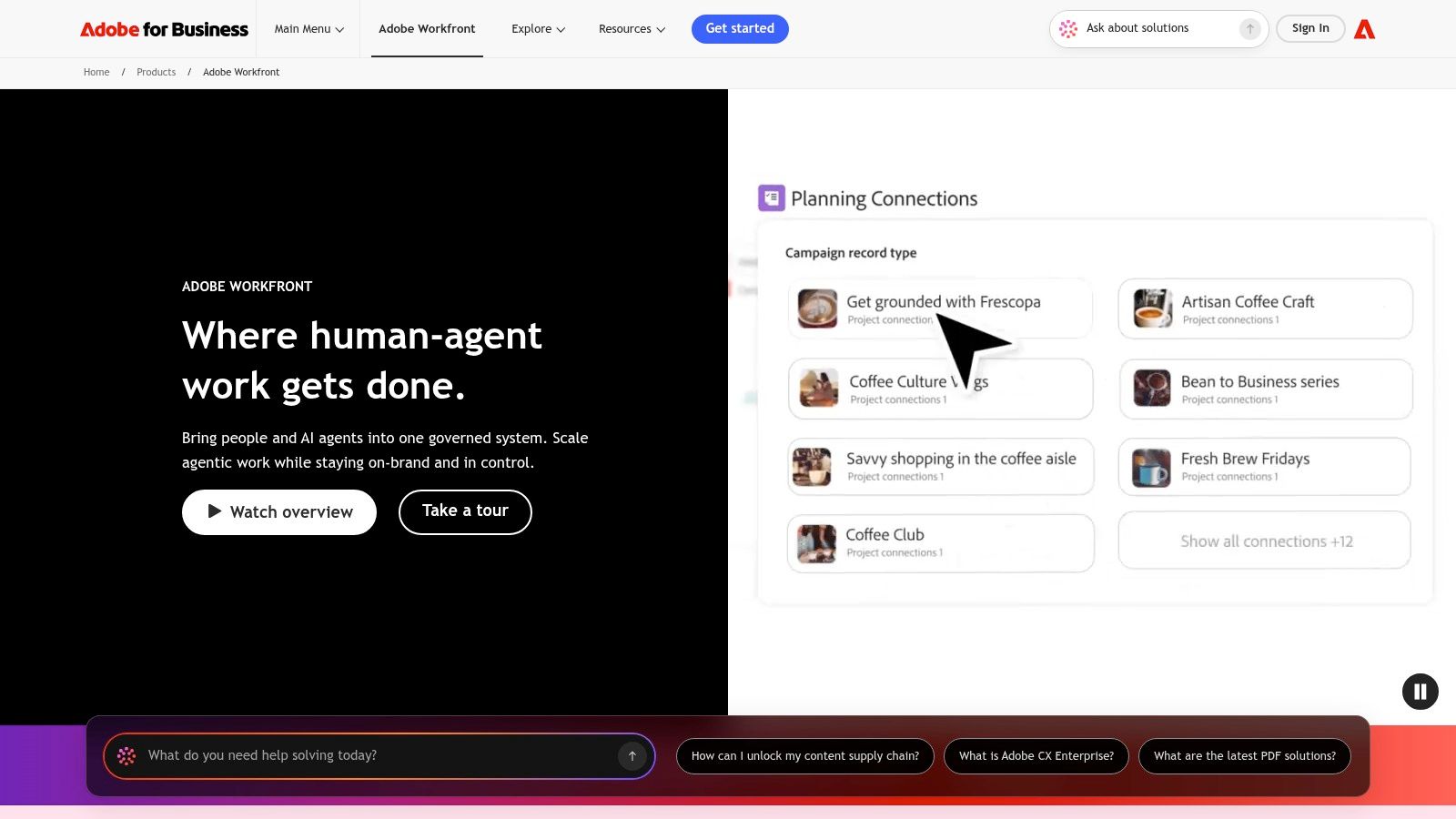
Choose Adobe Workfront when approval is part of a larger enterprise operating process. It belongs on the shortlist when request intake, resource planning, cross-functional delivery, and governance need to work together, not just when reviewers need somewhere to annotate files.
Adobe Workfront's work-management platform combines document approvals and online proofing with versioning, secure sign-off, request forms, portfolio and program management, resource planning, and reporting. Enterprise SSO, security, and compliance controls support more demanding procurement requirements.
Don't implement enterprise software before agreeing on enterprise ownership. A configurable approval chain still needs someone accountable for each decision.
Budget for process design
Workfront suits large content operations coordinating campaigns across creative, marketing, legal, and other stakeholders. Its advantage is connecting approval to the work surrounding it, from the original request through delivery.
The implementation burden is substantial compared with a point solution. Someone must define intake categories, project structures, reviewer responsibilities, reporting conventions, and administration.
Cloud-based products represented 81.99% of category revenue in a 2025 market estimate, making identity integration, audit logging, data residency, retention, and exportability important procurement checks for approval software generally, not just Workfront (approval workflow software market research).
Ask the implementation team to demonstrate a complete content request, including rejection, revision, escalation, and final sign-off. Validate permissions using different user roles rather than relying on an administrator's demonstration.
Pricing is oriented toward mid-market and enterprise organizations. Choose Workfront when your governance and coordination requirements justify implementation effort. For a small editorial desk with a straightforward review sequence, start with a lighter system.
6. Wrike
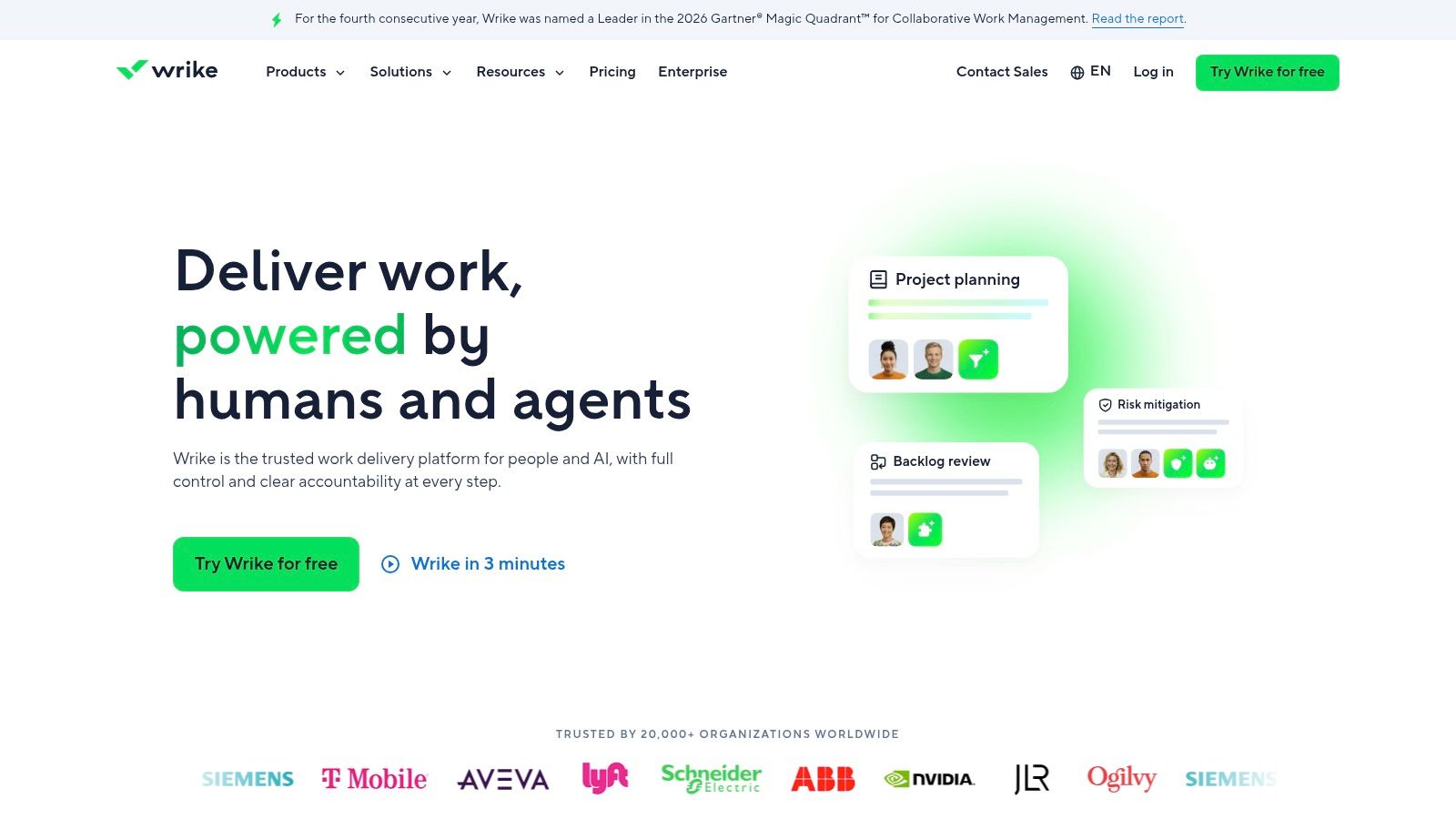
Your campaign manager needs to know more than whether an image is approved. They need to know whether the copy, design, landing page, and delivery tasks are ready together. Choose Wrike when approvals belong inside project management.
Wrike's work-management software combines assigned approvers, decision tracking, dashboard widgets, request forms, workflow templates, and proofing for images, video, and other supported files. Guest reviewer flows support participation beyond the internal team.
Connect intake to the next decision
Use request forms to capture the brief before work begins, then define the approval responsibility attached to each deliverable. Keep the requested decision visible alongside the task, file, and deadline.
- Project context: Reviewers can assess the asset within the work being delivered rather than as an isolated attachment.
- Intake consistency: Request forms can trigger workflows and approvals, reducing the need to recreate routing manually.
- Operational visibility: Decision tracking and dashboard widgets help managers identify work awaiting sign-off.
Wrike is a sensible choice for marketing and editorial teams that need request-to-delivery coordination without maintaining a separate proofing system for every asset. Compare it with other editorial workflow management software based on how your editors assign, review, and schedule work.
Plan availability is the main buying warning. Some proofing capabilities require a specific plan or add-on, so test the exact package you'll purchase.
Assign an administrator to maintain templates, statuses, permissions, and automations. Without that ownership, teams can create inconsistent processes inside the same workspace. Choose Wrike for integrated project-based sign-off, not because it offers more views than a specialist review tool.
7. Smartsheet
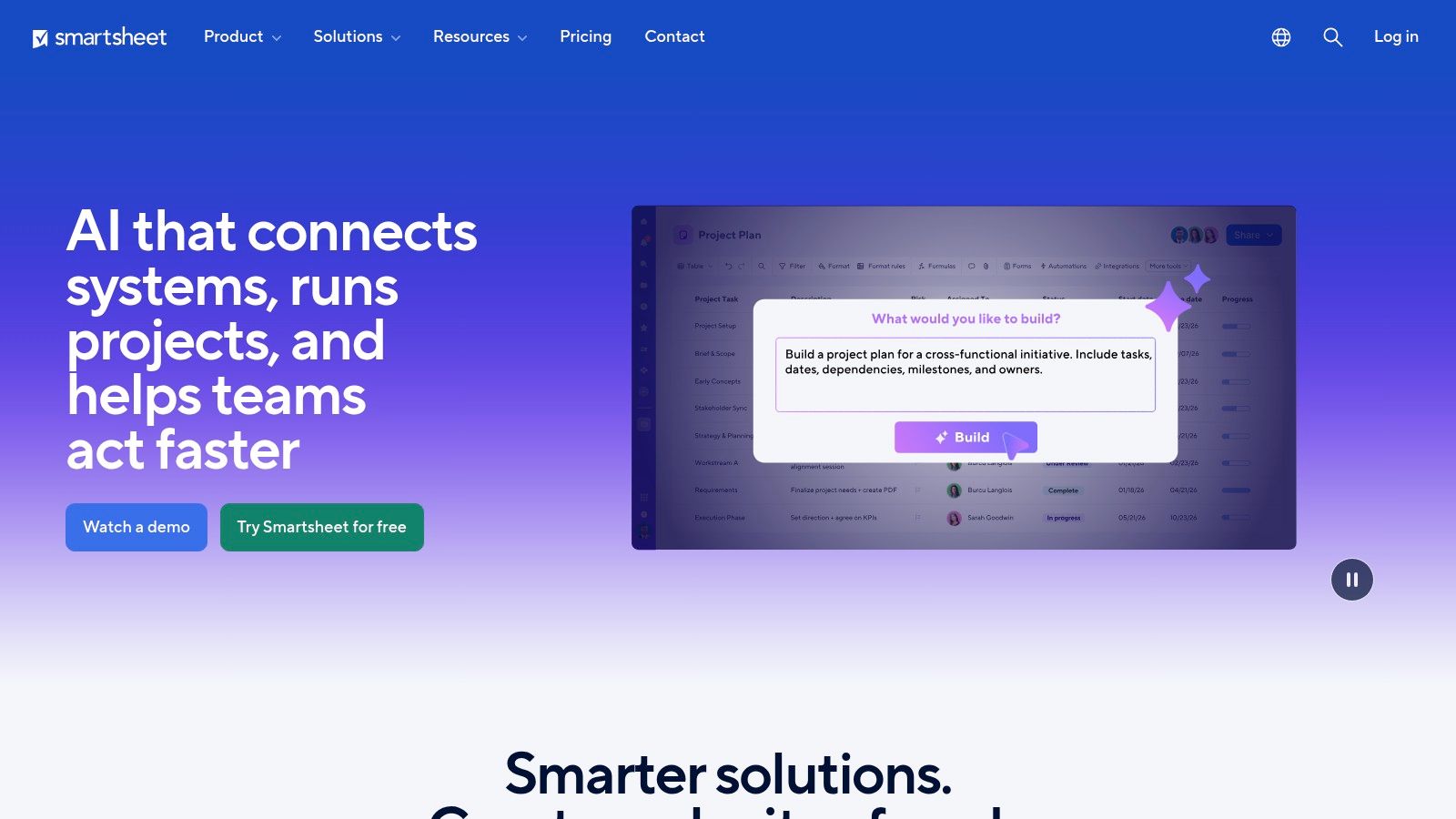
Choose Smartsheet when your team already thinks in rows, owners, dates, and statuses. It offers a practical route from spreadsheet-based editorial tracking toward formal approval requests without asking everyone to adopt a completely different planning model.
Smartsheet's work platform includes automated approval and update requests, with image and video proofing on eligible tiers. External review links, versioning, status tracking, Document Builder, dashboards, and resource views connect approvals with broader program tracking.
Keep row structure disciplined
For an editorial calendar, make each content item's owner, review status, deadline, and publication responsibility unambiguous. Tie approval automation to the intended task row, and decide what happens when an editor rejects the item or requests changes.
A familiar interface doesn't eliminate process design. If contributors interpret statuses differently, an automated request will still arrive with unclear expectations.
- Best use: Add repeatable sign-off to an established sheet-based production process.
- Expansion path: Use dashboards and broader tracking when managers need visibility across projects.
- Evaluation priority: Verify which proofing and governance features are included in the intended subscription.
Smartsheet is less extensive than specialist tools for intensive creative proofing. Choose Ziflow, Filestage, or PageProof instead when precise media feedback and detailed review stages dominate the workload.
Governance and feature availability vary by plan. Confirm external reviewer access, approval behavior, and permission boundaries during evaluation. Also assign someone to maintain the sheets and automations as the process changes.
Use Smartsheet when the spreadsheet model fits your team's work. Don't preserve that model merely because migrating away from it feels inconvenient.
8. Asana
Choose Asana for straightforward sign-off inside an existing task-based editorial process. If writers, editors, and marketing stakeholders already coordinate work there, approval tasks can keep decisions close to assignments instead of introducing another workspace.
Asana's project-management platform provides an approval task type with decisions tracked inline, alongside forms, rules, and reporting. Approvals are available on Advanced and higher plans, making subscription fit part of the evaluation rather than an afterthought.
Distinguish review work from release authority
An editor checking structure and a stakeholder authorizing publication aren't performing the same task. Create separate responsibilities when their decisions have different consequences, even if both occur within the same project.
For a text-led workflow, use forms to collect requests, rules to route items into review stages, and approval tasks to record sign-off. Keep the draft and its revision context accessible to the person making the decision.
Decision boundary: Completing an editing task isn't the same as approving publication. Record the final authorization separately.
Asana's strength is coordination across tasks, timelines, and portfolios. It's a practical choice when the main problem is unclear ownership or invisible approval status, rather than detailed annotation of creative assets.
Native asset proofing is limited compared with dedicated proofing platforms. Advanced approval and proofing requirements may push the purchase toward higher-tier plans or add-ons.
During evaluation, test whether the designated approver can find the current draft, understand the requested decision, and return it for revision without creating a parallel email process. Choose Asana for lightweight project-based approval tracking. Use a specialist alongside it when media review requires greater precision.
9. ClickUp
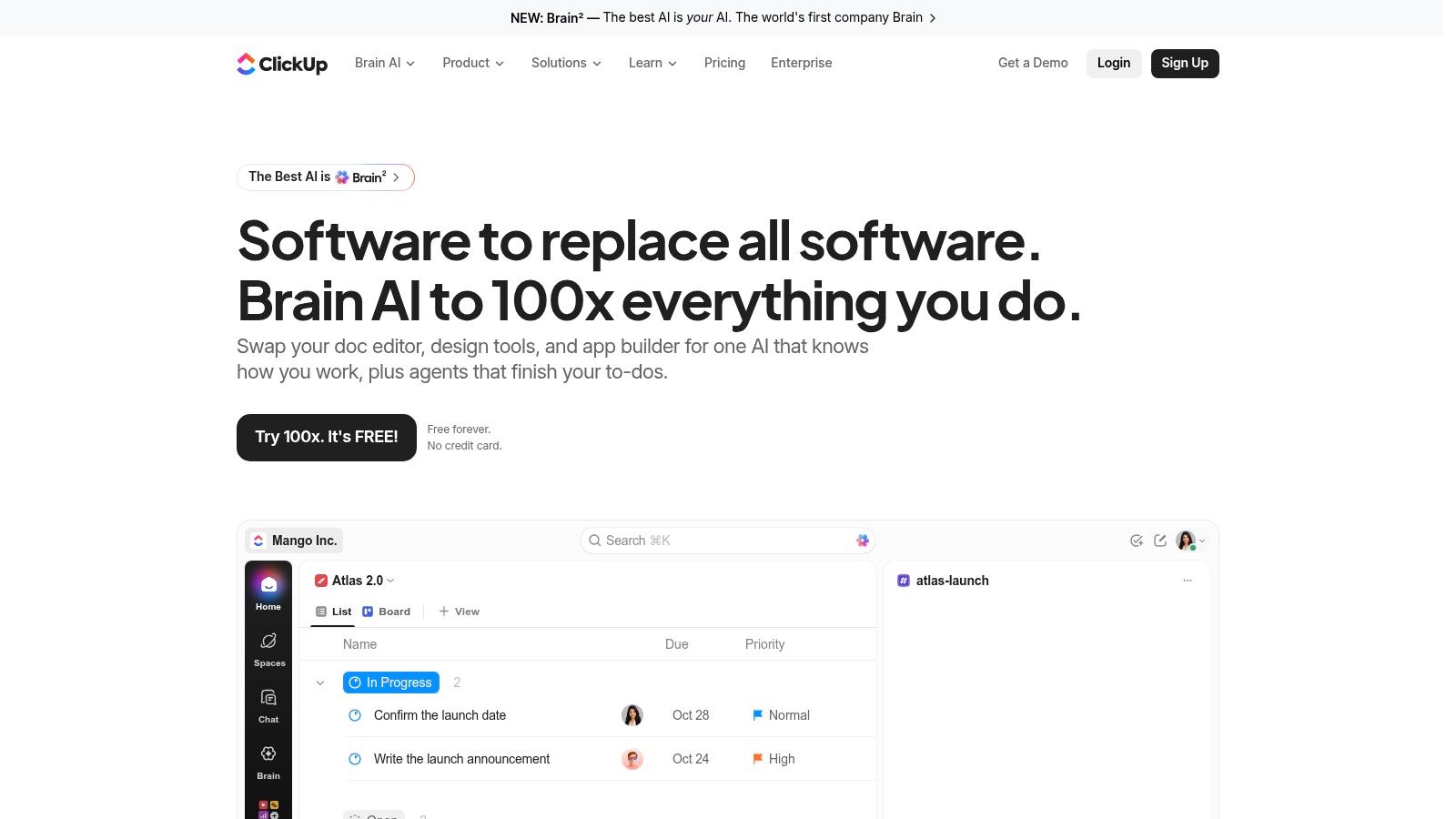
Stay with ClickUp when your team already manages production there and needs basic creative approvals. Adding another tool isn't automatically an improvement if the immediate requirement is reviewing an image or PDF and recording who accepted it.
ClickUp's work-management platform combines project and task management with image and PDF annotations, task approval statuses, templates, and routing automation. A Ziflow integration provides a path to more advanced proofing when native capabilities no longer match the work.
Set limits before expanding the workspace
Use native annotations for straightforward image and PDF feedback. Define approval statuses consistently, and make someone responsible for resolving comments before the task reaches its approved state.
- Basic creative review: Keep annotations and the task's decision status together.
- Repeatable routing: Use templates and automation to assign the intended reviewers.
- Advanced proofing: Evaluate the Ziflow integration when broader file support or deeper review controls become necessary.
ClickUp can be cost-effective for teams that don't need specialist proofing. But evaluate the complete setup, including any separate subscription required for advanced review, rather than assuming consolidation will always be cheaper.
The main implementation risk is administrative sprawl. Too many custom statuses, competing templates, and loosely managed users can make approval responsibilities harder to understand.
Keep a shared definition of what approved means and specify who can apply that status. Test permissions rather than treating a status label as proof of controlled authorization.
Choose ClickUp for basic approvals within an established workspace. Don't force a video-heavy or formally governed review process into native proofing just to avoid adding a specialist.
10. Bynder Content Workflow

A managing editor coordinating structured website content needs clear stages and publication readiness, not necessarily frame-level markup. Choose Bynder Content Workflow for formal text production and editorial approvals at scale.
Bynder's content environment includes Content Workflow, formerly GatherContent, with customizable steps, reviewers, approvers, status tracking, roles, and permissions. Word and PDF export options, integrations, and marketplace apps, including WordPress publishing, support alignment between approved content and downstream delivery.
Govern the editorial handoff
Use defined stages to separate drafting, editorial review, specialist review, and approval. Make the publishing responsibility explicit so an approved draft doesn't become another document someone must manually locate and interpret.
Its connection to Bynder's digital asset management environment makes it relevant when structured content and asset governance need to align. Evaluate that relationship as part of your content operations software decision, not as an isolated review feature.
- Editorial fit: Prioritize repeatable text workflows, assigned reviewers, and visible status.
- Permission fit: Test who can edit content, advance stages, and authorize the final handoff.
- Publishing fit: Demonstrate the intended CMS connection using representative content before purchase.
This isn't the first choice for intensive media proofing. Use a dedicated creative review platform when detailed image, audio, or video feedback is the primary requirement.
Pricing is enterprise-oriented and generally provided through consultation. Bring your actual content structures, roles, and publishing requirements to the discussion, and ask what configuration or integration work they require.
Choose Bynder Content Workflow when editorial structure and CMS alignment matter more than general project features or visual annotation.
Approval Workflow Software: Top 10 Comparison Matrix
| Platform | Best-Fit Audience | Editorial Workflow Strengths | Standout Advantage | Pricing & Value |
|---|---|---|---|---|
| Ziflow | 👥 Creative and content teams with complex reviews | ★ Multi-stage approvals, markup, version comparison | ✨ Broad media support, audit trails, and e-signatures | 💰 Advanced tiers may be costly; project management may be separate |
| Filestage | 👥 Editorial and marketing teams with external reviewers | ★ Staged reviews, reminders, decisions, and reports | ✨ Unlimited reviewers and AI review checks | 💰 Paid plans use seat bundles; some features cost extra |
| PageProof | 👥 Communications and brand teams needing controlled sign-off | ★ Multi-stage proofing, version control, and audit trails | 🏆 Unlimited reviewers and strong enterprise controls | 💰 Flat team pricing; no free tier |
| Frame.io | 👥 Video-focused editorial teams, especially Adobe users | ★ Time-coded feedback, version stacks, and approval links | ✨ Frame-accurate review with Creative Cloud integration | 💰 Plan fit and pricing depend on licensing |
| Adobe Workfront | 👥 Large organizations with complex operations | ★ Intake, approvals, resourcing, and portfolio reporting | 🏆 Enterprise governance from brief through delivery | 💰 Enterprise-oriented pricing; implementation takes effort |
| Wrike | 👥 Marketing and editorial teams wanting an all-in-one work hub | ★ Project tracking, request forms, approvals, and proofing | ✨ Connects requests to delivery workflows | 💰 Multiple tiers; some proofing needs a specific plan or add-on |
| Smartsheet | 👥 Teams familiar with spreadsheets and structured tracking | ★ Row-based approval requests, automation, and dashboards | ✨ Spreadsheet-style interface with broader program views | 💰 Features and governance vary by plan |
| Asana | 👥 Cross-functional teams tracking approvals alongside tasks | ★ Approval tasks, rules, forms, and bottleneck reporting | ✨ Sign-off fits into tasks, timelines, and portfolios | 💰 Advanced approvals require higher-tier plans |
| ClickUp | 👥 Teams centralizing tasks and basic creative reviews | ★ Task approvals, automation, and image/PDF annotations | ✨ Ziflow integration for more advanced proofing | 💰 Potentially cost-effective for basic proofing |
| Bynder Content Workflow | 👥 Content operations teams formalizing text approvals | ★ Structured workflows, roles, permissions, and status tracking | 🏆 Editorial focus with CMS and Bynder DAM alignment | 💰 Typically quote-based; best suited to larger operations |
Choose the Workflow You Can Run Consistently
The best approval workflow software isn't the platform with the longest feature list. It's the system your editors, writers, clients, and final approvers can use consistently without recreating the process in email.
Start with your most expensive bottleneck. Choose specialist proofing for imprecise creative feedback, structured editorial tooling for controlled text production, project-based approvals for delivery coordination, or enterprise work management for cross-functional governance.
Test the awkward parts of a real review
Run a representative content cycle before signing a long-term contract. Include a rejected draft, conflicting feedback, an external reviewer, a replacement approver, and a revision after apparent sign-off.
The test should reveal whether participants can find the current asset, understand their responsibility, and identify the outstanding decision. It should also show whether administrators can explain who approved what without reconstructing events from messages.
Workflow digitization can improve operations without delivering a good employee experience. An Adobe/HBR survey reported streamlined processes for 64% of respondents, while only 17% considered themselves very successful at creating and supporting an improved employee experience (workflow digitization and employee experience report).
Measure approval cycle time, overdue requests, rework, and completion within your service expectations. Pair those measures with practical feedback from approvers about notifications, access, and decision context.
Add AI governance without routing everything through legal
Adobe's 2025 research found 52% of marketers used generative AI across multiple content-production activities, reinforcing the need to define approval responsibilities for AI-assisted work (Adobe's content workflow research). Don't treat every assisted draft as equally risky.
Assign explicit owners for fact-checking, privacy, copyright questions, disclosure, and brand risk. Require supporting evidence for sensitive claims, and route regulated topics, personal-data use, or synthetic media to the appropriate specialist.
Adding reviewers isn't a substitute for accountability. Keep routine assisted drafting lightweight while making higher-risk decisions traceable.
For teams consolidating planning, assignments, review stages, and post-publication insights, TheContentMap is worth evaluating as an editorial operations foundation. Its visual workflow, calendar, collaboration, reminders, and performance insights address the work surrounding approval; specialist proofing remains the better choice when precise media review is central.
Choose the narrowest system that reliably handles your real process, and budget for the configuration, integrations, permissions, and administration needed to keep it working.
TheContentMap centralizes idea capture, scheduling, assignments, visual workflow, and performance insights so editors can manage content from concept to publication. Visit TheContentMap to evaluate how your team can organize review stages, clarify ownership, and keep publishing deadlines visible alongside daily editorial work.
Related Articles
10 Best Content Ideation Tools for Editors in 2026
The brainstorm ends with a page of promising topics. Everyone has a favorite, someone offers to find...
SoftwareWhat Is Cross Team Collaboration and How It Works
Cross-team collaboration is the coordinated work of people from different functions, such as editori...
SoftwareContent Marketing Plan: Step-by-Step for Editorial Teams
You opened the spreadsheet again. The dates are filled, the titles look plausible, and the month sti...
Comments (0)
No comments yet. Be the first to share your thoughts.