10 Best Content Ideation Tools for Editors in 2026
Compare 10 content ideation tools by features, pricing, and best-fit teams — plus practical guidance on turning raw ideas into a working editorial plan.
The brainstorm ends with a page of promising topics. Everyone has a favorite, someone offers to find supporting examples, and you leave thinking the next publishing cycle is covered. Weeks later, none of those ideas has a writer, a deadline, or a place on the calendar.
You don't necessarily need more ideas. You need a reliable way to move between discovery, validation, and planning. A question map can reveal what readers want explained, but it won't decide whether you should commission an article. A keyword platform can help assess demand, but it won't resolve an overdue review.
That distinction matters when choosing content ideation tools. In Content Marketing Institute's research published in 2024, brainstorming new content topics was the most common generative-AI application among marketers, at 62%. Generating possibilities is already an established use case. Turning them into accountable editorial work requires different capabilities.
Use the categories below to match the tool to your actual bottleneck:
- Discovery: AnswerThePublic, AlsoAsked, Exploding Topics, Topic Mojo, and HubSpot help uncover questions, emerging subjects, or fresh angles.
- Validation and analysis: Semrush, BuzzSumo, Ahrefs, and Google Trends help you examine demand, existing coverage, and timing.
- Planning: TheContentMap connects captured ideas with owners, publishing dates, review stages, and learning.
If your immediate problem is finding a sharper angle, Netco Design's blog topic guide offers another starting point. But keep the destination in view: an assignment someone can deliver.
Table of Contents
- 1. TheContentMap
- 2. AnswerThePublic
- 3. AlsoAsked
- 4. Semrush Topic Research
- 5. BuzzSumo
- 6. Ahrefs Content Explorer
- 7. Exploding Topics
- 8. Topic Mojo
- 9. Google Trends
- 10. HubSpot Blog Ideas Generator
- Content ideation tools at a glance
- Turning Ideas Into a Plan You Actually Publish
1. TheContentMap
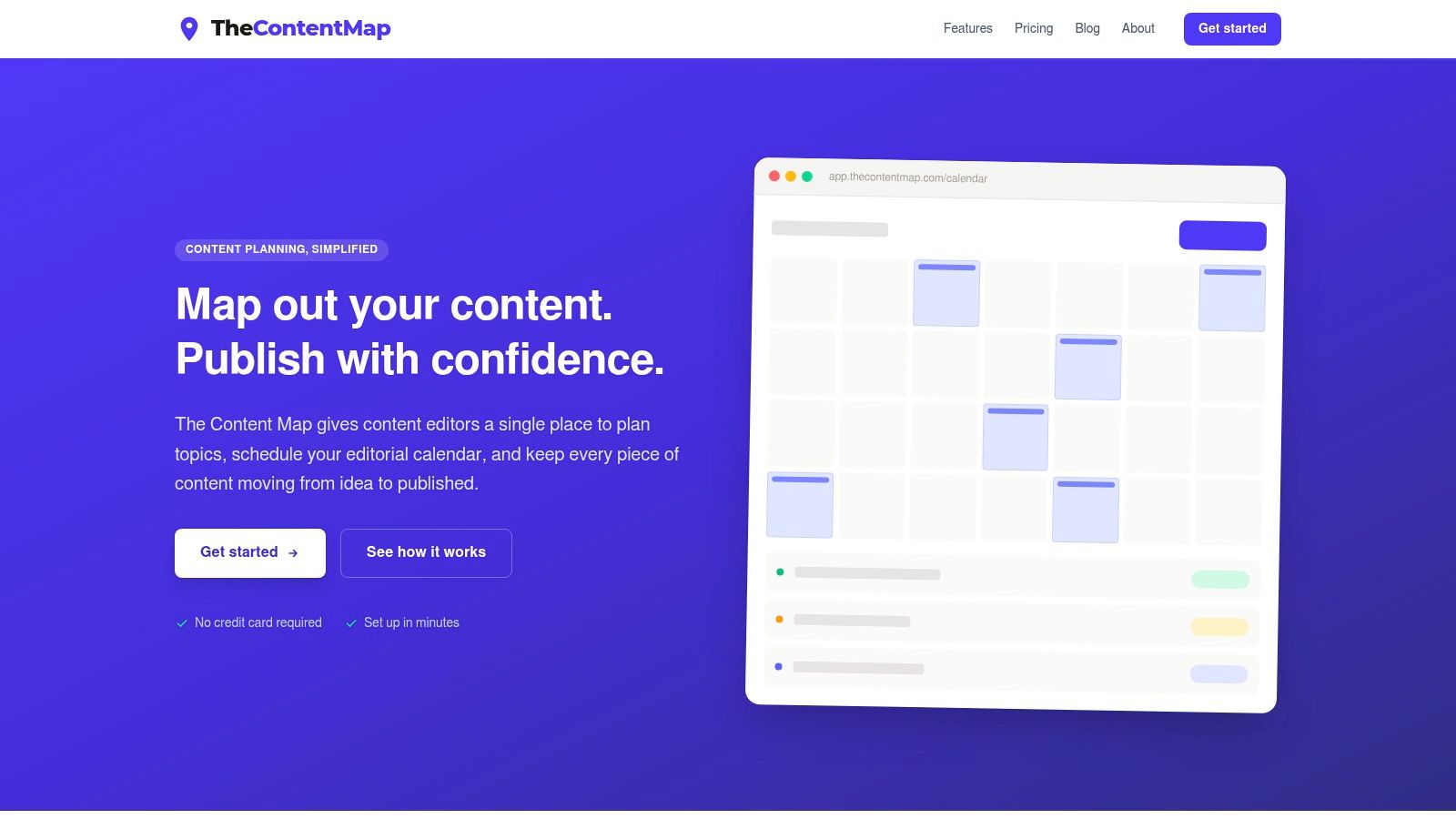
Best for editorial teams whose ideas stall between approval and publication.
Our platform handles the planning layer rather than search-demand discovery. You capture topics in a visual pipeline, assign writers, and move work through draft, review, and published stages. The drag-and-drop editorial calendar lets editors adjust publication dates without maintaining a separate scheduling spreadsheet.
That separation is important. You can bring an angle from AnswerThePublic or a competitor example from Ahrefs into the pipeline, but you still need to record why the idea deserves attention. Don't mistake a tidy calendar for a validated editorial strategy.
Where it fits in the workflow
Use topics and tags to organize ideas by subject, channel, or campaign. Keep assignment discussions in team comments, and use publish reminders to keep deadlines visible. Content insights show what's published and which topics and formats perform, giving editors a basis for follow-up decisions.
- Starter: Free, with an editorial calendar, one editor seat, and up to three projects. It suits a solo editor testing a more structured process.
- Pro: $12 per editor per month, adding unlimited projects, team collaboration, content insights, and priority support.
- Team: $29 per editor per month, adding unlimited seats, custom workflows, onboarding support, SSO, and advanced security.
The practical advantage is having idea capture, ownership, scheduling, and review in the same workspace. Editors don't have to reconstruct an assignment from a research document, a chat thread, and a calendar entry.
The limitation is equally clear: this isn't a replacement for keyword research or audience interviews. Teams needing detailed attribution analysis should also establish whether the available insights cover their reporting requirements. Choose it to manage editorial execution, not to manufacture evidence that every proposed topic deserves publication.
2. AnswerThePublic
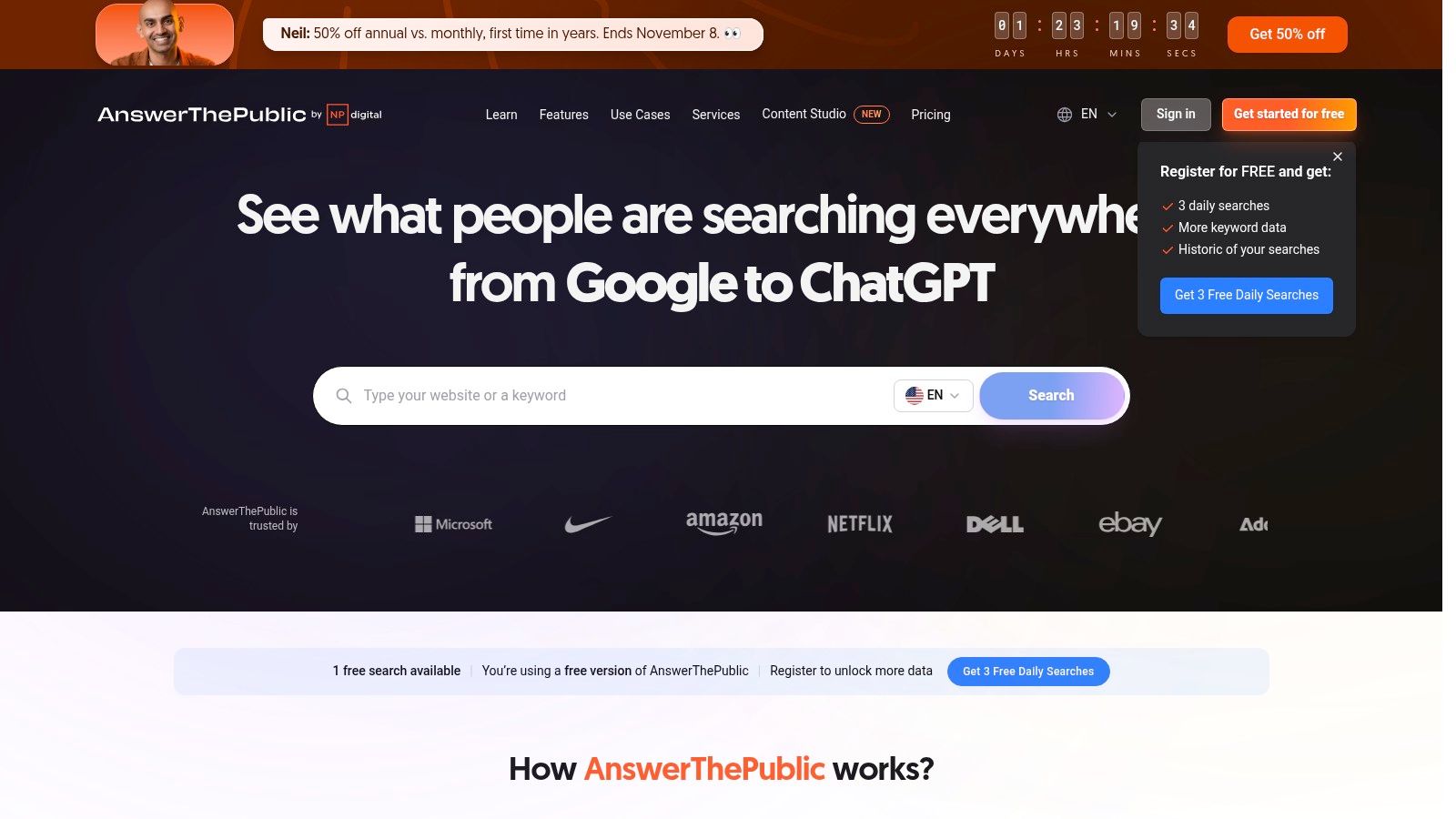
A broad subject such as home insulation isn't an assignment. Questions about insulating an attic, comparing materials, or dealing with condensation are much closer. AnswerThePublic helps make that transition by turning a seed topic into visual maps of related searches and questions.
Its strongest role is angle discovery. The keyword wheels and branched maps make it easier to scan question patterns, comparisons, and related language than an unstructured brainstorming document would. Paid plans also offer search-volume and CPC information, although those measures shouldn't decide your editorial priorities alone.
- What works: Start with a specific subject, then group related questions around a reader's task. Use the resulting groups to propose explainers, FAQs, or supporting articles.
- What needs editing: Similar-looking questions may share the same underlying intent. Don't commission separate articles merely because the wording differs.
- Who should skip it: Teams that already have a strong question backlog but lack assignments and deadlines won't fix that problem with another discovery tool.
Free use is limited, and subscription search limits matter if you research many client accounts or subject areas.
Practical rule: Save the reader's question and your proposed answer, not just the generated headline.
When you move a promising angle into your planning system, include the original query, intended audience, and what your article will explain differently. That context is more useful to a writer than a screenshot of the entire keyword wheel.
3. AlsoAsked
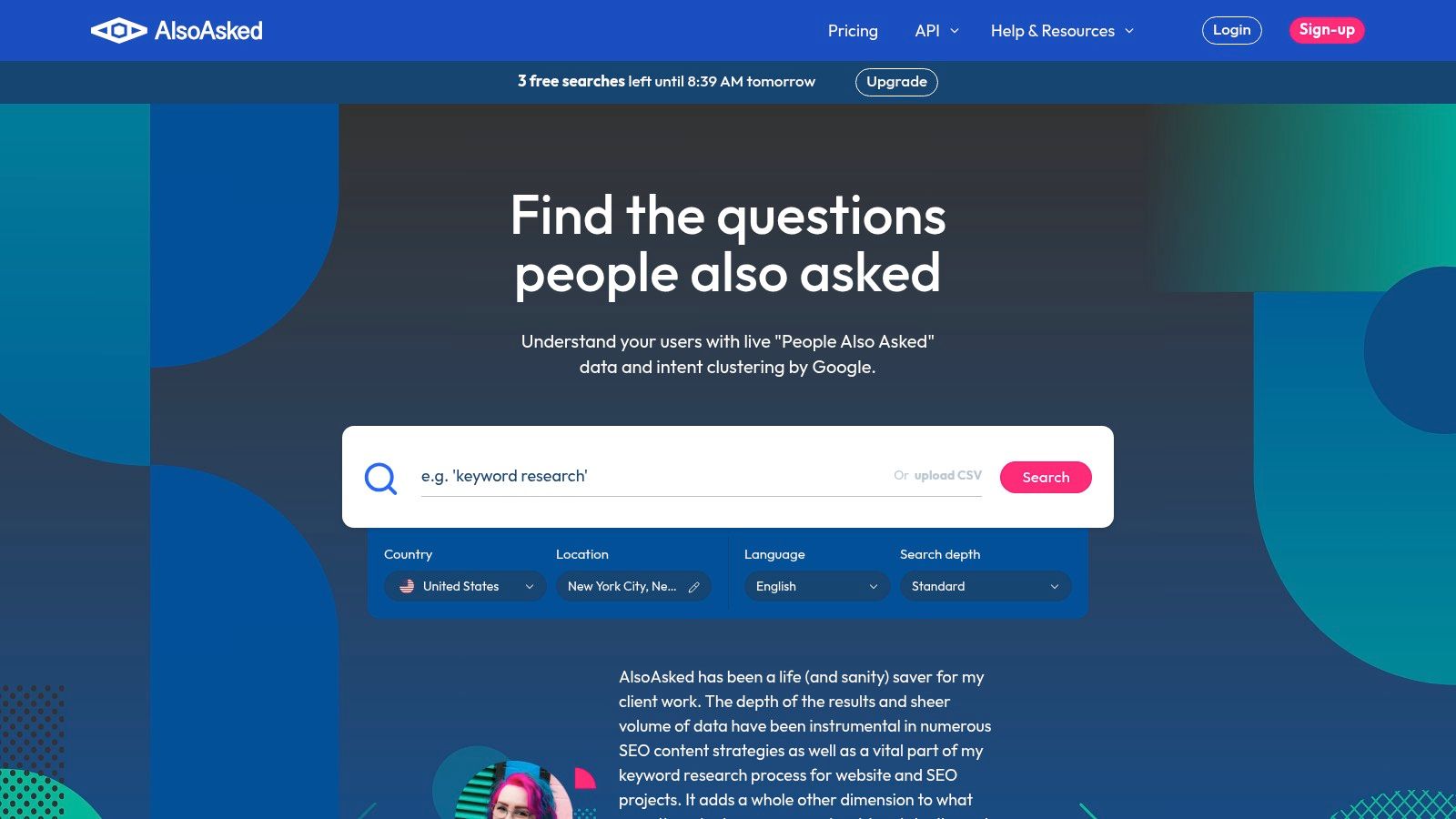
Choose AlsoAsked when the relationship between questions matters more than the size of your idea list. AlsoAsked maps questions from Google's People Also Ask results, helping editors examine how a broad query branches into related concerns.
For an article about choosing accounting software, the useful discovery might be that readers also need help with migration, integrations, and switching costs. Those branches can inform an outline, but they don't automatically belong in the same article. Some deserve supporting content; others fall outside the reader's immediate task.
Turn the map into a brief
Search by the relevant region and language, inspect the branches, and identify the central problem. Then use a content brief template that gets better first drafts to document the audience, scope, required evidence, and questions the writer should answer.
The advantage over a flat question list is structural clarity. You can see possible follow-up paths rather than treating every query as equally important. Paid capabilities such as deeper searches, bulk research, exports, and API access support more extensive investigations.
The trade-off is that search credits are limited, and unused monthly credits don't roll over. A question map also isn't proof of commercial value or a ready-made assignment.
AlsoAsked suits editors building explainers, support libraries, and connected article series. Skip it if you primarily need social-format inspiration or a place to coordinate contributors. Transfer selected questions into your editorial workflow instead of asking writers to interpret the whole map themselves.
4. Semrush Topic Research
Semrush Topic Research makes sense when your editor and SEO specialist need to evaluate the same topic together. It combines related subtopics, headlines, audience questions, and searches with SEO measures that help compare opportunities.
Its role spans discovery and search-oriented validation. Country-specific research and the cards, explorer, overview, and mind-map views let you approach the material differently. An editor can scan possible angles while an SEO specialist investigates whether the subject fits the site's existing coverage.
- Use it for: Comparing related subjects, examining headline approaches, and finding areas missing from an established content plan.
- Be careful with: Treating a suggested headline or attractive metric as a reason to publish. You still need a distinctive contribution and a relevant audience.
- Skip it when: You only want occasional brainstorming and won't use the broader marketing suite.
Decide what belongs together
Say your team covers employee onboarding. Related suggestions might concern checklists, remote onboarding, software, and manager responsibilities. Use intent and audience needs to decide which deserve separate assignments, rather than turning every card into a post.
A practical understanding of topic clusters and organizing content for SEO helps make those boundaries explicit.
Access and usage limits depend on the account and plan, so don't assume Topic Research is unrestricted within every subscription. Its value is strongest when your team already connects editorial decisions with keyword research. Move approved topics into a planning layer with a clear relationship to existing pages, including whether you're creating, updating, or consolidating content.
5. BuzzSumo
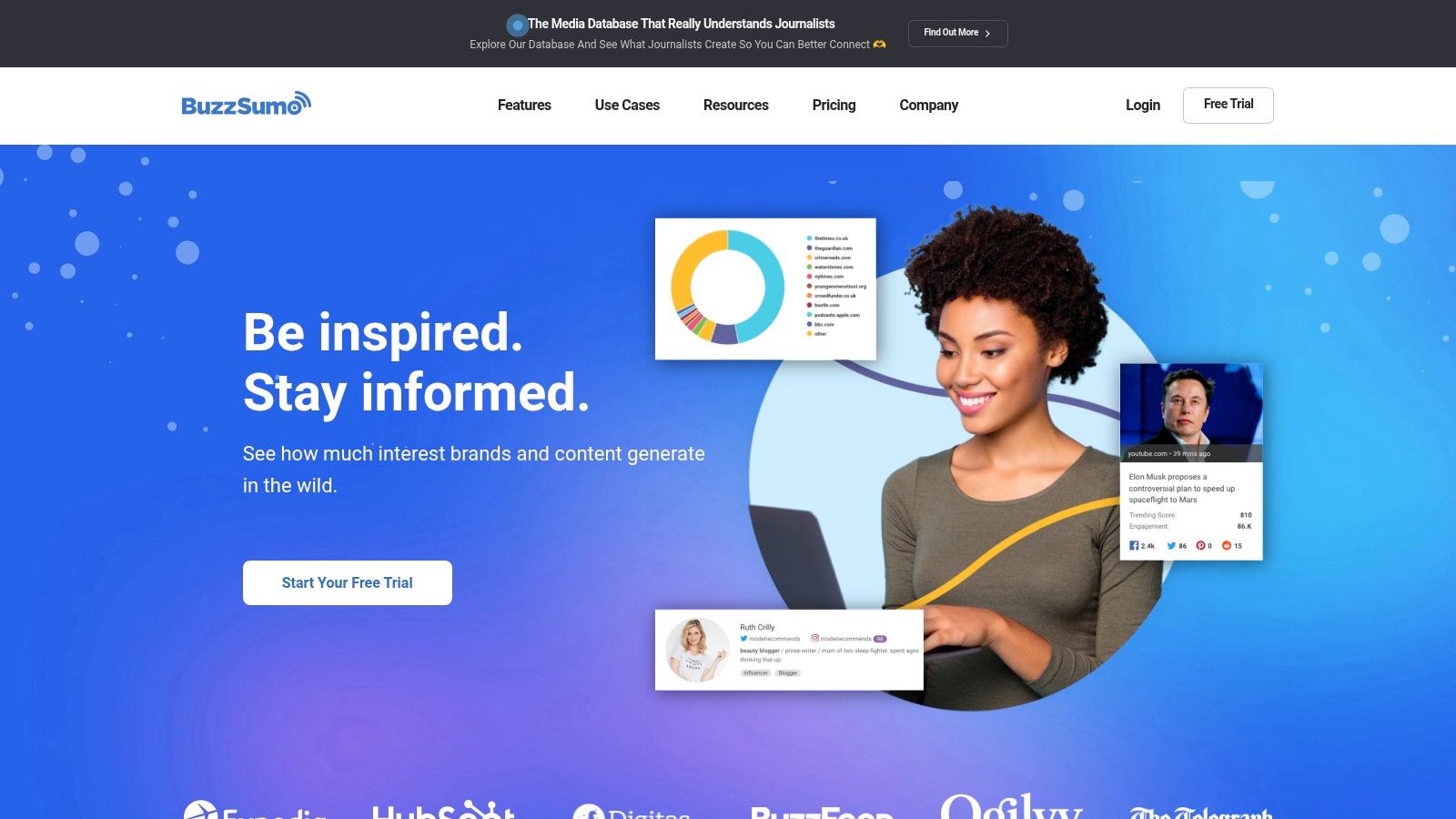
Before commissioning another industry roundup, examine what people have already published and what attracted attention. BuzzSumo is useful for that kind of published-content analysis, with content discovery, Content Analyzer, and an ideas generator.
The editorial benefit isn't discovering a successful headline to imitate. It's identifying patterns worth investigating: original reporting, practical templates, opinion-led arguments, or timely explanations. Those observations can help you choose a format and develop a distribution hypothesis.
An article that attracted attention elsewhere is evidence to investigate, not a forecast for your publication.
BuzzSumo suits teams producing thought leadership, shareable resources, campaigns, and PR-led content. Its broader discovery and media-research capabilities can justify the purchase when editors and communications colleagues both use it.
Look beyond the headline
Open the underlying articles. Check whether the appeal comes from the author's reputation, a surprising claim, useful source material, or a distribution channel your team doesn't have. Record that explanation beside the idea before proposing a similar treatment.
The main trade-off is cost versus frequency of use. A team conducting regular competitive and media research has a stronger case than a freelancer seeking occasional title inspiration. The Content Ideas Generator requires a paid plan.
Don't use engagement alone to rank your entire publishing calendar. A useful product explanation may serve your readers without resembling a widely shared opinion piece. Transfer the proposed angle, reference articles, and planned distribution into the assignment so the writer knows what you're trying to achieve.
6. Ahrefs Content Explorer
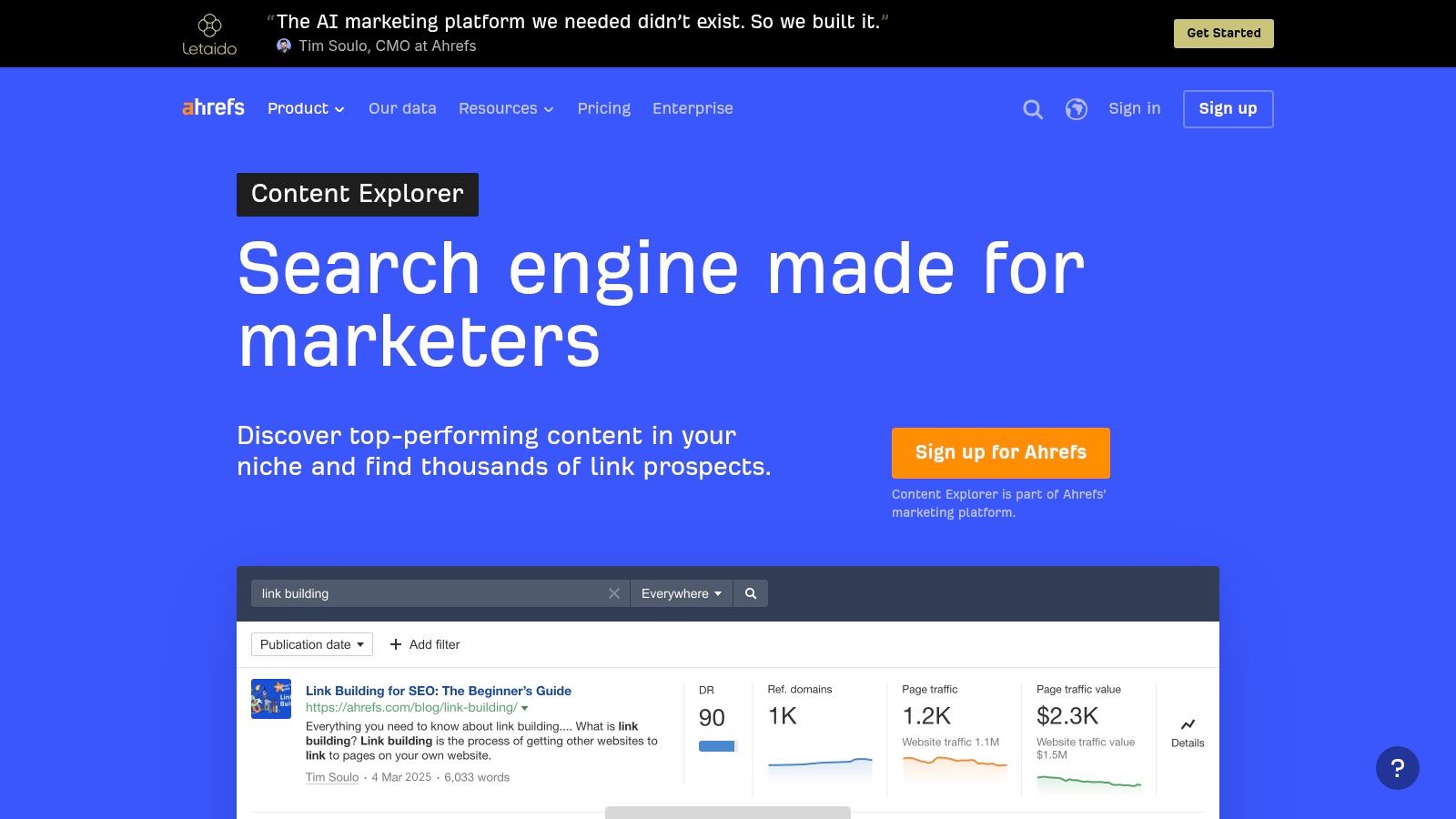
Ahrefs Content Explorer is for investigating existing pages, not generating a fresh calendar from a prompt. Content Explorer lets editors search published content and narrow the results using filters such as traffic, backlinks, author, date, and language.
That makes it useful for competitor coverage reviews and update-led ideation. Say you're considering a guide to remote interviewing. You can examine existing treatments, look for outdated advice, and identify where a new article would need stronger examples or a more specific audience.
- Strong fit: SEO-led publishers, agencies conducting competitor research, and editors developing link-worthy resources.
- Useful output: A shortlist of reference pages with notes on missing evidence, outdated sections, and opportunities for a different treatment.
- Weak fit: Teams whose primary need is campaign brainstorming without a search or backlink objective.
Find the editorial reason to compete
A page with traffic or links tells you something about that page's history. It doesn't establish that your publication can reach the same readers, earn similar links, or offer a better answer.
Inspect the content before approving the assignment. If your only differentiation is a longer word count or a rewritten introduction, the idea probably needs more work.
Access and limits depend on the Ahrefs account or plan. The broader platform is most defensible when your team also uses its SEO and backlink capabilities. Keep the resulting evidence with the editorial record, including why you're creating a new page rather than improving an existing one.
7. Exploding Topics
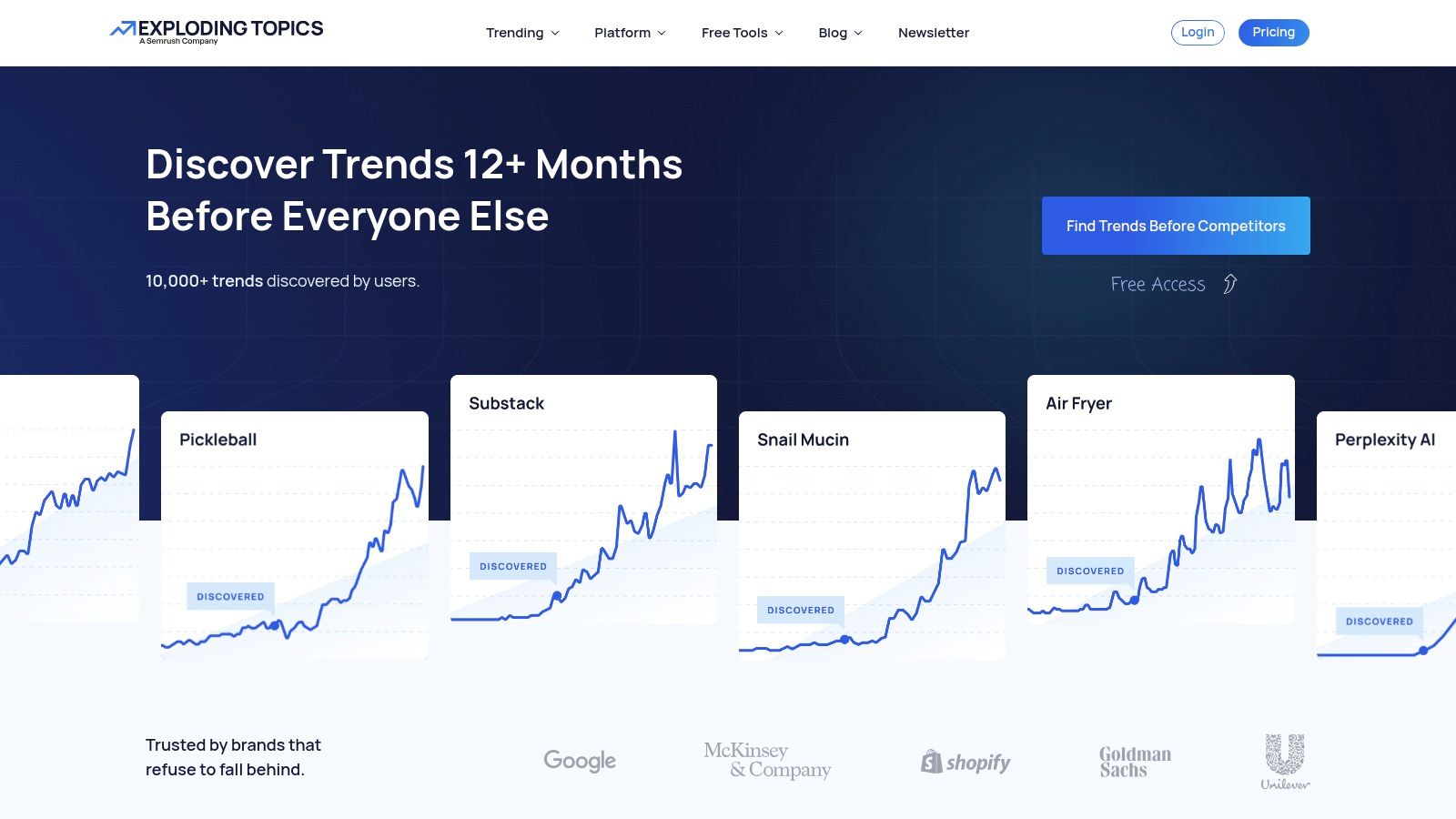
Established keyword lists can keep editors focused on subjects their competitors already cover. Exploding Topics offers a different starting point: subjects gaining attention, explored through trend databases, tracking, analysis, and connected themes.
Category browsing is particularly useful when you don't yet know what to search for. Product, market, and topic trends can suggest an emerging reader problem, an interview subject, or a timely explanatory article.
The trap is assuming that a rising subject belongs in your publication. A developing consumer trend may be irrelevant to a specialist business audience, even when its trajectory looks compelling.
Separate monitoring from commissioning
Use a watchlist before assigning an article. For each candidate, write down who in your audience is affected, what has changed, and what evidence you'd need to explain it responsibly.
- Commission now: You can identify a concrete reader question and obtain credible sources.
- Keep watching: The subject is relevant, but its practical implications remain unclear.
- Reject: The appeal depends on novelty rather than your audience's needs.
Some trend information is available without a subscription; broader research capabilities depend on the paid tier. Meta Trends and channel breakdowns can support further investigation, while forecasting and exports belong to higher plans.
Exploding Topics suits forward-looking publications and teams maintaining a research watchlist. Skip it if your immediate obligation is answering well-established customer questions. Move promising subjects into your planning system as research candidates, not approved assignments, until an editor has checked the underlying story.
8. Topic Mojo

Topic Mojo suits editors who want to investigate a subject from several directions without immediately assembling separate question, social-research, and AI-ideation tools. Its Topic Model, Questions Finder, and Social Model provide different starting points, while idea and outline generators help develop initial directions.
The attraction is breadth. You can explore audience questions alongside social-content possibilities, then use the findings to propose different treatments of the same underlying subject. That's useful for agencies adapting research across blog and social assignments.
Breadth also creates an editing burden. Combining outputs can produce an impressive-looking report without revealing which signals justify an assignment.
Editorial safeguard: Label each input as a question, a published example, a social observation, or an AI suggestion. They aren't interchangeable evidence.
Keep generated outlines provisional
Use an AI outline to test possible structure, not to establish facts or settle scope. Verify claims separately, remove repetitive sections, and make sure the proposed article answers a specific reader problem.
A free plan offers limited monthly queries. Paid tiers add capabilities such as collaboration, report sharing, and exports, with usage limits or fair-use terms depending on the plan.
Topic Mojo is a reasonable candidate for mixed-channel teams that value consolidated research. Skip it if you already have specialized tools that cover the same work and your real difficulty is editorial coordination. Once an angle is approved, preserve the relevant findings in the assignment rather than passing along an entire report without interpretation.
9. Google Trends
Is this subject gaining attention, following a seasonal pattern, or reacting to a temporary event? Google Trends helps editors investigate those questions through comparisons across time periods, locations, and categories.
It's a validation and timing tool, not an editorial planner. Its relative-interest data helps compare patterns, but it doesn't directly tell you the total audience size for a proposed article. Treating a prominent spike as a large, durable opportunity is an easy mistake.
Compare like with like
Say you're planning gardening coverage. Compare relevant terms within the audience's location and examine a broader time period before assigning a seasonal piece. Then distinguish recurring interest from an unusual event that may not repeat.
- What works: Checking seasonality, comparing topic trajectories, and reviewing Trending Now for recent search activity.
- What doesn't: Using relative interest as a substitute for audience research, absolute search demand, or editorial judgment.
- Who benefits: Budget-conscious editors and teams checking timing before committing production resources.
Google Trends is free, which makes it a sensible starting point before purchasing a broader research platform. Exporting findings can help preserve the context behind a scheduling decision.
Record the geography, comparison, and time period with the idea. Without that context, a colleague may interpret a screenshot differently from the editor who conducted the search. Transfer the result into your calendar as a timing rationale, while setting publication dates according to production capacity and when readers will need the information.
10. HubSpot Blog Ideas Generator
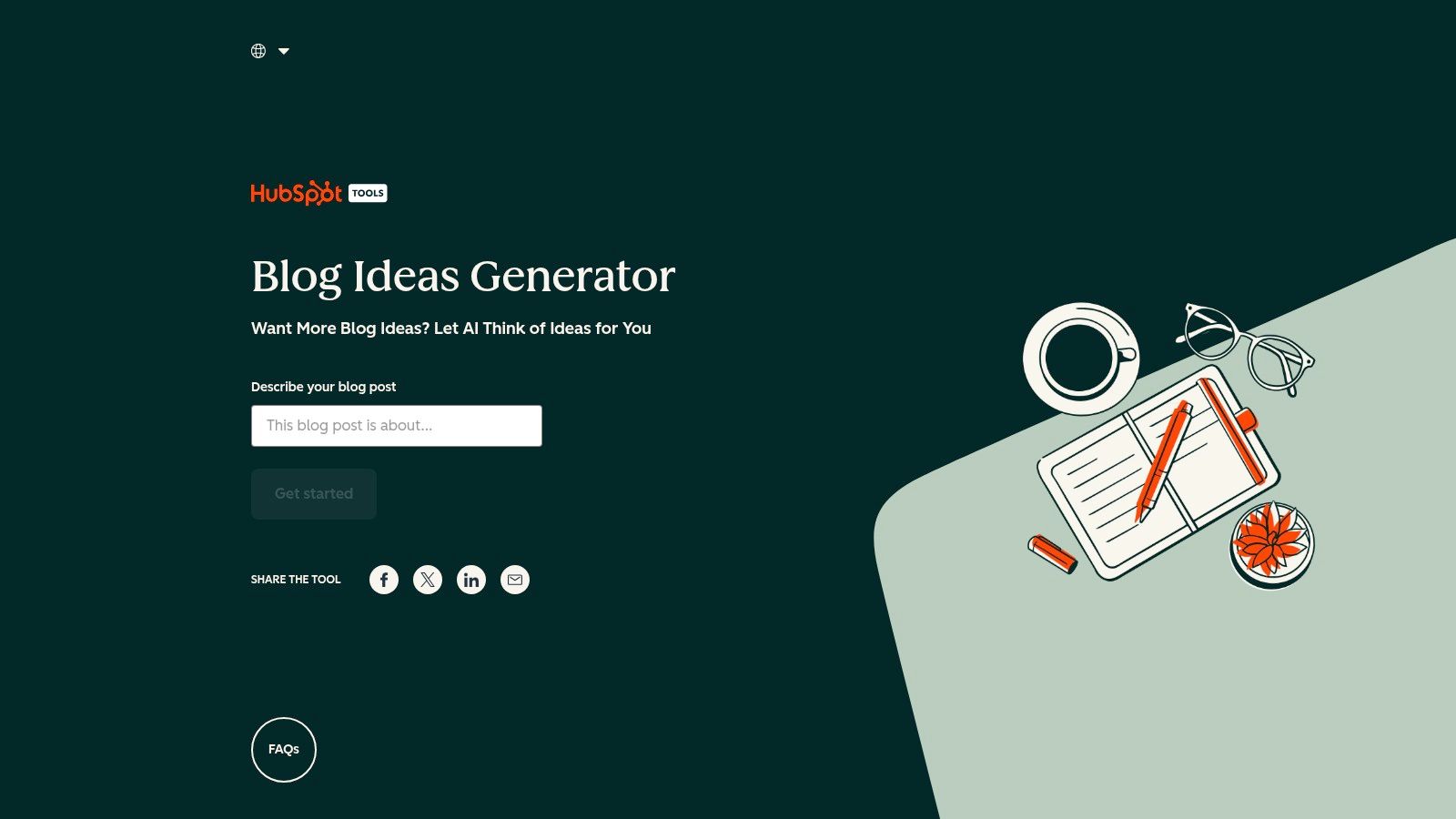
Sometimes you don't need a research suite. You need alternative ways to frame a topic that already belongs in your strategy. HubSpot's Blog Ideas Generator provides a lightweight, free way to generate suggested blog titles from a topic input.
Use it for framing, not validation. A proposed title can suggest a comparison, a beginner's guide, or a problem-led explanation. It can't establish that the audience wants that article or that its implied claims are accurate.
- Keep: Angles that sharpen the reader's problem or suggest a format that readers will find useful.
- Rewrite: Generic promises, exaggerated claims, and wording that doesn't match your publication's voice.
- Discard: Titles that duplicate existing coverage or require evidence your team can't obtain.
Give the generator a strategic boundary
Define the audience and purpose before generating titles. If those foundations are missing, start with planning a content strategy from scratch rather than filling a backlog with plausible-sounding headlines.
HubSpot suits freelancers, small teams, and editors seeking a quick prompt. Skip it if you need competitor analysis, keyword validation, or contributor coordination.
For short-form video assignments, compare TikTok video idea generators instead of assuming a blog title will translate directly into a visual concept. Whatever the channel, move the chosen angle into your planning workflow with a reader promise, evidence requirements, and an owner. The generated title should remain editable until the actual reporting supports it.
Content ideation tools at a glance
| Primary role | Starting price | Free option | Best for |
|---|---|---|---|
| TheContentMap, Editorial planning | Free; paid from $12/editor/month | Yes, one editor and three projects | Planning and managing editorial workflows |
| AnswerThePublic, Search-question research | $10/month with annual billing | Yes, limited daily use | Generating topic ideas from search queries |
| AlsoAsked, Related-question research | Not listed | Yes, limited monthly credits | Building article outlines from related questions |
| Semrush Topic Research, SEO-focused topic research | Plan-dependent | Limited; two lifetime searches for free users and Pro subscribers | Connecting ideation with keyword research |
| BuzzSumo, Content performance research | $159/month for Content Ideas Generator | Not specified | Exploring proven content angles and formats |
| Ahrefs Content Explorer, Content and competitor research | Plan-dependent | Not specified | Finding published examples and content gaps |
| Exploding Topics, Trend discovery | Plan-dependent | Yes, some information available | Identifying emerging topics |
| Topic Mojo, Topic and question research | Not listed | Yes, limited monthly queries | Combining topic, social, and AI-assisted research |
| Google Trends, Search-interest analysis | Free | Yes | Comparing interest, timing, and seasonality |
| HubSpot Blog Ideas Generator, Blog-title generation | Free | Yes | Quickly generating blog title ideas |
Turning Ideas Into a Plan You Actually Publish
The most useful combination isn't the largest software stack. It's a discovery or validation tool paired with a planning layer that preserves the reasoning behind each assignment. Start with AnswerThePublic for question discovery, AlsoAsked for connected questions, or Google Trends for timing, then move selected ideas into an editorial pipeline.
The gap between experimentation and routine use remains relevant: Content Marketing Institute's technology-marketer research for 2025 found that 19% reported systematic AI use integrated into daily workflows. For editors, the practical response is to define the handoff from an interesting output to approved work, rather than adding another generator.
Build a deliberate handoff
- Capture the evidence: Save the originating question, reference page, trend context, or audience feedback alongside the proposed angle.
- Make an editorial decision: Check audience fit, existing coverage, source availability, and whether the proposed treatment offers something useful.
- Assign responsibility: Name the writer and reviewer, describe the deliverable, and set a publication date that leaves room for revision.
- Review the outcome: Compare the published piece with its original purpose, then decide whether to repeat, adapt, pause, or retire the approach.
Don't automate an approval merely because a tool supplies a confident-looking score. An editor still needs to distinguish an unanswered reader question from a duplicate topic, an unsupported claim, or a subject that doesn't belong in the publication.
Buy for the bottleneck you have
Start free where possible. A solo editor can test question discovery and calendar discipline before purchasing a broad SEO suite. An agency researching many clients may justify bulk capabilities and shared reports, while a publisher with an established search operation may benefit more from competitor analysis.
Keep measurement proportionate to the decision. Record the intended reader behavior and relevant signals before publication, whether that means useful audience responses, qualified visits, subscriptions, or support for a larger campaign. Don't assume every article should be judged by the same outcome.
Distribution belongs in the assignment too. An end-to-end digital marketing guide can help connect editorial planning with the surrounding marketing work, so a finished article has a route to its intended audience.
Our editorial platform fits at the point where selected ideas need ownership, scheduling, comments, reminders, and review. It doesn't replace discovery or editorial judgment; it gives the team a shared place to act on those decisions.
This week, pick a discovery tool and a planning tool, then run your next brainstorm through both. Choose an angle, preserve its evidence, assign an owner, and schedule the review before treating it as committed work.
TheContentMap brings idea capture, an editorial calendar, assignments, comments, publish reminders, and content insights into a shared editorial workspace. Visit TheContentMap to start with the free Starter plan and move your next approved idea from the backlog onto a publishing schedule.
Related Articles
What Is Cross Team Collaboration and How It Works
Cross-team collaboration is the coordinated work of people from different functions, such as editori...
SoftwareContent Marketing Plan: Step-by-Step for Editorial Teams
You opened the spreadsheet again. The dates are filled, the titles look plausible, and the month sti...
SoftwareContingency Planning Example: 7 Content Backup Plans
It's 9 a.m. Your feature writer is sick, the product launch has slipped, and the newsletter stil...
Comments (0)
No comments yet. Be the first to share your thoughts.