10 Team Collaboration and Productivity Software Picks
Compare 10 team collaboration and productivity software options for editorial teams, with features, pricing, limitations, and practical use cases.
The popular advice says consolidate everything into the biggest platform you can afford. For editorial teams, that's often the fastest way to create a bottleneck. A polished task board won't rescue a broken publishing process if briefs sit in documents, deadlines hide in spreadsheets, review comments live apart from assignments, and lessons from published work never shape the next quarter.
Good team collaboration and productivity software should carry an idea from capture to publication without forcing a small team to maintain a complicated system. That distinction matters because McKinsey Global Institute estimated workplace social technologies could raise interaction worker productivity by 20 to 25%, after finding about 28% of the workweek went to email and nearly 20% to searching for internal information. The gain comes from findable context and clear ownership, not from more notifications.
This list judges each option on editorial workflow fit, ease of adoption, collaboration depth, planning views, reporting, pricing model, and practical limits. You'll find dedicated editorial tools beside configurable generalists, because the right answer depends on whether you want a ready-made pipeline or you're willing to build and maintain one yourself.
Table of Contents
- 1. TheContentMap
- 2. Asana
- 3. monday.com Work Management
- 4. ClickUp
- 5. Trello
- 6. Wrike
- 7. Basecamp
- 8. Notion
- 9. Smartsheet
- 10. Jira
- Team Collaboration & Productivity Software: Top 10 Comparison
- Choose for the Workflow You Already Have
1. TheContentMap

TheContentMap is built around the path an editorial item follows: capture, assignment, review, deadline management, publication, and post-publication learning. Its drag-and-drop calendar, visual idea pipeline, assignments, comments, and publish reminders keep each stage attached to one content record. That helps when writers, editors, and stakeholders check work at different times rather than in a shared meeting.
Setup takes minutes and doesn't require a credit card, which lowers the risk of testing it with live assignments. After publication, content insights highlight topics and formats worth repeating, so planning draws on results instead of starting cold each quarter. Its site lists users including Northwind Media, Atlas Publishing, Brightcopy, Meridian Content, and Fieldstone.
Where It Helps Most
The strongest fit is a desk that needs fewer status chases, rather than more alerts. In Slack's 2023 State of Work survey of more than 18,000 desk workers, people using workplace automations reported saving an average of 3.6 hours per week. Editorial teams can see the practical value in automatic publish reminders and status changes.
- Purpose-built calendar: Plan, reschedule, and track work from idea through publication without building fields from scratch.
- Handoffs in one place: Assignments, comments, and reminders stay with the content item instead of moving between separate threads.
- Performance loop: Insights connect future topic and format choices to work that has already reached publication.
The limits are practical as well. Starter is free but restricted to 3 projects and 1 editor seat. Pro is $12 per editor per month with unlimited projects, insights, collaboration, and priority support. Team is $29 per editor per month and adds unlimited seats, custom workflows, onboarding, SSO, and advanced security. If you're comparing this pipeline approach with a board-centered workspace, a features overview can provide a useful contrast.
Shared calendars, comments, and deadlines turn status chasing into visible editorial management.
For a hands-on check, open TheContentMap and run one real assignment through planning, review, and publication.
2. Asana
Asana suits teams that need structured assignments across several projects and don't mind configuring the editorial layer themselves. You can assign work, manage review stages, and view schedules as lists, boards, or timelines. For cross-functional launches where content is one workstream among many, that breadth is useful.
Editorial Fit
Forms can standardize intake so requesters submit audience, goal, and deadline up front instead of sending vague messages. Custom fields, reporting dashboards, and automation on paid plans can reduce manual status updates. Integrations with Slack, Google Drive, and Zoom help, but they don't replace a content record.
- Multiple views: Lists, boards, and timelines let editors and managers read the same work differently.
- Standardized intake: Forms cut the back and forth before drafting starts.
- Reporting strength: Dashboards help you spot overloaded owners and slipping stages.
The catch is configuration. An editorial calendar and content performance view aren't native in the way a dedicated tool presents them, so you'll build conventions and maintain them. Paid plans are priced per user and start at two seats, and a broad feature set needs agreed rules or each project drifts into its own system. Asana works best when someone owns the setup.
3. monday.com Work Management
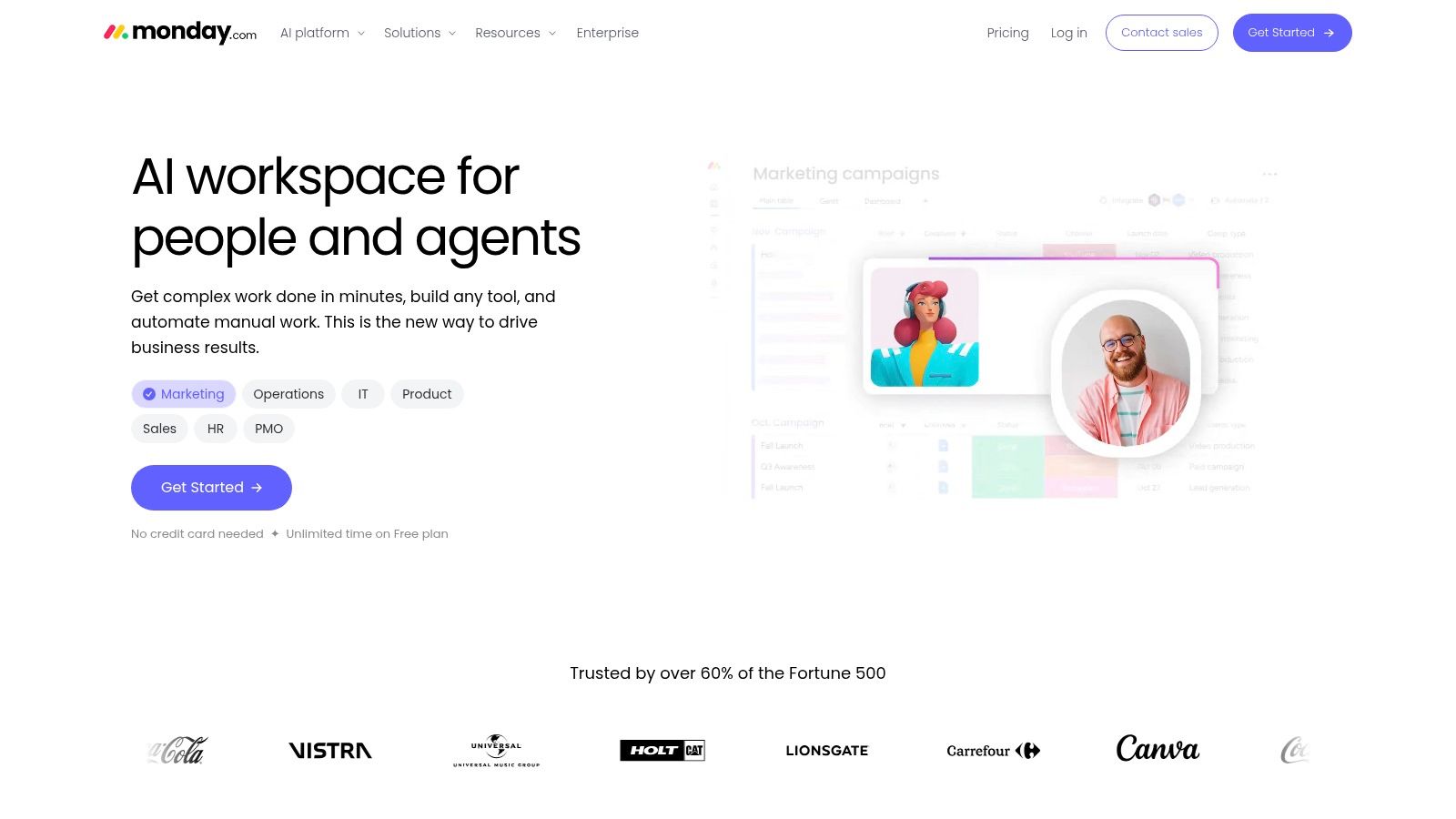
If you want to design your own board rather than adopt someone else's pipeline, monday.com is a strong candidate. Its configurable boards, columns, and workflow stages adapt to editorial calendars, campaign schedules, or production pipelines. Status and ownership are easy to scan at a glance.
Automations can handle routine notifications and task updates, such as nudging a reviewer when a draft moves stages. Higher tiers add portfolio and resource management, which helps when several publications compete for the same writers and designers. Multiple visualizations let stakeholders check progress without asking for a meeting.
What to Watch
That flexibility isn't free. Content-specific fields, approval stages, and reporting need setup and ongoing maintenance, and features and limits vary by plan. Without a named owner, boards multiply and the same article ends up tracked in two places.
Practical rule: A configurable tool is only simpler if one person governs the configuration. Otherwise every team builds a private version of the truth.
Choose monday.com when your process is distinct and you'll invest in shaping it. Skip it if you want an editorial calendar that works sensibly on day one, because it's a general work platform, not a dedicated planning tool for publishing teams.
4. ClickUp
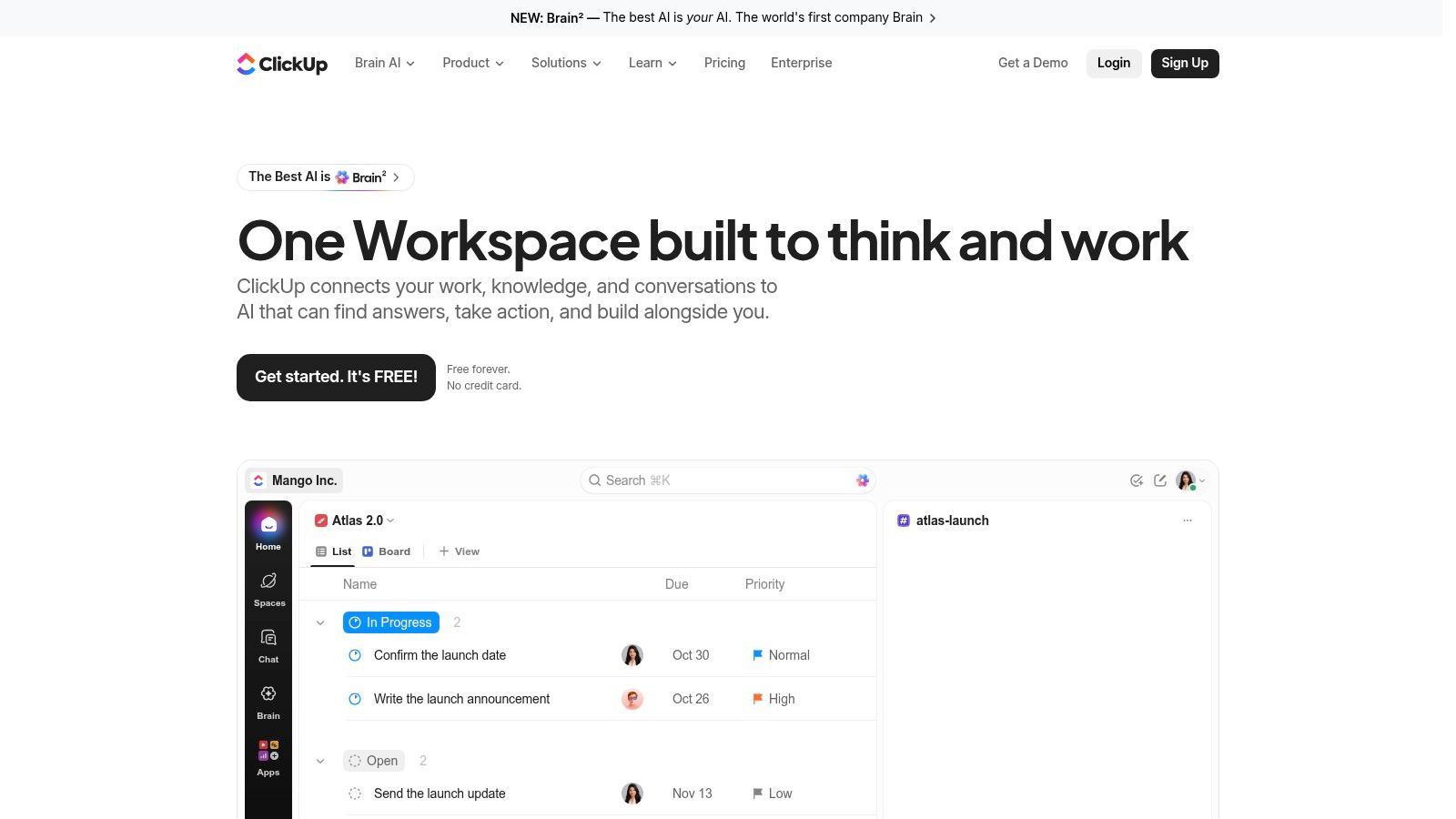
ClickUp tries to put tasks, projects, documents, chat, and other work tools in one workspace. For teams tired of switching apps, that consolidation is the appeal. Custom statuses and fields can represent an idea to publication pipeline, and docs sit beside task management instead of in a separate drive.
Strengths and Friction
A free option gives you room to test the workspace with real briefs before committing. Configurable task details and a range of views can support editorial production if you define calendar conventions, workflow stages, and performance reporting yourself. Good content workflow management matters more here than any single view, because the tool won't impose it for you.
- Broad consolidation: Several types of team work can live in one place.
- Flexible pipeline: Statuses and fields map drafting, review, and approval stages.
- Low-cost trial path: Free access lets a small team test adoption.
The downside is density. The number of features and settings makes setup more involved, and some capabilities carry plan-specific limits or add-on costs, including AI features. Editorial analytics still need configuration. ClickUp rewards teams with a patient admin and punishes teams that expect structure to emerge on its own.
5. Trello
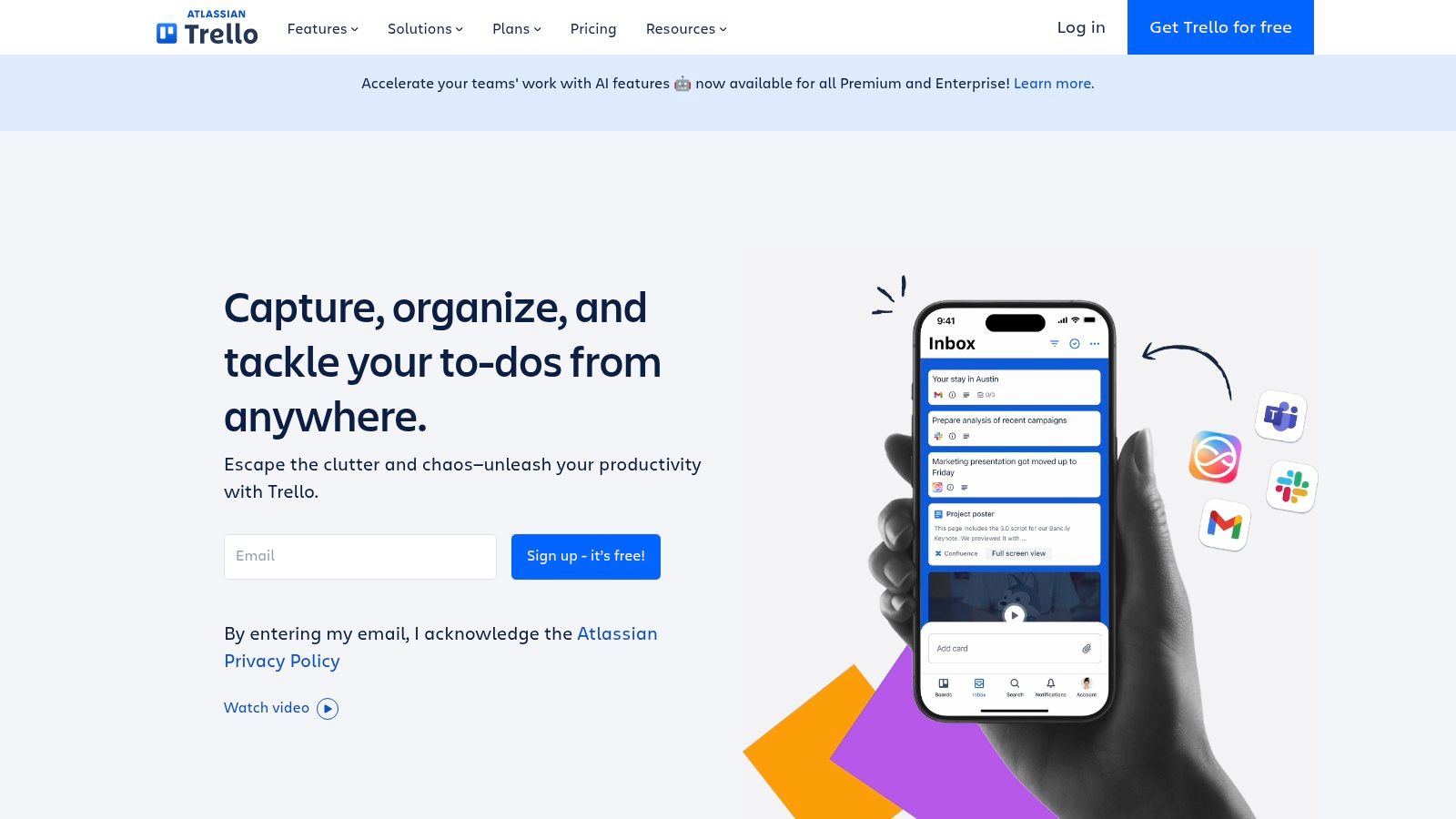
A two-person newsletter team can run an entire content calendar on one Trello board. Cards sit in lists named ideas, drafting, review, and published, and dragging a card from one column to the next is the whole workflow. Nobody needs training. That is the pitch, and for small teams publishing steadily, simplicity often beats richer software that stops getting updated.
| What you need | Where it lives in Trello |
|---|---|
| A visible queue | Boards, lists, draggable cards |
| Task detail | Checklists and custom fields on paid plans |
| Deadline view | Calendar and other views on higher tiers |
| Repetitive steps | Automation on paid plans |
The free tier covers small workspaces, so you can test whether board discipline holds before paying for extras. The board becomes a shared answer to one question: what is stuck, and who has it.
Where the Board Stops
Scale is the problem. A card carries little structured data unless the team stays disciplined about fields and naming, which makes complex projects and cross-project reporting harder to run. Content performance measurement is not a core function either, so post-publication learning happens in another tool entirely.
Pick Trello for a straightforward queue. Move on when you need portfolio views, reporting across publications you can depend on, or a calendar stakeholders trust without opening five boards.
6. Wrike
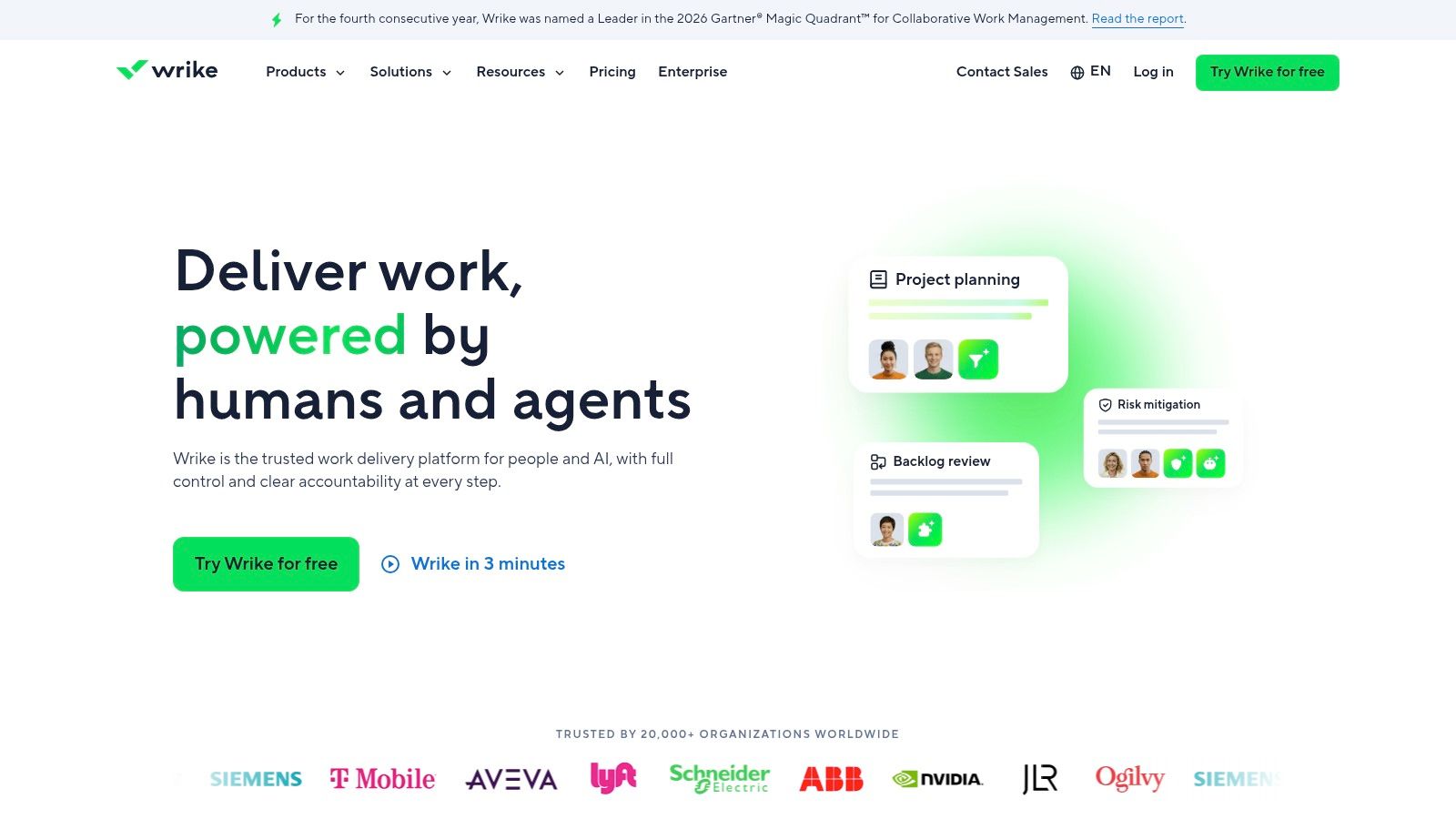
A launch stalls because legal cleared the draft three days ago and nobody told the writer. That specific coordination failure is what Wrike is built to prevent. Board, table, and schedule-oriented views track deadlines, Gantt charts and shareable dashboards on the Team plan support structured planning, and higher tiers add workflow templates, reporting, and resource planning.
Most editorial desks will not touch half of that on day one. Wrike earns its seat when a draft depends on design assets, legal sign-off, and a product date owned by another department. Dependencies stay visible, so a delay upstream shows up on your schedule before it becomes your problem. A free plan and a 14-day trial of paid plans let you test whether reviewers outside editorial adopt the system or keep replying over email.
Where the Breadth Costs You
The same controls that make Wrike work across departments make it heavy for a small publishing team. Advanced reporting and capacity planning sit behind higher-priced tiers, and configuring custom workflows takes more setup than a board-first tool. Pricing and packaging shift, so confirm plan eligibility before committing.
Weigh it against dedicated editorial workflow management software before assuming more control means better publishing. Governance across departments justifies Wrike. A calm calendar the writers will open does not.
7. Basecamp
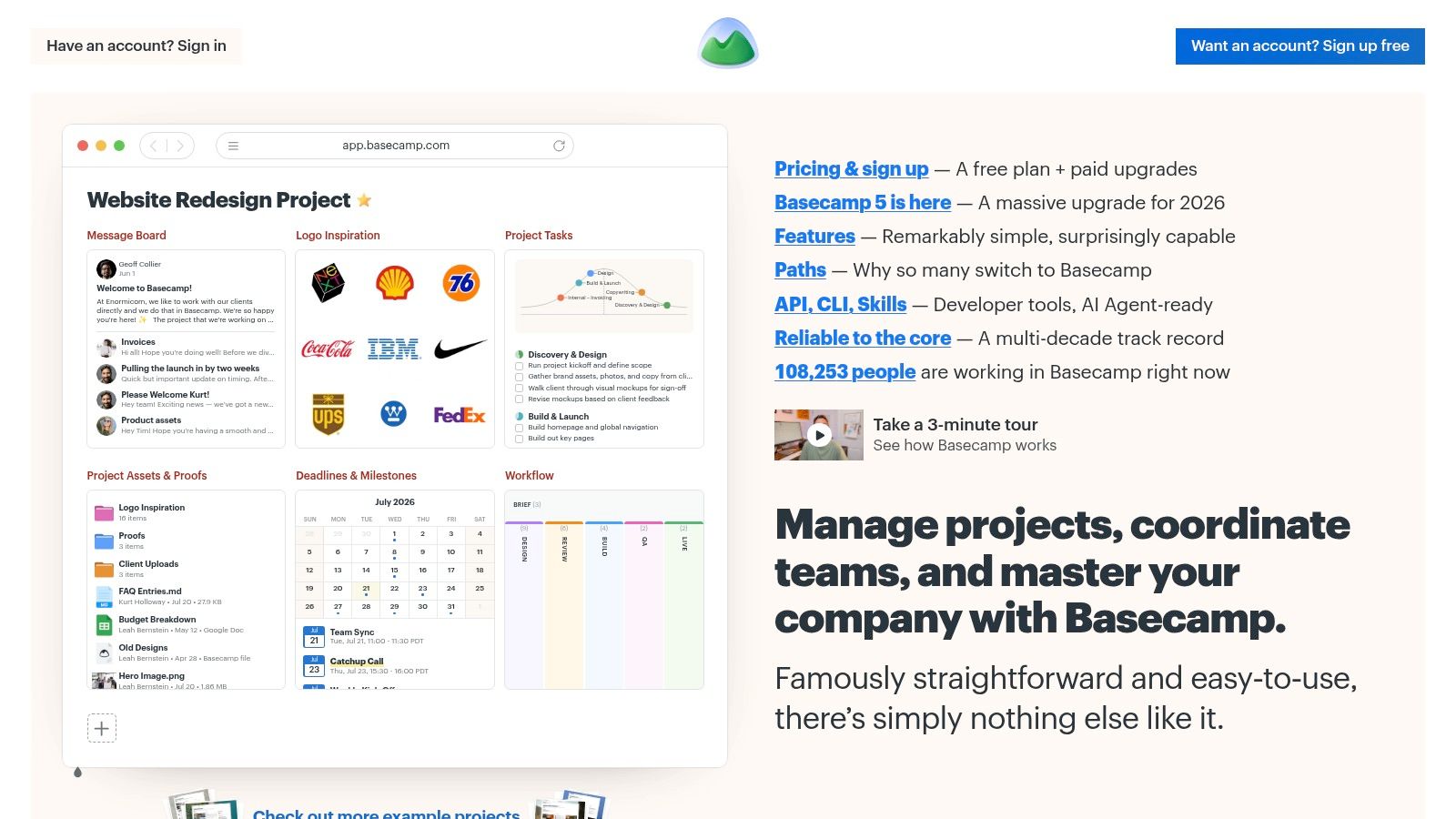
An editor who has reconstructed an assignment from eleven email replies will understand Basecamp in about a minute. Work sits in project spaces that hold messages, to-dos, schedules, and files together, so the discussion about a draft lives beside the draft itself instead of a buried thread.
That strength is also its ceiling for editorial desks. Basecamp centralizes conversation well. It offers far less for calendar based publishing planning, staged review states, or content analytics. If your real bottleneck is scattered discussion, it fits. If the bottleneck is knowing which of forty pieces sit in review this week, compare the content collaboration examples covered earlier before deciding which problem you are buying a fix for.
The Flat Price Question
Fixed-price options with unlimited users on some tiers matter most for agencies and client-facing teams, where per-seat pricing punishes every freelancer or stakeholder added to a project. A free plan covers one project with a limited number of users, and paid tiers add project templates plus time tracking.
Active project limits apply to several plans, so confirm how many concurrent engagements fit before committing. Detailed workflow reporting often means a second tool or a spreadsheet. Basecamp earns its seat on calm communication. Pipeline measurement needs something else.
8. Notion
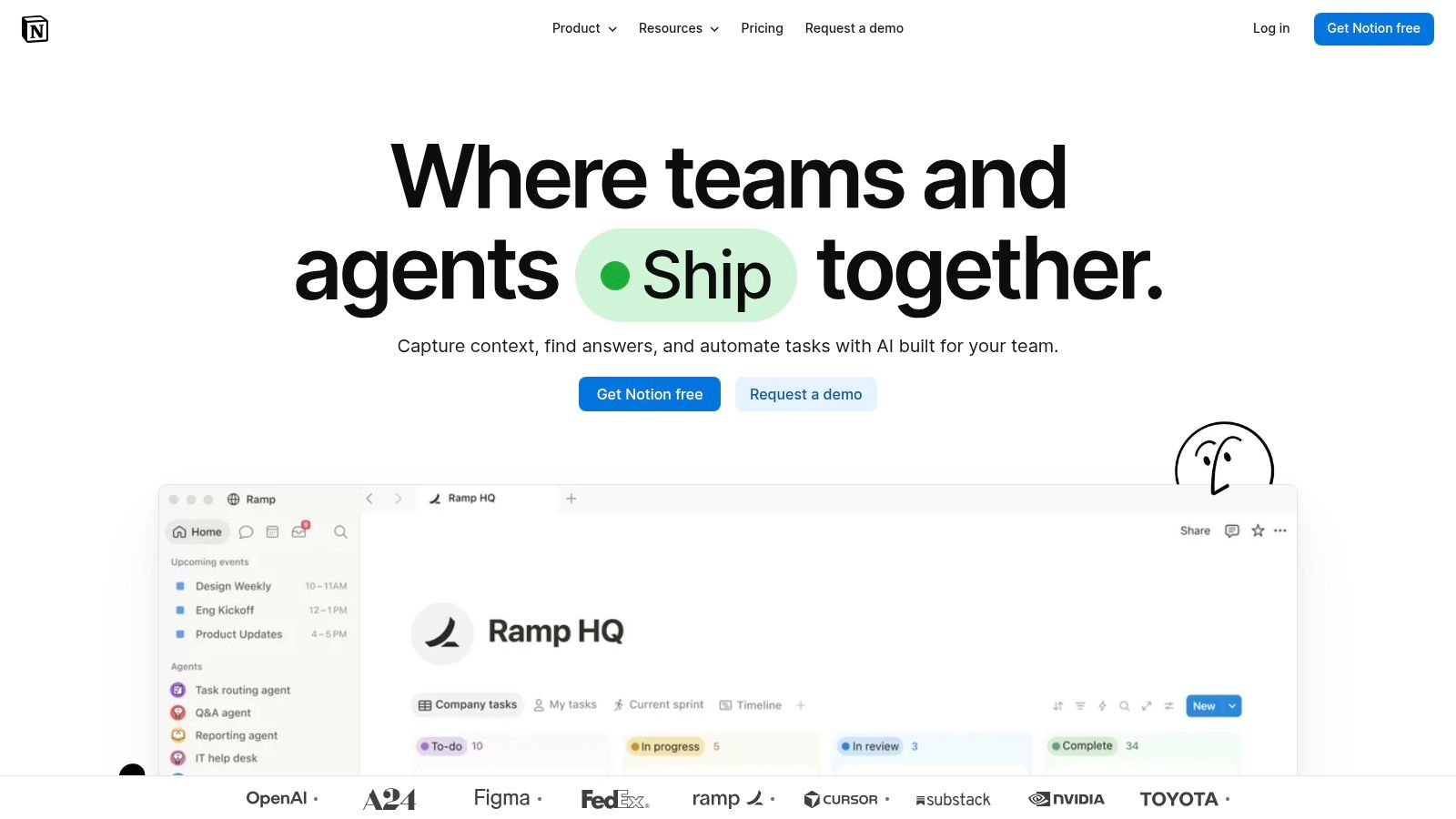
Editorial teams that live in documents often land on Notion, and it's easy to see why. Briefs, style guides, research, and planning records can sit in one flexible workspace. Databases with statuses, dates, and owners can become a content pipeline, with calendar and project views built from the same records.
That connection between documentation and tracking is Notion's real advantage. A writer can open the assignment and reach the brief, source material, and internal guidance without hunting through folders. Teamspaces and collaboration features on paid plans help larger groups organize access.
The Maintenance Question
None of that structure arrives finished. Your team designs the databases, naming rules, views, and archiving habits, then maintains them as people join and processes change. If nobody owns that work, the workspace slowly becomes a well formatted junk drawer.
Flexibility feels like freedom in week one. By month six, it's either governed or it's clutter.
Notion isn't a dedicated editorial calendar with built-in publishing performance insights, and reminders and workflow discipline depend on your setup. It's a strong fit for documentation heavy teams willing to configure and maintain their system. It's a weaker fit if you want the tool itself to enforce a publishing rhythm.
9. Smartsheet
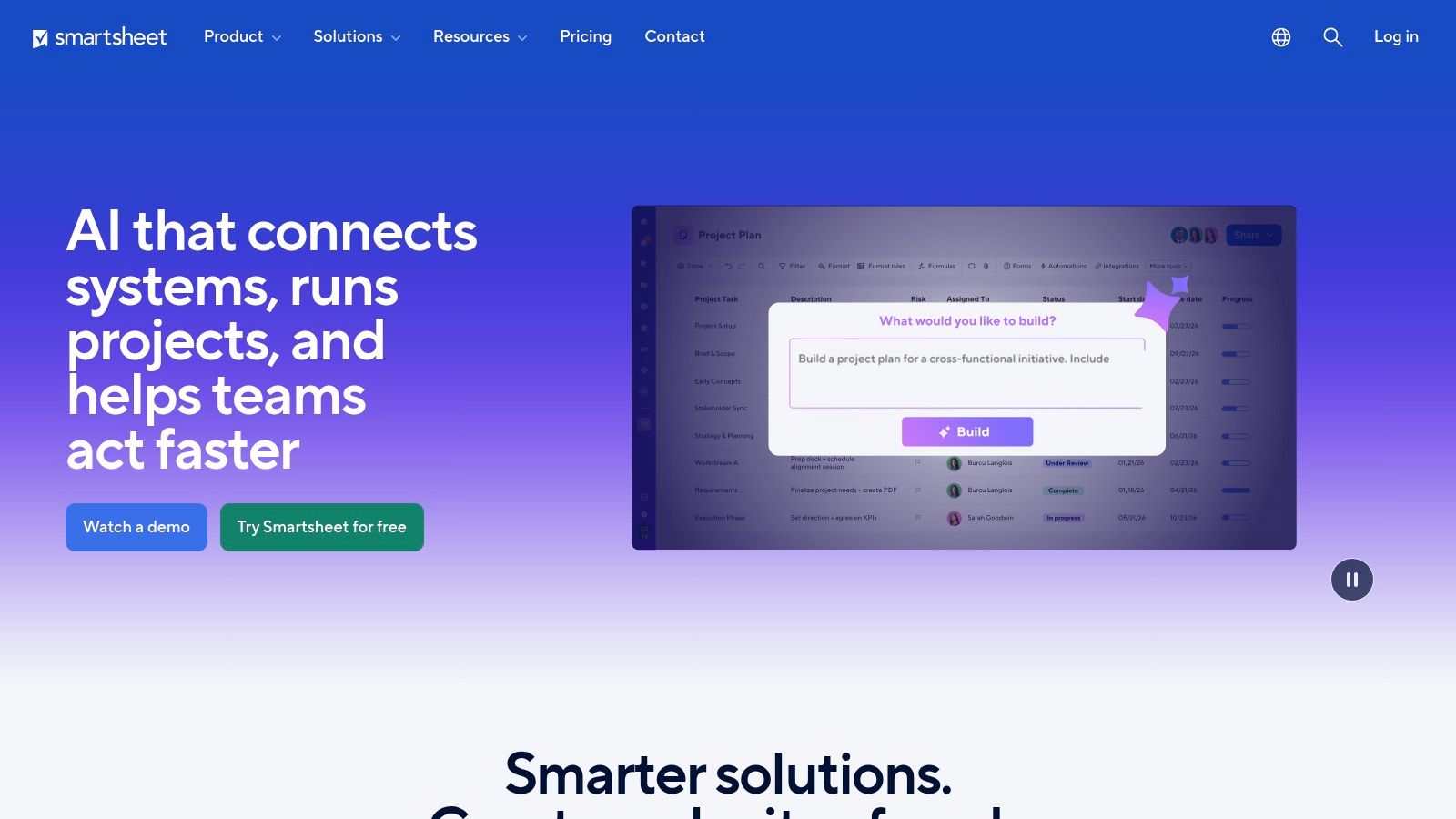
Smartsheet is the natural step for teams that think in rows and columns and aren't ready to give that up. Its spreadsheet-like interface tracks editorial dates, assignments, status, and approvals, while grid, board, Gantt, calendar, and timeline views show the same work in different ways. That familiarity can ease adoption for operations minded teams.
Forms standardize intake, and automations can send reminders so editors stop chasing updates manually. Reports and dashboards support broader coordination across publications or clients. Mobile apps help when approvals happen away from a desk.
Before You Commit
Check the user and membership model carefully when estimating total cost, since who counts as a paid member changes the maths. Advanced portfolio, security, and workload features require higher tiers. Workload tracking and admin features also sit on those upper plans.
- Familiar layout: Spreadsheet style grids feel natural after years of shared sheets.
- View variety: Calendar, board, and Gantt views serve different readers.
- Intake control: Forms and automations bring order to requests and reminders.
Smartsheet still feels like a configurable work platform rather than a purpose-built editorial tool. You'll define what a content record means. Pick it when spreadsheet control plus reporting matters more than a ready-made publishing workflow.
10. Jira
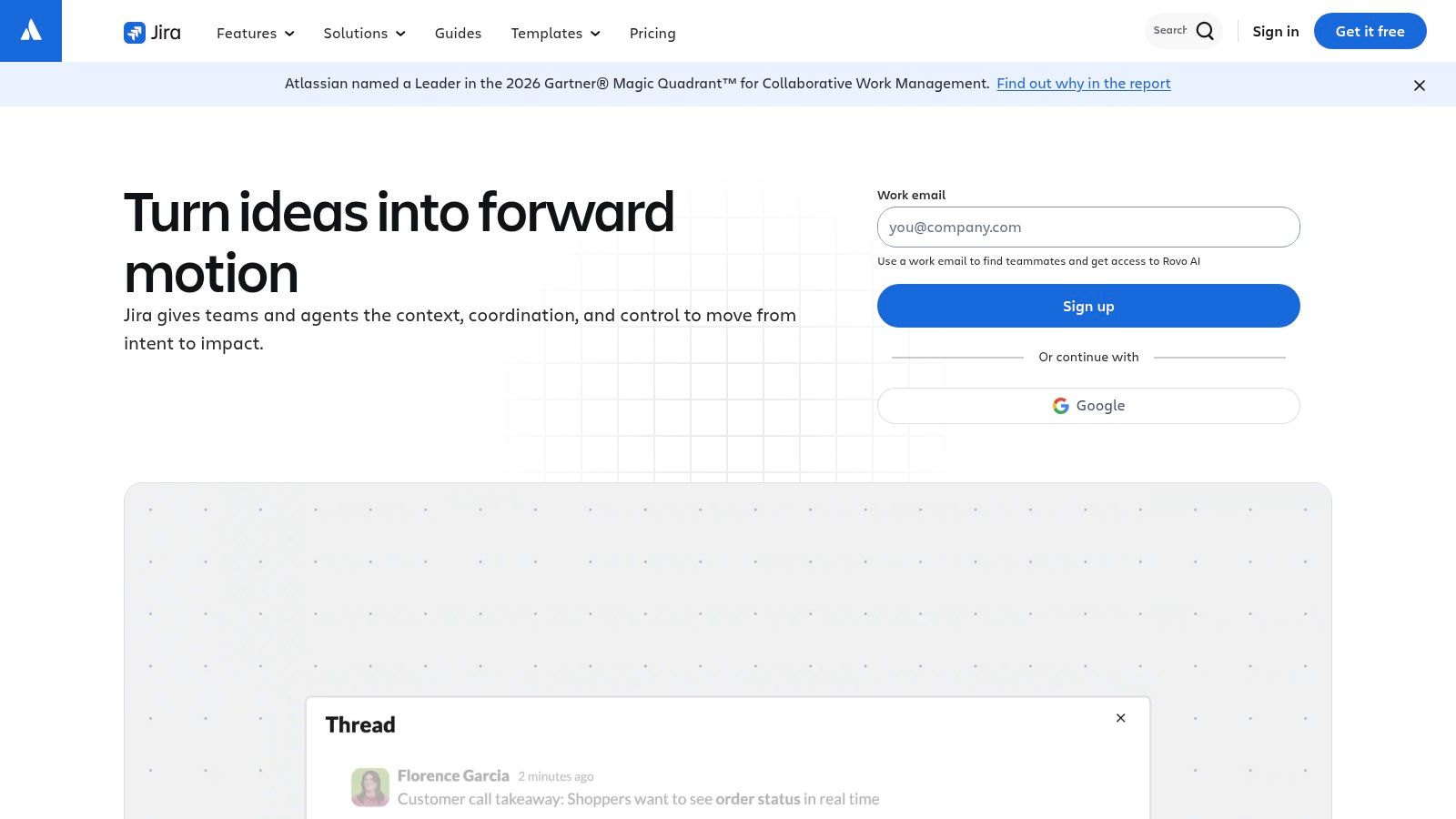
Jira enters editorial conversations when process control matters more than simplicity, often because the wider company already runs on Atlassian products. Scrum and Kanban boards, work items, configurable workflows, and user roles can enforce structured review and approval stages. Integration with Confluence connects work items to documentation.
For regulated content or multi-step approvals with clear permissions, that control has value. Boards and project views coordinate work across contributors, and automation on paid tiers can move items or notify owners when stages change. Cross-team planning features help when editorial deliverables form part of larger product releases.
Honest Limits
Most small editorial teams don't need this much machinery. Jira's concepts and configuration can feel heavy if you're seeking a simple editorial calendar, and writers may resist a tool designed around tickets. Advanced cross-team planning and governance require higher tiers.
- Workflow control: Detailed stages and roles support formal approval chains.
- Atlassian fit: Integration with Confluence suits existing Atlassian shops.
- Cross-team visibility: Boards help coordinate contributors across departments.
Content insights and publishing specific capabilities aren't its focus, so performance learning lives elsewhere. Choose Jira when governance is the problem you're solving. Don't choose it just because engineering already pays for it.
Team Collaboration & Productivity Software: Top 10 Comparison
| Platform | Editorial Workflow | Experience & Strengths | Best For | Pricing & Value | Standout |
|---|---|---|---|---|---|
| 🏆 TheContentMap | ★ Purpose-built calendar, idea-to-published pipeline, assignments, comments, reminders | ★ Clear editorial focus; includes post-publication performance insights | 👥 Editors and content teams managing publishing across projects | 💰 Free Starter; Pro $12/editor/month; Team $29/editor/month | ✨ Editorial planning and performance insights in one workflow |
| Asana | Tasks, schedules, review stages; editorial setup may need configuration | ★ Multiple views, forms, reporting, and automation | 👥 Teams needing broad project and task management | 💰 Free personal plan; paid tiers priced per user | ✨ Integrations with tools such as Slack and Google Drive |
| monday.com Work Management | Configurable boards, stages, and schedules | ★ Visual and adaptable; setup and maintenance required | 👥 Teams with distinct or evolving workflows | 💰 Plan-based; features and limits vary | ✨ Custom boards and workflow automation |
| ClickUp | Configurable tasks and statuses; editorial conventions need setup | ★ Broad all-in-one workspace, with a feature-rich interface | 👥 Teams consolidating tasks, documents, and collaboration | 💰 Free option; paid plans and add-ons vary | ✨ Combines docs, chat, tasks, and projects |
| Trello | Simple board-and-card pipeline; calendar views on higher tiers | ★ Easy to learn and quick to set up | 👥 Small teams wanting lightweight visual tracking | 💰 Free tier; advanced features on paid plans | ✨ Low-friction Kanban-style workflow |
| Wrike | Tasks, schedules, board views, and project tracking | ★ Stronger reporting and resource tools on higher tiers | 👥 Teams coordinating complex, cross-project work | 💰 Free plan and paid tiers; confirm current terms | ✨ Resource planning and portfolio capabilities |
| Basecamp | Project to-dos, schedules, messages, and files | ★ Centralizes discussions and task context | 👥 Teams prioritizing communication and broad collaborator access | 💰 Free limited plan; fixed-price options on some tiers | ✨ Unlimited users on some plans |
| Notion | Custom databases, calendar views, and connected documentation | ★ Flexible, but teams design and maintain their workflow | 👥 Teams combining editorial planning with knowledge management | 💰 Free and paid plans | ✨ Links briefs, guidelines, and planning records |
| Smartsheet | Grid, calendar, Gantt, and board views; forms and automations | ★ Spreadsheet-style control with multiple work views | 👥 Teams moving from spreadsheets or needing project reporting | 💰 Tier-based; check membership costs and feature limits | ✨ Familiar grid interface with dashboards and automation |
| Jira | Configurable boards, workflows, and review processes | ★ Detailed process control; less suited to simple editorial planning | 👥 Teams with structured approvals and coordination needs | 💰 Free and paid tiers; advanced planning on higher tiers | ✨ Fine-grained workflows and Atlassian integrations |
Choose for the Workflow You Already Have
Start by mapping your current process from idea intake through publication, on paper if needed. Mark where work waits, where ownership gets fuzzy, and where decisions disappear into chat. Then choose the smallest tool that fixes the largest source of delay, because adding software can itself become the drag.
That risk is measurable. A 2025 survey of 2,187 workers found 90% felt overwhelmed by the number of software tools they used and 59% spent more than 11 hours per week locating critical project information. More platforms don't guarantee better collaboration. They often guarantee more places to search.
Match the Category to the Problem
Interruptions are the other hidden cost. Microsoft 365 telemetry showed employees in the highest 20% of communication volume faced an interruption about every two minutes during core hours, with 60% of meetings unscheduled or ad hoc. Software that makes status, ownership, and deadlines visible asynchronously protects writing and editing time. Software that generates alerts without a durable record does the opposite.
- Dedicated editorial platforms: TheContentMap fits teams wanting a ready-made calendar, pipeline, and publishing workflow.
- Configurable platforms: Asana, monday.com, ClickUp, Notion, and Smartsheet suit teams willing to build and maintain their own system.
- Lightweight Kanban: Trello works best for simpler pipelines with few reporting needs.
- Process-heavy platforms: Wrike and Jira make sense when cross-team governance outweighs editorial specialization.
Test for hybrid reality, not demo polish. In Cisco's global study, 90% of employees valued collaboration tools yet only 49% said workflows were seamless across work locations. Ask whether a tool preserves ownership, decision history, deadlines, and handoffs when contributors aren't online together. Message volume and online presence aren't measures of delivery.
The work object should be the system of record. The 2025 Microsoft Work Trend Index, covering 31,000 knowledge workers, found 48% of employees said work felt chaotic and fragmented. Track whether active items have owners, whether they advance between stages, and whether decisions sit inside the content record. Those indicators tell you more than adoption logins.
Run a time-boxed pilot with real briefs, active deadlines, actual reviewers, and stakeholder access before paying for an annual plan. Include freelancers, because handoffs fail at the edges first. Verify current pricing and feature limits directly with each vendor, and if distribution scheduling is part of your wider stack review, a scheduling tool comparison for marketing teams can sit beside this decision. The best choice is the one your team keeps updated without being chased.
Bring your ideas, calendar, assignments, and publishing reminders into one editorial workspace built for how content moves from draft to published. Start free with TheContentMap and run your next production cycle on a calendar your whole team can see, update, and trust.
Related Articles
Editorial Calendar Template Excel: Setup and Workflow Guide
A publish date slips, and the editor opens the shared workbook to find two competing copies. One has...
Software10 Best Approval Workflow Software Picks
Your polished draft is ready, but publication isn't. The editor's feedback lives in a docume...
SoftwareContent Operations Platform: What It Is and How to Choose
The managing editor starts the morning by checking a spreadsheet for today's deadlines, a chat t...
Comments (0)
No comments yet. Be the first to share your thoughts.