Content Inventory Template: 10 Free Examples to Copy
Compare 10 free content inventory template options with schema examples, audit and tagging tips, and ways to turn inventory data into an editorial plan.
A team inherits a 900-page website from a redesign nobody documented. Three people nominally own it. A freelancer built half the blog and left. Someone opens a blank spreadsheet, types URL into the first cell, and stalls on column two.
That pause is the important part. A URL proves a page exists. Add an owner and a last-updated date and you can hold a review meeting next week. Add page views, a primary keyword, and a call to action and you can argue for budget. Add a destination URL and a redirect status and you can migrate 900 pages without losing the traffic that pays for the site. The columns decide which of those conversations your team is allowed to have.
Every template below gets judged on that basis, not on tab count or design polish. The question I ask of each one is simple: which decision does this schema force a team to make? Keep, update, merge, remove, or migrate. A template that forces none of them is a page count with better formatting.
Some of these resources are full workbooks. Some are a single example row and a paragraph of advice. Both are useful, and mixing them is fine. Start with the one that matches the decision in front of you.
Table of Contents
- 1. Washington State University's Content Inventory Template
- 2. The Government of New Brunswick Content Inventory Template
- 3. USDA's Content Audit Template
- 4. The City of Austin Content Inventory Template
- 5. Contensis Free Content Inventory Template
- 6. Wulver Digital Content Inventory Google Sheet
- 7. HubSpot Content Inventory Guide and Example
- 8. Smartsheet Content Audit Worksheet Template
- 9. Airtable Digital Team Content Audit Workflow
- 10. University at Buffalo Content Inventory Template and Sample
- How the ten content inventory templates compare
- From Inventory Columns to a Working Editorial Plan
1. Washington State University's Content Inventory Template
The Washington State University content inventory workbook is built for a site that's about to move. Eight tabs in Google Sheets cover the content list, setup instructions, URL exports, GA4 data, documents, redirects, updates, and formulas, with separate areas for webpages, documents, redirects, and update tracking. A sample inventory shows what a filled row looks like before you commit your own.
What the Schema Pushes You Toward
The redirects tab is the tell. Most free templates stop at "what do we have"; this one carries a column for where a page is going and who's steering it. That's the difference between a migration that keeps its rankings and one that rebuilds traffic from zero.
Strengths
- Migration coverage. Webpages, PDFs, and redirects sit in one file, so a document-heavy site doesn't lose assets between two spreadsheets.
- A worked example. The sample inventory and instructions end the "is this the right shape?" argument on day one.
- Collaborative by default. Google Sheets means comments and version history without a licensing conversation.
Limits
- Eight tabs is a lot. For a 60-page brochure site the workbook outruns the job, and people abandon it around tab three.
- You'll still customize. No template matches your CMS export or your reporting definitions out of the box.
Pick this one when the calendar already has a launch date on it.
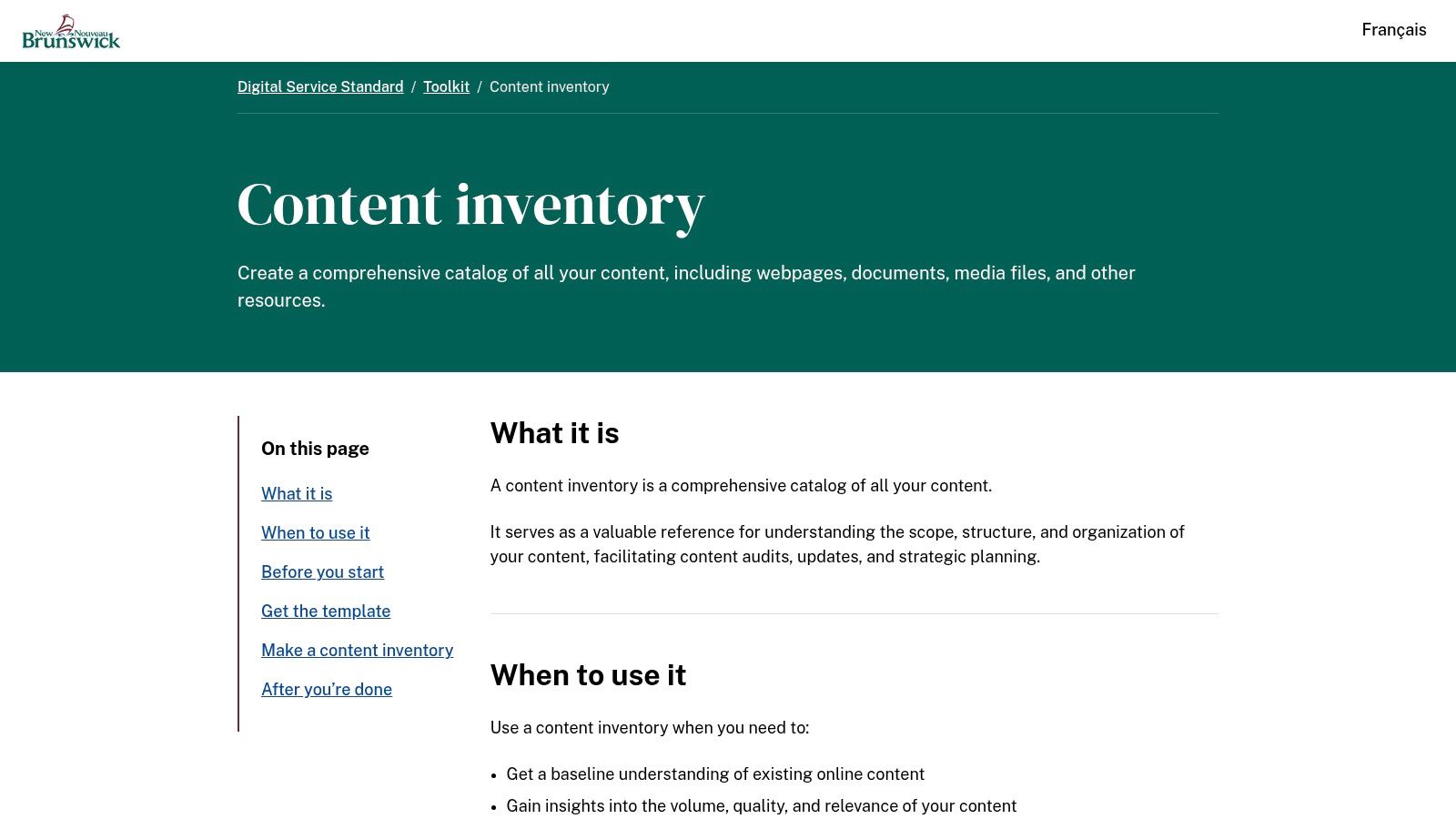
2. The Government of New Brunswick Content Inventory Template
The Government of New Brunswick content inventory template takes a firm position on sequence: catalog first, judge later. That matches the definition Texas A&M's UX team uses, where a content inventory and content audit treats the inventory as the process of identifying and recording every page or asset with factual fields such as full URL, title, author, owner, publication date, and last-updated date. An inventory answers what exists. An audit answers how well it works and what should happen next.
Working rule: If a column records a judgement, it belongs in the audit tab, not the inventory tab.
Where This Workbook Fits
Worksheets split webpages, documents, and media, and the accompanying guidance covers scope, objectives, stakeholders, timelines, and backups before anyone starts pasting URLs. That pre-work is what teams skip. A separate follow-on resource handles the audit itself, which keeps quality scores out of the file you'll eventually export into a CMS.
Good for
- Teams starting from zero. The structured setup turns "we should look at the site" into a scoped project with dates.
- Mixed asset types. Media and documents get their own sheets instead of being bolted onto a page list.
- Governance by design. Factual fields stay factual, so the file survives a change of reviewer.
Weak spots
- Manual collection. Nothing populates the URLs for you, and a large site is a week of copy and paste.
- No performance fields. Traffic and conversions need a merge with analytics exports.
Once the baseline exists, improving search visibility through content audits becomes a measurable job rather than a hunch.
3. USDA's Content Audit Template
Start with the goal, then the columns. The USDA content audit template says so plainly: define the audit's goals and scope first, then choose fields that support the review, including fields that surface content for improvement or removal. The XLSX download is modest. The instruction around it is the value.
The Decision It Forces
Removal. The template is built around finding gaps and identifying pages that should be improved or cut, and it ties that work to a content lifecycle rather than a one-off cleanup. That's rarer than it sounds. Plenty of free files let you record that a page is bad. Fewer push you to state what you'll do about it and when the next pass happens.
Why it works
- Purpose before collection. Scope and goals come first, so nobody pastes URLs just to fill time.
- Field flexibility. Add or drop columns to match your CMS, review rubric, and legal constraints.
- Public-sector credibility. Free, documented, and reusable across departments.
Where it grinds
- Audit-first structure. This is a review event, not a weekly maintenance habit. If you need a living inventory, you'll be rebuilding the file.
- Customization required. Reporting fields and workflow states are yours to design.
For a mid-sized site, one afternoon covers the first pass. The method is in how to run a content audit in a single afternoon.

The download is the least interesting part. The planning prompt is the product.
4. The City of Austin Content Inventory Template
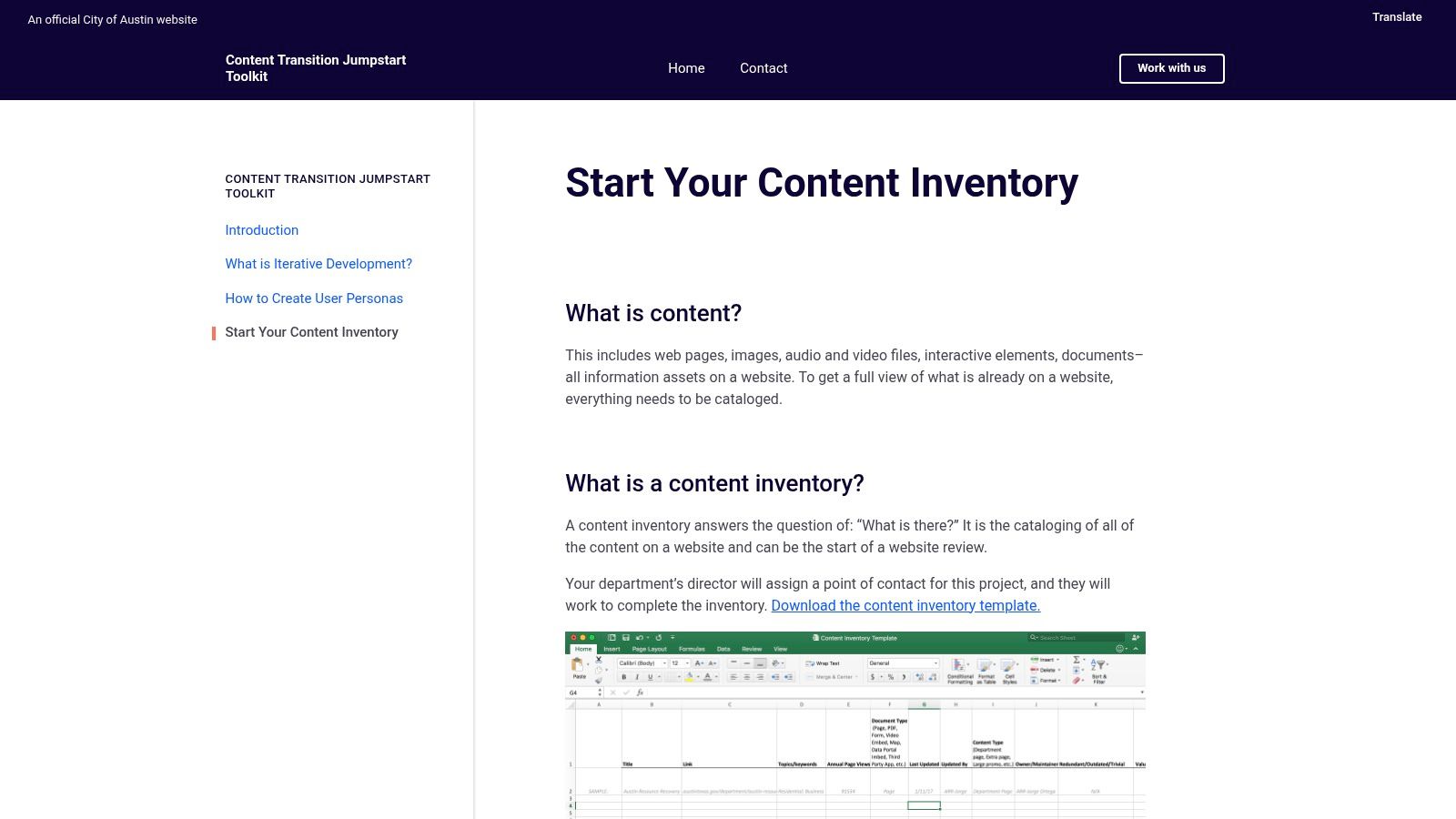
The City of Austin content transition toolkit is the only template here that puts a keep, update, or remove verdict in the same row as the URL, which is why it survives contact with real projects.
Fields include URL, title, keywords, annual page views, content type, last-updated date, owner, and update frequency. Then come the redundant, outdated, or trivial assessment and a value assessment, covering PDFs, videos, and interactive elements alongside pages. Guidance exists for pulling data from Drupal and Google Analytics, so two people filling it in arrive at the same answer.
Where the Decision Lives
Redundant. Two pages on one topic, one of them thin. Merge, redirect, and keep the stronger. Outdated. The facts have moved on. Update or remove. Trivial. Low value, low traffic, no owner willing to defend it. Remove.
Write the verdict while the page is open on your other screen. A verdict written a week later, from memory, is a guess with a date on it.
Trade-offs
- Drupal and GA assumptions. The collection steps lean on those platforms. A different stack needs different instructions.
- Manual entry. Annual page views for 900 pages is a long afternoon unless you script the export.
- One traffic number. Annual views measure popularity, not value. A legal notice with 12 views still matters.
If you copy one idea from this list, copy the ROT column.
5. Contensis Free Content Inventory Template
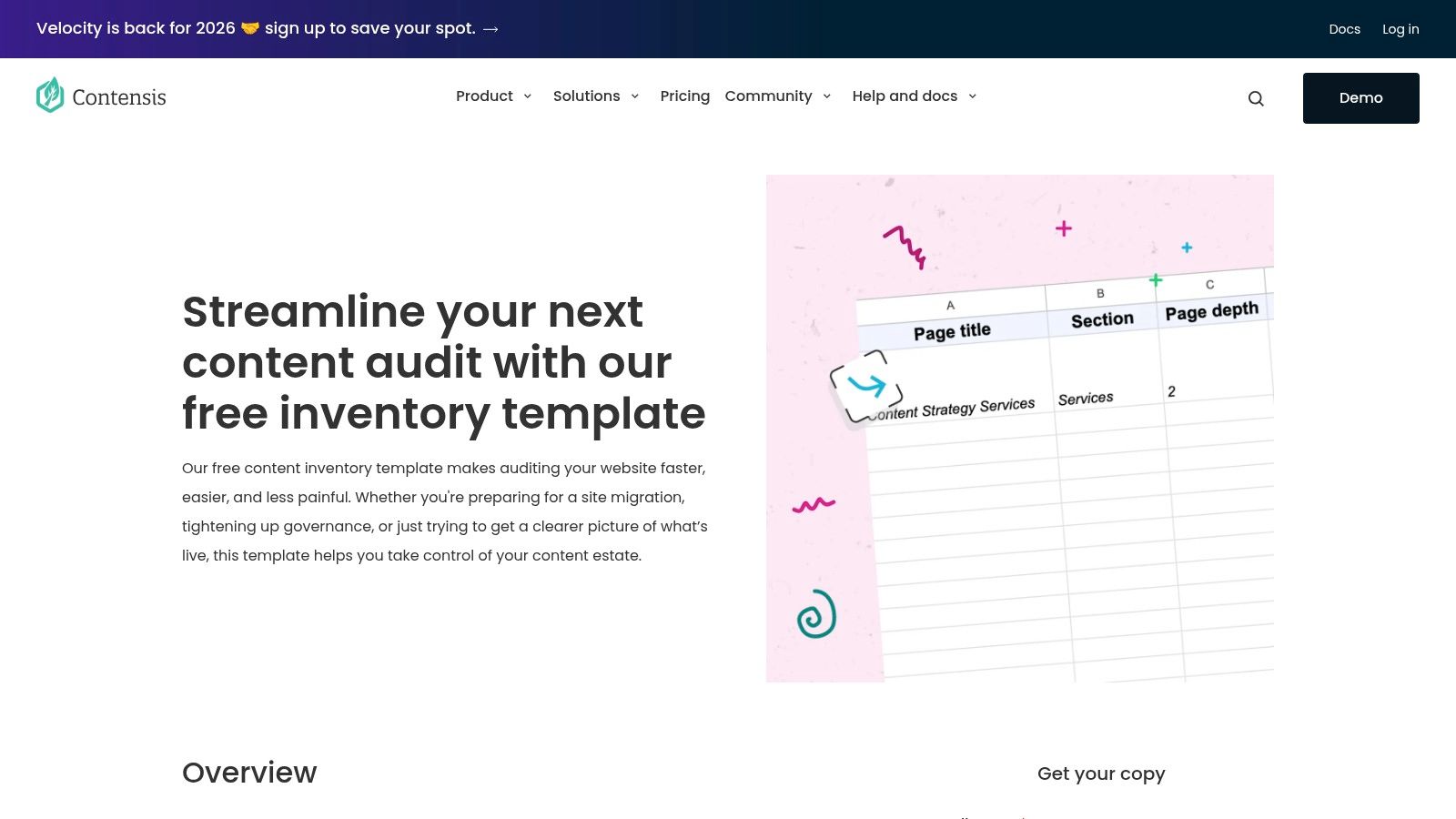
A content inventory becomes a governance tool when it records not only who owns a page, but when it should be reviewed. The Contensis free content inventory template includes owner and review-date fields alongside content type, word count, and metadata.
A university content-audit framework from Hannon Hill recommends recording details such as title, URL, site or department, owner, last-modified date, scheduled review, publication status, analytics, accessibility or SEO issues, and internal links. Its survey reports that 33% of marketers conducted content audits twice yearly and 24% once yearly, per the Hannon Hill content audit guide.
Why the Review Date Matters
A review date gives a page a scheduled decision point: keep it, update it, merge it, or remove it. Owner, review date, and content type are a practical starting set; add fields only when they support a decision your team needs to make.
Good for
- Ongoing maintenance. Review dates help teams identify pages due for attention without starting a full inventory again.
- Migration prep. Word count and content type help assess what to carry over.
- Spreadsheet-based work. The template avoids committing to a particular content platform.
Watch for
- Limited setup guidance. The resource page does not explain tabs or formulas, so allow time to inspect the file and adapt it.
- No workflow states. Add draft, review, approved, and published stages if the inventory also needs to track production.
A review date only helps if the owner can act on it. Put it where review decisions are made, then carry approved updates into the editorial calendar.
6. Wulver Digital Content Inventory Google Sheet
Migrations fail on URL mapping, not on copy quality. The Wulver Digital content inventory Google Sheet is designed around exactly that: current URLs sit beside planned new URLs, with linked assets and non-visible content such as title and meta tags recorded alongside workflow status and comments.
A redirect map isn't a migration plan until someone's name is on the redirect.
Two Questions Per Row
Every row answers whether a page survives and where it lands. Assets attached to a page get captured too, so images and PDFs don't vanish while the HTML moves cleanly.
Strengths
- Destination-first schema. The planned URL column is what most templates lack.
- Shared, low-friction format. Google Sheets keeps writers and developers in the same file.
- Asset awareness. Linked files and metadata are tracked, not assumed.
Limits
- Dated guidance. The write-up dates from 2019, so confirm the linked sheet still opens before you plan a sprint around it.
- Light on measurement. Traffic, conversions, and formal governance fields need adding.
Use it for a migration and keep a separate governance file for review cycles. One workbook trying to do both ends up doing neither, and you'll notice at the worst possible moment.
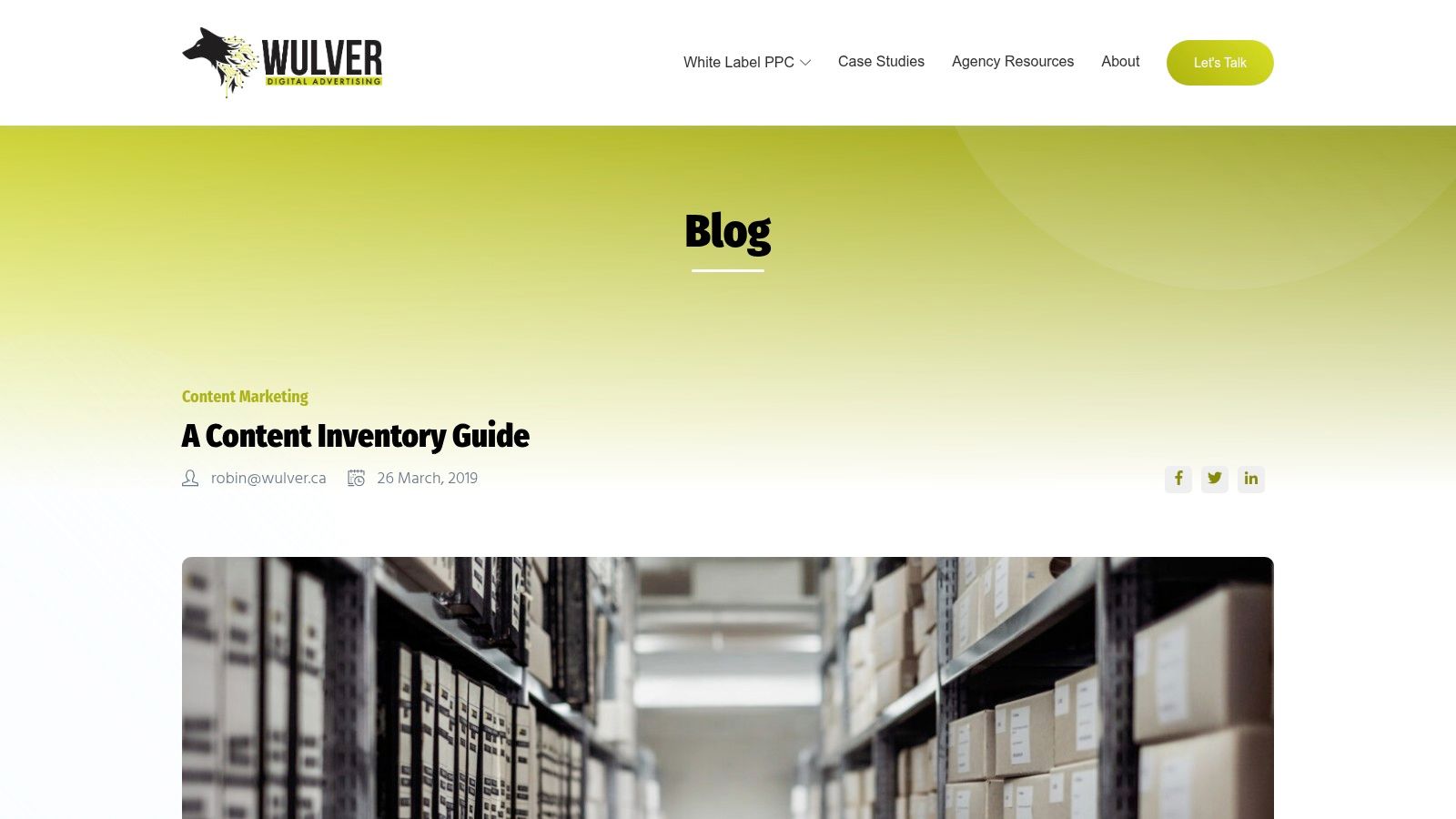
The comment column does more work than it looks like it does. Redirect arguments get settled in writing.
7. HubSpot Content Inventory Guide and Example
The HubSpot content inventory guide isn't a downloadable workbook. It's an example row plus advice on choosing fields you'll maintain, and for marketing teams that's often more useful than a twelve-tab file nobody updates.
The example row connects a page to the business, not just to a URL: content type, owner, status, primary keyword, business goal, journey stage, call to action, and the audit action. It also recommends controlled values and a scope you can finish.
Turning the Row into a Business Question
A page that serves no journey stage and asks for no action is a page with no reason to exist. That's a harder conversation than "is this out of date", and it produces better removals.
Volume makes the point sharper. In the 2025 Content Marketing Institute and MarketingProfs survey of enterprise marketers, 92% reported using short articles or posts, making them the most widely used content type, per the enterprise content marketing research findings. Hundreds of short posts need a lean schema, not twenty columns per row.
Good for
- Marketing and editorial teams. Goals, journeys, and CTAs are native concepts, not afterthoughts.
- Field discipline. The advice to track only maintainable fields prevents spreadsheet rot.
- Fast starts. One example row plus a CMS export is a working inventory this week.
Weak spots
- You build the file. There's nothing to download.
- Performance is implied. You'll need your own metrics layer, which content performance metrics that matter covers in detail.
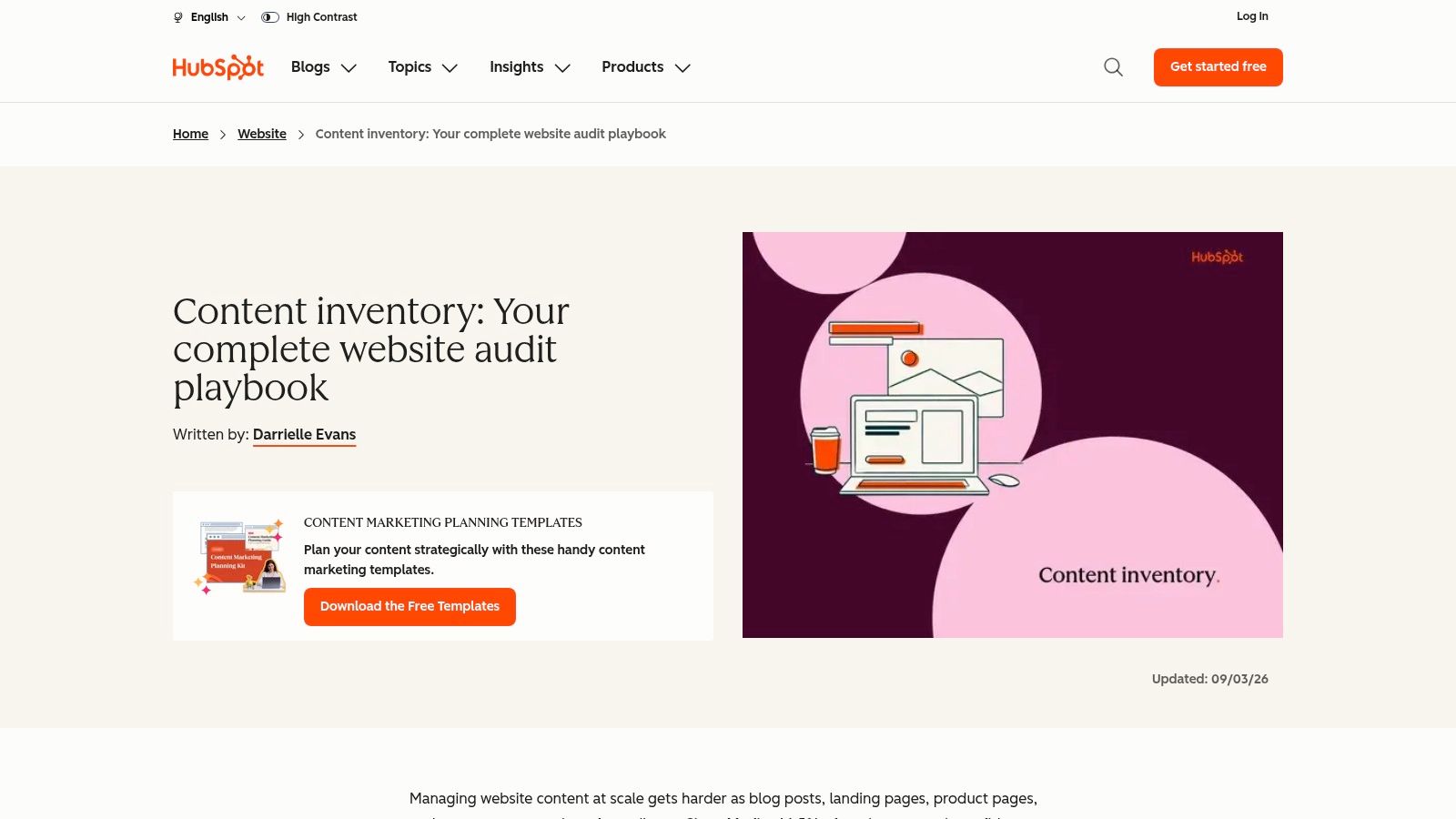
Read it before you design your own columns. It's the cheapest hour of thinking on this list.
8. Smartsheet Content Audit Worksheet Template
Evaluation without an accessibility dimension is an incomplete audit. The Smartsheet content audit worksheet template is built for recording recommendations and follow-up actions, in Excel or Smartsheet format, within a broader library of content strategy resources. It's a review artifact, not an inventory.
That gap matters more every year. WebAIM's 2025 analysis of one million home pages found 50,960,288 distinct accessibility errors, an average of 51 per page, with 94.8% of pages carrying at least one detectable WCAG failure, per WebAIM's Million project. Low-contrast text appeared on 79.1% of pages and missing alternative text on 55.5%. None of that shows up in a worksheet unless there's a column for it.
Field worth adding: accessibility risk score, human review status, remediation owner, recheck date.
Why Accessibility Needs Its Own Column
Disposition with a recommendation attached. Keep, improve, consolidate, or remove, plus the reasoning and the follow-up. Useful when you already have the list and need to move from reading to deciding.
Good for
- Review meetings. One row per page, one clear recommendation.
- Familiar formats. Excel for everyone, Smartsheet if the team already runs on it.
Weak spots
- Not an inventory. Pair it with a URL list or you'll audit the pages you happened to remember.
- Platform cost. Smartsheet features may require a paid plan.

Automated checks find the contrast and alt-text problems. A person still has to decide which page gets fixed first.
9. Airtable Digital Team Content Audit Workflow
Spreadsheets record decisions. They don't route them. The Airtable digital team content audit workflow treats each page as a record with a URL, owner, and metadata, lets reviewers comment and set a disposition, and gives stakeholders filtered views instead of a 4,000-row sheet. Approved actions can pass to Wrike through an optional Zapier integration.
Decisions Need an Assignee
A disposition without an assignee is a note. Airtable's structure makes the assignee a field with a name in it, and comments keep the reasoning attached to the page instead of buried in an email thread.
Governance is a weak point for many teams. In a 2025 survey of 266 marketing and C-suite decision-makers, only 33% considered their organization's AI content guardrails strong and consistently applied, according to Markup AI's research release. The tooling picture is similar: Content Science's 2025 review of content operations found 86% of surveyed enterprises using AI in some capacity while only 29% reported moderate or fast progress in scaling adoption, per Content Science's state of content operations report. Access to a model was never the bottleneck. Records and ownership are.
Good for
- Collaboration. Comments and dispositions live on the page record, so context travels with it.
- Stakeholder review. Filtered views keep reviewers inside their own section.
- Handoff. Approved actions can become project tasks.
Watch for
- Setup cost. A base needs designing, and someone has to maintain the structure.
- Integration overhead. Automations and third-party connections add plan and configuration decisions.
Teams that want the decision routed into a schedule rather than a project tool can pair it with content workflow management.
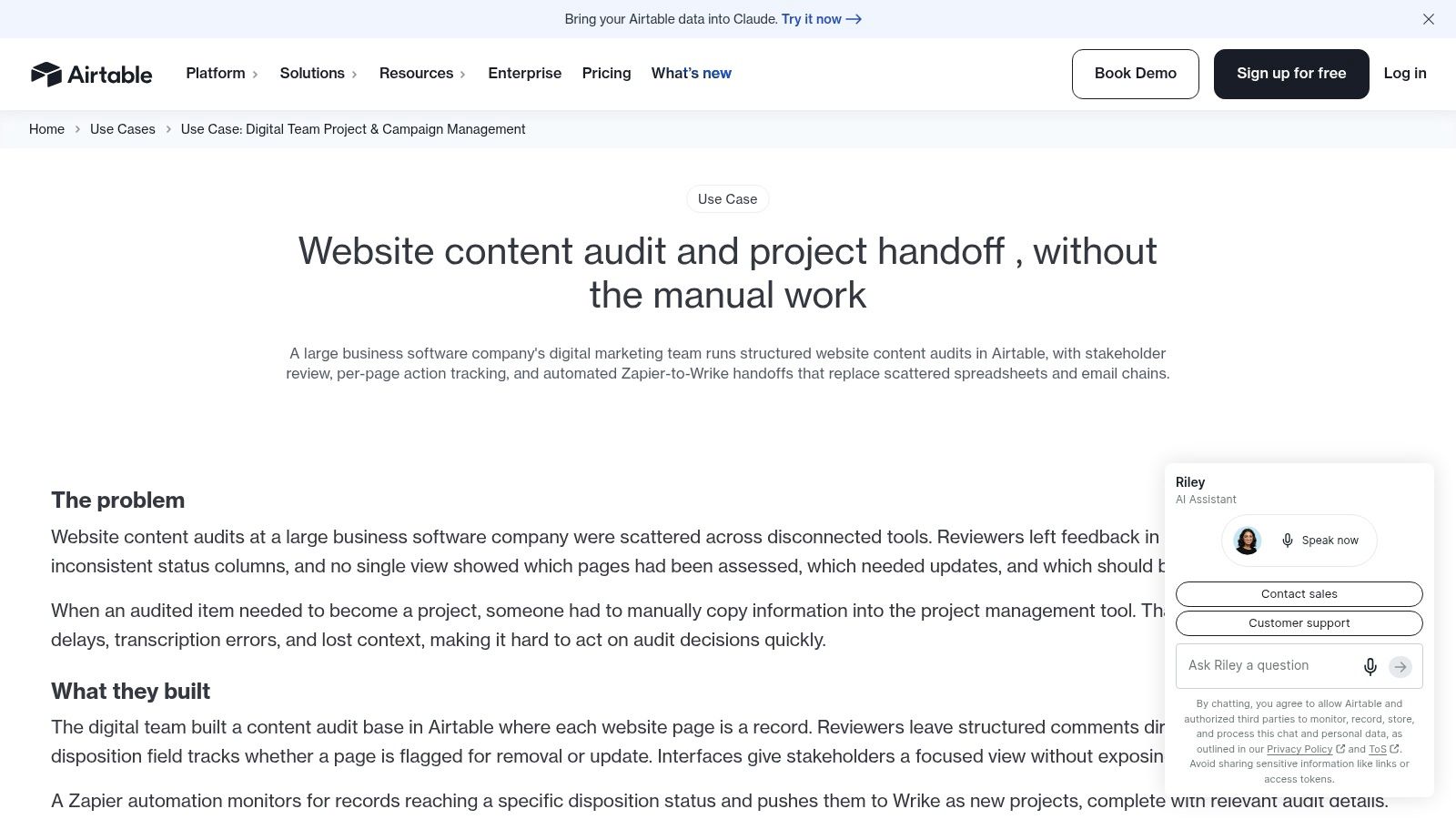
Airtable earns its place when more than three people touch the same page list. Below that, a spreadsheet is faster.
10. University at Buffalo Content Inventory Template and Sample
Sampling beats exhaustive scoring once a site gets large. The University at Buffalo content inventory template and sample pairs a spreadsheet with evaluation criteria and training material on analyzing website content, so staff apply the same standard instead of inventing one per reviewer.
The sampling logic is worth borrowing. The Information Architecture Institute describes Content Value Analysis as a sampling-based method and gives sample sizes of 75 pages for a 1,000-page site and 135 pages for a 15,000-page site, per the IA Institute's tools listing. The sample grows far more slowly than the site does. Fifteen times the content needs under twice the sample.
Score, Then Act
A sampled row records the evaluator, the rubric version, the score dimensions, the evidence, and the recommended action. Repeat the same rubric on the same cadence and you get a trend line instead of a one-time opinion. Stratify the sample by content type, traffic tier, and age so outdated evergreen pages and high-traffic landing pages don't fall out of view.
Good for
- Staff who are new to auditing. The sample and criteria remove most of the guesswork.
- Consistency. Shared criteria mean two reviewers roughly agree.
- Training and tooling in one place.
Watch for
- Sparse field documentation. The page doesn't detail the template's columns, so inspect the file first.
- Institutional tailoring. Some material reflects the university's own web environment.

Score a sample, fix what it finds, then re-sample the same way next quarter. That loop is the audit.
How the ten content inventory templates compare
| Item | Format | Best For | Main Limitation |
|---|---|---|---|
| Washington State University, Content Inventory Template | Google Sheets workbook | Broad audits and migrations | Many tabs may overwhelm small teams |
| Government of New Brunswick, Content Inventory Template | Excel workbook with guidance | Flexible baseline inventories | Requires manual collection and maintenance |
| USDA, Content Audit Template | Downloadable Excel template and guidance | Goal-led content audits | More audit-focused than ongoing inventory |
| City of Austin, Content Inventory Template | Excel template with instructions | Content review and transition decisions | Manual collection can be time-consuming |
| Contensis, Free Content Inventory Template | Content inventory template | Governance and migration planning | Limited detail on workbook structure |
| Wulver Digital, Content Inventory Google Sheet | Google Sheets resource | URL mapping and migrations | Linked sheet availability may have changed |
| HubSpot, Content Inventory Guide and Example | Guide with illustrative inventory row | Marketing teams linking content to goals | No standalone downloadable workbook |
| Smartsheet, Content Audit Worksheet Template | Excel and Smartsheet worksheet | Recording audit findings and recommendations | Not a replacement for a full inventory |
| Airtable, Digital Team Content Audit Workflow | Airtable workflow | Collaborative reviews and disposition tracking | Requires base setup and maintenance |
| University at Buffalo, Content Inventory Template and Sample | Template, sample, and training materials | Teams needing examples and audit guidance | Template fields are not fully detailed |
From Inventory Columns to a Working Editorial Plan
A finished inventory is a list of decisions with owners attached. That's the only state worth shipping. If a row still says "needs review" and nothing else, the work hasn't started.
The handoff is where most inventories die. A spreadsheet holds the record; a calendar holds the queue. Keep both, and give each page one stable ID that appears in both files so a row and a task never drift apart. Then set the review date on the page's own clock: pricing and policy pages quarterly, evergreen explainers annually, campaign pages at the end of the campaign.
What to Move, and in What Order
Remove and redirect first. Retired pages are cheap wins. They clear the list and stop new links pointing at dead ends. Consolidate second. Merging three thin posts into one strong page beats updating all three. Update third. This is the long tail, and it needs dates, not good intentions. Migrate last, or first if a launch is coming. A redirect map means nothing until the other decisions are settled.
Keeping the Record Honest
Assign an inventory steward who owns the structure, not the content. Page owners update their own rows when a page changes. Add that update to the publishing checklist so the file changes in the same week the page does, not at the next audit.
After each publishing cycle, reopen the file and check three numbers: how many rows have no owner, how many review dates have passed, and how many pages were removed. Those three tell you more about whether the process works than any quality score.
For teams that want the queue and the record in one place, TheContentMap runs on the same logic. The free Starter plan includes an editorial calendar, up to 3 projects, and one editor seat, which is enough to test the workflow on a single section before committing. Pro is $12 per editor per month with unlimited projects and content insights, and Team, at $29 per editor per month, is sold through sales contact.
Automation comes last. Mapping fields between systems and triggering a review task from a date change is AI automation architecture patterns territory, and it pays off only after the manual loop has run cleanly for a quarter.
A template stays useful exactly as long as its data stays current. Everything else is formatting.
TheContentMap turns the decisions in your inventory into a working schedule: assign an owner, set a publish or review date, and drag pieces between dates when plans shift. Capture ideas in the pipeline, move them through draft, review, and published, then check content insights to see which topics and formats performed. Start free with up to 3 projects and one editor seat, and find out whether a calendar holds your team's decisions better than the spreadsheet did.
Related Articles
Viewing a Private Facebook: What You Can and Cannot See
A private Facebook profile is only as closed as the account holder's audience settings, and a su...
Ebooks10 Fb Private Video Downloader Options for 2026
Private Facebook videos require more than a download button. You should only save a video you're...
EbooksHow to See Who Watched My Facebook Profile: The Truth
Facebook doesn't provide a way to see who viewed your personal profile. Any app, extension, or w...
Comments (0)
No comments yet. Be the first to share your thoughts.