Viewing a Private Facebook: What You Can and Cannot See
Learn how viewing a private facebook works, what information remains visible, and safe legal alternatives for legitimate contact or verification.
A private Facebook profile is only as closed as the account holder's audience settings, and a survey of 1,016 Facebook users found that 85% knew they could control who saw what they posted, while only 37% routinely used those settings. If you've just searched a name and found a page with a locked-down timeline but a visible photo, username, or group activity, that's normal, not a sign that a shortcut exists.
Table of Contents
- The Scenario That Changes How You See Private Profiles
- What Facebook Privacy Settings Actually Control
- A Practical Visibility Matrix for Every Viewer Type
- Legitimate Ways to View Restricted Facebook Content
- Why Private Profiles Still Leak Identity Clues
- The Truth About Private Profile Viewer Tools
- What to Do Instead When You Need Legitimate Access
The Scenario That Changes How You See Private Profiles
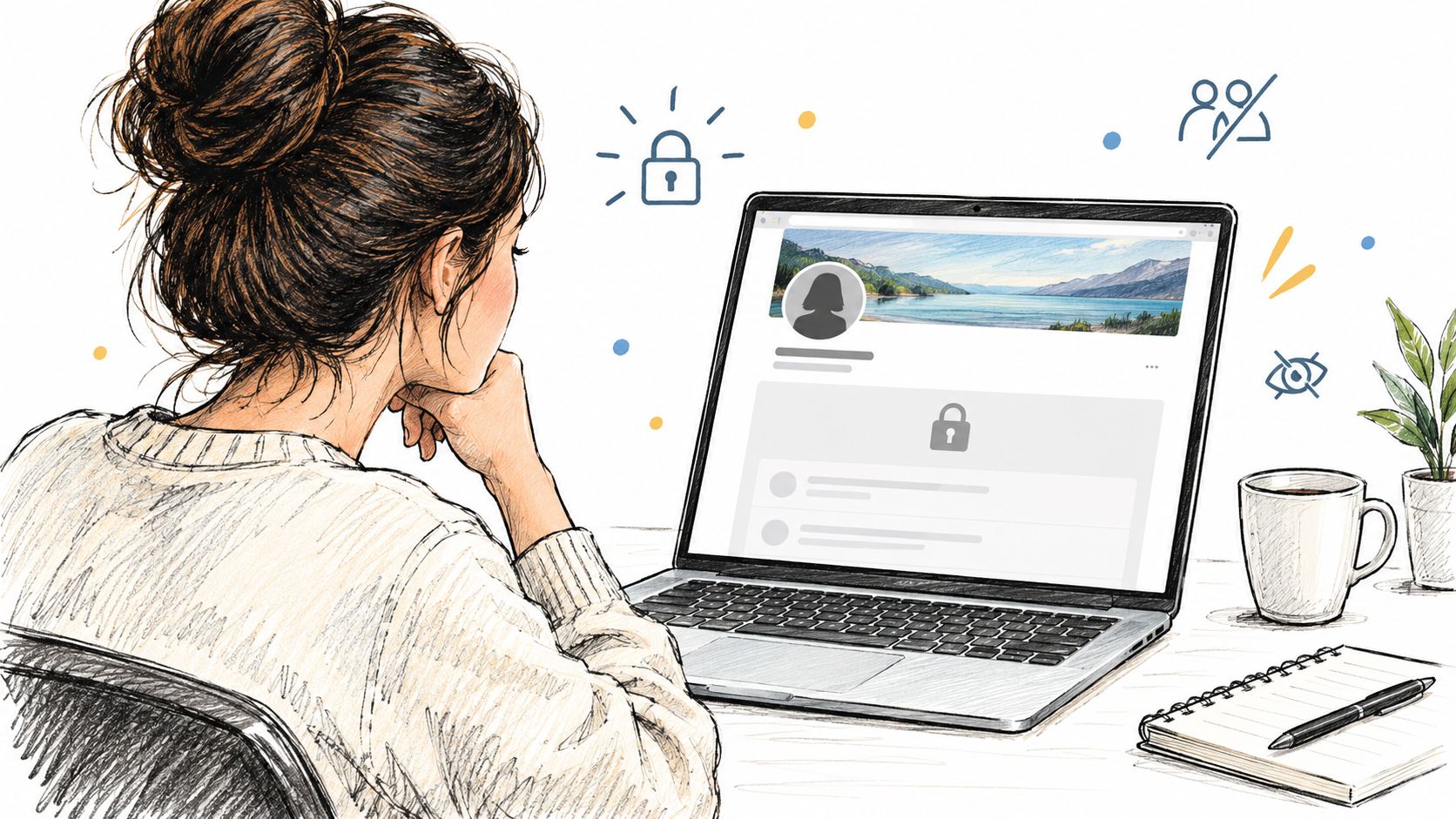
You search for someone's name, open the profile, and the page feels half-hidden. The posts are gone or blurred, but the cover photo is still there, the username still resolves, and you can sometimes see traces of activity in public groups or comments. That's the moment many start wondering whether a private Facebook profile is really private at all.
The boundary is thinner than it looks
Facebook privacy isn't a single wall. It's a stack of choices, and each choice can expose a different piece of the account. A person may hide their timeline from strangers and still leave identity clues in public comments, profile metadata, or group posts.
That's why the question isn't “Can I see everything?” It's “What has the account owner made visible to this audience, and what still leaks through other paths?”
Practical rule: if a profile looks private, treat every visible fragment as a separate clue, not as permission to see more.
The confusion is common because people expect a simple public-versus-private switch. Facebook doesn't work that way. Even basic familiarity with the platform shows that visibility depends on how the owner configured the account, who's viewing it, and whether content was shared elsewhere.
The best way to think about viewing a private Facebook page is as a literacy problem, not a hacking problem. Once you start reading the visible pieces as layered settings instead of a locked box, the account looks less mysterious and more structured.
What Facebook Privacy Settings Actually Control
Facebook separates privacy into several controls under Audience and visibility, including profile details, posts, stories, followers, profile-and-tagging settings, and blocking. That structure matters because each item can have a different audience rule. A profile can be private in one place and still expose limited information in another.
The platform also identifies certain metadata as public information, including name, profile picture, cover photo, gender, username, user ID, and networks. Facebook says anyone can see those fields, including non-friends and people outside Facebook. So a restricted timeline does not mean the whole account is invisible.
A useful way to read this is to separate profile visibility from content visibility. Someone may be unable to read posts, but still see a public profile photo, a username, or material exposed through another audience setting. Facebook's own controls encourage this kind of per-item review through audience selection and “View As” tools where available.
The privacy gap is also behavioral, not just technical. A Hong Kong Privacy Commissioner survey of 1,016 Facebook users found that 85% knew they could control access to information they posted, but only 37% used those settings, and 55.1% were concerned about privacy intrusion. The same survey found 23.2% would adjust settings so content was limited to friends, while 58.9% took some kind of protective measure. The point is simple, knowing privacy controls exist doesn't mean they're fully configured. Hong Kong Privacy Commissioner survey
| Audience | Profile Details | Posts | Public Groups | Comments on Public Content |
|---|---|---|---|---|
| Stranger | May see public metadata | Usually limited | May see public activity | May see public comments |
| Friend | Sees more, if shared to friends | Sees friend-only posts | May still be limited by group settings | Sees comments where visible |
| Mutual Friend | Sees only what the audience permits | Sees only shared content | May see some activity | Sees public interactions |
| Search Engine | May index public metadata | Generally limited to public content | May index public-facing traces | May capture public-facing traces |
A Practical Visibility Matrix for Every Viewer Type
A stranger, a friend, a mutual friend, and a search engine all encounter the same profile differently. That's why a private account can feel inconsistent. One person sees almost nothing, another sees a name and photo, and a third can still find clues from public interactions.
Strangers and search results
A stranger can often discover an account through public-facing fields, not through the timeline itself. The profile picture, username, and other public metadata can still identify the person, and public group activity may show up even when posts stay hidden. Search engines can surface public-facing content too, but they don't open up restricted posts.
Friends and mutual friends
Accepted friends enter a different audience layer. They can see content shared with that audience, but not everything on the account. Mutual friends don't automatically get full access either, because each post, story, or tag still follows the specific rule set by the account owner.
Public clues that mislead people
Readers often get tripped up here. A visible friend count, a familiar network, or a tagged photo can suggest a relationship or location without proving access to private content. That's why visible metadata is useful for identification, but not for assuming consent, authorship, or full account access.
A simple table helps keep the distinction clear.
| Viewer Type | Profile Picture | Posts | Personal Details | Group Activity |
|---|---|---|---|---|
| Stranger | Often visible if public | Usually hidden | Limited public fields | Public activity only |
| Friend | Depends on post audience | Visible if shared to friends | More may be visible | More may be visible |
| Mutual Friend | Only what the owner shared to that audience | Only what's shared | Only what's shared | Only what's shared |
| Search Engine | May index public image or text | Public-only content | Public-only fields | Public-only traces |
Legitimate Ways to View Restricted Facebook Content
The only defensible way to see restricted material is to be inside the audience the account owner configured. That usually means becoming an accepted friend, receiving a direct share, or viewing content that was explicitly marked public. Anything else moves from access into circumvention.
Facebook's tagging controls add another layer. A user can review posts they're tagged in before they appear on their profile, and separate settings decide who can see posts made by other people on the profile. That means a tag doesn't automatically make the underlying post visible to every visitor.
This distinction matters in practical work too. If you're verifying identity, documenting a public interaction, or checking whether something was shared openly, you can only rely on what the relevant audience setting permits. For a broader look at how restricted media workflows are described in adjacent platforms, see AI Video Detector on vimeo downloads, which discusses the same basic rule, access comes from authorization, not from a magic viewer.
Request permission first, then verify against independent sources if you still need confirmation.
If you need the content for safety, support, or editorial reasons, ask for a direct share or a friend request and record only what the audience allows. The same principle applies when you're comparing visible content across platforms, because access rules don't disappear just because the page looks incomplete.
Why Private Profiles Still Leak Identity Clues
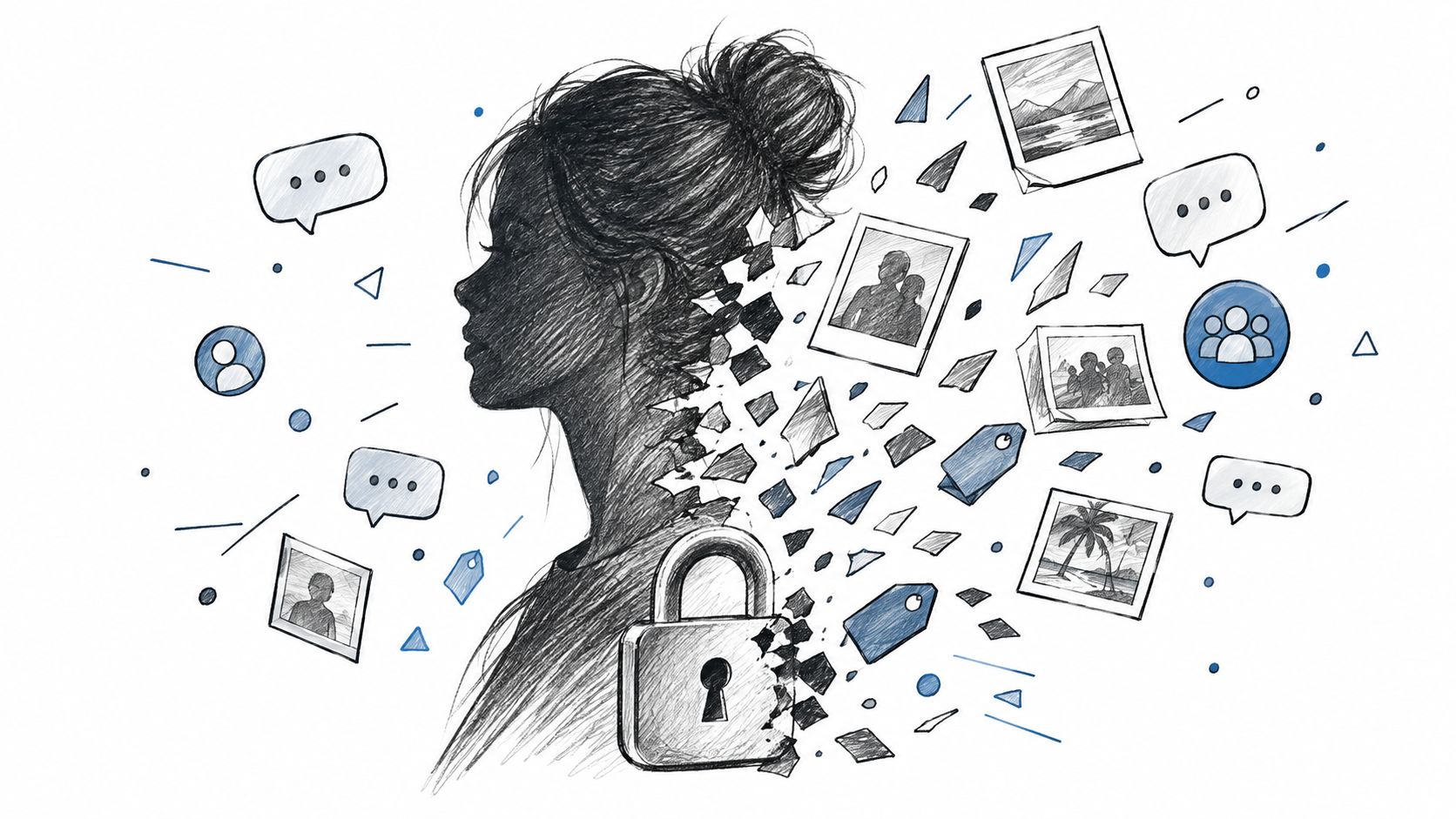
A locked timeline can still reveal a lot. Public comments, shared photos, group memberships, and tag approvals can all expose identity clues even when the main profile is restricted. That's why “private” should never be read as “silent.”
The social graph leaves traces
People often hide their timeline and forget that their interactions live elsewhere. A comment on a public post, a photo in a shared group, or a tagged image on someone else's account can still connect a name to a place, a workplace, or a social circle.
That's why privacy guidance that focuses only on the profile page misses the larger exposure surface. Someone can make the account look closed and still leave relationship clues in public activity. If you're mapping these clues for a safety review or an editorial check, it helps to treat each public interaction as its own exposure event.
For a deeper look at how online identifiers can be assembled from scattered clues, this guide on doxing for MSPs is useful context. It shows why public fragments matter even when the core profile is restricted.
The important caution is just as strong: visible clues are not proof of access. A public comment doesn't grant access to private albums, and a tag doesn't reveal hidden posts. If you're reviewing a person's digital footprint, keep the distinction between visibility and authorization clear.
Related workflow note on Facebook visibility planning
The Truth About Private Profile Viewer Tools
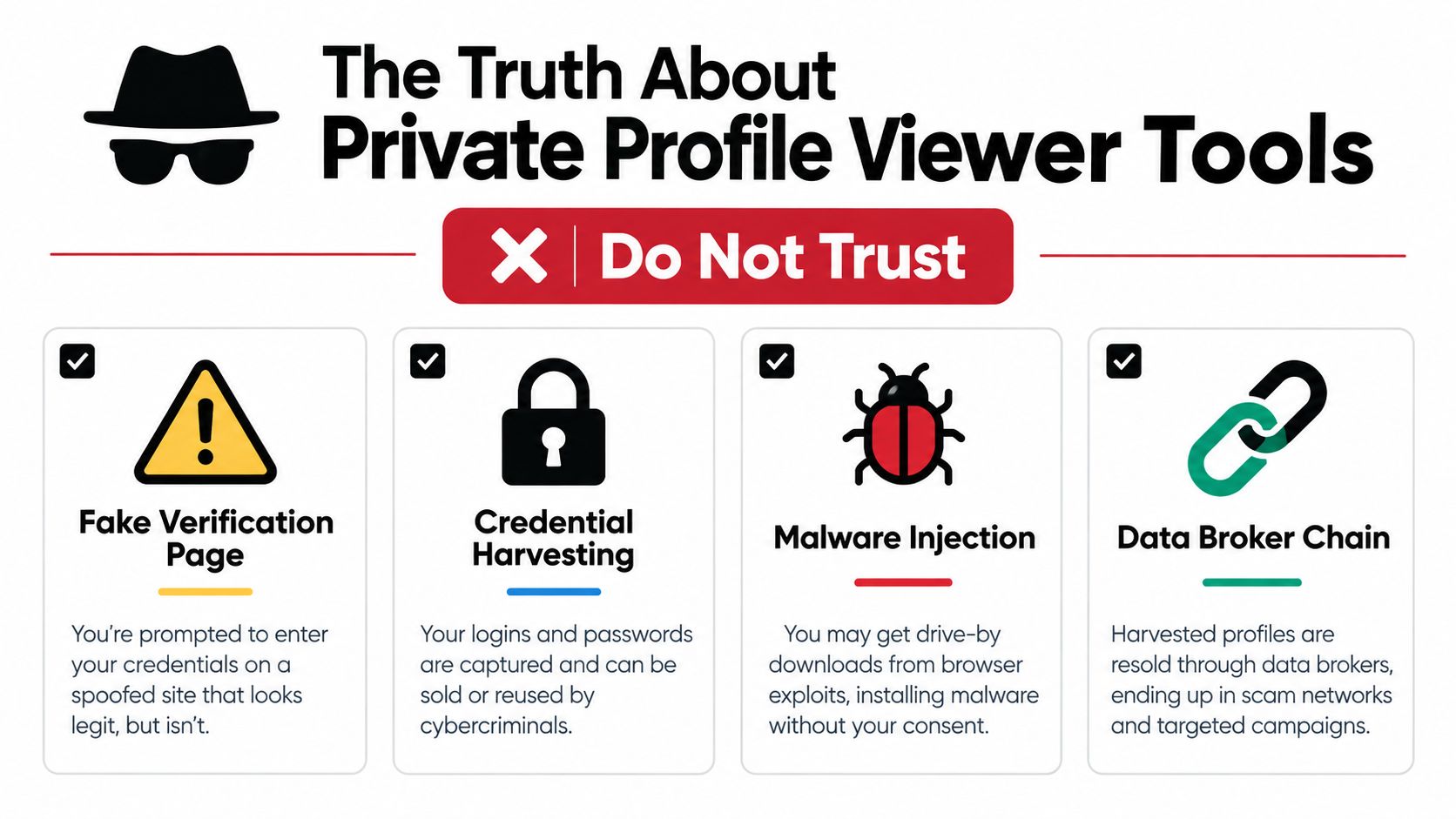
Private profile viewer tools are built on a promise they can't reliably keep. They claim to reveal hidden Facebook content, then often ask for credentials, push a browser extension, or route you through a fake verification page. That's the point where the risk starts.
The dangerous sequence is predictable. A site promises access, asks you to sign in, and then captures the login or manipulates the browser. From there, the attacker can reuse credentials, harvest session data, or trigger malware-like behavior. Independent scam guidance describes these tools as credential harvesters and malware vectors, not legitimate privacy solutions. Scam warning guidance
If you're dealing with a suspected impersonator, harassment, or a fake account, the safe response is to use platform controls, not bypass tools. That can mean preserving evidence, reporting the account, and checking whether the account is impersonating you or someone in your network.
A practical response checklist looks like this:
- Do not enter Facebook credentials on a third-party viewer site.
- Do not install browser extensions that promise hidden access.
- Revoke suspicious app sessions from your account settings.
- Change reused passwords anywhere else they were used.
- Enable two-factor authentication to reduce account takeover risk.
- Report impersonation or phishing through Facebook rather than trying to outsmart it.
For readers comparing how these scams are packaged, this Facebook private video downloader guide shows the same pattern of false promise followed by risky behavior. The label changes, but the mechanics are familiar.
What to Do Instead When You Need Legitimate Access
Start with permission, not with tools. If you need to see restricted content for a real reason, ask for direct access, verify the information through independently published sources, and record only what the relevant audience setting authorizes. That keeps the process defensible and avoids turning a privacy question into an account-security problem.
When you're auditing your own exposure, use Facebook's privacy review controls to see what others can find and what public metadata still shows. If the issue is harassment, impersonation, or a safety concern, keep the evidence and report the behavior instead of chasing a workaround. For a broader reference point on what people often assume about profile visitors, this explanation of who watched a Facebook profile is a good reminder that direct visitor lists aren't a legitimate feature.
If the situation calls for outside documentation rather than social access, a professional investigator can help with lawful fact-finding and evidence handling. For example, a private investigator London resource may be relevant when the problem involves identity verification, fraud, or harassment rather than ordinary curiosity.
The clean rule is this. Viewing a private Facebook profile ethically means respecting the audience boundary the owner set. If you need access, ask for it. If you need proof, verify it elsewhere. If you need protection, report the problem and secure your own account.
TheContentMap helps content teams plan, write, and publish clearer guides like this one, with workflow, scheduling, and performance insight in one place. If you want to build privacy education, SEO articles, and editorial resources without losing track of drafts or deadlines, visit TheContentMap and see how it can support your content process.
Related Articles
10 Fb Private Video Downloader Options for 2026
Private Facebook videos require more than a download button. You should only save a video you're...
EbooksHow to See Who Watched My Facebook Profile: The Truth
Facebook doesn't provide a way to see who viewed your personal profile. Any app, extension, or w...
Comments (0)
No comments yet. Be the first to share your thoughts.