Content Collaboration Tools for Editors: 10 Compared
Compare 10 content collaboration tools for editorial teams by workflow, comments, versioning, integrations, pricing, and best-fit use cases.
Your shared spreadsheet says the article is ready. The draft still contains unresolved comments, the subject-matter expert replied to an old email thread, and the writer thinks someone else is uploading it. You discover the problem when the publish date arrives.
Spreadsheets aren't the problem by themselves. The trouble starts when the calendar, draft, feedback, and approval decision live in separate places. An editor has to reconstruct the status before they can move anything forward, and a filled-in deadline doesn't tell them whether anyone has accepted responsibility for it.
Content collaboration tools should make the next action obvious. For editorial work, that means clear workflow stages, named assignments, contextual comments, accessible version history, and integrations that preserve the handoff into your publishing system. A calendar helps you see the schedule. It doesn't replace a review policy.
That distinction matters for channel-specific work, too. Teams trying to keep scheduled Pinterest content on brand need an explicit approval step, not just a queue of scheduled posts.
The choices below are organized around the job you need done first: calendar-led planning, approval-led review, database-led structure, cross-department coordination, or WordPress-native publishing. They include purpose-built editorial products and configurable work-management platforms. Each has a point where it starts to strain, whether that's workflow complexity, configuration overhead, publishing coverage, or pricing that becomes harder to understand once you add collaborators.
Table of Contents
- 1. TheContentMap
- 2. Planable
- 3. StoryChief
- 4. CoSchedule
- 5. Airtable
- 6. Asana
- 7. monday.com Work Management
- 8. Wrike
- 9. PublishPress Planner
- 10. Bynder Content Workflow
- Pricing model, free options, and best-fit use for each content collaboration tool
- Choosing the Right Tool for Your Editorial Workflow
1. TheContentMap

Best for calendar-led editorial teams that need ideas, assignments, and publishing dates in the same workspace. TheContentMap combines a visual idea pipeline with a drag-and-drop editorial calendar, so editors can track work through drafting, review, and publication without maintaining a separate scheduling spreadsheet.
The useful distinction is between capturing an idea and committing to publish it. Keep undeveloped topics in the pipeline, then assign an owner and publication date when the brief is ready. Topics and tags help organize work across channels and campaigns without turning every classification into another project.
Comments keep discussion attached to the content item, while publish reminders make deadlines visible. Built-in content insights also give editors a place to connect future topic and format choices with published results, rather than treating publication as the end of the process.
Where it fits and where it strains
TheContentMap makes sense when your main problem is editorial coordination, not organization-wide resource management. I'd shortlist it for a managing editor who wants a recognizable editorial workflow rather than a blank platform that needs extensive configuration.
- Strongest fit: An idea backlog, publishing calendar, writer assignments, and review conversations that currently live in disconnected tools.
- Useful distinction: Performance insights sit alongside planning, so the next commissioning decision can account for what you've already published.
- Main limitation: Collaboration and insights require Pro, while custom workflows, onboarding, SSO, and advanced security sit on Team.
The free Starter plan offers a low-friction way to evaluate the calendar, with no credit card required to get started. Check editor licensing and seat rules before expanding: paid plans use editor-based pricing, while unlimited seats are listed for Team.
Don't assume a planning workspace replaces your drafting environment or CMS. Test how your team links the authoritative draft, records approval, and confirms publication before moving the full calendar.
2. Planable
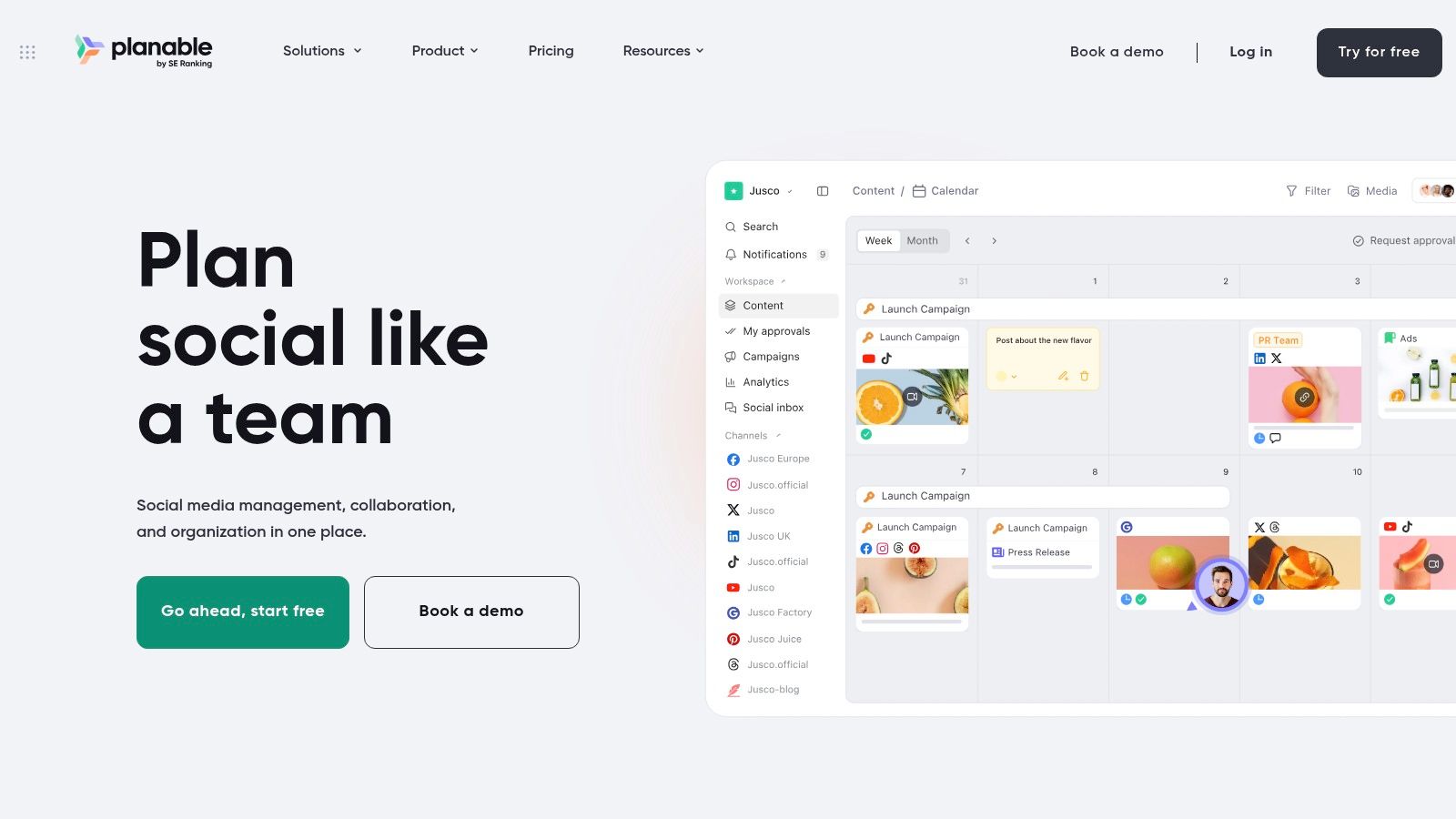
A client approves the caption but hasn't reviewed the accompanying visual. Another stakeholder requests changes after the account manager considers the post finished. Planable suits approval-led marketing teams that need feedback and sign-off close to the content being reviewed.
Its visual calendars, content previews, comments, and configurable approval flows are particularly relevant for agencies and teams managing several brands. Separate workspaces help keep each client's calendar and conversations distinct. Teams can also collaborate on marketing content beyond social posts, including newsletters, briefs, and articles.
The operational advantage is review clarity, not just scheduling. Use concrete content collaboration examples to define what a reviewer should approve: factual accuracy, brand voice, creative execution, or readiness to publish.
Practical rule: Give each approver a defined responsibility. Another approval stage won't help if everyone is reviewing the same thing and nobody owns the final decision.
Where it starts to strain
Planable becomes less compelling when your primary need is a publication-wide idea pipeline or complex editorial operations rather than marketing review. Support for different content formats doesn't automatically make it the right system for every newsroom-style workflow.
Workspace-based pricing deserves attention, especially for agencies that separate clients into their own environments. Check post allowances, reviewer access, and approval features against the plan you're considering.
For the trial, send a real asset through internal review and client approval. Make a revision after feedback, then verify that everyone can identify the approved version and the person responsible for the next action.
3. StoryChief
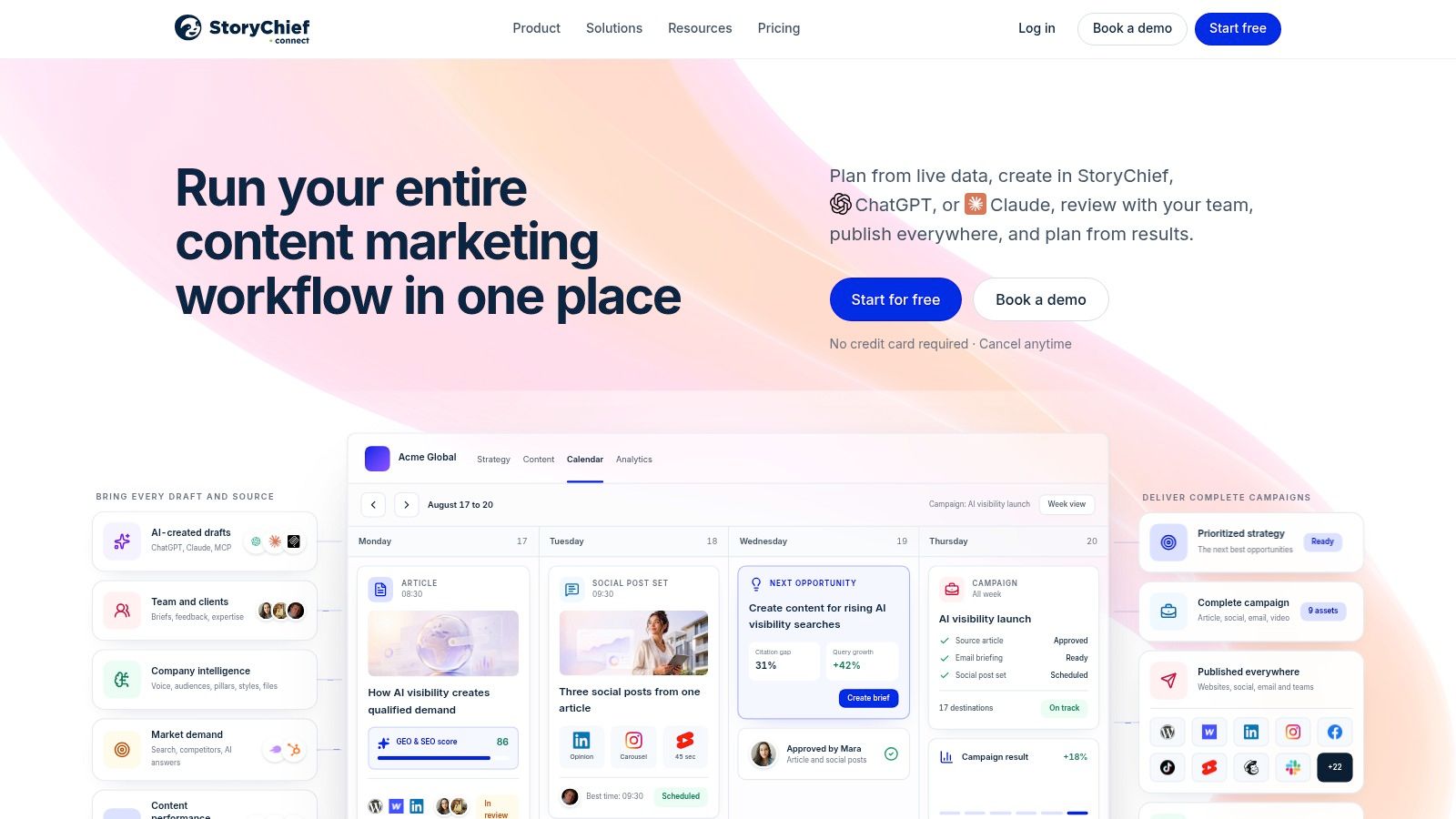
Choose StoryChief when the handoff from approved draft to distribution is the problem. It combines planning, creation, review, publishing, and reporting, rather than stopping at the assignment or calendar stage.
That broader scope matters for teams producing an article and its supporting social content as related work. Shared calendars, assignments, deadlines, and approval workflows coordinate production, while CMS and marketing-platform integrations connect the finished content to distribution. SEO and analytics capabilities sit alongside the creation process.
The trade-off is breadth. If your writers already have a settled drafting environment and your publishing handoff works well, adopting another creation and distribution platform may add more change than the calendar problem warrants.
Test the publishing handoff
Don't evaluate StoryChief solely by how comfortably an editor can write inside it. Follow the content all the way into your destination system.
- Check formatting: Confirm that headings, links, images, and other required elements arrive as expected.
- Check responsibility: Decide who owns corrections after publication and where those corrections begin.
- Check plan coverage: Match user, article, channel, collaboration, and multilingual requirements to the relevant tier.
Where it strains: Teams seeking only a lightweight editorial calendar may not need its publishing and AI capabilities. Some collaboration features, guest-writer support, and multilingual capabilities also depend on the plan.
StoryChief belongs on the shortlist when consolidating production and distribution would remove a genuine handoff. It's a weaker fit when consolidation would force people to abandon tools that already work without solving a specific operational problem.
4. CoSchedule
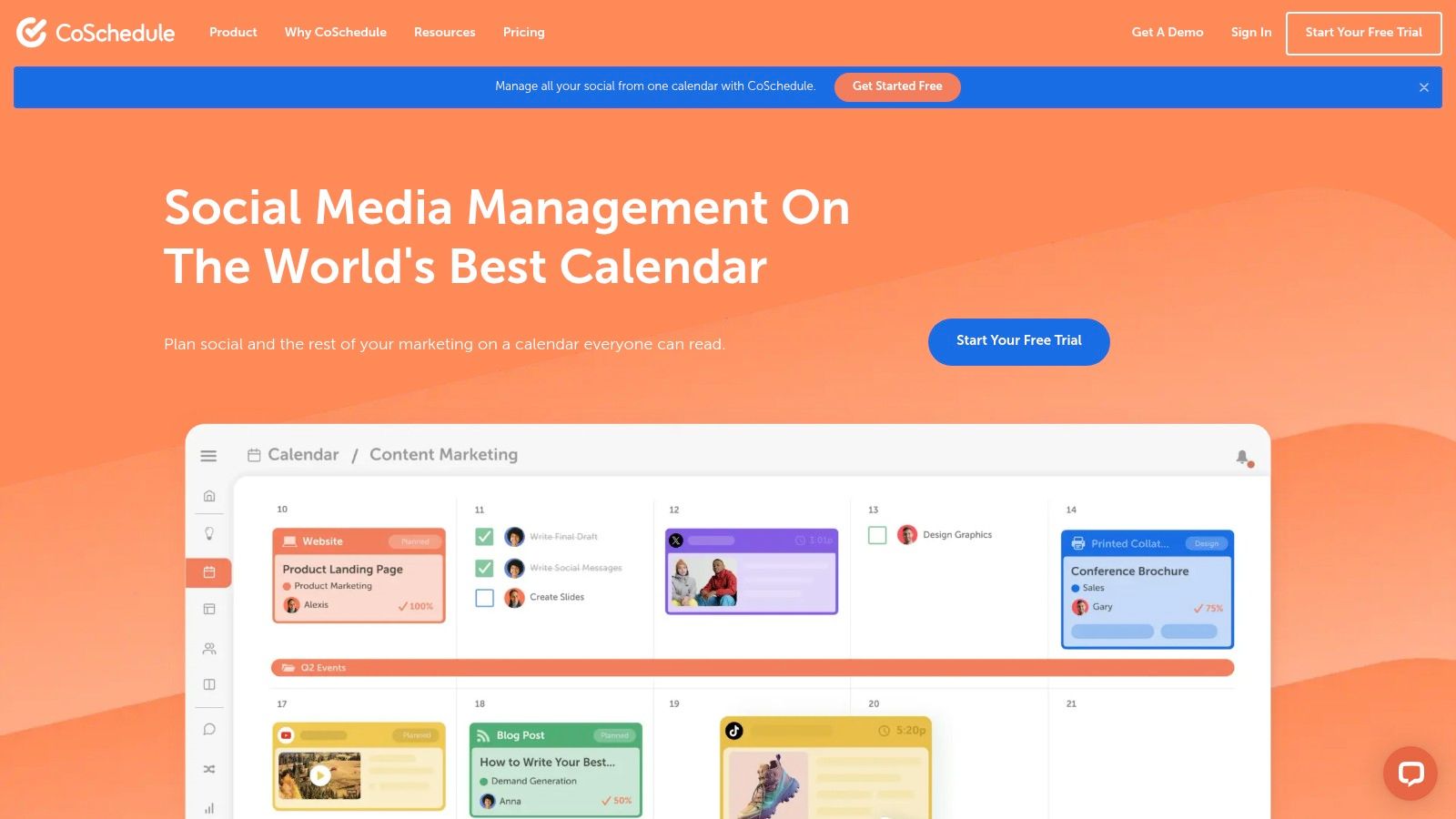
The publication date moves, but the promotional tasks don't. That's the kind of calendar-led coordination problem CoSchedule is designed to address.
Its shared calendar brings projects, tasks, campaigns, and social messages into a scheduling environment. Editors can move work, discuss it through comments, and use reusable project templates to avoid rebuilding recurring assignments. An unscheduled idea area also separates potential work from committed dates.
CoSchedule is particularly relevant when an editorial calendar needs to reflect the surrounding marketing campaign. An article isn't an isolated deliverable if an email, social promotion, and launch announcement depend on it.
A calendar is useful only when moving a publish date also prompts the team to reconsider the work attached to it.
The calendar isn't the approval policy
CoSchedule can make timing clearer, but you still need to define what makes an item ready for publication. A project that appears neatly on the calendar can still be waiting for factual review or a missing asset.
Where it starts to strain: Some plans emphasize social scheduling more than editorial workflow, and team collaboration requires moving beyond the single-user Starter offering. Custom suite pricing also makes a straightforward cost comparison harder.
During evaluation, reschedule a real campaign and inspect the related tasks. Check contributor notifications, client-facing calendar access, and whether the sharing options expose the right amount of information.
I'd favor CoSchedule when the team already thinks in calendars and campaign dates. I wouldn't choose it merely to make an unreliable spreadsheet look more polished.
5. Airtable
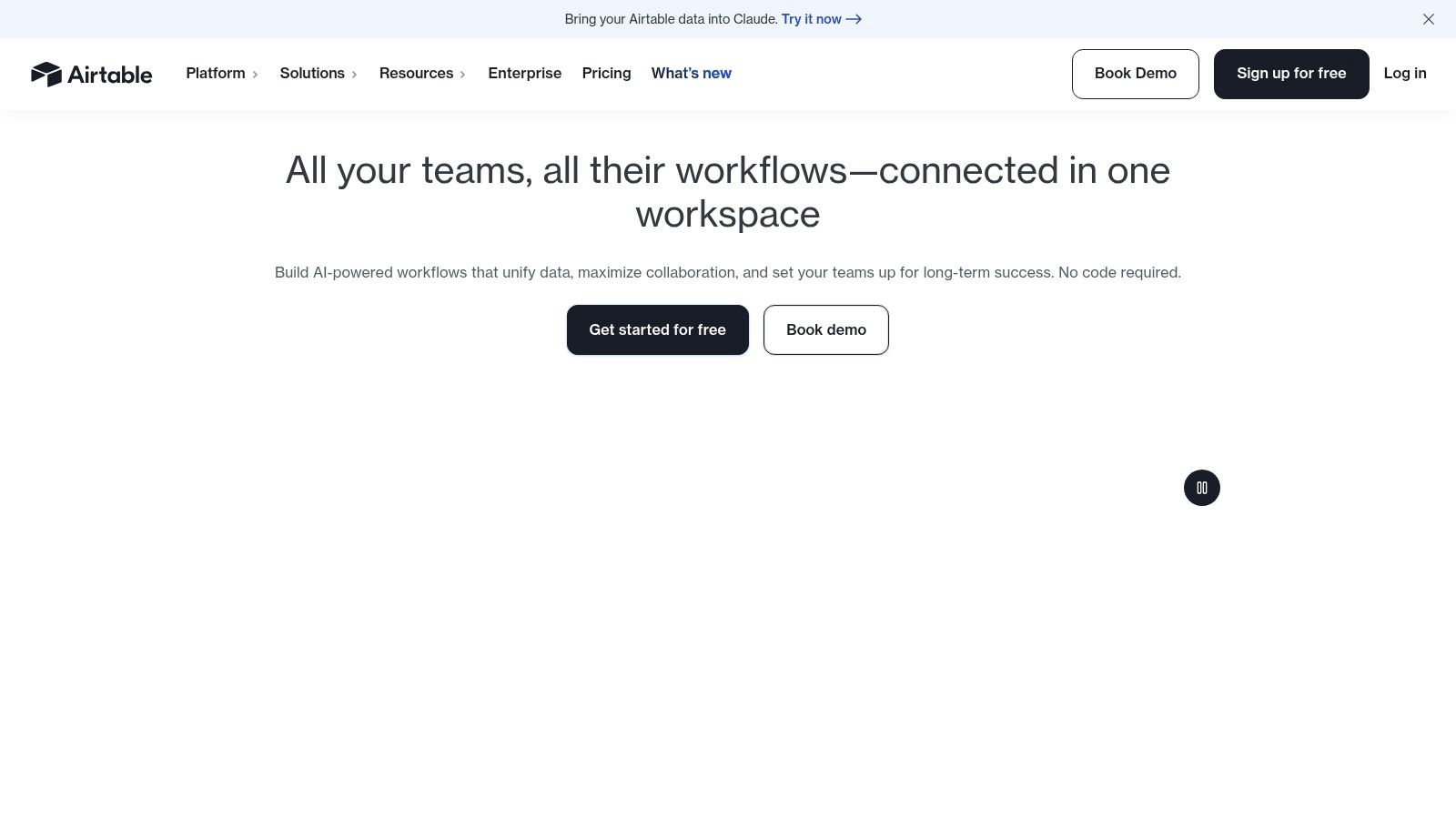
Database-led teams should consider Airtable when content needs relationships, not just rows. An article can connect to its campaign, owner, assets, channels, and performance records without requiring editors to copy that context into separate trackers.
Calendar, grid, and other views let different people work from the same underlying records. Forms can standardize intake, automations can support handoffs, and interfaces can present selected information without exposing the entire database.
That flexibility is also the catch: you have to design the editorial system. Airtable won't decide whether a topic belongs in an ideas table, how approval should work, or which status changes require a notification.
Build the structure before the automation
Start with clear definitions for content items, campaigns, channels, and owners. Avoid creating separate tables because different departments use different names for the same work.
- Use fields for durable facts: Owner, deadline, channel, status, and draft location should be easy to filter.
- Use comments for discussion: Don't bury the current approval state in a conversation thread.
- Assign a system owner: Someone needs responsibility for fields, permissions, views, and broken automations.
Where it strains: Configuration and upkeep become substantial as the workflow grows. Editing permissions can also affect the bill, so distinguish people who need to change records from those who only need visibility.
Airtable is a strong choice when your team needs a content database suited to its needs and has someone capable of maintaining it. It's less attractive when the reason for replacing spreadsheets is that nobody has time to administer another custom system.
6. Asana

Editorial work doesn't always stop at the editorial team. A product launch might require an article, design assets, legal review, a landing page, and input from product marketing. Asana fits cross-department work where content is part of a larger delivery plan.
Tasks can hold assignees, dates, collaborators, comments, custom fields, and subtasks. Calendar and board views help editors see either publication timing or workflow progress, while templates, forms, and automations support recurring production and incoming requests.
The important setup choice is what a task represents. If some tasks mean entire articles and others mean individual review actions, reporting becomes difficult to interpret. Use a project management checklist to define the required owner, draft location, review responsibilities, and completion conditions.
Where it starts to strain
Asana coordinates work; it does not publish it on its own. CMS publishing and cross-channel scheduling require integrations or other tools, and some proofing and approval capabilities sit on higher plans.
A useful trial is to move an article through drafting, design, review, and CMS preparation. Ask a collaborator outside editorial to find their assignment without an editor explaining the project.
Check guest access against the intended plan, especially if freelancers or clients participate. Also test whether comments remain understandable when the draft changes elsewhere.
Asana is a sensible choice when the wider organization already coordinates work there. Creating a separate editorial system may introduce another handoff unless the purpose-built tool solves a clear problem that your configured Asana workflow can't.
7. monday.com Work Management
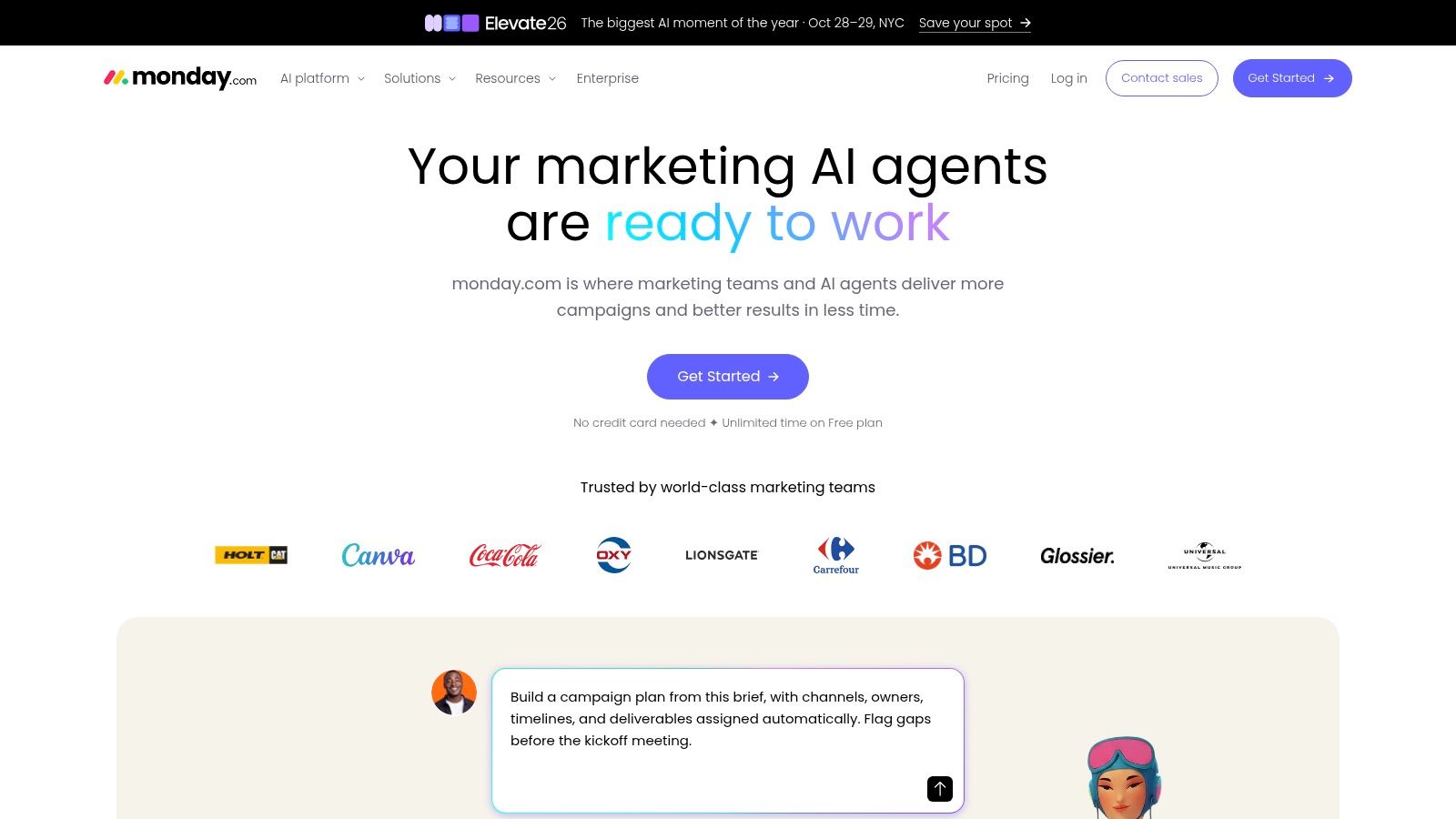
monday.com Work Management suits teams that want visual production boards across departments. Status columns, owners, dates, calendar views, automations, and dashboards can represent editorial work alongside design, campaign, and operational requests.
Compared with a purpose-built editorial calendar, the appeal is configurability. Different teams can adapt boards to their work while managers use dashboards to monitor progress across projects.
The risk is inconsistent meaning. If editorial uses approved to mean copy approved while design uses it to mean ready to publish, a combined dashboard can create false confidence.
Keep shared definitions narrow
Agree on the milestones that need cross-department consistency. Let teams manage their internal steps without inventing incompatible definitions for the final handoff.
- Standardize required information: Content owner, delivery date, current stage, and authoritative draft location.
- Automate a defined action: Notify the named reviewer when work enters review, rather than notifying everyone about every change.
- Control board changes: Give someone responsibility for maintaining shared templates and status definitions.
Where it strains: Custom boards require ongoing governance, and the advertised per-seat price may not reflect the eventual bill once seat rules and feature requirements apply. It's also a general work-management platform, so editorial-specific planning conventions must be configured.
Choose monday.com when content production depends on shared operational visibility. If the team only needs an idea pipeline and a publishing calendar, the configuration burden may outweigh the flexibility.
8. Wrike
Dependencies are the reason to consider Wrike. A campaign involving research, writing, design, localization, review, and launch coordination needs more than a list of publication dates.
Wrike offers task and workflow management, shared workspaces, dashboards, templates, and Gantt charts. Forms and comments help coordinate requests and reviews, while approvals support defined production handoffs.
For an editor overseeing complex campaigns, the practical benefit is seeing which unfinished deliverable prevents another team from proceeding. That requires a meaningful dependency structure, not merely adding every task to a larger project.
Evaluation test: Delay a required asset and check whether the team can identify the affected deliverables and the person responsible for resolving the blockage.
Where it starts to strain
Wrike may feel heavyweight for a small editorial operation that mainly needs a calendar, comments, and an idea backlog. Don't adopt portfolio-level machinery unless someone will use it to make decisions.
Templates help standardize repeatable projects, but they need maintenance. Remove irrelevant tasks before asking writers and reviewers to work from them, or people will stop trusting the project plan.
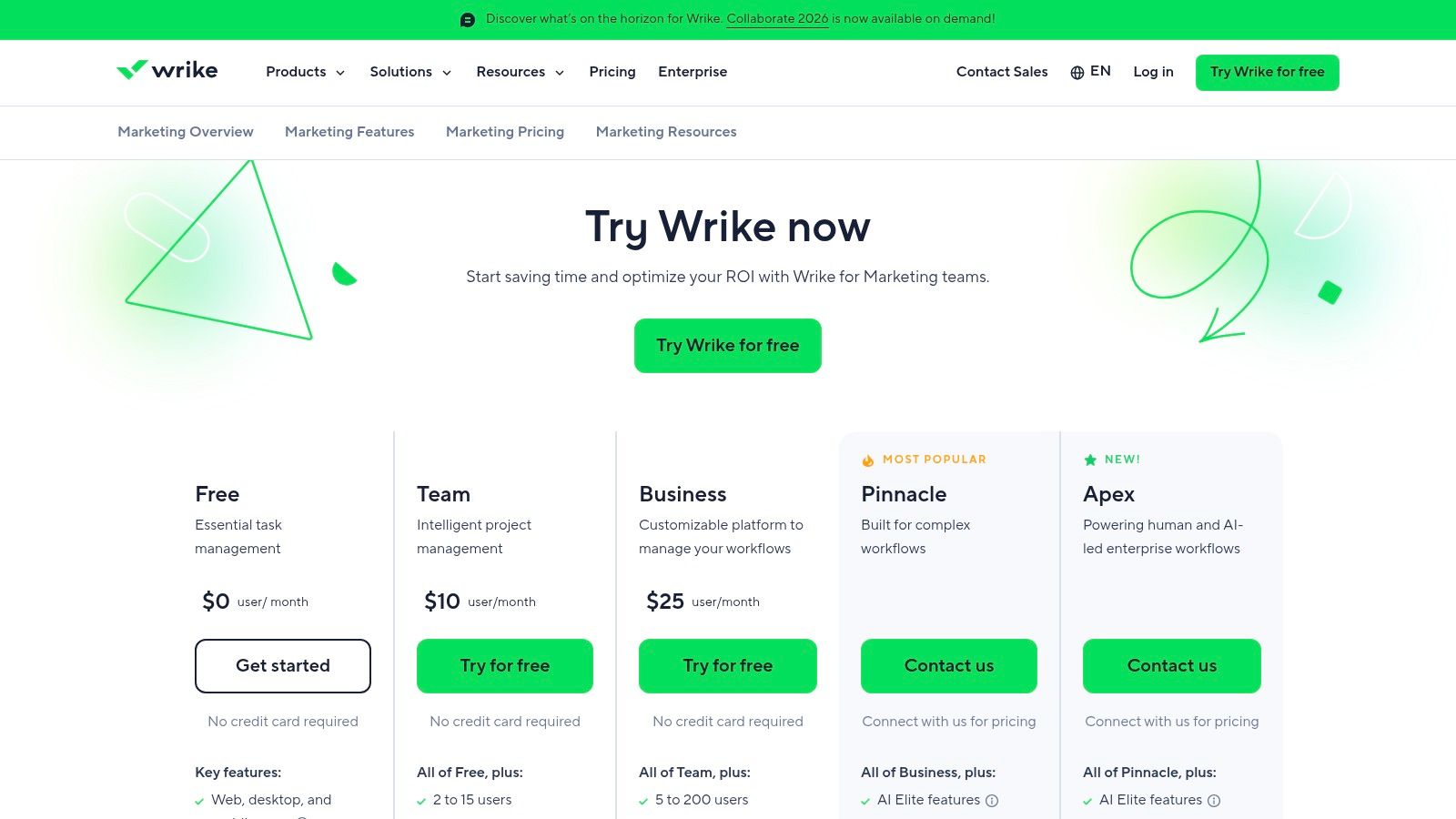
Pricing also needs a full-workflow assessment. Seats are sold in groups for some account sizes, and advanced integrations, automation, or collaboration requirements may involve higher tiers or add-ons.
Use the no-credit-card trial to reproduce a complicated assignment, not the easiest article on your schedule. Wrike earns consideration when cross-functional dependencies and reporting are central needs rather than hypothetical future requirements.
9. PublishPress Planner
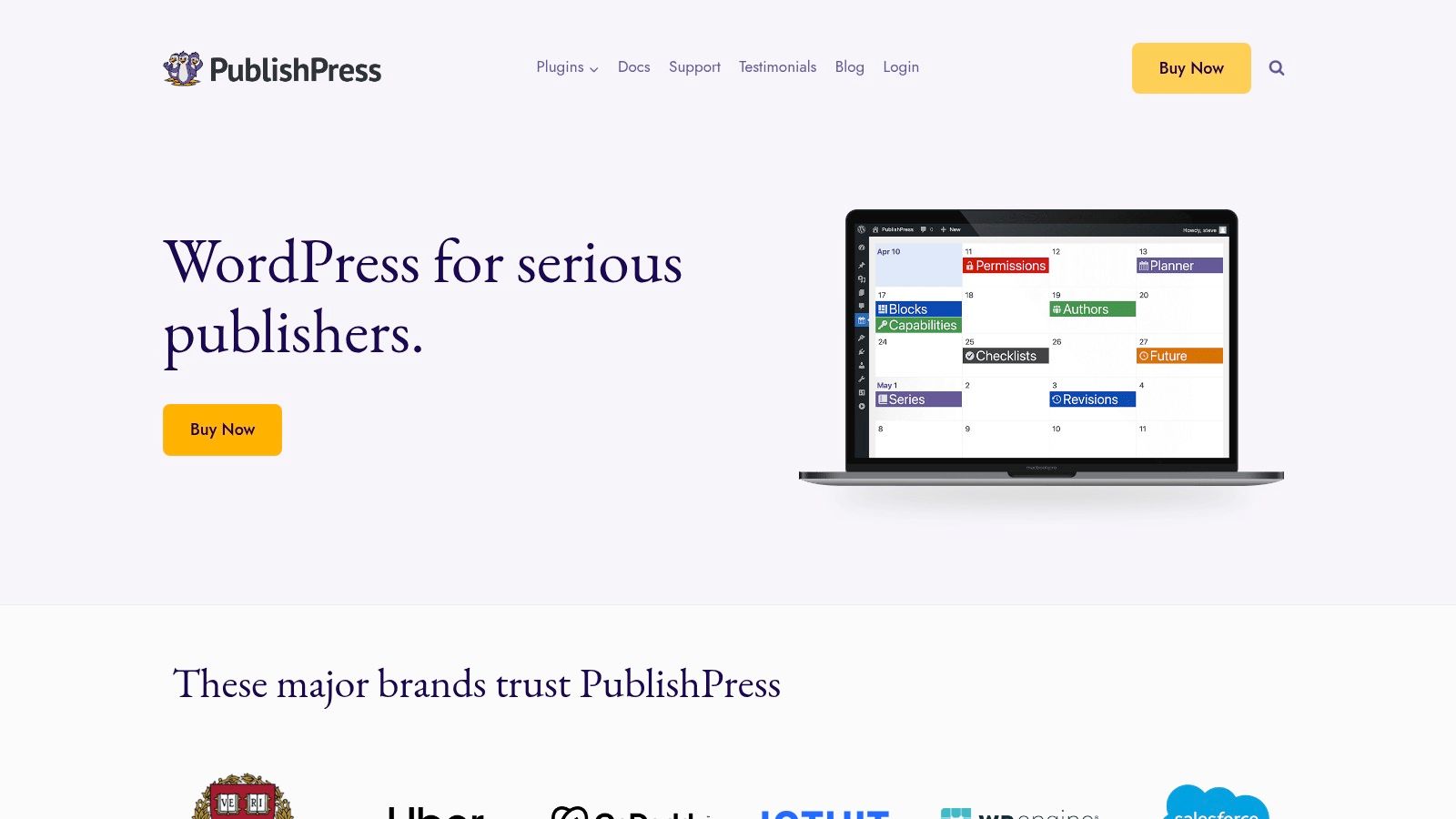
If editors already spend their working day in WordPress, another standalone planning application may create an unnecessary transfer. PublishPress Planner keeps planning in the publishing environment, with an editorial calendar, content overview, board view, notifications, and drag-and-drop scheduling.
Its content overview can organize work by status, category, user, or post type. That makes it relevant to publishers who need to understand the WordPress queue rather than coordinate an entire marketing department.
The advantage is proximity: the planning record sits close to the content that will publish. Editors don't have to treat the CMS as a final destination disconnected from the schedule.
Test it with contributor roles
The free plugin offers core calendar and overview functionality. Evaluate it using the permissions your writers and editors will have, rather than judging everything from an administrator account.
- Check scheduling: Move a draft and confirm the team understands its revised publication timing.
- Check visibility: Make sure contributors can find the work they need without gaining unnecessary access.
- Check notifications: Confirm that updates reach the person expected to act.
Where it strains: PublishPress Planner requires WordPress and isn't a standalone collaboration workspace. Cross-site planning and non-WordPress channels aren't its primary purpose.
It's a practical option when your editorial operation is centered on a WordPress site. If the same team also manages newsletters, client deliverables, and several publishing destinations, decide whether WordPress is really the right place to hold the overall plan.
10. Bynder Content Workflow
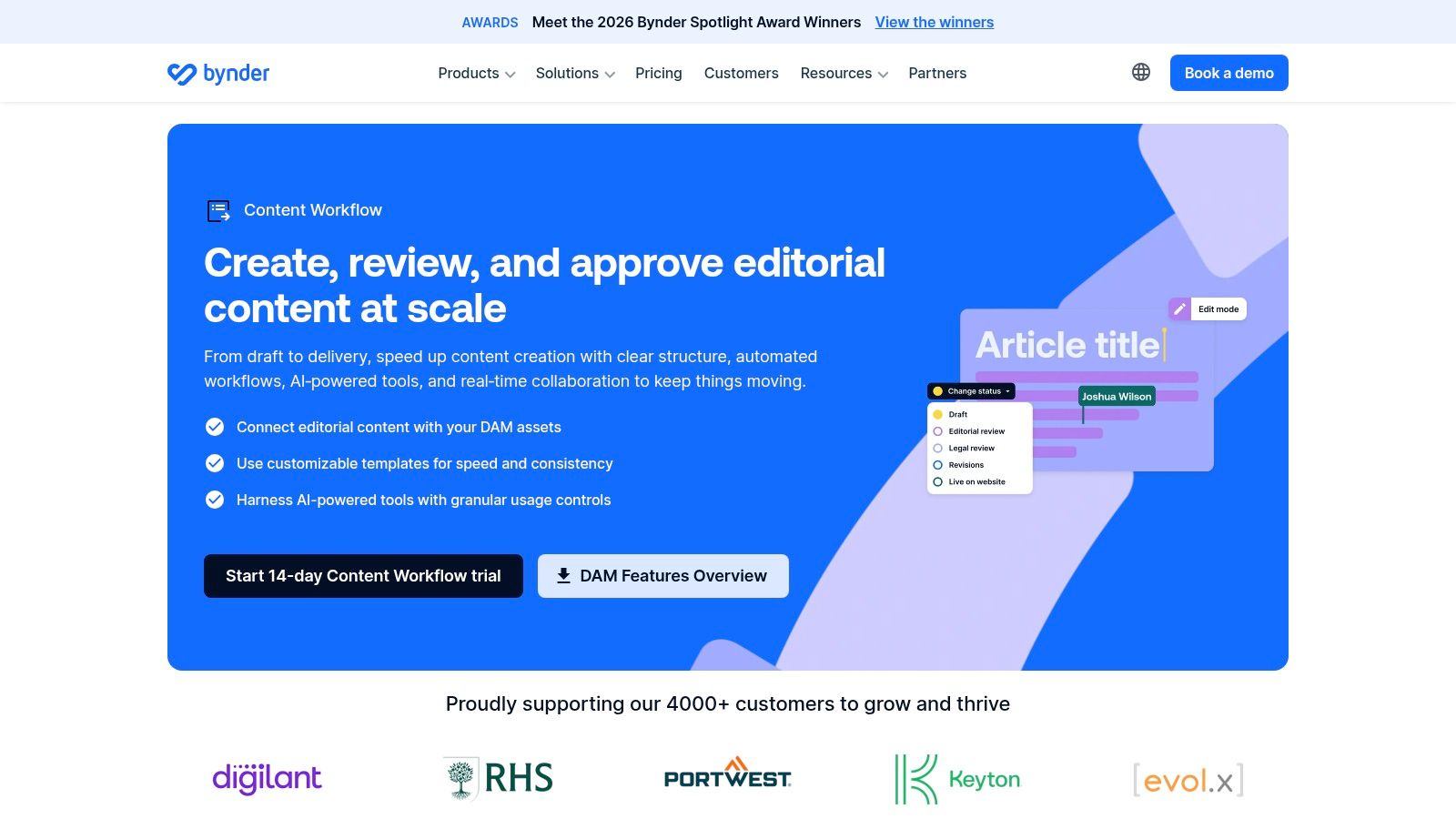
Bynder Content Workflow, formerly GatherContent, fits structured content collection and formal review. Its templates, reusable fields, assignments, workflow stages, comments, mentions, and revision history address a different problem from calendar visibility: getting complete, consistently structured content from contributors.
That's useful when an open document isn't enough. A reusable template can separate required sections so contributors understand what they must supply and reviewers can assess the relevant material.
Configurable stages can accommodate editorial, legal, SEO, and other reviews. But configuration shouldn't become an excuse to involve everyone: in Adobe's study of Australian marketing teams, 46% of marketers spent over 40% of their time on administrative work, reviews, and approvals, according to Adobe's Australian marketing report.
Structure the decision, not just the content
Define a content approval workflow that states each reviewer's remit and who resolves conflicting feedback. Revision history helps establish what changed, but the team still needs a clear final decision.
Exports and integrations, including Contentful, support downstream delivery. Test that handoff with your actual content structure rather than assuming that successful export means publication-ready output.
Where it strains: Pricing isn't publicly listed, so cost comparison requires contacting Bynder. Teams seeking a lightweight calendar may also find the structured production approach more involved than necessary.
Ask which capabilities stand alone, which require integrations, and how planning and performance feedback will work. The strongest fit is an organization that needs consistent content collection and governed review, not another view of its deadlines.
Pricing model, free options, and best-fit use for each content collaboration tool
Pricing helps narrow a shortlist, but the plan structure also affects how a team can organize and review work. The table compares each tool's stated pricing model and free option with the editorial job it suits. Where no free plan is listed, a trial should not be mistaken for an ongoing free option.
| Item | Pricing model | Free option | Best fit |
|---|---|---|---|
| TheContentMap | Free Starter; Pro $12 per editor/month; Team $29 per editor/month | Free Starter plan with up to 3 projects; no credit card required | Editorial teams needing a purpose-built calendar, workflow, and content insights |
| Planable | Tiered plans, with features and limits varying by plan | No free option listed | Marketing teams and agencies that prioritize content reviews and approvals |
| StoryChief | Tiered pricing; limits and features vary by plan | No free option listed | Teams managing content creation, publishing, distribution, and reporting in one platform |
| CoSchedule | Plan-based pricing; Suite pricing is custom | Starter plan available for one user; no other free option listed | Teams using a shared calendar to coordinate campaigns, tasks, and social content |
| Airtable | Tiered pricing; editing seats can affect cost | Free plan available | Teams that want a customizable content database and can configure their own workflow |
| Asana | Tiered pricing; some features require higher plans | Starter plan includes free guest access | Teams connecting editorial work with broader marketing or company projects |
| monday.com Work Management | Tiered pricing; seat and feature rules affect total cost | No free option listed | Cross-functional teams coordinating content alongside campaign and operational work |
| Wrike | Tiered pricing; some advanced capabilities require higher tiers or add-ons | No-credit-card trial; no ongoing free option listed | Teams managing complex content workflows, dependencies, and cross-functional projects |
| PublishPress Planner | Free WordPress plugin; paid options available | Free plugin includes core calendar and overview features | Teams planning and publishing content within WordPress |
| Bynder Content Workflow | Custom pricing; contact Bynder | No free option listed | Organizations needing structured content templates and formal review workflows |
For a small editorial operation, a free plan can cover basic planning, but check how seats and project limits shape the workflow as contributors grow. TheContentMap's Starter plan supports up to three projects, while paid tiers price by editor. A calendar-led team may value that clear model; teams needing approval-heavy or cross-department processes should compare the plan limits against their review needs before choosing.
Choosing the Right Tool for Your Editorial Workflow
Start with the bottleneck that costs your team the most. Is it missed publish dates, stalled ideas, unclear review ownership, or disconnected performance data? Those problems point toward different content collaboration tools, even when the feature lists look similar.
For calendar-led editorial planning, shortlist TheContentMap and CoSchedule. Choose Planable when marketing approval is the central problem, or StoryChief when the difficult handoff runs from content production into distribution. Airtable suits teams that need a configurable content database, while Asana, monday.com, and Wrike connect editorial production with broader departmental work.
PublishPress Planner deserves consideration when WordPress is the center of the operation. Bynder Content Workflow makes more sense when structured contributions and formal review matter more than a lightweight scheduling experience.
Run a real pipeline before committing
Run a two-week trial with a real content pipeline, from idea intake through publication. Include a routine assignment and work that needs stakeholder review, so you don't evaluate the product only under ideal conditions.
- Test comments and versioning: Can a reviewer find the current draft, understand what changed, and distinguish discussion from a final decision?
- Test assignments and reminders: Does the next person know what to do, by when, without a separate message from the editor?
- Test CMS integrations: Check formatting, assets, publication status, and what happens when someone makes a correction.
- Test the actual bill: Include editors, contributors, guests, workspaces, required features, and any add-ons.
Measure the friction you're trying to remove. Track how long items wait for review, how often editors chase an owner, and whether published work can be traced back to the original plan.
Adoption alone isn't enough. In a survey of intermediate content-management users, 45% said they'd switch to another content-services-and-collaboration solution if given the opportunity, according to Nucleus Research's satisfaction survey. Ask trial participants what still required email, a meeting, or an improvised workaround.
Keep adjacent buying decisions separate, too. Comparing influencer marketing platform alternatives may help with creator-program needs, but it shouldn't substitute for testing editorial ownership and review.
Choose the smallest system that reliably supports your real workflow. Teams needing a purpose-built editorial calendar with insights and reminders can start with TheContentMap's free Starter plan, then assess the collaboration tier against the alternatives. Don't commit to per-seat pricing until writers, reviewers, and editors have completed an actual publishing cycle.
TheContentMap brings idea capture, drag-and-drop scheduling, writer assignments, comments, publish reminders, and content insights into an editorial workspace. Visit TheContentMap to start with the free Starter plan and test how it handles your next set of assignments before choosing the collaboration features your team needs.
Related Articles
Brand Awareness Measurement: Surveys, Metrics and Results
Aided recognition can look impressive while spontaneous recall barely moves. In research analyzing b...
SoftwareProject Management Checklist for Editorial Teams: 10 Steps
The feature is due Friday. The writer never saw the approved angle, the legal reviewer is out, and t...
SoftwareContent Performance Metrics: What to Track, How, and Why
You've got a folder of published articles, a traffic report that doesn't look bad, and a mee...
Comments (0)
No comments yet. Be the first to share your thoughts.