7 Best Content Management Tools Ranked for 2026
Compare the best content management tools by team size and workflow, with feature breakdowns, pricing tiers, and recommended use cases for each.

Your content calendar lives in a shared spreadsheet, drafts are scattered across email threads, and a deadline is approaching without a clear owner. That setup works until publishing becomes a team sport. Then every handoff creates another opportunity for missed feedback, duplicate work, or an outdated version going live.
The best content management tools depend on how your team operates. A solo publisher needs a fast writing and publishing workflow. An editorial team needs assignments, approvals, and calendar visibility. A developer-led site may prioritize APIs and structured content, while a multi-brand enterprise needs localization, permissions, and governance across channels.
The list below ranks seven tools by team fit, setup effort, pricing structure, and practical trade-offs. It separates tools for planning editorial work from platforms that publish websites, deliver content through APIs, or support memberships and newsletters.
Table of Contents
- 1. TheContentMap
- 2. Contentful
- 3. WordPress
- 4. Webflow CMS
- 5. Sanity
- 6. Storyblok
- 7. Ghost
- Top 7 Content Management Tools Comparison
- Choosing the Right Tool for Your Next Publishing Cycle
1. TheContentMap
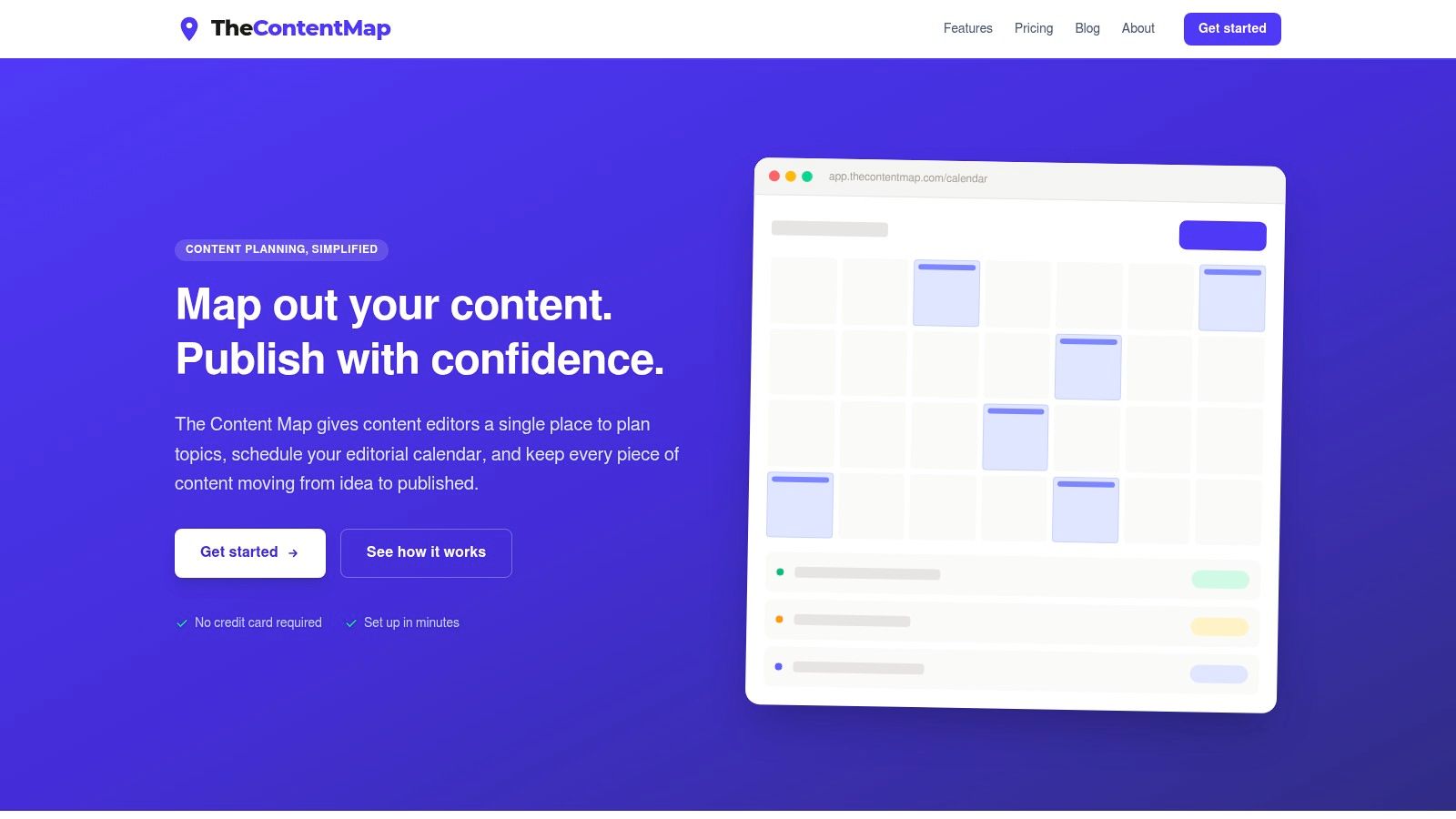
TheContentMap is the strongest fit for teams whose main problem is editorial coordination, not website infrastructure. It gives editors a drag-and-drop calendar, a visual idea pipeline, assignments, comments, reminders, topics, tags, and content insights in one workspace. Ideas can move from draft to review to published without disappearing into a spreadsheet or inbox.
That focus makes it useful for managing recurring editorial work across publishers, agencies, in-house marketing teams, and freelancers. The platform connects planning with performance, so editors can review which topics and formats were published and use that context to shape future plans. It isn't a replacement for a CMS that renders pages, but it can sit above your publishing stack as the operational layer that keeps work moving.
Best fit and setup effort
TheContentMap is fast to evaluate because the web application requires no credit card to get started. The Starter plan is free and supports up to three projects and one editor seat. Pro costs $12 per editor per month and adds unlimited projects, insights, and team collaboration. Team costs $29 per editor per month and adds priority onboarding, SSO, advanced security, and expanded seat and project options.
- Solo publisher: Starter is a practical way to replace a spreadsheet with a visible calendar and idea pipeline.
- Editorial team: Pro is the natural fit when assignments, comments, reminders, and performance feedback need to live together.
- Growing operation: Team makes more sense when security controls, onboarding, and unlimited seats matter.
Practical rule: Use TheContentMap when the bottleneck is deciding what gets published, who owns it, and whether the work actually moved forward.
The trade-off is equally clear. Per-editor pricing can become material as a team grows, and you should verify the CMS and analytics integrations you need before committing. The product site doesn't prominently list deep native integrations, so integration requirements deserve a pilot rather than an assumption. For a closer look at the operating model, see this guide to content operations software.
Verdict: Choose TheContentMap if editorial visibility and ownership are your immediate problems. It's the best editor-first option in this list, especially for teams that don't want to force content planning into a generic project-management system.
2. Contentful
Contentful fits a multi-brand enterprise with developers better than a small publishing team. Its headless architecture stores content separately from presentation, allowing the same structured entries to serve websites, applications, and other front ends. Roles, permissions, localization, environments, APIs, scheduled publishing, comments, presence indicators, and bulk edits support complex operations.
The strongest case is shared content across brands, regions, and channels. Developers can use REST and GraphQL delivery APIs, while editors manage reusable models instead of rebuilding each page as a separate design object. Contentful Studio provides a more visual workspace, and AI Actions can support automation, although those capabilities may require products beyond the basic package.
A Contentful implementation starts with architecture work. The team must define the content model, build or connect the front end, establish integrations, and decide how releases move from draft to production. That effort pays off when product details, campaign modules, localized components, or app content must be reused across channels. A single blog with a small publishing team will usually gain less from this setup.
Match the tool to the team:
- Developer-led site: Contentful offers the control and APIs needed for custom front ends.
- Multi-brand enterprise: Shared models, permissions, localization, and governance support coordinated publishing.
- Small editorial team: Choose it only if future channel or product complexity justifies the implementation work.
Approval rules need special care. One structured entry can appear in several experiences, so reviewers must know who owns the source content and who checks its final presentation. A practical content approval workflow should document both responsibilities, along with release management, localization handoffs, and rollback expectations.
Pricing and setup: Contentful has a free entry point, while paid and enterprise capabilities vary by plan, usage, seats, and optional products. Use the public entry tier for evaluation, not as a forecast of enterprise cost. Budget separately for front-end development, modeling, integrations, and possible add-ons.
Verdict: Choose Contentful when developers already support content operations and the organization needs one governed source across brands and channels. Pick another tool if editors expect a complete visual website builder with little technical involvement.
3. WordPress
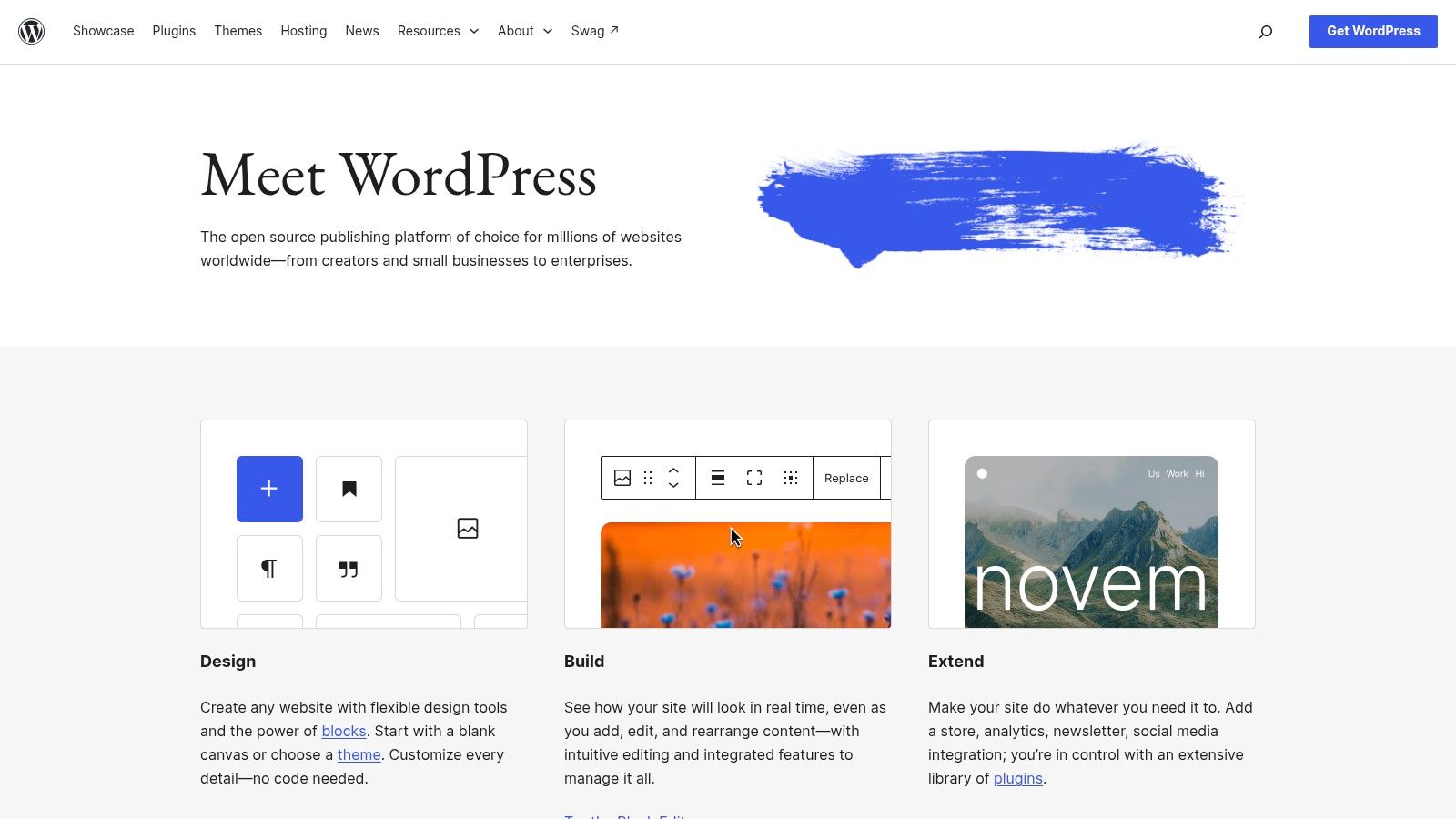
A solo publisher can launch on WordPress quickly, while a larger team can shape the same platform around custom workflows. The self-hosted WordPress.org software includes the block editor, media management, user roles, and a broad ecosystem of themes and plugins. With WordPress (self-hosted, WordPress.org), your organization controls hosting, the database, code, and the migration path.
Its wide adoption also makes staffing and procurement easier. W3Techs reports that, as of October 2026, WordPress was used by approximately 40.1% of all websites in its measured dataset and represented 58.6% of websites using a known CMS. That reach supports a large talent pool, extensive documentation, and compatibility with many agencies and hosting providers.
Ownership means operating the stack
The software has no license fee, but your team still owns the operational work. Updates, backups, security, caching, image delivery, plugin compatibility, and recovery procedures all need clear owners. A local WordPress support and maintenance plan can reduce that workload, while adding a recurring cost.
Choose the setup according to staffing:
- Solo publisher: Managed hosting and a restrained plugin set keep maintenance within reach.
- Editorial team: Roles, revisions, and a dependable calendar reduce coordination through email.
- Developer-led site: Code access and portability support custom templates, integrations, and publishing experiences.
WordPress can become inconsistent as the site grows. One theme may provide a polished editor, while another depends on custom fields or separate page-building conventions. Plugins can extend SEO, commerce, performance, and workflow functions, but each one adds compatibility and maintenance work.
Pricing and setup: WordPress.org has no software license fee. Hosting, premium themes, plugins, maintenance, and development are separate costs. Setup is relatively light for a standard site and more involved when developers must create custom templates or integrations.
Verdict: Choose WordPress for broad compatibility, content ownership, and access to experienced specialists. It fits teams that can assign technical maintenance. If editorial planning is the main gap, pair it with a free editorial calendar rather than expecting WordPress alone to run the publishing operation.
4. Webflow CMS
Webflow suits a design-led marketing team that needs to launch pages quickly without running servers. Its visual designer, CMS Collections, managed hosting, CDN, RSS, content APIs, and direct control over presentation make it a practical choice for brand sites and content-rich blogs where layout affects publishing speed.
A team with strong design and marketing ownership can move from approved layout to published page without waiting for infrastructure work. Collections can organize posts, authors, case studies, and resources, while editors work within the same visual system used to shape the site.
The main procurement question is portability. Webflow allows static assets to be exported, but dynamic CMS content does not leave the platform in the same way. A later move to another CMS, a wider multi-site setup, or a custom application front end may therefore require content transformation and migration work.
Team fit: Webflow is strongest for a brand or marketing team that values visual iteration and hosted operations. A developer-led site can use it, but should test how much custom behavior the platform can support before committing. A multi-brand enterprise should assess site-by-site governance and content movement rather than assume one setup will scale across every property.
Setup and pricing: Setup is relatively light when the design system and content model are straightforward. It becomes more involved when teams need localization, complex permissions, custom integrations, or multiple sites. Webflow uses per-site plans, with higher tiers adding capabilities for publishing, collaboration, and site operations. Costs can rise across a portfolio.
Test real templates before judging search performance from a feature list. Google recommends evaluating real-user experience through Core Web Vitals, including loading, interactivity, and visual stability. Google's Core Web Vitals documentation identifies a “good” cumulative layout shift score as no higher than 0.1, while broader field measurement includes LCP and INP.
Verdict: Choose Webflow when design speed and hosted simplicity matter more than maximum portability. For a multi-brand organization, confirm how content moves between sites and document the migration path before standardizing on it.
5. Sanity
Sanity fits a developer-led site with complex content models. Its Studio can be extended, schemas can reflect detailed business data, and real-time collaboration supports teams working on shared content. APIs and a CDN deliver that structured content to websites, apps, and other channels.
The practical advantage appears when content extends beyond pages and body copy. Product information, campaign components, editorial entities, structured metadata, and application content can share a model that matches the organization's data. Developers can adapt the editor to specific workflows instead of forcing those workflows into fixed fields.
AI features such as Content Agent and Agent Actions use credit-based consumption and cost controls. Automation is possible, but ownership must be clear. A team member should monitor usage, set permitted actions, and define where human approval is required.
Sanity's trade-off is setup effort. Front-end development and initial configuration are required, and editorial changes may depend on engineering support. A small publishing team without developers can spend too much time waiting for schemas, previews, integrations, or workflow updates. A product organization with strong technical ownership may see that same control as the platform's main advantage.
Best fit: a developer-led product organization publishing structured content across channels.
Setup effort: high at the start, especially for schema design, front-end work, previews, and publishing integrations.
Pricing structure: Sanity offers transparent plans and usage-based add-ons for bandwidth, API activity, documents, and AI credits. Startup and nonprofit programs may be available, so confirm current eligibility and limits with the vendor.
Choose Sanity when content behaves more like structured product data than a collection of pages. Choose another tool if a non-technical editorial team needs a polished writing interface and fast self-service publishing. Teams evaluating Sanity should assign ownership for schemas, front-end delivery, hosting decisions, and AI usage before implementation begins.
6. Storyblok
A campaign page can move from a marketer's draft to a developer-approved front end without forcing either team into the other's tools. Storyblok is built for that workflow, combining visual editing with headless delivery. Editors work with components and live previews, while developers use REST or GraphQL APIs with a modern front-end stack.
Its component model supports reusable blocks and versioning, giving design and development teams a practical way to maintain a shared design system. Editors see the page they are shaping instead of an abstract content record, which makes structured content easier to review before publication.
A marketing team should test the full workflow before committing. Have an editor create a campaign, request changes, preview a localized variant, and schedule publication. At the same time, a developer should inspect the API output and confirm that the component structure suits the front end. This exercise shows whether Storyblok fits the team's actual publishing rhythm.
Storyblok publishes technical limits and overage pricing, which helps teams estimate usage. The total cost can rise through additional seats, while advanced workflows, custom roles, and higher service levels require Premium or Elite plans. Enterprise governance therefore needs review before a team treats the entry plan as its expected long-term cost.
Best fit: a mid-market or enterprise team where marketers and developers share content ownership.
Setup effort: moderate. The front end, reusable components, content architecture, and approval process still require configuration.
Pricing structure: tiered plans include quotas and published limits, with overage pricing and custom enterprise arrangements.
Verdict: Choose Storyblok when marketers need a visual editor and developers need headless flexibility. Check plan boundaries early if the organization needs customized governance or broader enterprise controls.
7. Ghost
A writer with a growing subscriber base can publish, send newsletters, and sell memberships from one hosted platform with Ghost. That makes it a strong choice for a solo publisher, newsletter operator, or focused editorial team. Ghost(Pro) combines a clean writing interface with memberships, paid subscriptions, newsletters, themes, integrations, hosting, security, CDN services, and backups.
The trade-off is a narrower content model. Ghost suits publications where articles, newsletters, and member relationships drive the business. It becomes harder to justify for product catalogs, highly relational knowledge bases, app-like front ends, or complex multi-brand architectures. Paid subscriptions do not incur Ghost transaction fees, though Stripe fees still apply.
Match the tool to the team
Ghost(Pro) lowers operational work because the provider manages core infrastructure. Editors can focus on writing, audience relationships, newsletters, and subscription publishing rather than maintaining servers or combining separate delivery services.
- Solo publisher: Launch quickly with writing, membership, and newsletter workflows in one place.
- Small editorial team: Share publishing responsibilities and roles without adopting an enterprise CMS.
- Developer-led publication: Customize themes and integrations while keeping Ghost's focused publishing core.
The setup effort is low for a standard publication. Teams still need to configure the theme, newsletter settings, membership experience, integrations, and editorial permissions. Advanced requirements may be limited by the selected plan or require custom development.
Pricing structure: Ghost(Pro) uses hosted subscription tiers based on audience size and feature requirements. Confirm current plan limits, member allowances, and newsletter capabilities before launch.
Choose Ghost if: publishing and audience monetization are central to the business, and the team values managed infrastructure over extensive content modeling.
Avoid it if: the site must support complex relationships, multiple content applications, or a heavily customized enterprise architecture. A pleasant writing interface does not compensate for those structural constraints.
Top 7 Content Management Tools Comparison
| Item | 🔄 Implementation Complexity | ⚡ Resource Requirements | ⭐ Expected Outcomes / 📊 Impact | Ideal Use Cases | 💡 Key Advantages / Tips |
|---|---|---|---|---|---|
| TheContentMap | Low, editor-focused, quick setup | Low tech; per-editor seat costs as you scale ⚡ | ⭐⭐⭐⭐, clearer workflows, fewer missed publishes 📊 | Editorial teams, in-house ops, publishers, freelancers | Editor-first UX + built-in insights; verify CMS/analytics integrations |
| Contentful | Medium–High, front-end required, model design needed 🔄 | Dev resources, enterprise governance, possible add-ons | ⭐⭐⭐⭐, scalable omnichannel delivery 📊 | Multi-brand, multi-region, API-first projects | Strong APIs & governance; budget for integration and paid features |
| WordPress (self-hosted) | Medium, easy to start, complexity varies by plugins 🔄 | Hosting, maintenance, security/backup ops required ⚡ | ⭐⭐⭐⭐, full control and extensibility 📊 | Blogs, publisher sites, sites needing plugin ecosystem | Low software cost; choose hosting and plugins carefully for UX/security |
| Webflow CMS | Low–Medium, visual design, minimal infra 🔄 | Designer/developer for complex layouts; per-site pricing ⚡ | ⭐⭐⭐⭐, fast concept-to-publish, strong brand control 📊 | Marketing sites, design-centric blogs, rapid iterations | Excellent visual control; note dynamic CMS export limits and multi-site cost |
| Sanity | Medium–High, flexible schemas, front-end dev required 🔄 | Dev-heavy setup, monitor API/AI credits and usage | ⭐⭐⭐⭐, highly flexible models and real-time collaboration 📊 | Complex content models, omnichannel, AI-assisted workflows | Extensible studio and transparent pricing; plan for initial config and credit costs |
| Storyblok | Medium, headless with visual editor 🔄 | Dev for front-end; seat/plan limits may increase cost ⚡ | ⭐⭐⭐⭐, combines editor usability with headless flexibility 📊 | Marketers wanting visual editing + modern dev stack | Live preview and components; advanced features on higher tiers |
| Ghost (Ghost(Pro)) | Low, managed hosting, minimal DevOps 🔄 | Low ops on managed plan; theme/integration work for custom needs ⚡ | ⭐⭐⭐, fast publishing and monetization (newsletters/members) 📊 | Newsletters, membership publishers, solo/mid teams | Purpose-built for publishing and subscriptions; less suited for complex apps |
Choosing the Right Tool for Your Next Publishing Cycle
The right choice starts with the team, not the feature checklist. Write down who creates briefs, who edits, who approves, who publishes, and who maintains the technical stack. Then record the number of brands, websites, languages, newsletters, and channels you expect to support.
Use that map to narrow the field:
- Solo publisher or newsletter business: Ghost gives you a focused publishing and membership workflow with managed hosting.
- Editorial team or content operations group: TheContentMap makes planning, ownership, reminders, and performance feedback visible before publication.
- Marketing team prioritizing visual design: Webflow reduces development overhead and keeps brand presentation close to publishing.
- Publisher seeking ownership and ecosystem depth: Self-hosted WordPress offers portability, broad skills coverage, and extensive customization.
- Developer-led content platform: Sanity or Contentful fits structured content delivered across multiple front ends.
- Marketing and engineering hybrid team: Storyblok offers visual editing without giving up API-first delivery.
- Multi-brand enterprise: Contentful is better suited to governed, localized, omnichannel operations than a simple site builder.
Don't compare every tool against every requirement. Shortlist two platforms that match your staffing model and content architecture, then run a short pilot using one real editorial calendar. Include an actual brief, draft, review cycle, approval, scheduled publication, and post-publication check. A demo rarely reveals where ownership becomes unclear.
A useful pilot should expose friction, not hide it.
Check the integrations your team already depends on, including analytics, search, commerce, identity, email, and asset management. Calculate the actual cost of editor seats, hosting, implementation, plugins, add-ons, usage, and maintenance. For headless systems, include front-end development and ongoing schema work. For open-source platforms, include security, backups, upgrades, and technical support.
Performance deserves a representative test too. Google's field-oriented Core Web Vitals framework makes clear that themes, plugins, JavaScript, hosting, caching, images, and content design can affect outcomes, so a vendor feature list isn't enough. Publish typical templates, measure real-user or equivalent field data, and test whether editors can complete work without developer intervention.
Finally, evaluate governance before AI features become a publishing shortcut. Adobe's research reports that 55% of organizations said they had strong AI-governance policies, while only 43% said those policies were consistently followed. The same research found that 37% had extended ethical-AI guidance to agentic AI, compared with 65% for generative AI. Those findings make approval checkpoints, permissions, source attribution, version history, disclosure, and auditability practical buying criteria, not optional extras.
Choose the tool your team can operate consistently. A powerful CMS with unclear ownership will underperform a simpler system that keeps briefs, reviews, schedules, and publishing responsibilities visible.
TheContentMap centralizes idea capture, editorial scheduling, assignments, workflow stages, reminders, and content insights so your team can move from concept to published work without relying on scattered spreadsheets. Start with the free Starter plan, test one real calendar, and visit TheContentMap to see whether its editor-first workflow fits your next publishing cycle.
Related Articles
How to Build a Publishing Schedule That Holds
You set a publishing schedule for daily posts on Monday. By Thursday, two drafts are waiting on an e...
SoftwareSeat Management for Editorial Teams in 2026
Your editorial calendar is full, a legal approval is holding up publication, and finance wants to kn...
SoftwareMarketing Campaign Workflow Teams Can Run in 2026
A campaign rarely fails because nobody had an idea. It fails because the idea sat in review, the lan...
Comments (0)
No comments yet. Be the first to share your thoughts.