How to Build an Editorial Calendar That Actually Gets Used
The calendar is the easy part — adoption is the hard part
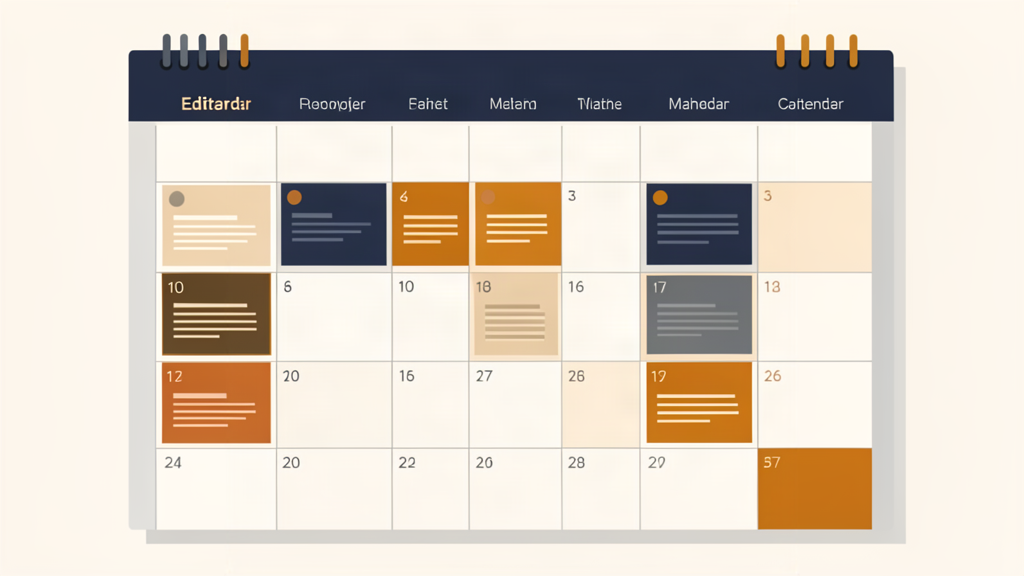
Every content team has started an editorial calendar. Most have also watched one die. The spreadsheet that was going to fix everything slowly goes stale, deadlines slip, and within a quarter everyone is back to guessing what publishes when. The calendar itself is rarely the problem — the system around it is. Here is how to build one that survives contact with reality.
Track Only What You Will Maintain
The single biggest mistake is over-engineering the calendar. Teams add columns for persona, funnel stage, word count, internal links, meta description, and a dozen other fields, and then wonder why nobody fills them in. Each field is a maintenance cost. Start with the essentials: working title, owner, publish date, status, and the target keyword or audience. You can always add a field later when a real need appears. A simple calendar that is accurate beats a comprehensive one that is abandoned.
Make Status Visible and Unambiguous
The calendar should answer "where is this piece?" at a glance. Use a small, fixed set of statuses — idea, drafting, in review, scheduled, published — and nothing more. When everyone uses the same words for the same stages, handoffs stop producing confusion. Avoid freeform status text; it looks flexible but quickly becomes inconsistent and unreadable.
Anchor It to a Weekly Rhythm
A calendar that is only looked at when something is late is already dead. Give it a heartbeat: a short weekly planning meeting where the team reviews what is publishing, what is stuck, and what is coming. This does two things — it keeps the calendar current, and it surfaces blockers while they are still cheap to fix. Fifteen minutes a week is enough to keep the whole system honest.
Plan in Detail Near-Term, Loosely Long-Term
Plan the next one to three months in detail, with owners and dates. Beyond that, keep only themes and campaigns. Detailed planning six months out is wasted effort, because priorities always shift and the plan breaks. The combination — firm near-term, flexible long-term — gives you both direction and the agility to respond when something more urgent or timely appears.
Start Simple, Upgrade Deliberately
Resist the urge to buy a tool before you have a process. A shared spreadsheet is enough to prove the system works. Move to a dedicated content planning tool when the spreadsheet becomes the bottleneck — when you need workflow automation, reminders, or visibility across a larger team. The tool should serve a working process, not substitute for one.
Frequently asked questions
What should an editorial calendar track?
How far ahead should an editorial calendar plan?
What is the best tool for an editorial calendar?
Why do editorial calendars fail?
Sources and further reading
Related Articles
Content Planning for Small Teams: A Practical System
Content advice is usually written for teams with strategists, editors, and a bench of writers. Small...
Editorial PlanningEditorial Workflow: From Idea to Published Without the Chaos
Content chaos has a familiar shape: drafts stuck in limbo, feedback that arrives late, pieces that w...
Editorial PlanningHow to Set a Publishing Cadence You Can Sustain
Ask how often you should publish and you will get answers ranging from daily to monthly. The honest...
Comments (0)
No comments yet. Be the first to share your thoughts.